Estimating guide · section 12 of 29
Fill in the quotation contract details
Put the customer contact, the bid date, the payment terms, the shipping method and who prepared the quote on the printed quotation contract.
Watch this in the video (1:35)
Before you start
- Quote details appear only when your company prints its quotes as a quotation contract.
Steps
In the pictures, a numbered red box marks where to click or type. Where a picture has more than one box, the numbers give the order.
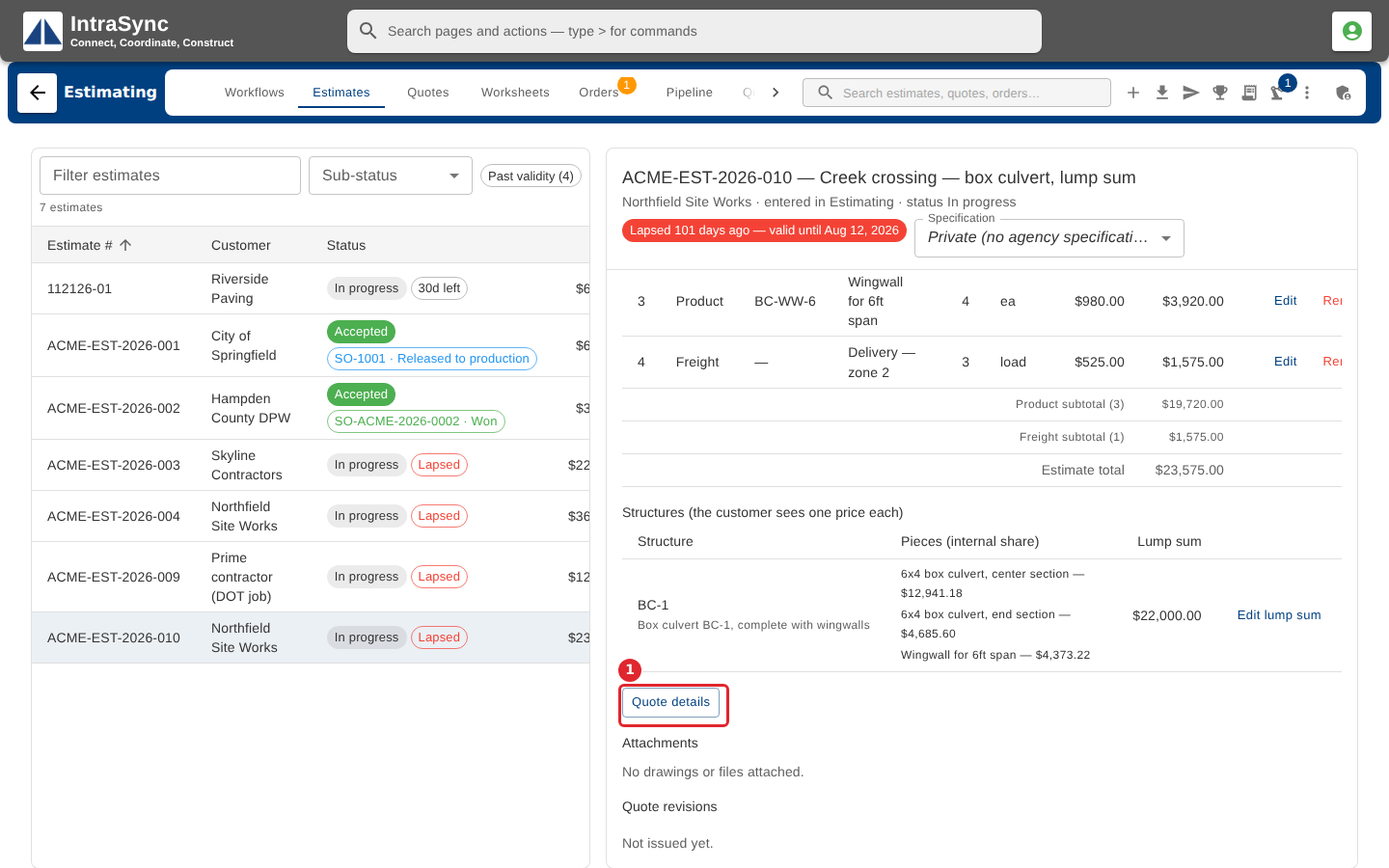
When your quotes print as a quotation contract, select Quote details on the estimate.
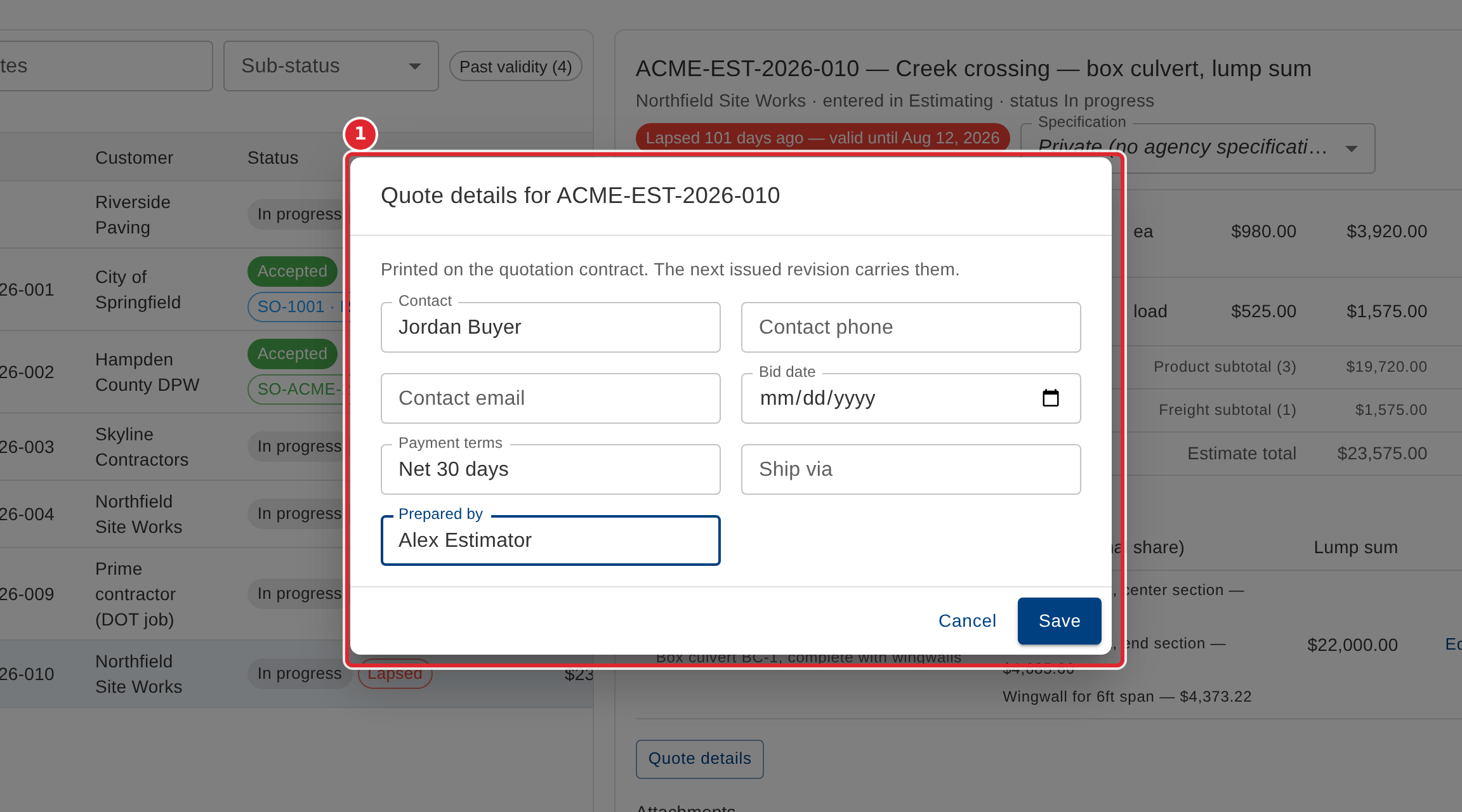
Fill in the customer's contact, phone and email, the bid date, the payment terms, the shipping method and who prepared the quote. Every field is optional. Select Save; the next quote you issue carries them.
Tips
- Every field is optional, and clearing a field removes it. The details print on the next revision you issue, not on revisions already issued.