Estimating guide · section 7 of 29
Import a saved takeoff as an estimate
Bring a takeoff saved in another tool in as an estimate, with its lines and prices, ready to quote.
Before you start
- A takeoff source must be connected to Estimating in your installation.
Steps
In the pictures, a numbered red box marks where to click or type. Where a picture has more than one box, the numbers give the order.
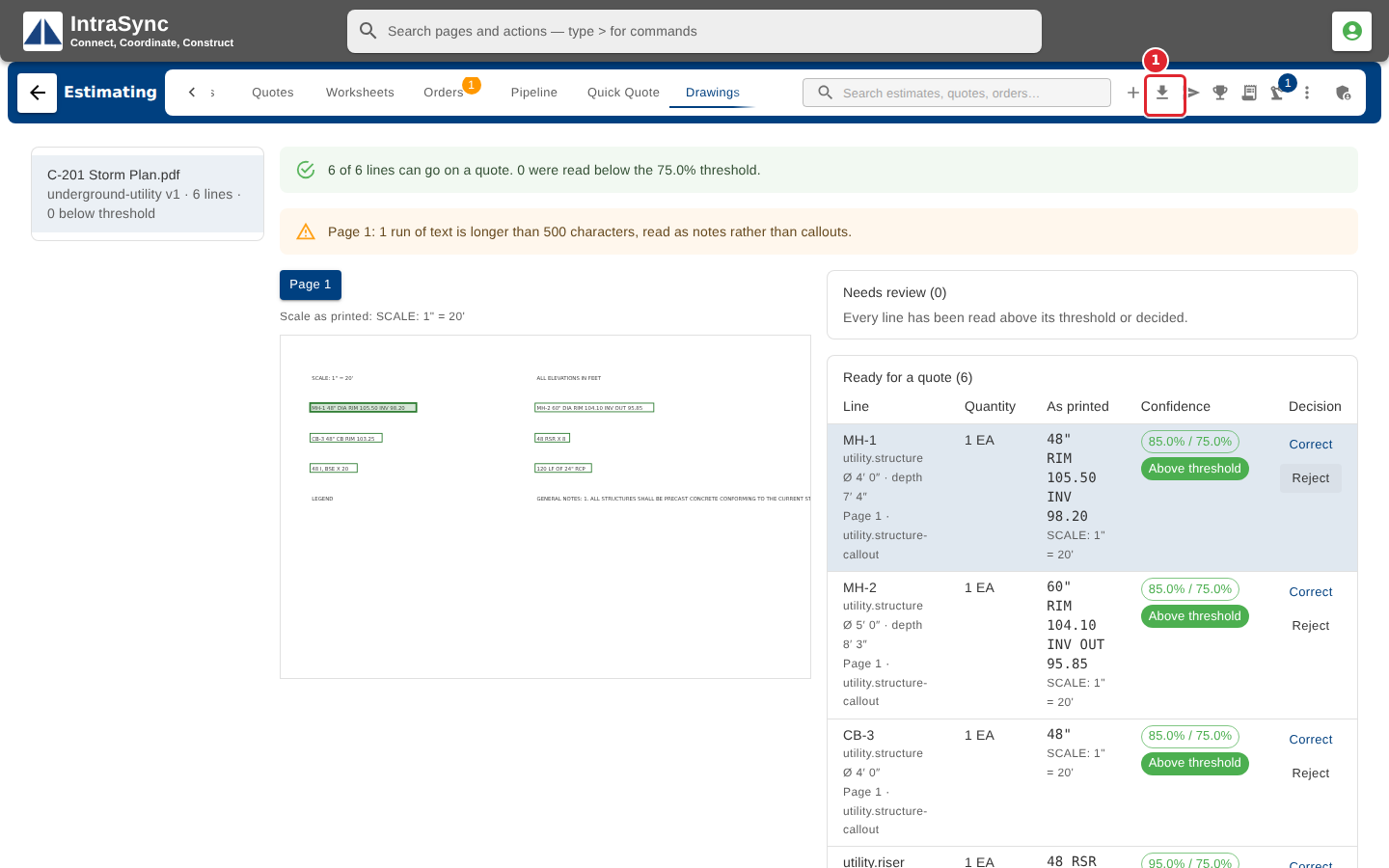
Select Import from a takeoff in the hub header, or the card on the Workflows tab.
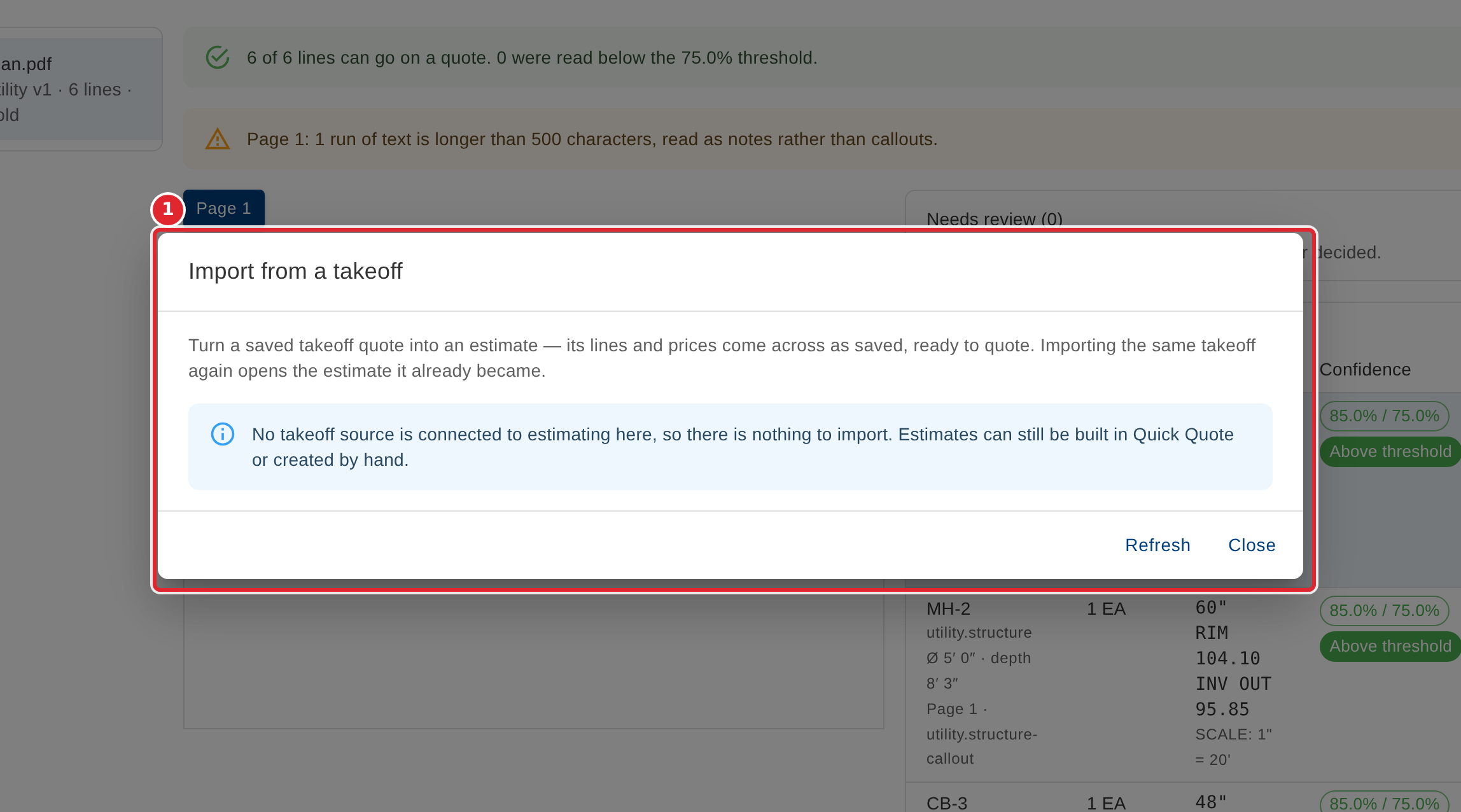
Saved takeoffs are listed by source, with their customer, structures and total. Select Import to turn one into an estimate with its lines and prices; a takeoff already imported offers Open instead. When no takeoff source is connected, the dialog says so.
Tips
- Importing the same takeoff again opens the estimate it already became; it never makes a second one.