Estimating guide · section 15 of 29
Review every quote you have issued
Look across all issued quotes: who each went to, its value as issued, and how it changed from the revision before.
Watch this in the video (0:42)
Steps
In the pictures, a numbered red box marks where to click or type. Where a picture has more than one box, the numbers give the order.
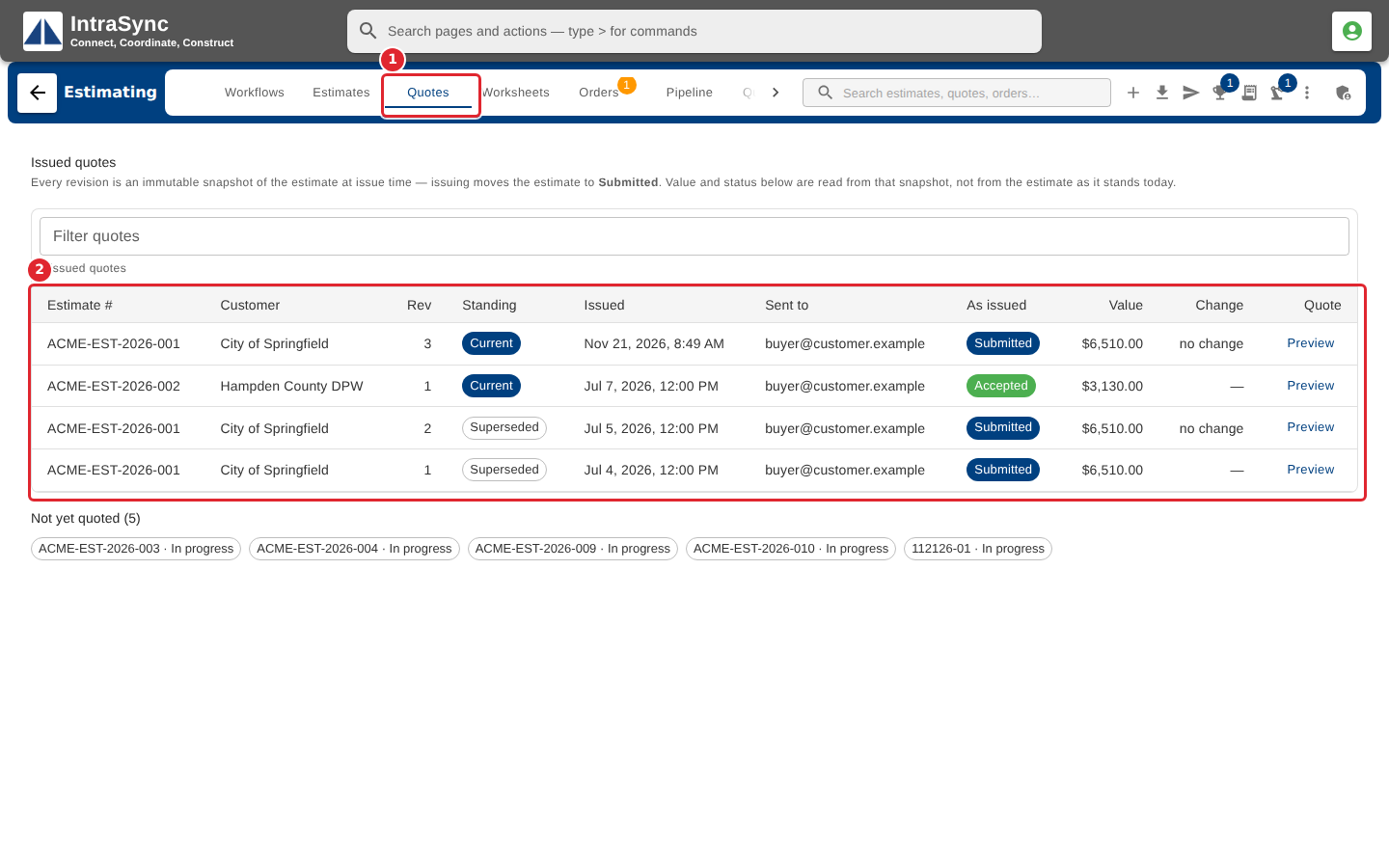
Select the Quotes tab. Every quote revision ever issued is listed, with who it was sent to, its value as issued and the change from the revision before.
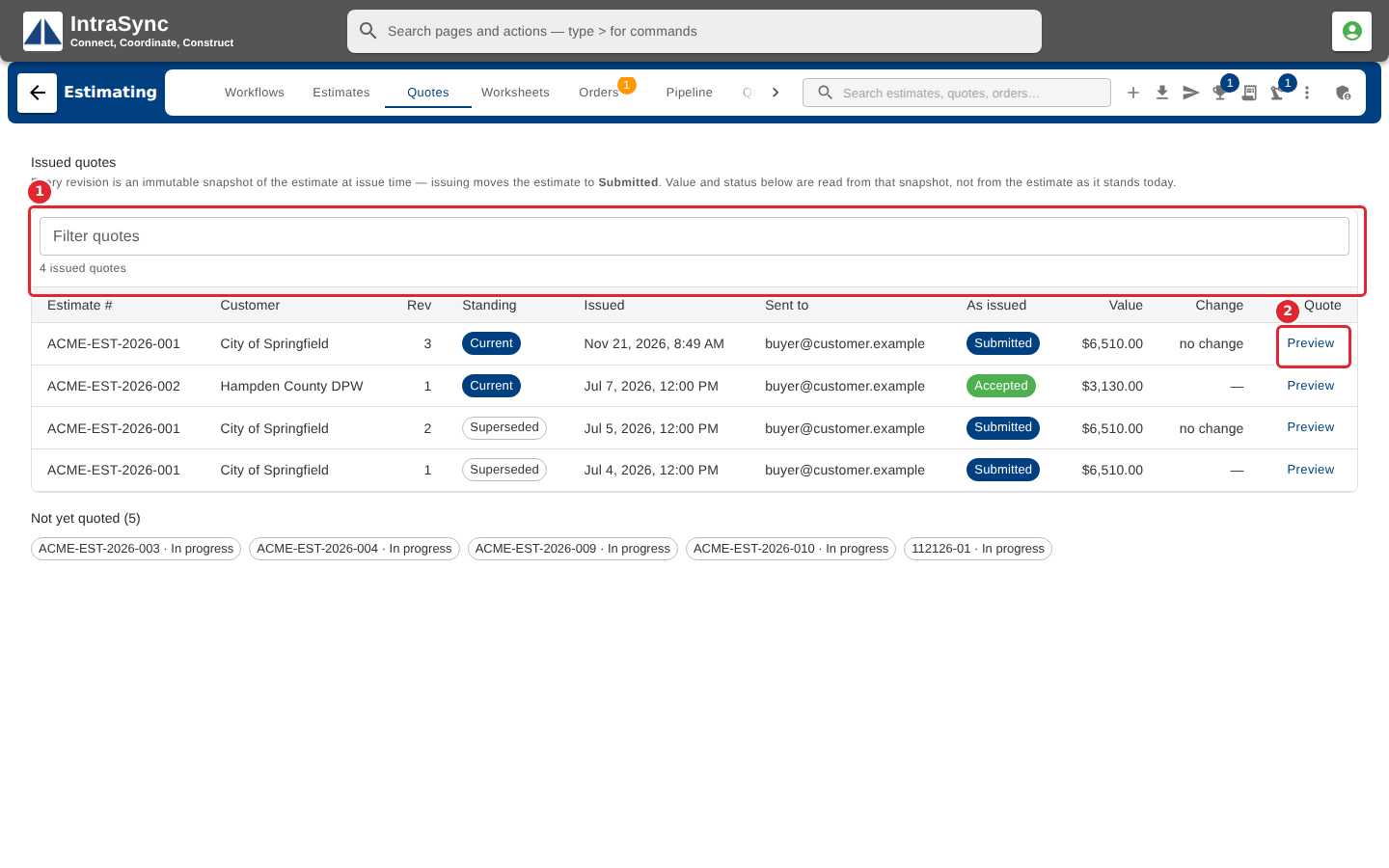
Filter the list by estimate number, customer or recipient. Select Preview to see a revision, or select a row to open its estimate.
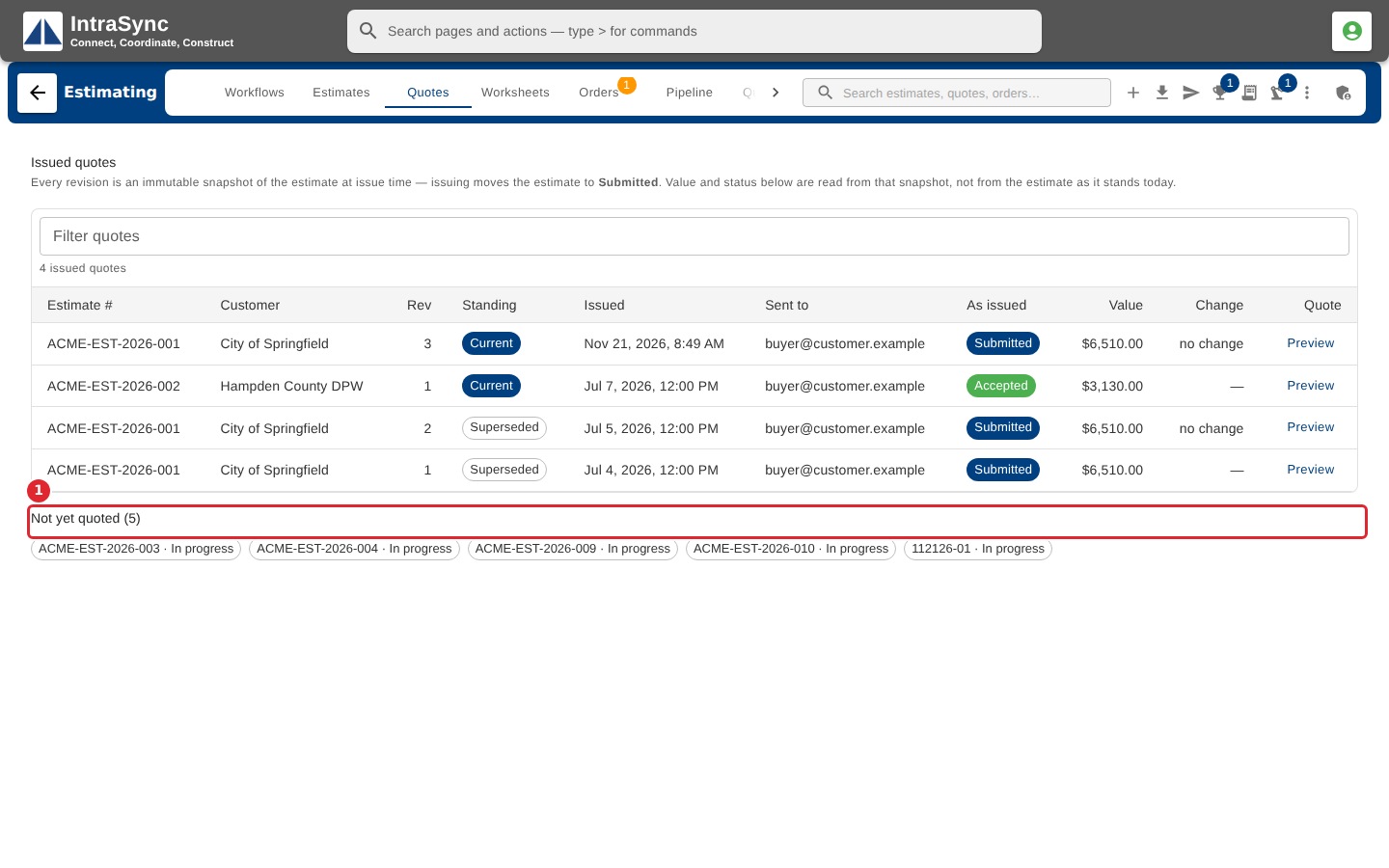
Not yet quoted lists the estimates that have never had a quote issued. Select one to open it.
Tips
- Current marks the newest revision of each estimate; Superseded marks the ones it replaced.