Field Tracking guide · section 16 of 22
Approve timesheets and T&M tickets
Give the manager one queue for the time and tickets waiting on a decision.
Watch this in the video (1:10)
Before you start
- Manager or administrator access, with crew time or T&M tickets switched on.
Steps
In the pictures, a numbered red box marks where to click or type. Where a picture has more than one box, the numbers give the order.
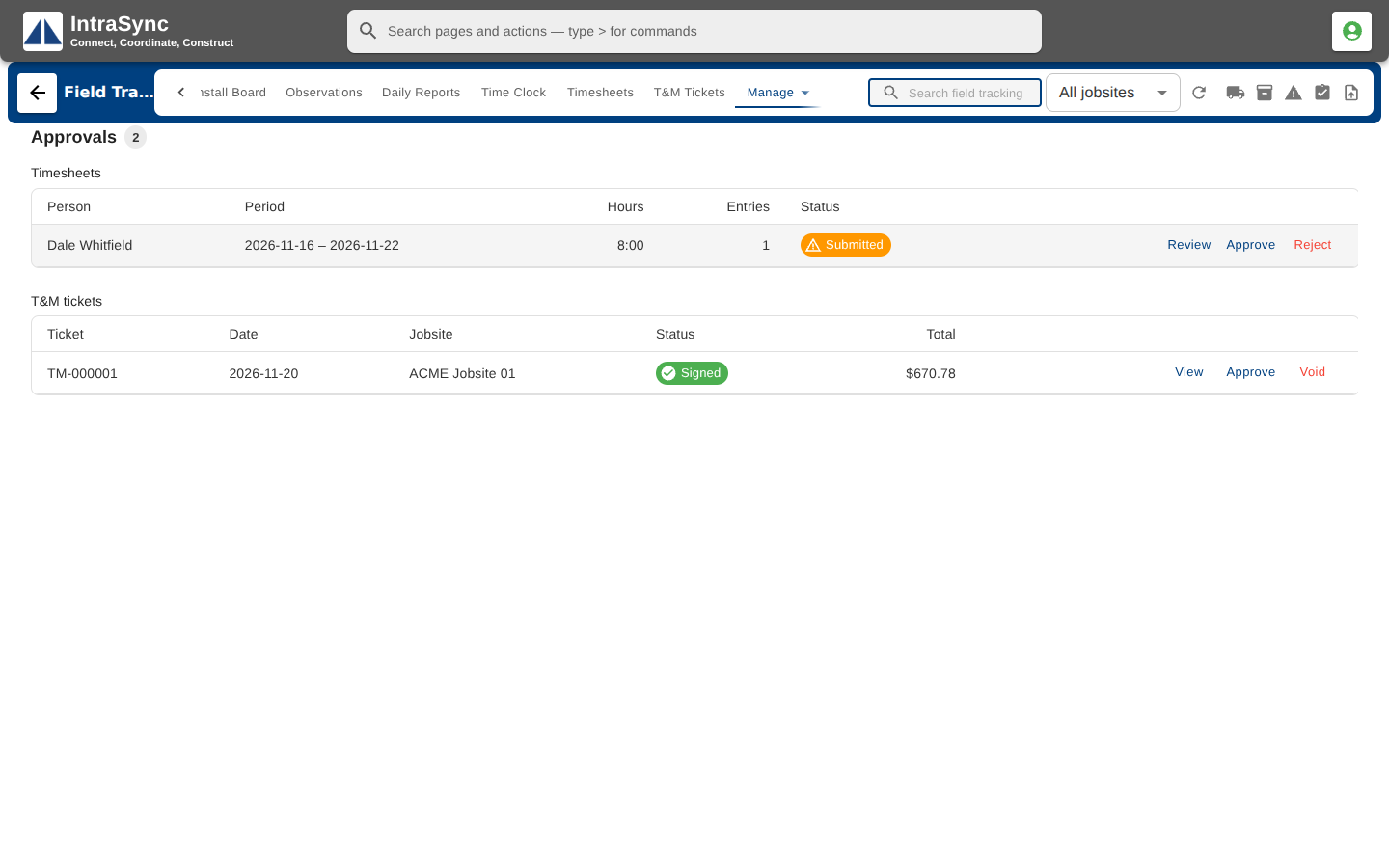
Managers open Manage > Approvals. Submitted timesheets and signed T&M tickets wait here. Select Review or View to read one first.
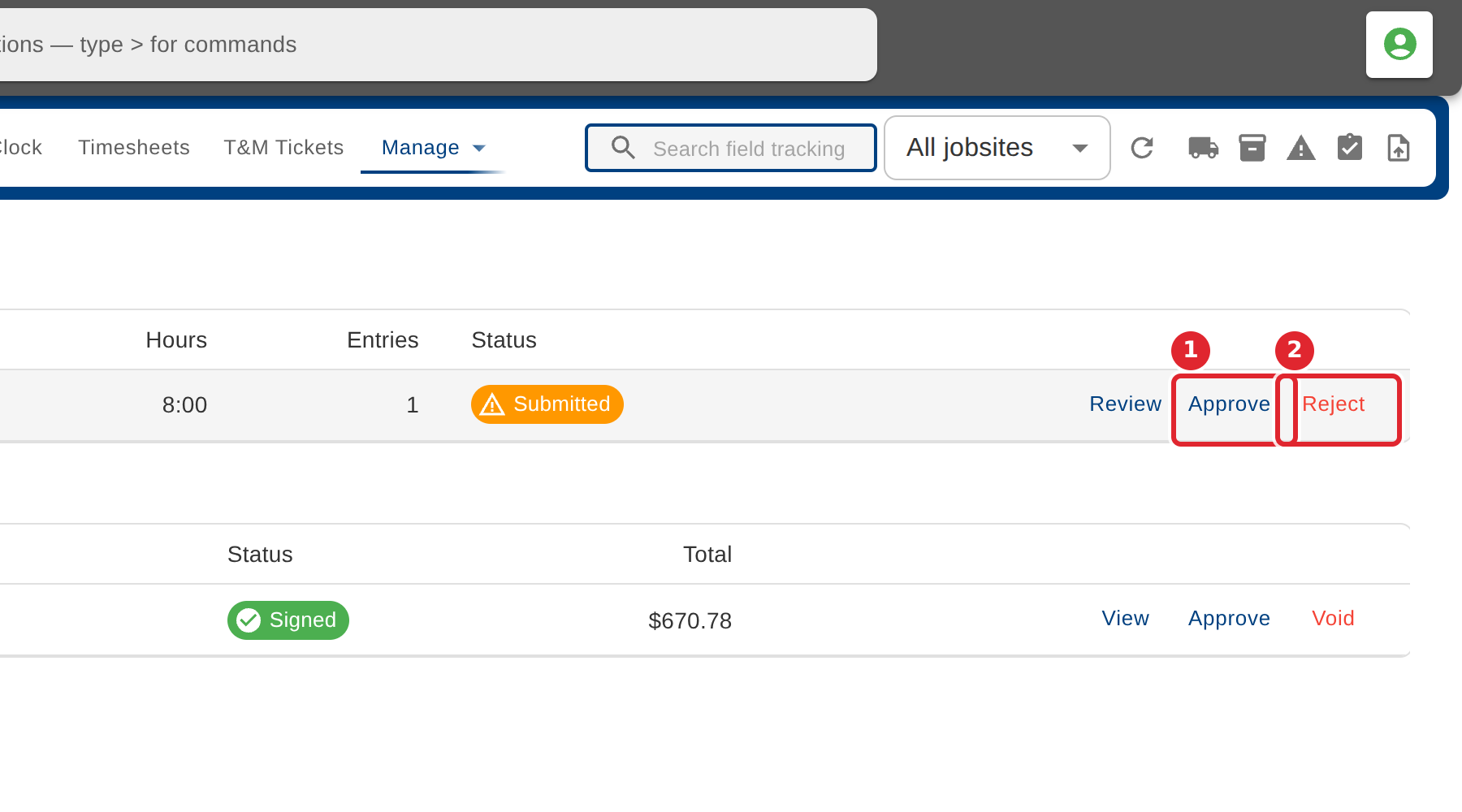
Select Approve, or Reject with a reason the person will see. A signed T&M ticket can be approved or voided.
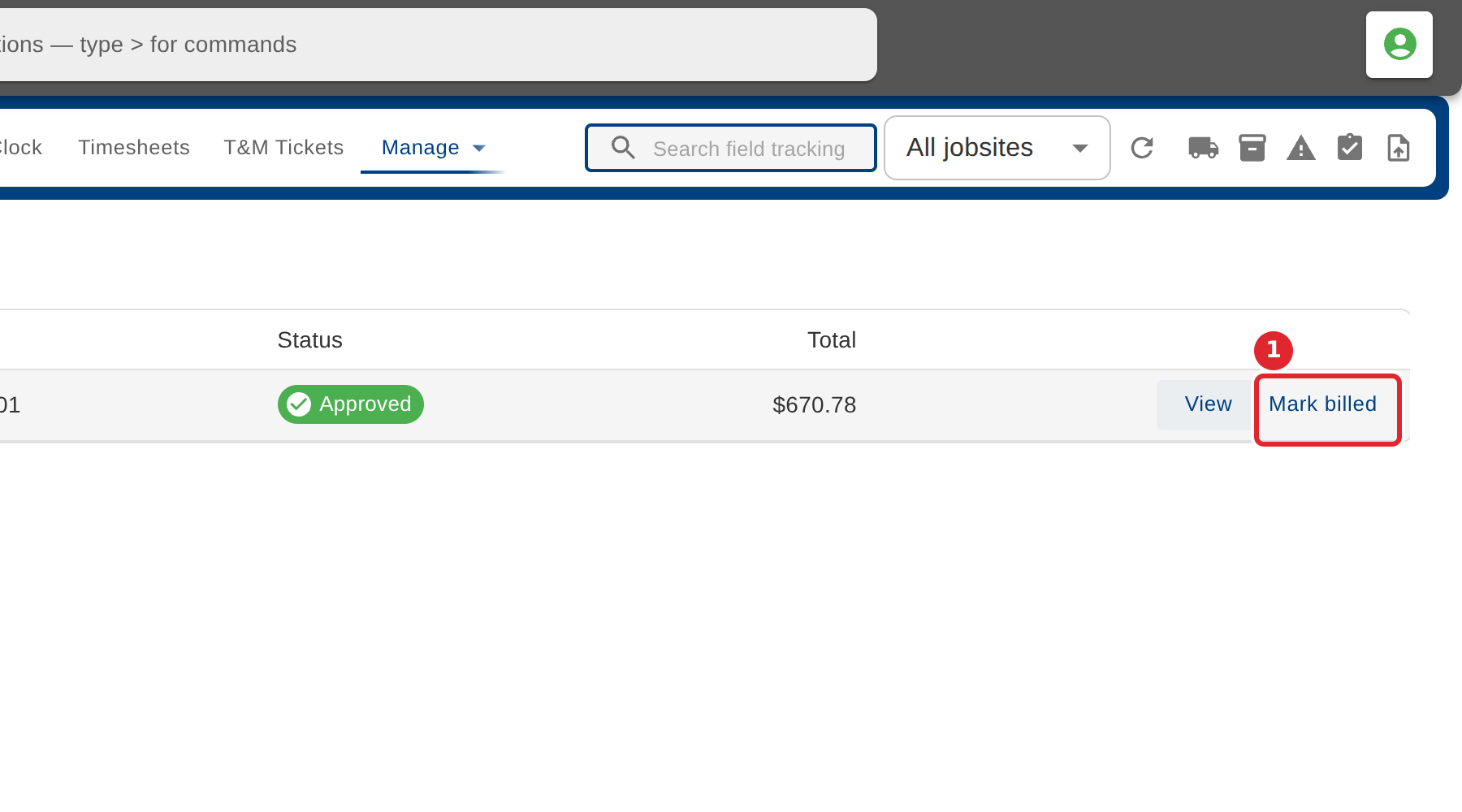
Once an approved T&M ticket has been invoiced, select Mark billed and add the billing reference.
Tips
- A rejection needs a reason. The person sees it on their timesheet.
- If an approval does not fit the record's current status, the system refuses it and says why.