Field Tracking guide · section 2 of 22
Check the day's figures on the Dashboard
See at a glance how the field is doing today, and open the list behind any figure.
Watch this in the video (0:06)
Steps
In the pictures, a numbered red box marks where to click or type. Where a picture has more than one box, the numbers give the order.
Select Dashboard to see the field's key figures: pieces on site, pieces worked today, percent complete, open observations and deliveries pending.
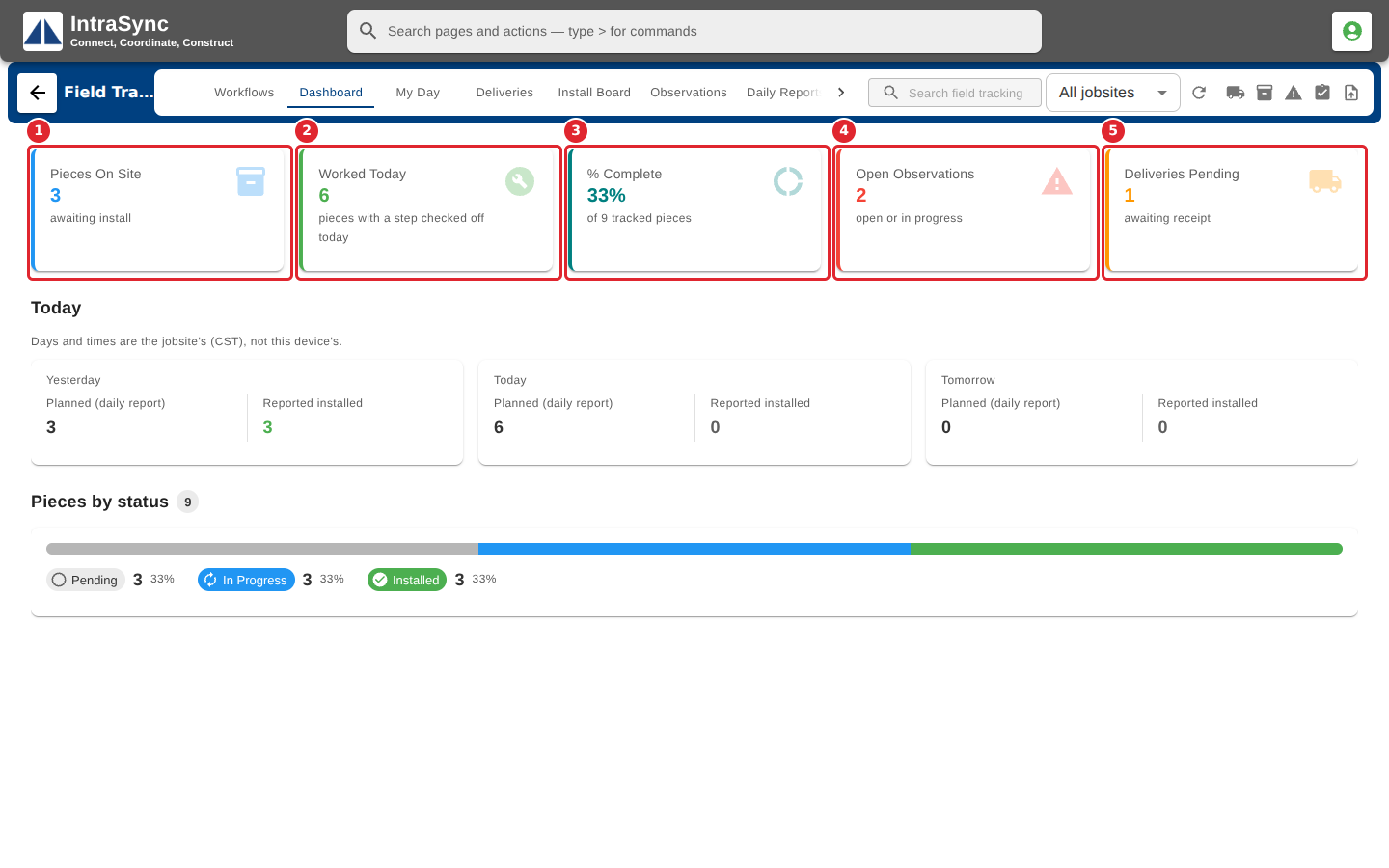
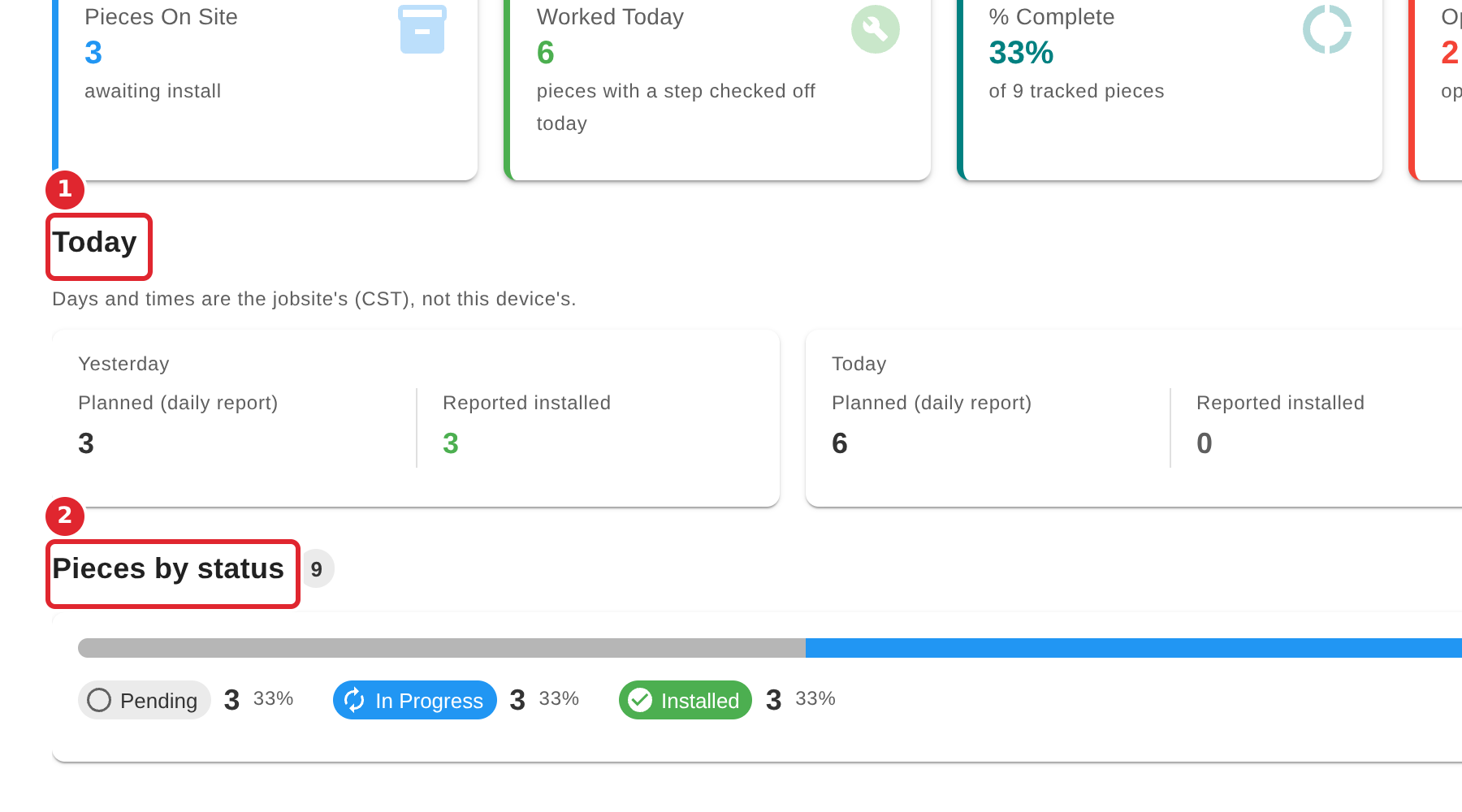
Read Today for yesterday's, today's and tomorrow's planned pieces against what was reported installed, and Pieces by status for the overall split.
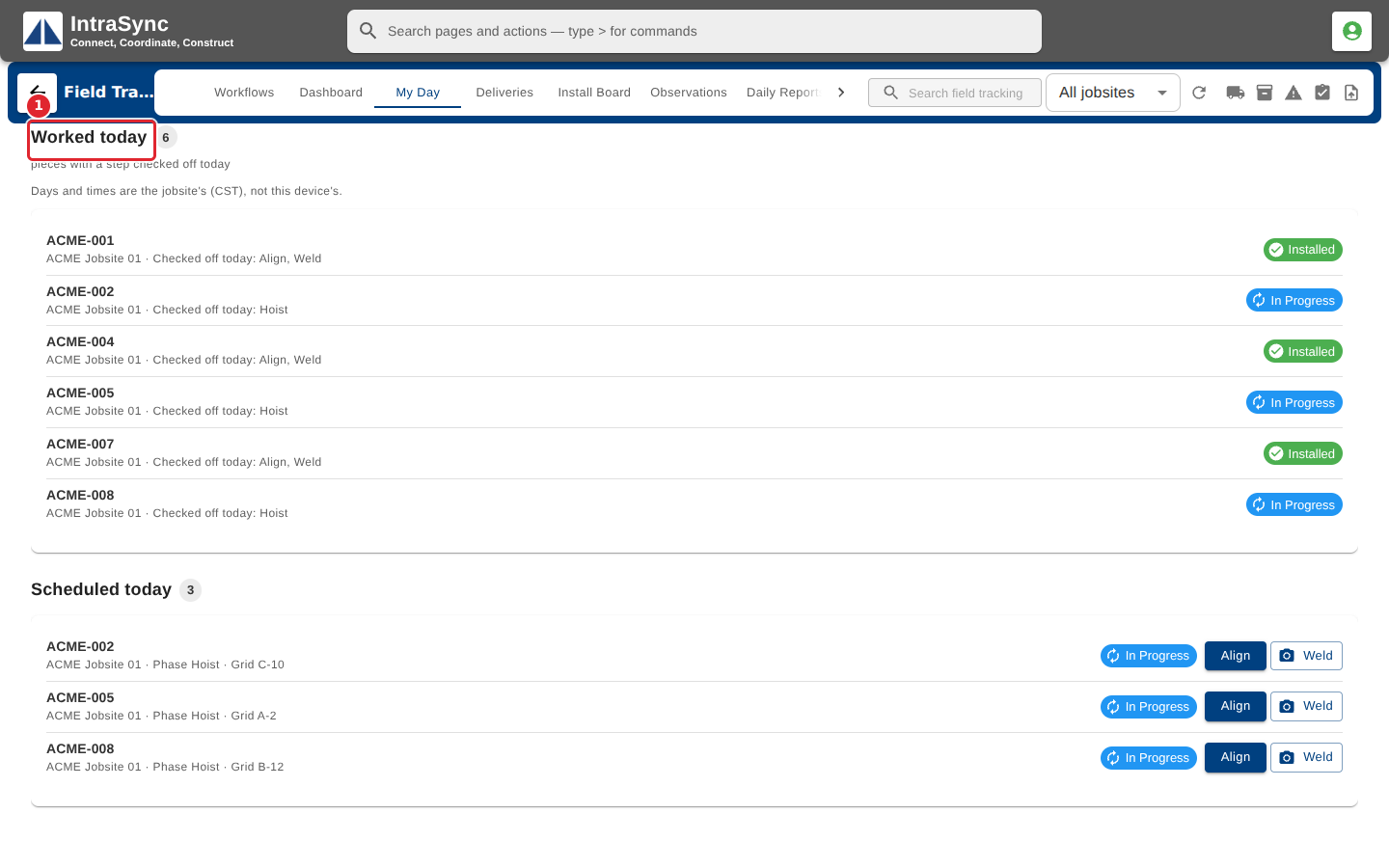
Select a figure to open the list behind it. Worked Today opens My Day with the pieces worked today listed first.
Tips
- Days are counted on the jobsite's clock, as the note under Today says, so every site reads its own day.
- A figure you cannot select leads to a tab your account does not have.