Field Tracking guide · section 5 of 22
Log a delivery that is on its way
Record a load heading to a jobsite, so the site knows what is coming and when.
Watch this in the video (2:20)
Steps
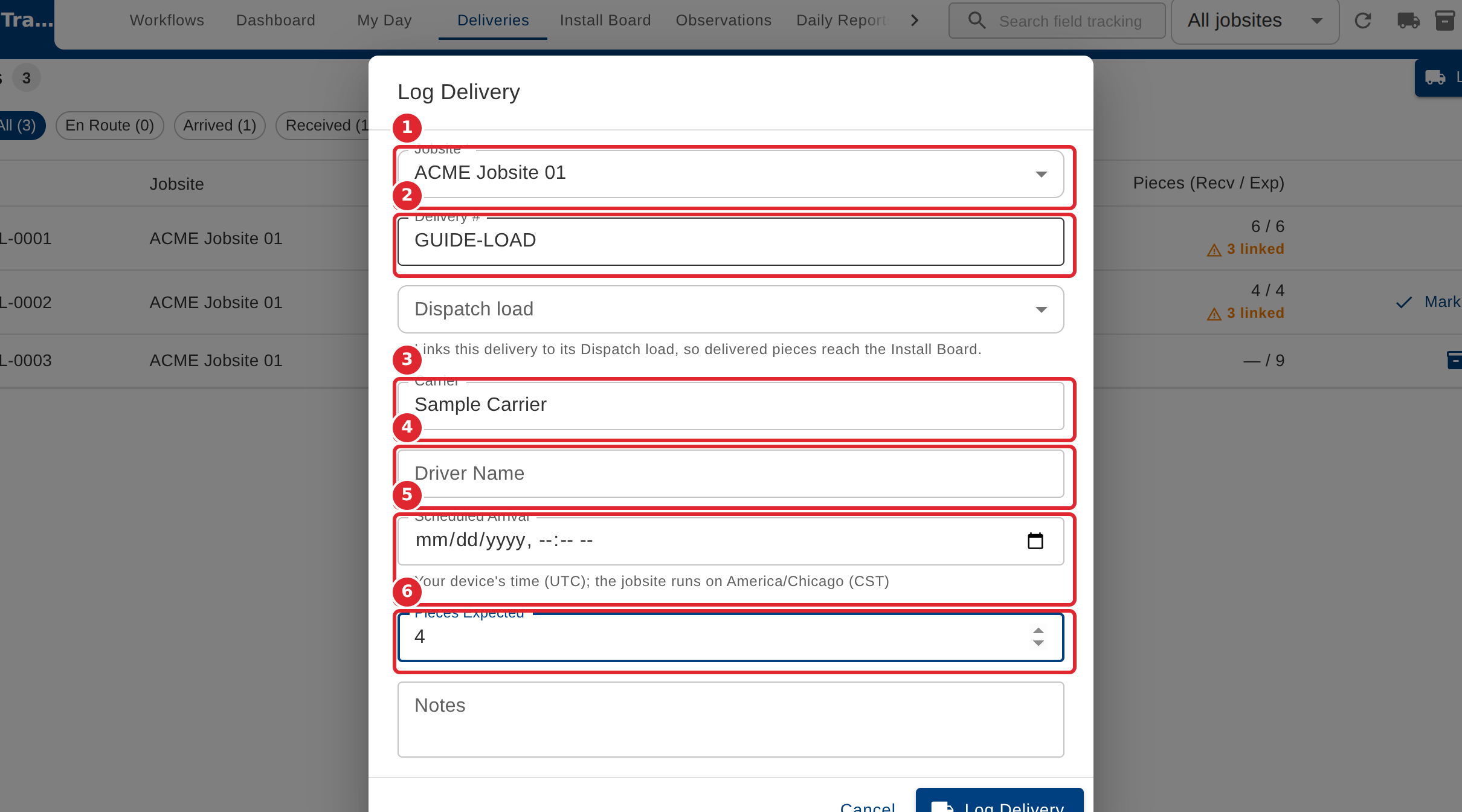
In the pictures, a numbered red box marks where to click or type. Where a picture has more than one box, the numbers give the order.
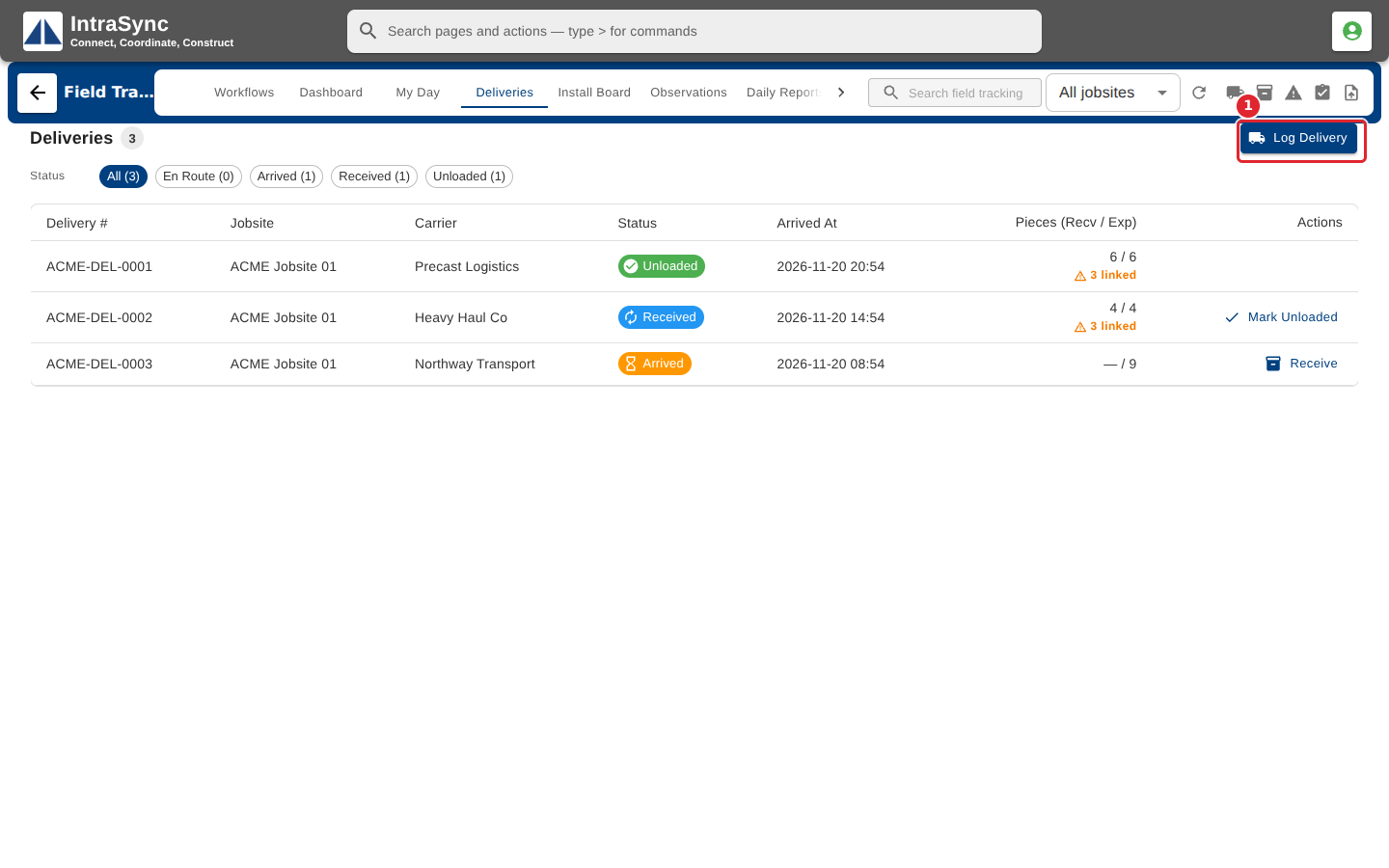
Select Deliveries, then Log Delivery.
Choose the jobsite, then enter the delivery number, carrier, driver, scheduled arrival and the number of pieces expected. Only the jobsite is required.
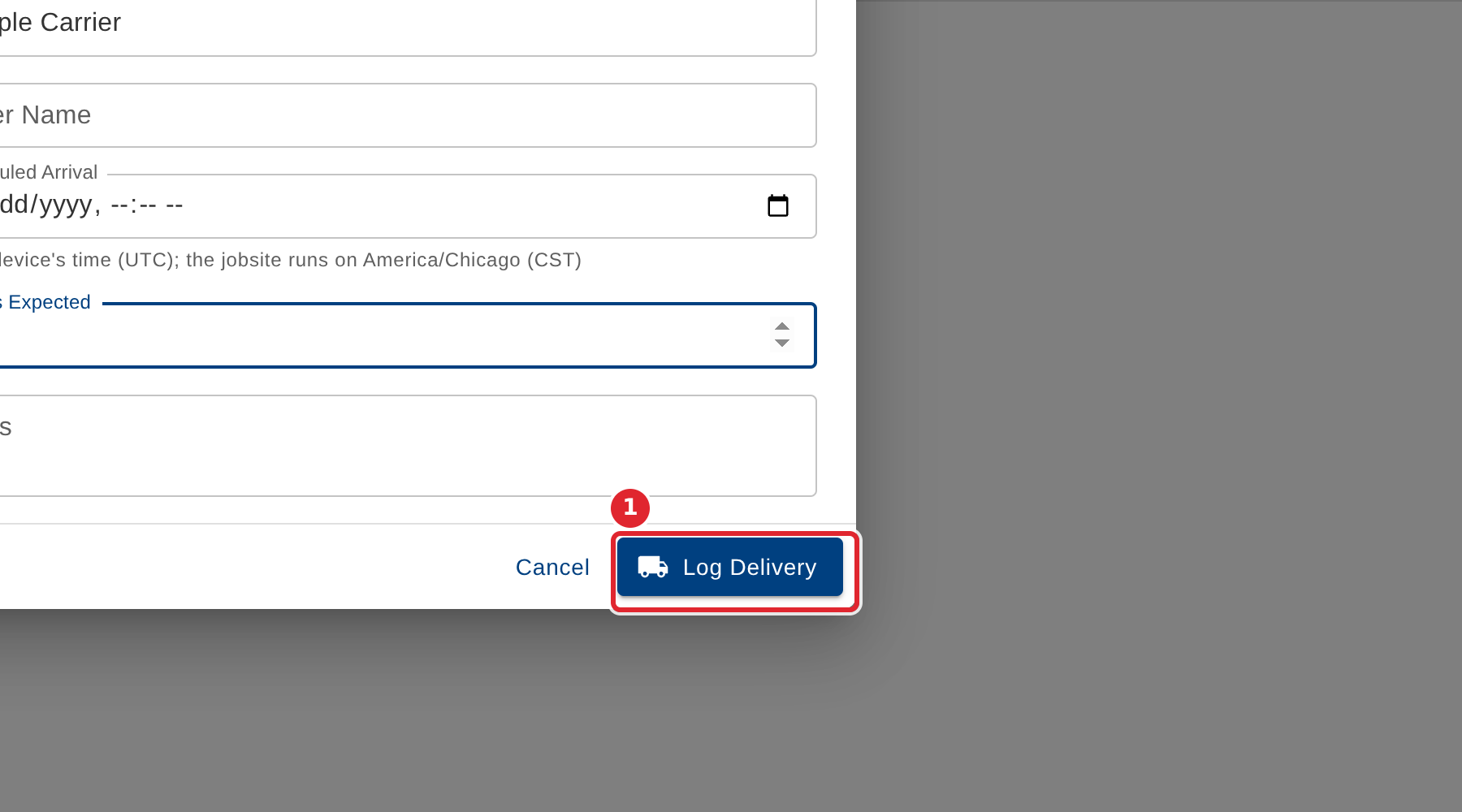
Select Log Delivery. The load appears in the list as en route.
Tips
- Log Delivery stays unavailable until a jobsite is chosen.
- Pieces expected must be a number, zero or more.
- When the load comes from Dispatch, link it with Dispatch load so the delivered pieces reach the Install Board.