Field Tracking guide · section 8 of 22
Log a field observation
Record damage, misalignment or any quality problem found on site, so it is tracked until it is fixed.
Watch this in the video (2:34)
Steps
In the pictures, a numbered red box marks where to click or type. Where a picture has more than one box, the numbers give the order.
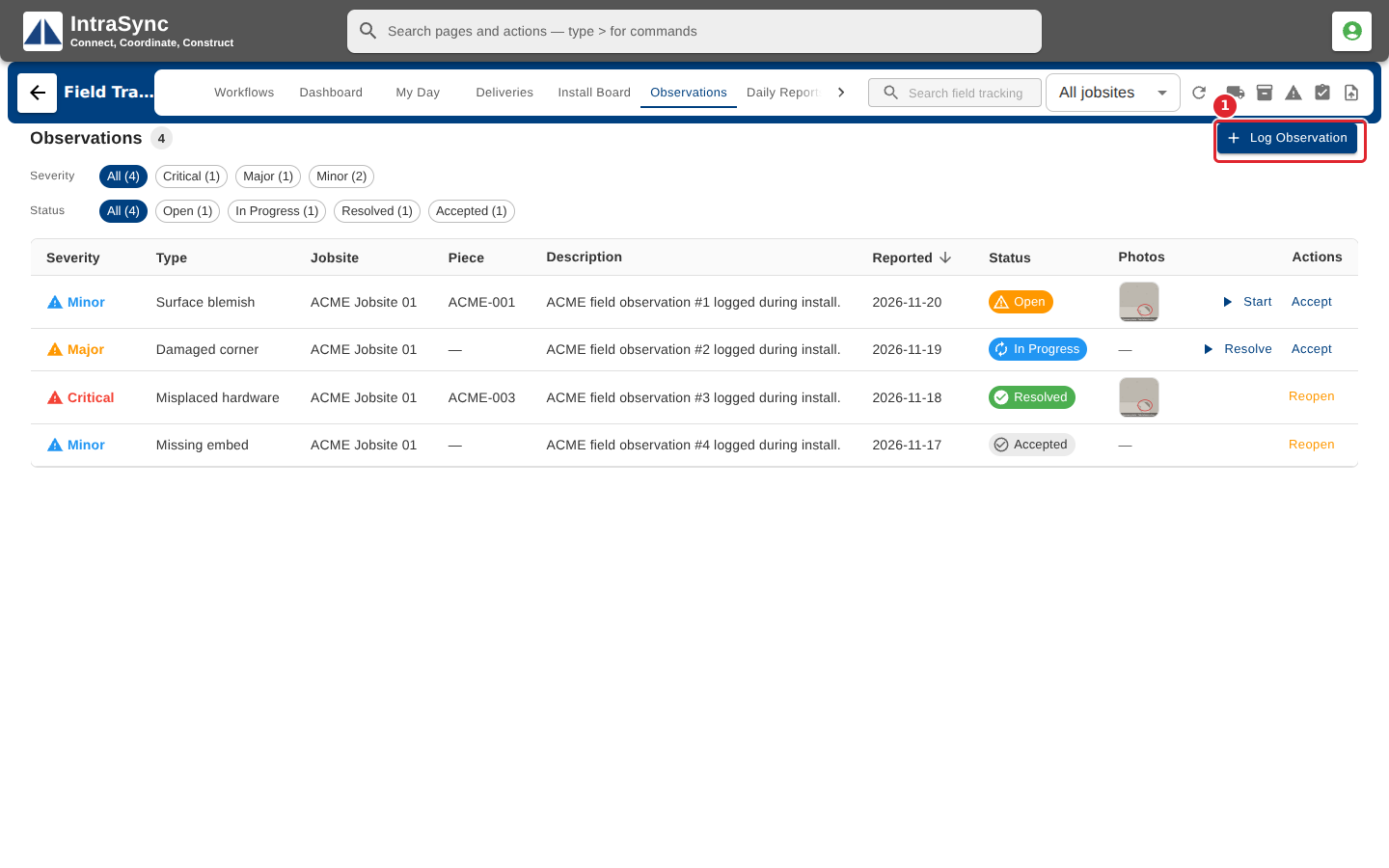
Select Observations, then Log Observation. The quick-entry button in the header opens the same form.
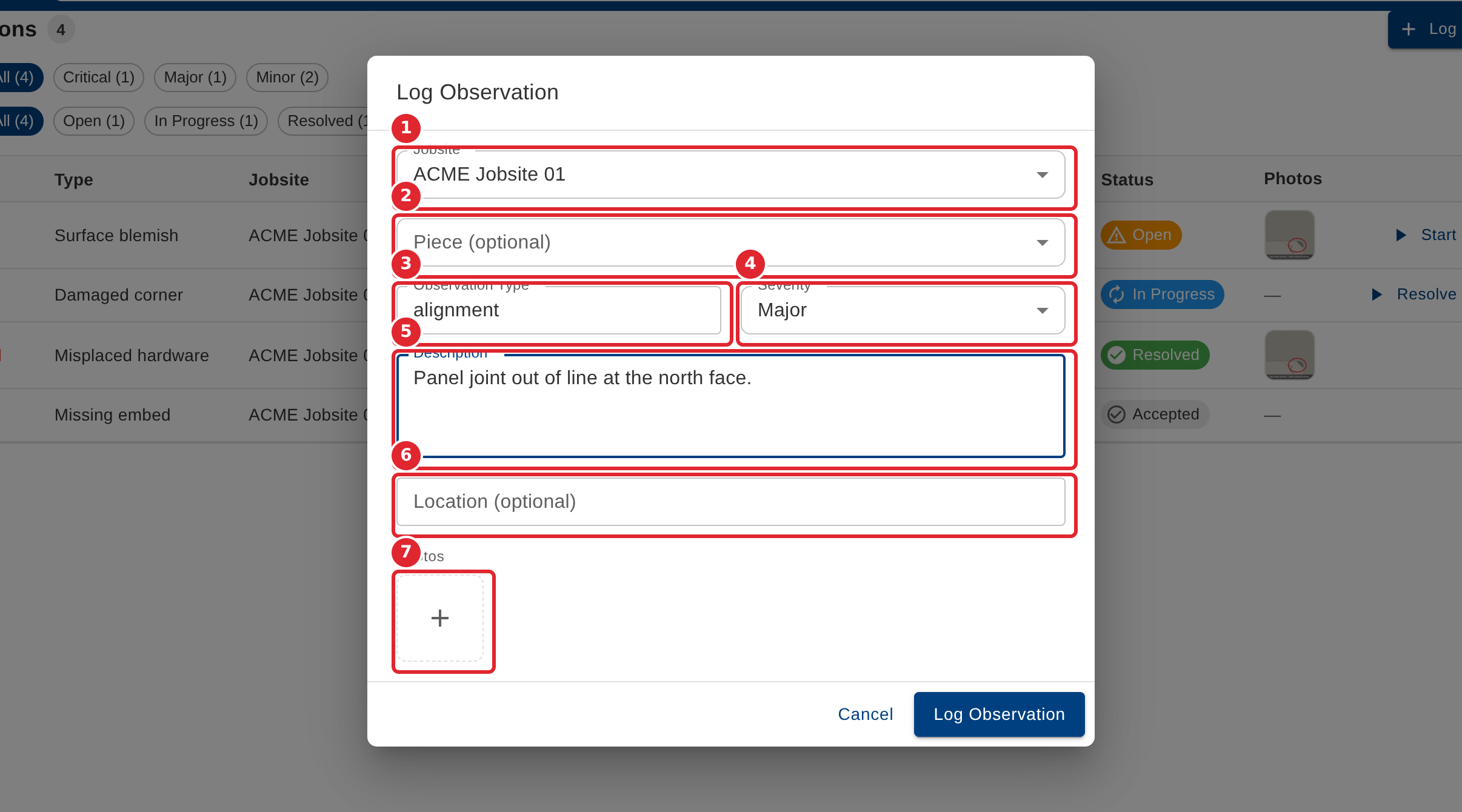
Choose the jobsite and, if it concerns one piece, the piece. Enter the observation type, pick a severity and describe what was found. Add a location and photos if you have them.
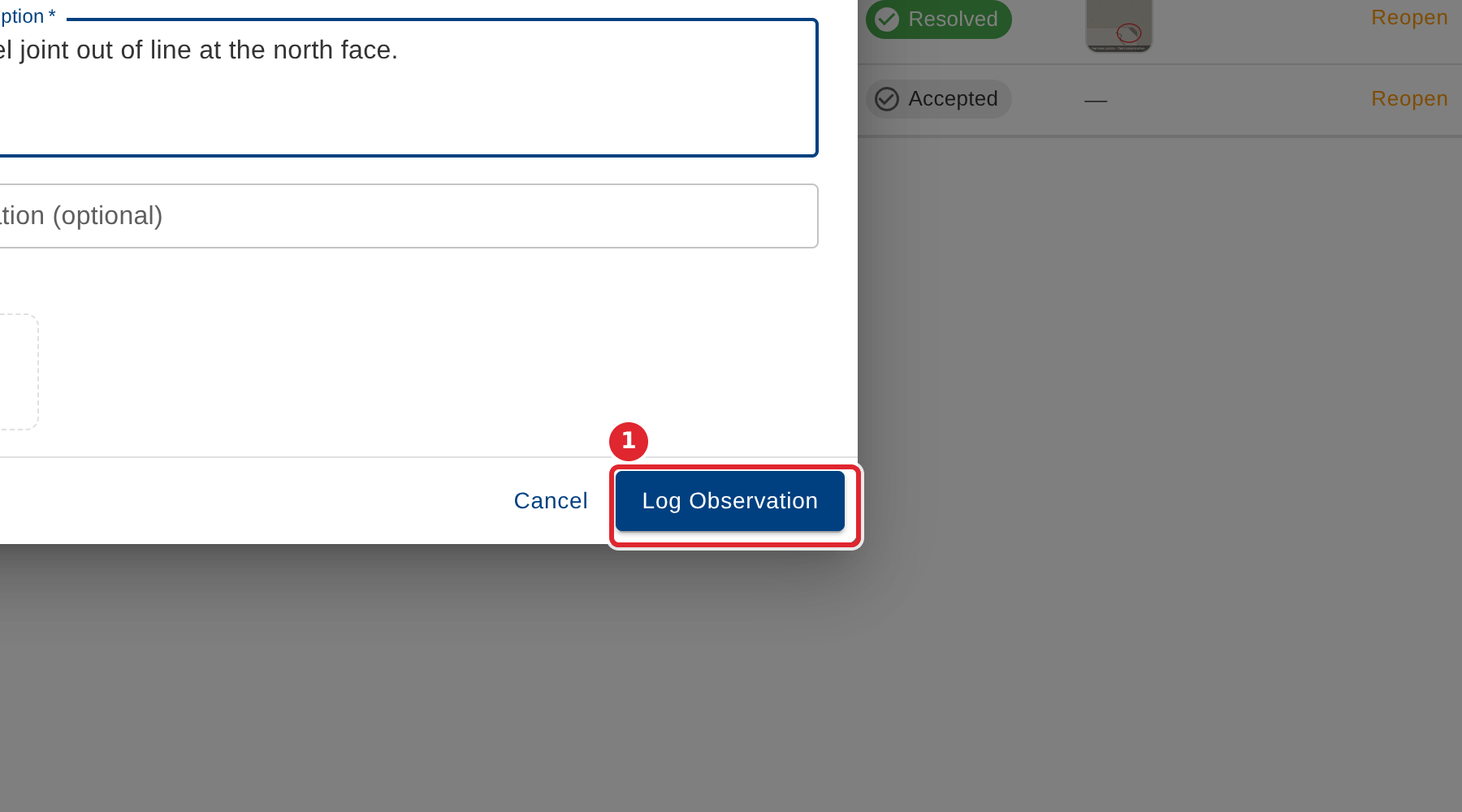
Select Log Observation.
Tips
- Jobsite, observation type, severity and description are required.
- Choose the jobsite first: the piece list shows only that jobsite's pieces.