Field Tracking guide · section 21 of 22
Set up the daily report and weather limits
Choose what the daily report contains, and when the forecast should warn the crew off a kind of work.
Before you start
- Manager or administrator access.
Steps
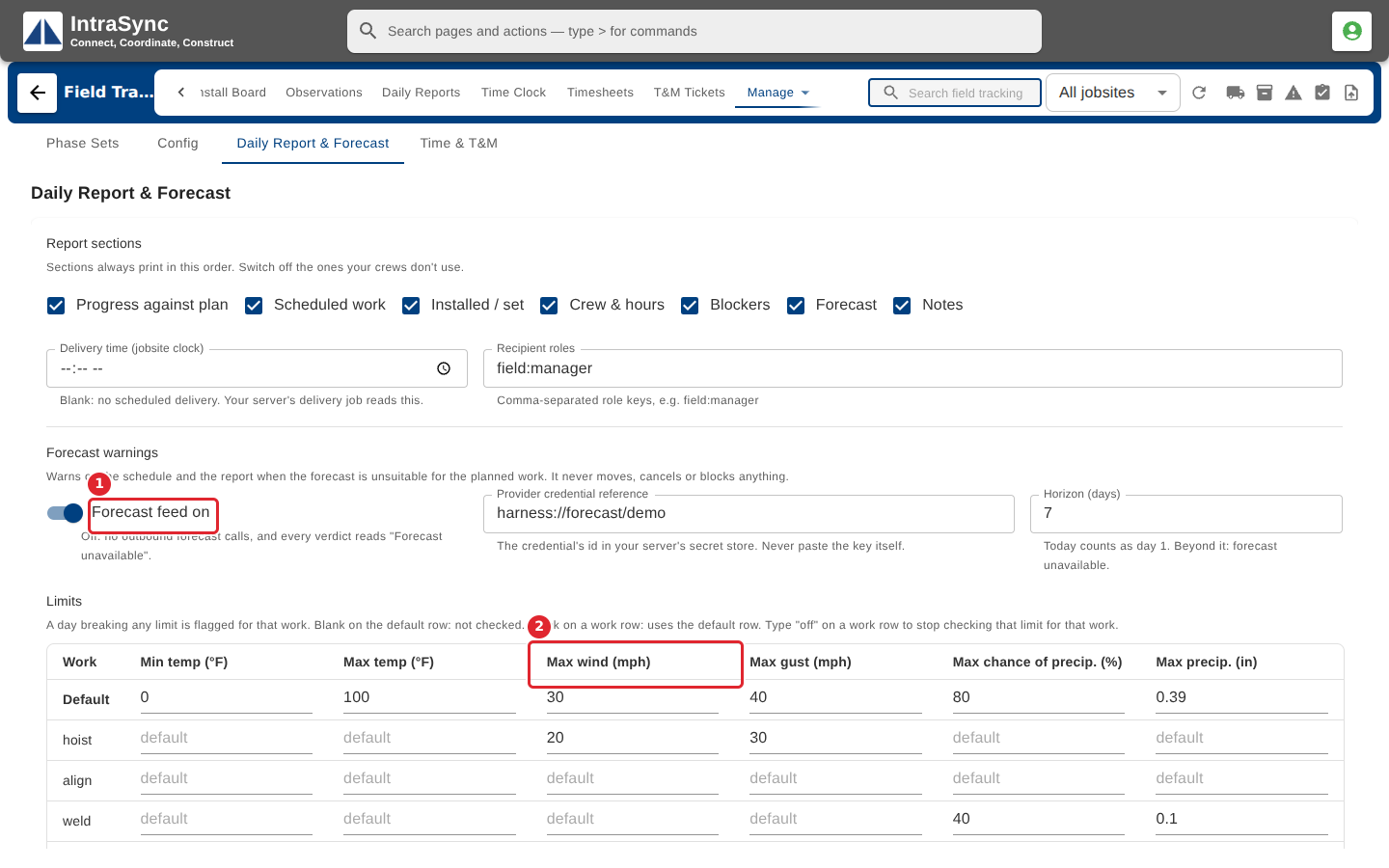
In the pictures, a numbered red box marks where to click or type. Where a picture has more than one box, the numbers give the order.
Select Daily Report & Forecast. Tick the sections the daily report includes, and set when it is sent and to which roles.
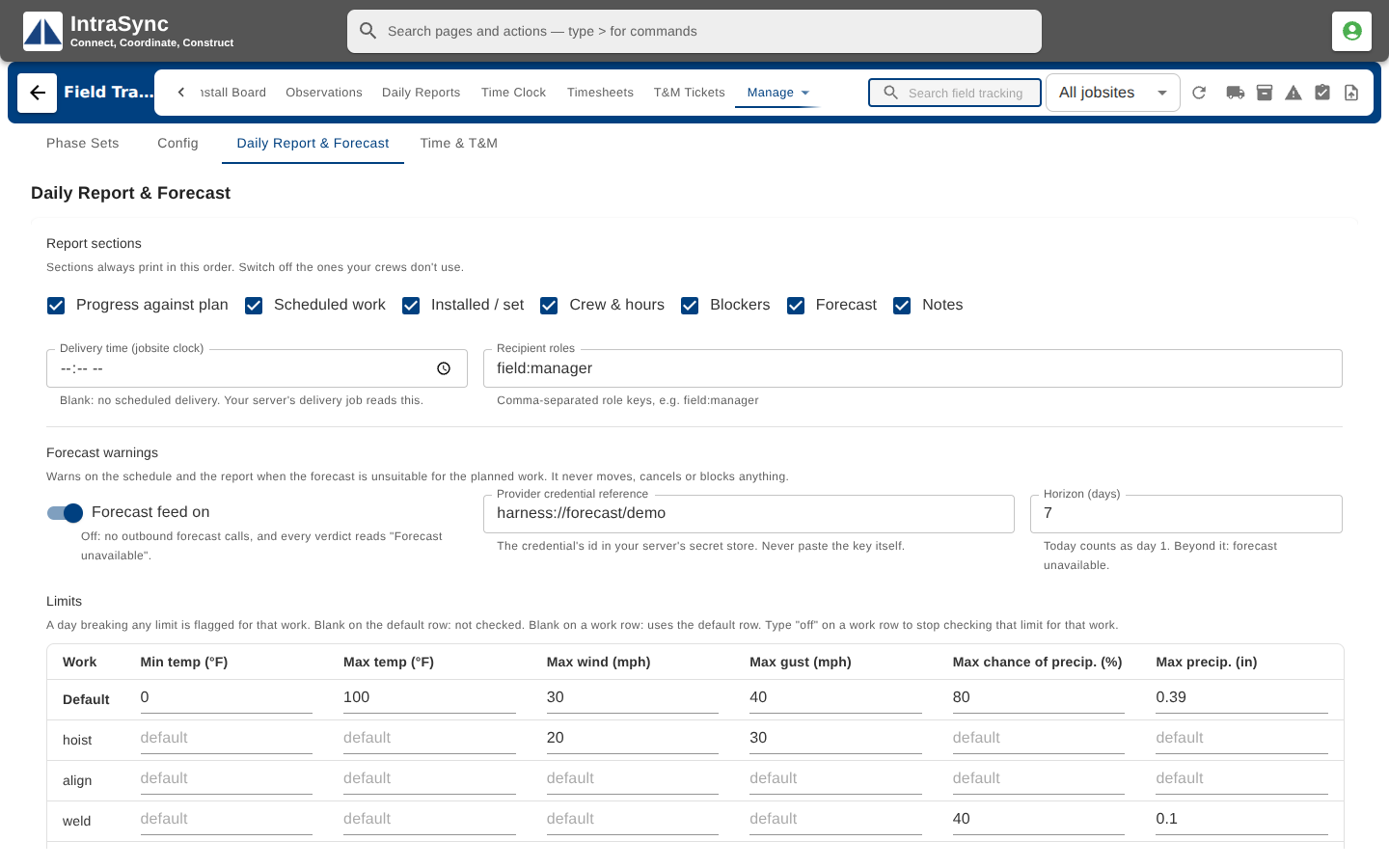
Turn the forecast feed on and set the weather limits for each kind of work. A day whose forecast breaks a limit shows a warning on Daily Reports. Select Save below the table.
Tips
- Delivery time is on the jobsite's clock, as hours and minutes on a twenty-four hour clock.
- The forecast horizon is a whole number of days, within the range the form allows.
- Save stays unavailable until something changes.