Field Tracking guide · section 11 of 22
Find any record with search
Get straight to a piece, delivery or jobsite without hunting through the tabs.
Watch this in the video (1:52)
Steps
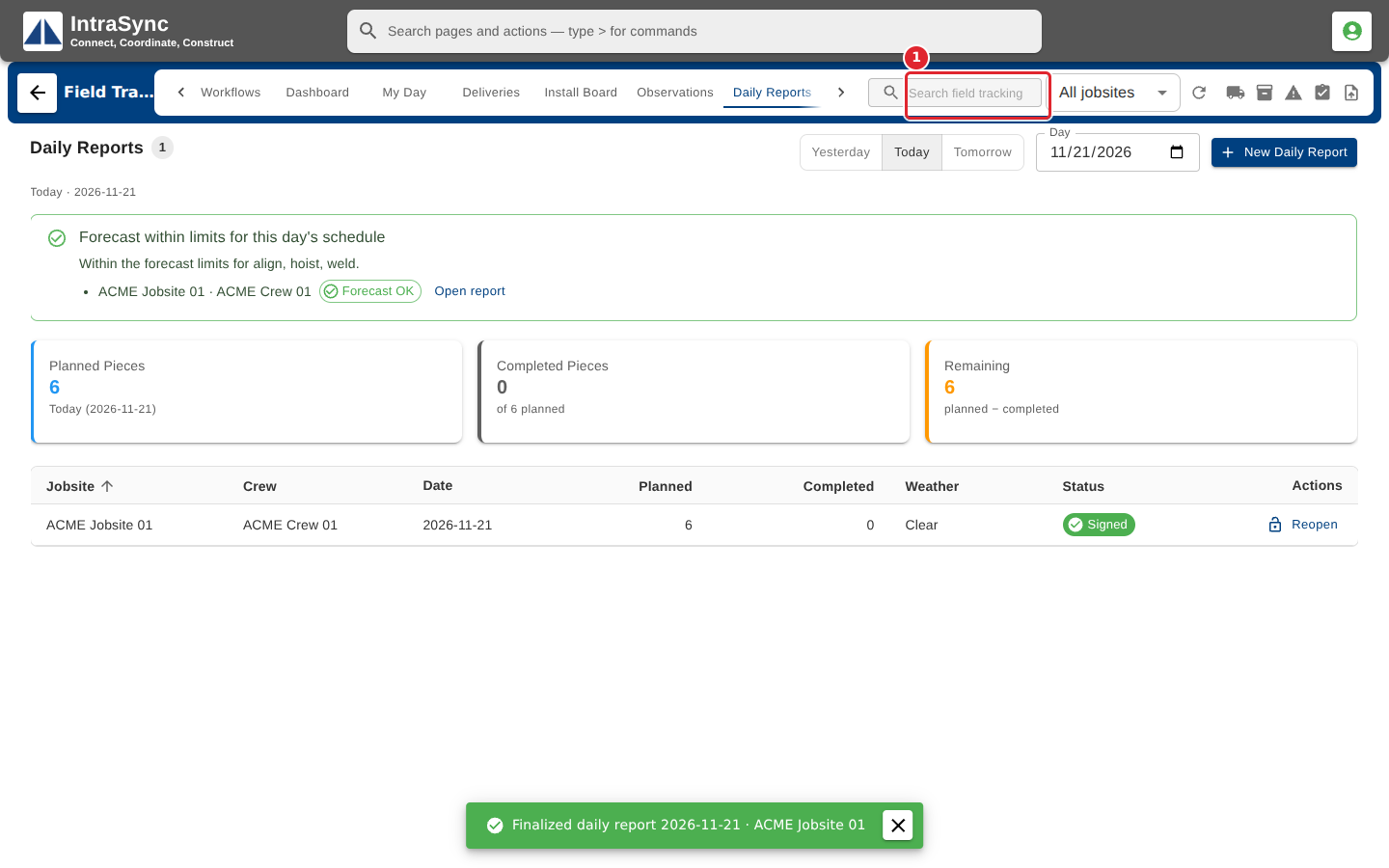
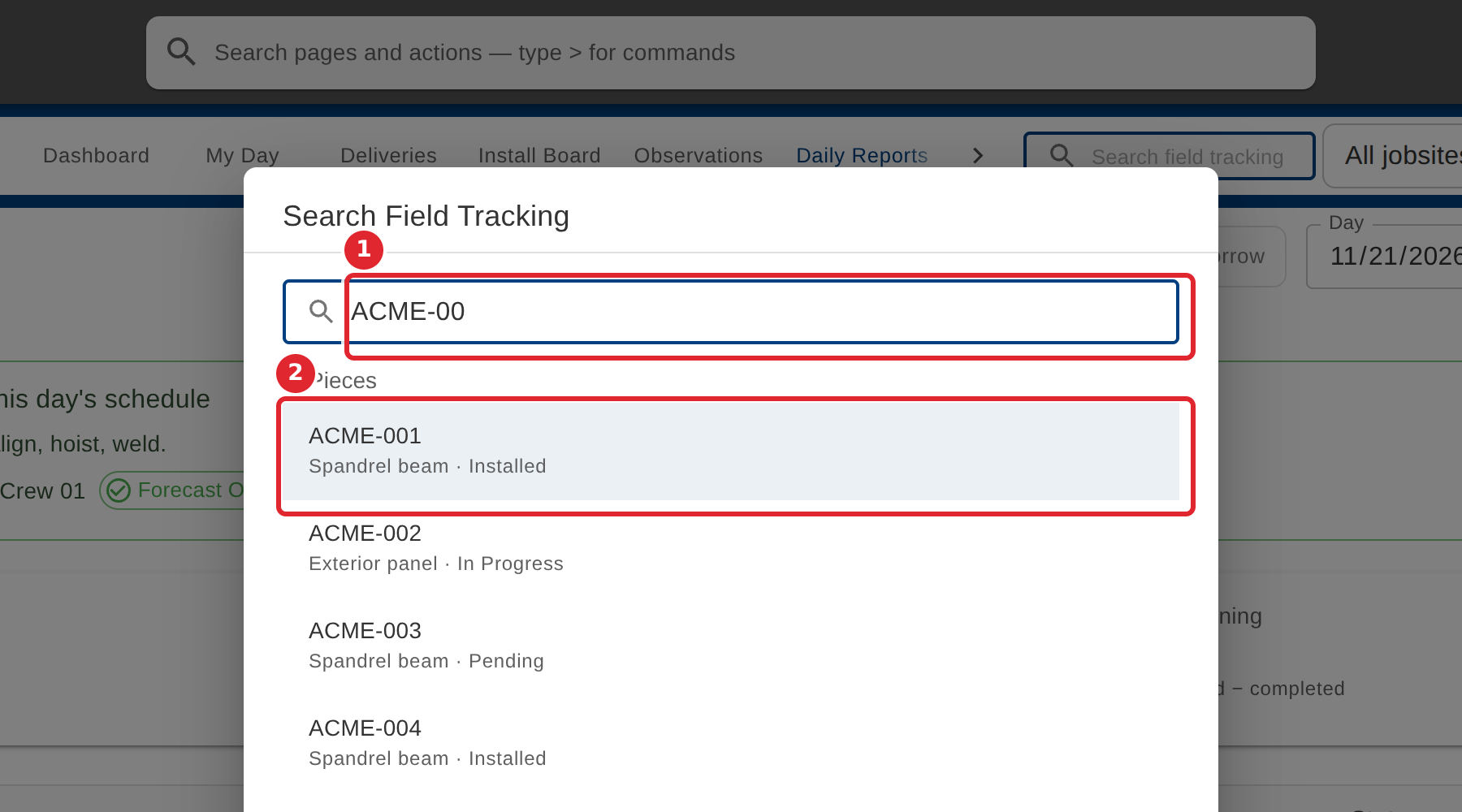
In the pictures, a numbered red box marks where to click or type. Where a picture has more than one box, the numbers give the order.
Select the search box in the header.
Type a piece mark, delivery number, jobsite or date. Matching records appear as you type.
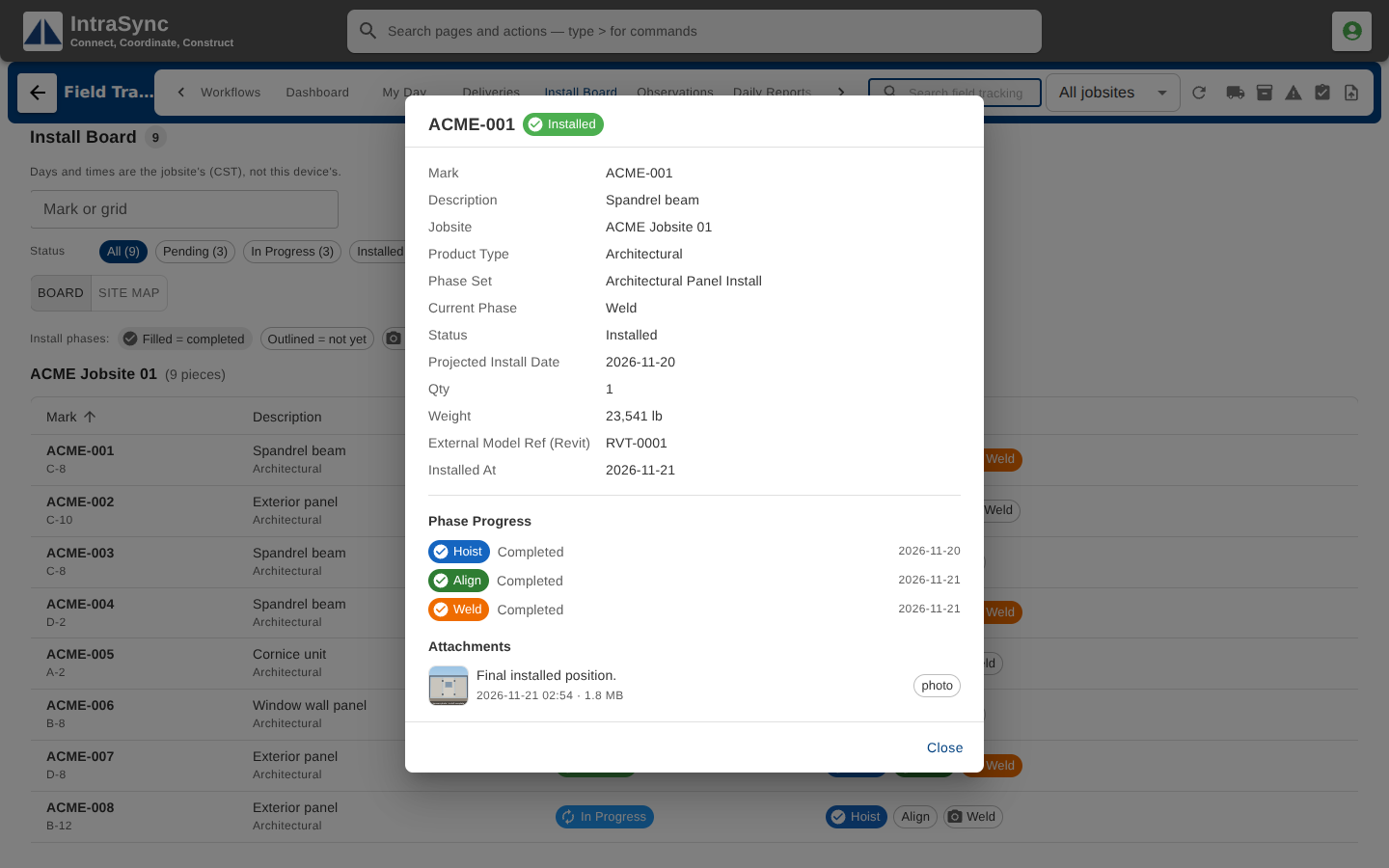
Select a result to open that record on the screen it belongs to.
Tips
- Search covers the jobsites, deliveries, pieces, observations, daily reports and crews loaded in the hub, and finds a date too.
- Select Close, or press Escape, to leave search without opening anything.