Production Schedule guide · section 16 of 23
Review the Change Log
See what was done to the plan, when and by whom.
Watch this in the video (0:33)
Steps
In the pictures, a numbered red box marks where to click or type. Where a picture has more than one box, the numbers give the order.
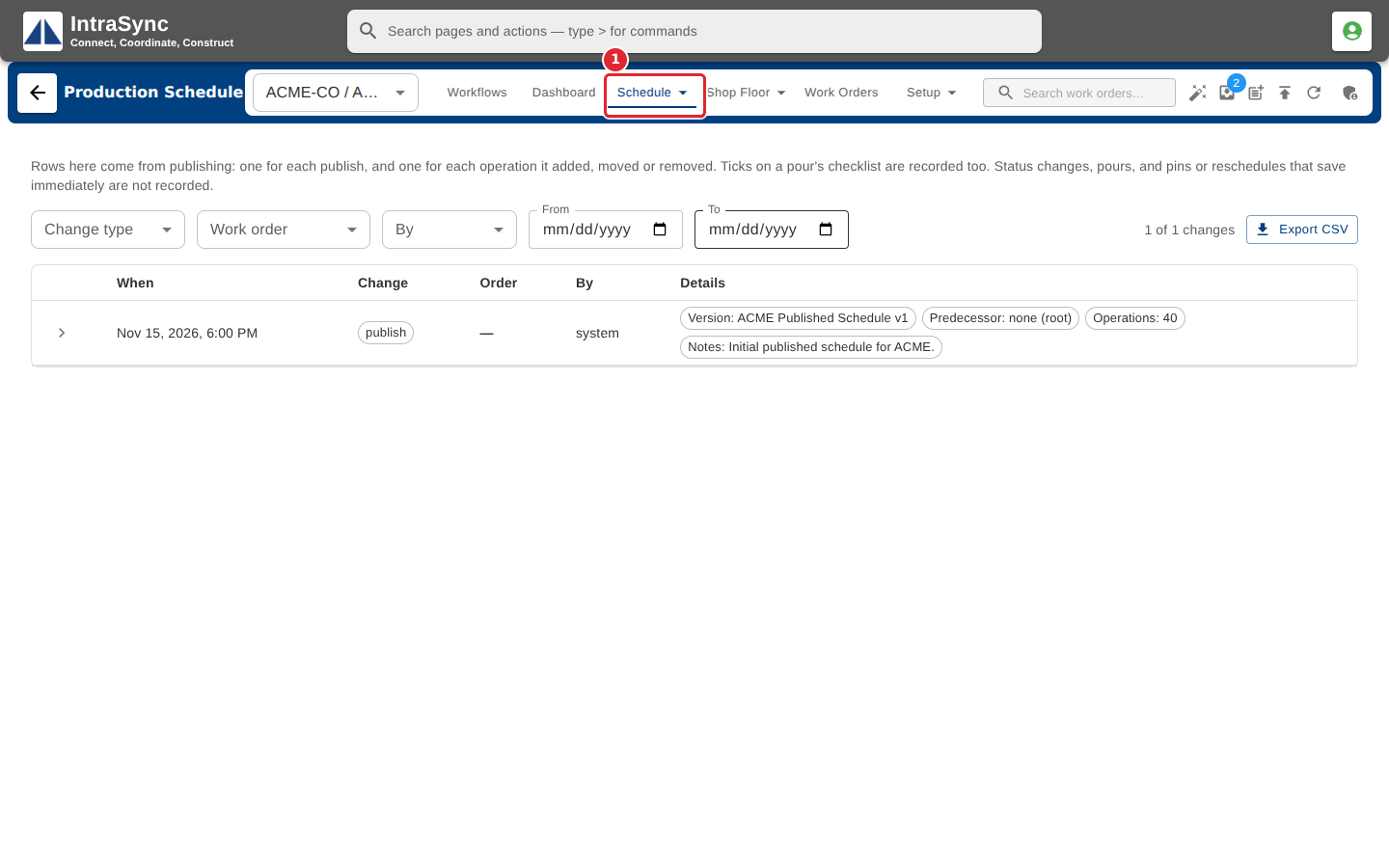
Select Schedule > Change Log.
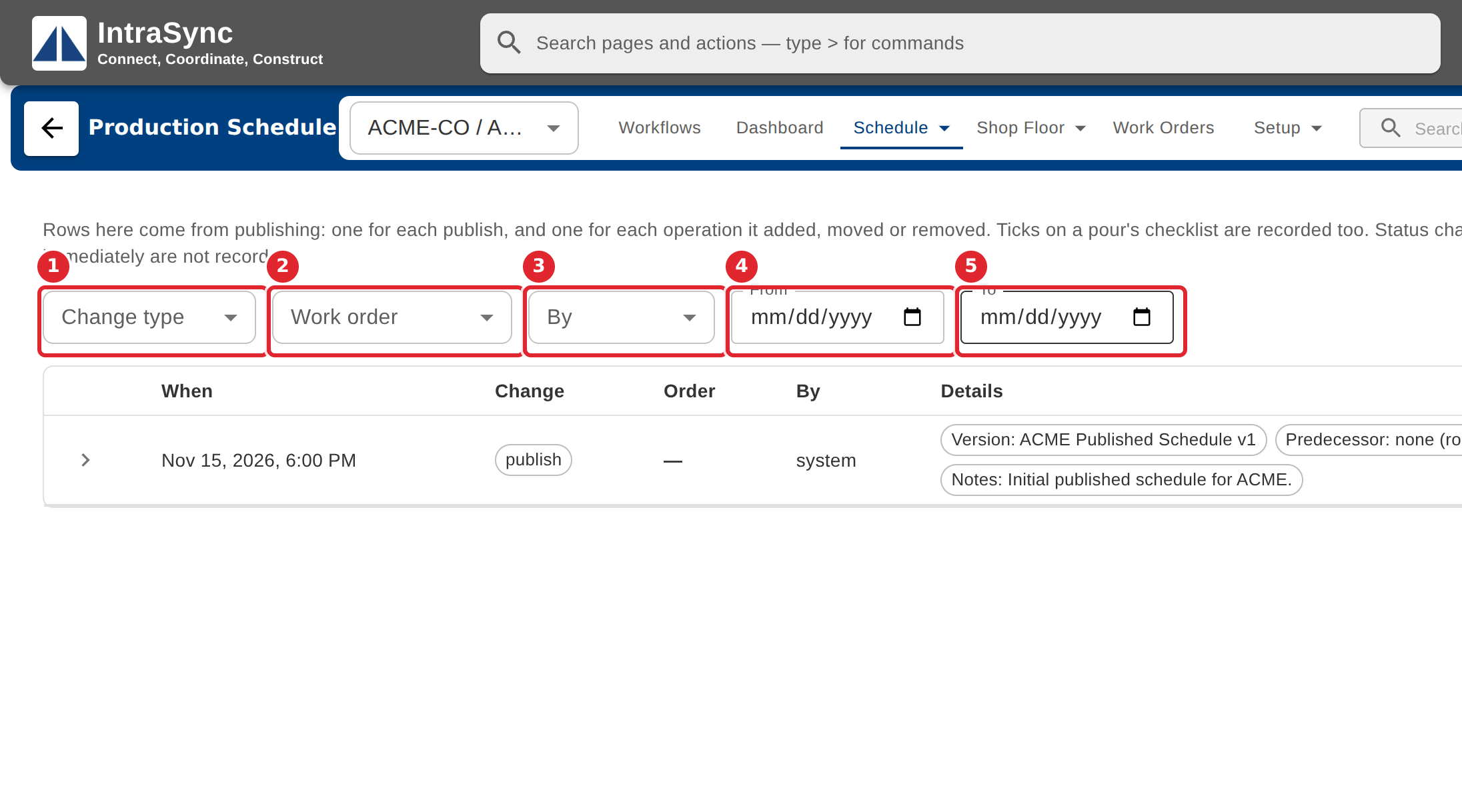
Narrow the list by change type, work order, who made the change, and dates.
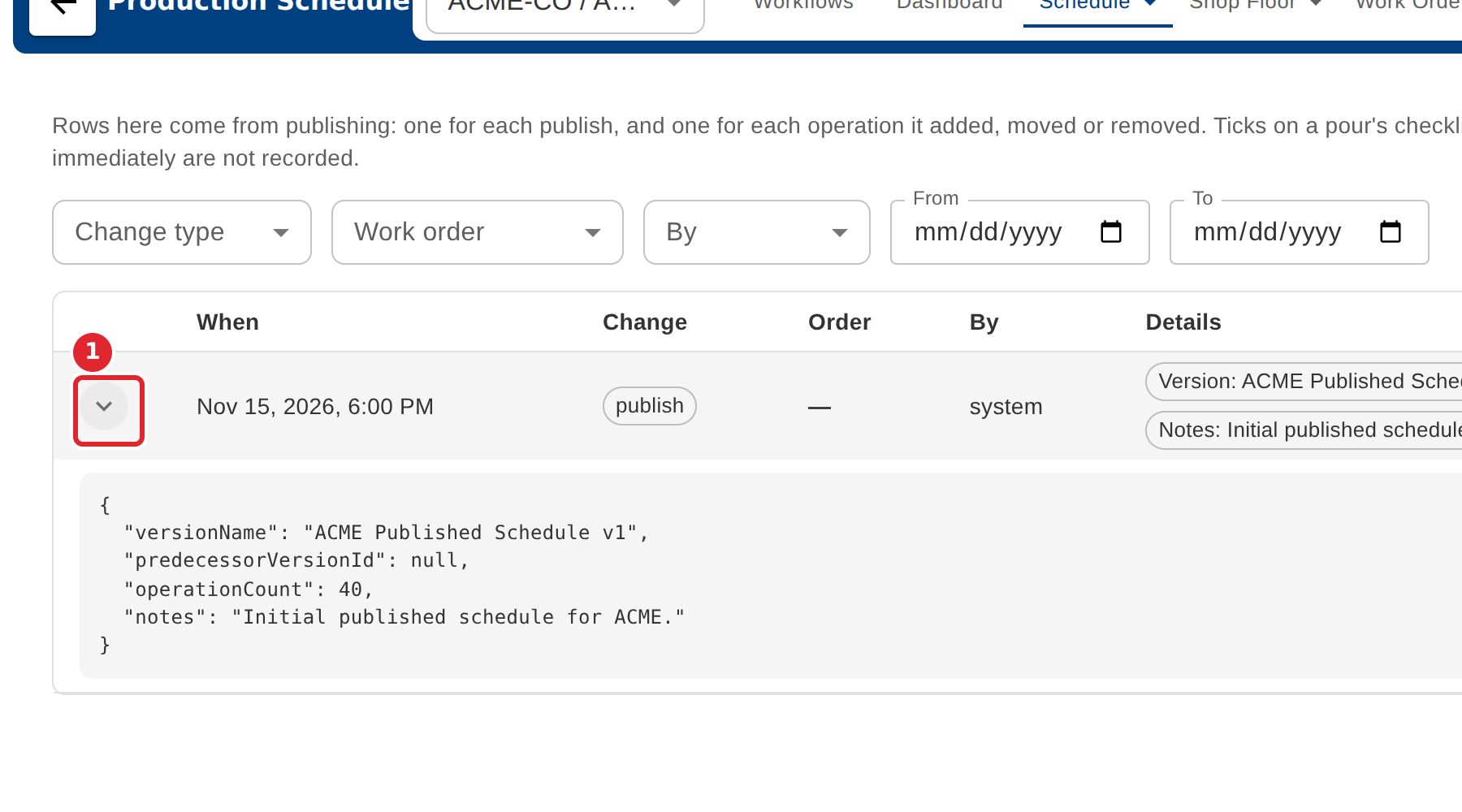
Select Show payload to see the full detail of a change.
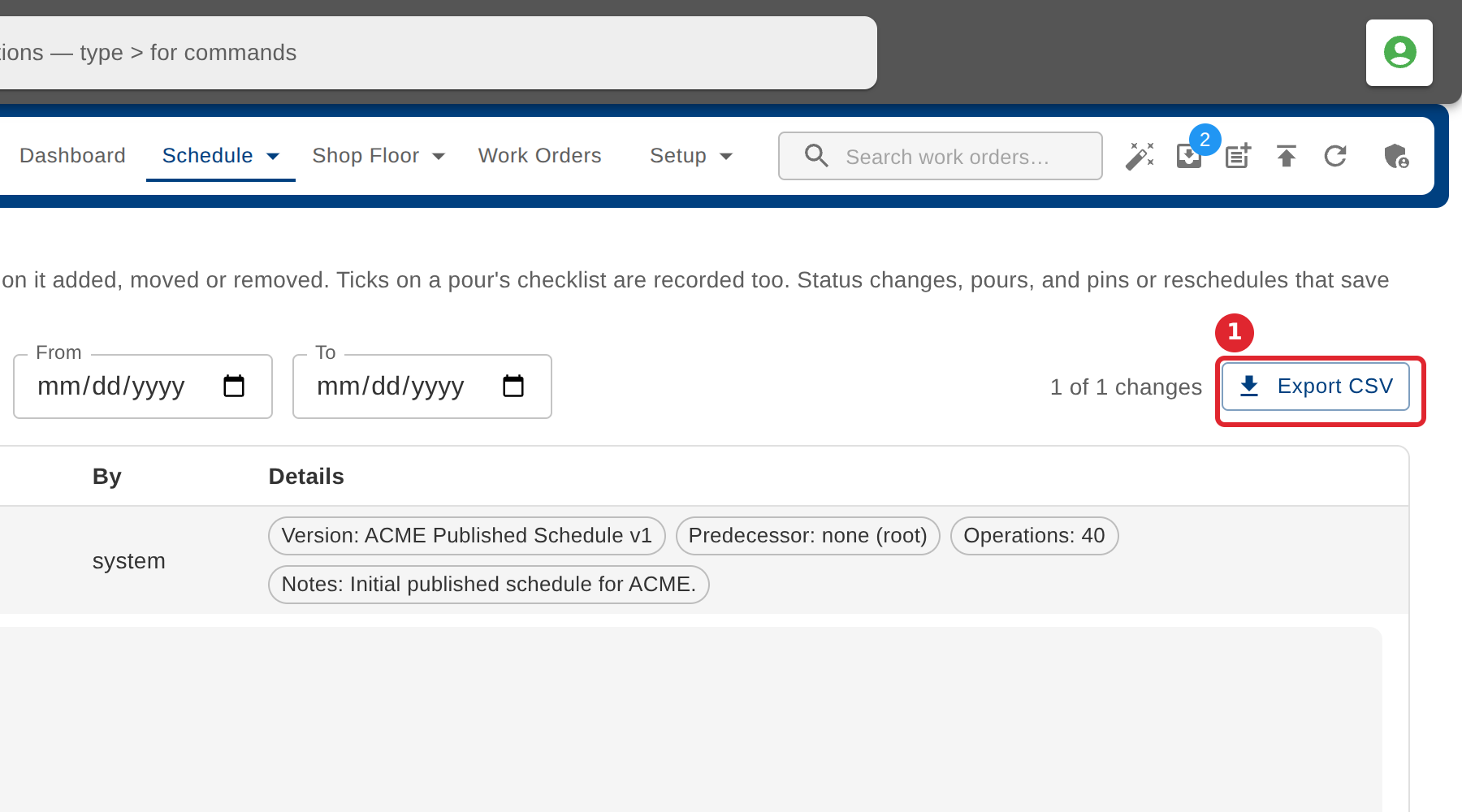
Select Export CSV to download the changes shown.
Tips
- Rows come from publishing: one for each publish, and one for each operation it added, moved or removed. Ticks on a pour's checklist are recorded too.