Production Schedule guide · section 17 of 23
See today's work on the shop floor
Show the plant what it is working on today, work center by work center.
Watch this in the video (0:40)
Steps
In the pictures, a numbered red box marks where to click or type. Where a picture has more than one box, the numbers give the order.
Select Shop Floor > Today.
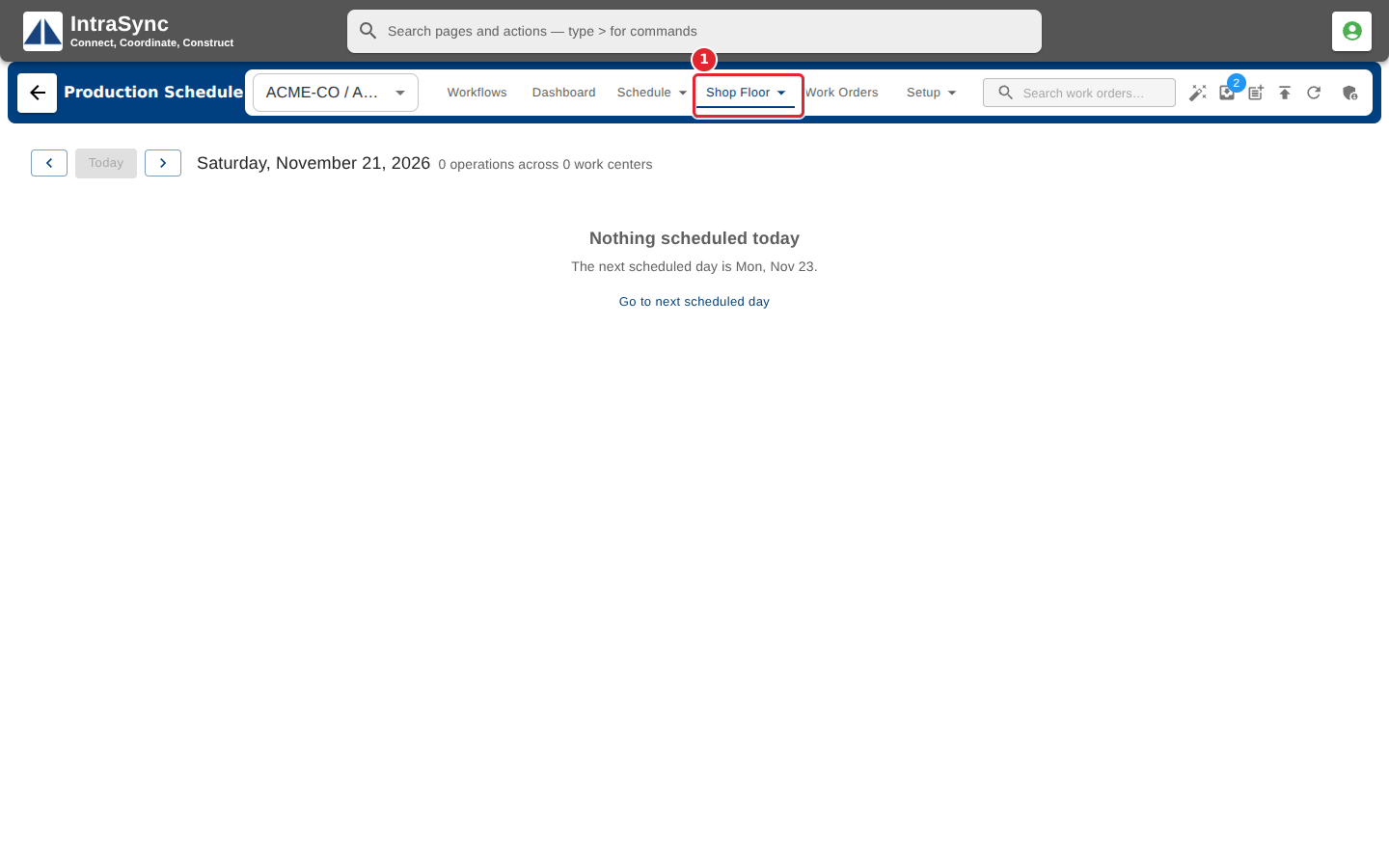
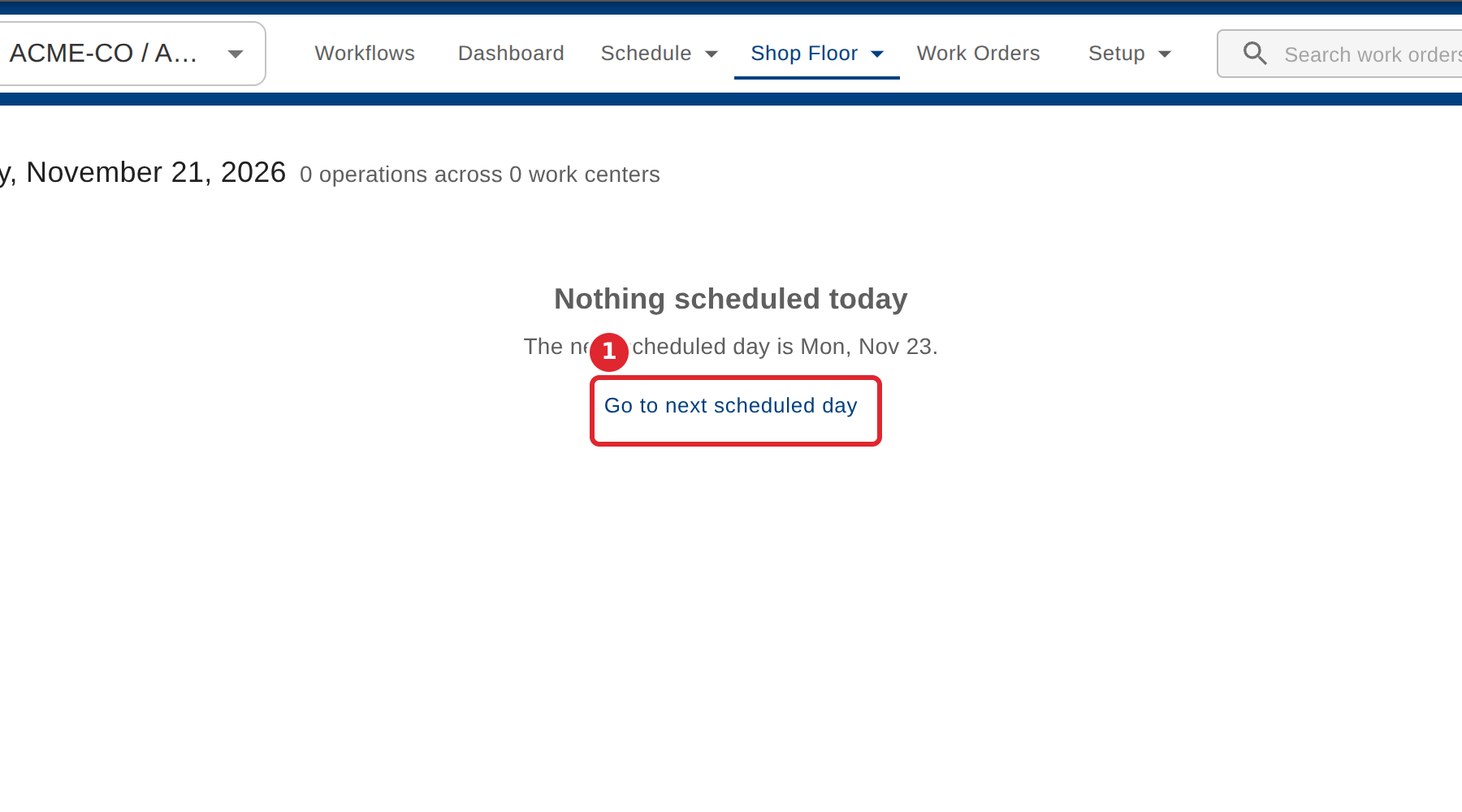
On a day with nothing scheduled, select Go to next scheduled day.
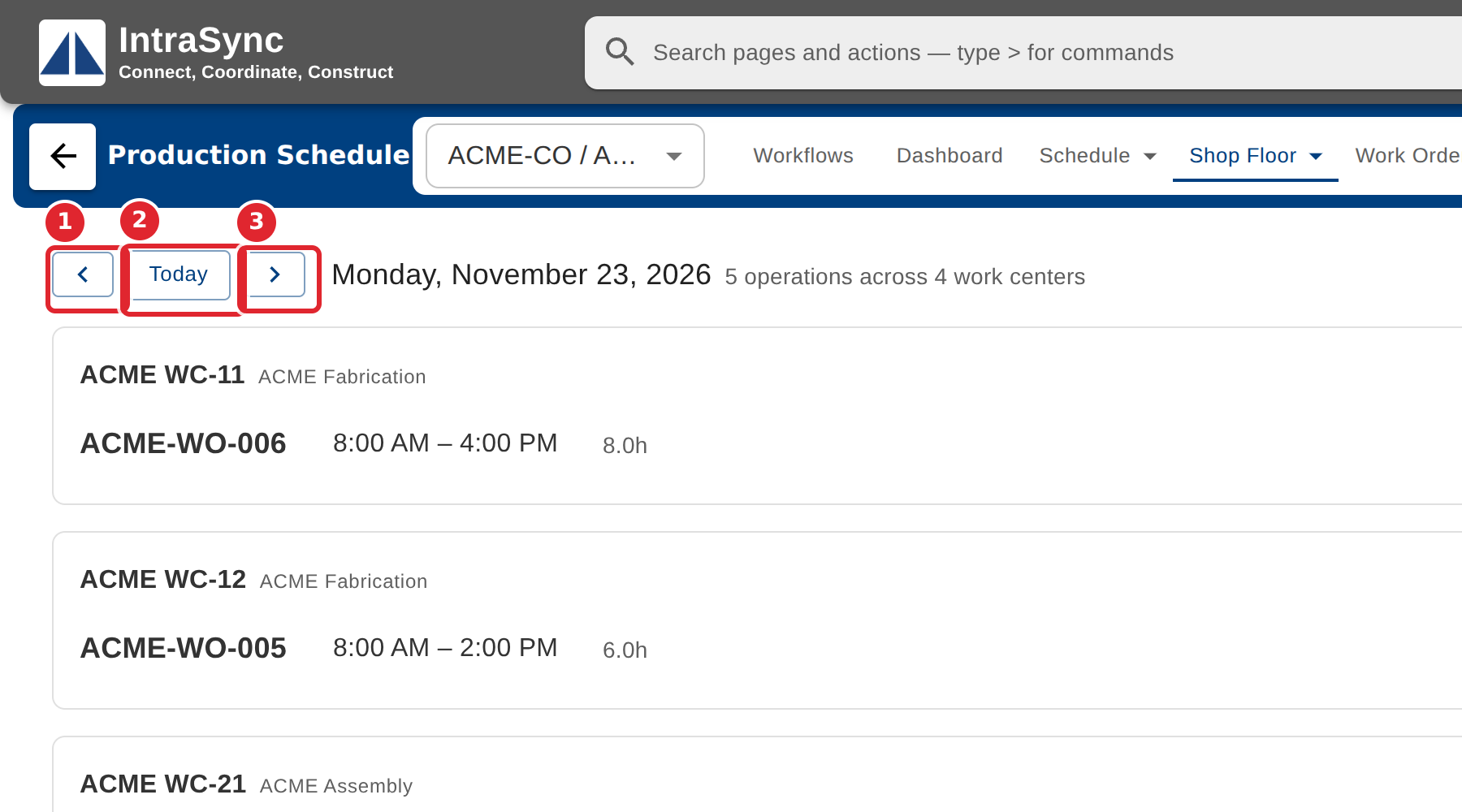
Read the day's operations, work center by work center. Use Previous day, Today and Next day to move.
Tips
- Today follows the plant's own time zone.