Production Schedule guide · section 15 of 23
Review published versions
See which version the plant is working to, and how it came to be.
Watch this in the video (0:27)
Steps
In the pictures, a numbered red box marks where to click or type. Where a picture has more than one box, the numbers give the order.
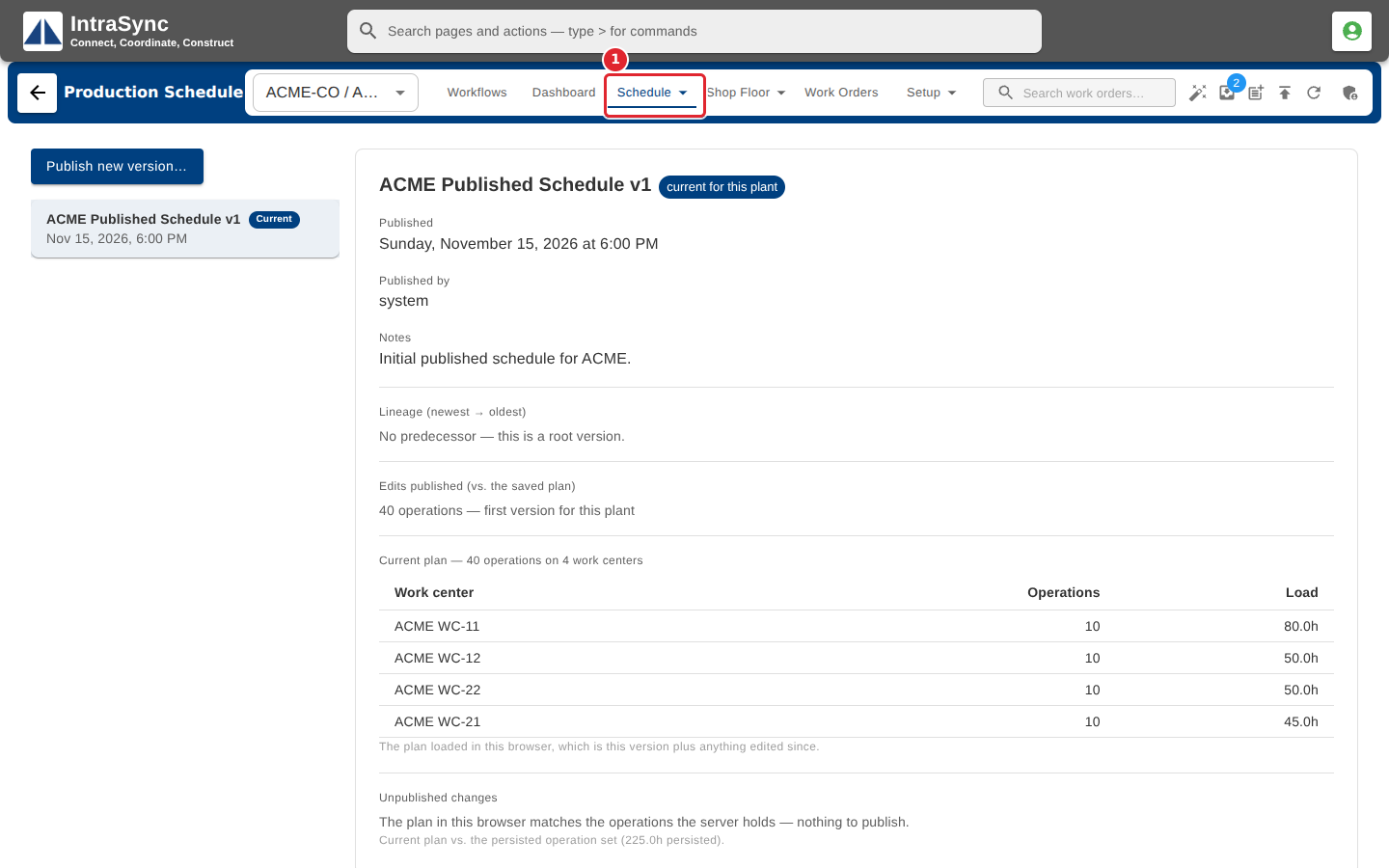
Select Schedule > Versions.
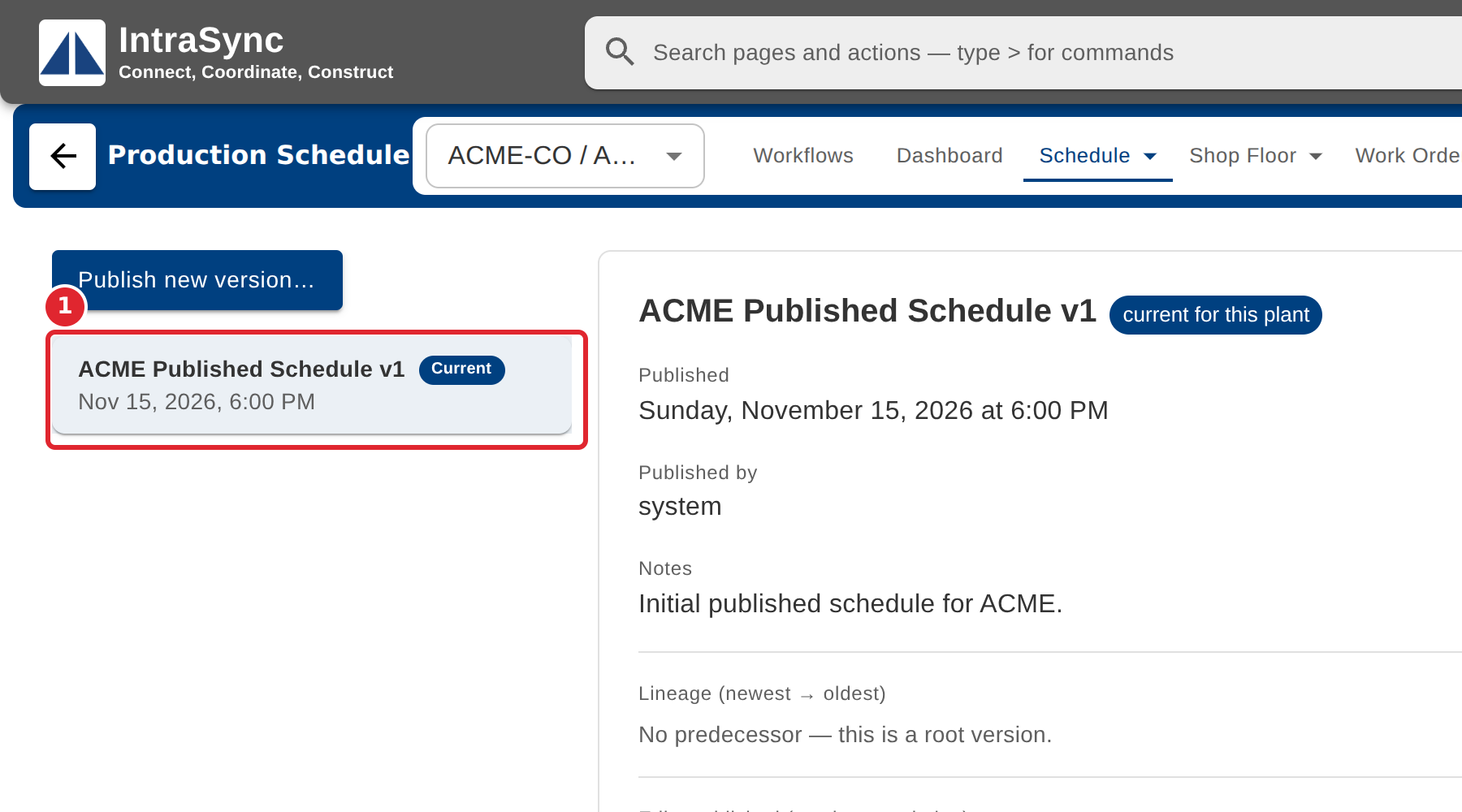
Select a version in the list. The current one is marked Current.
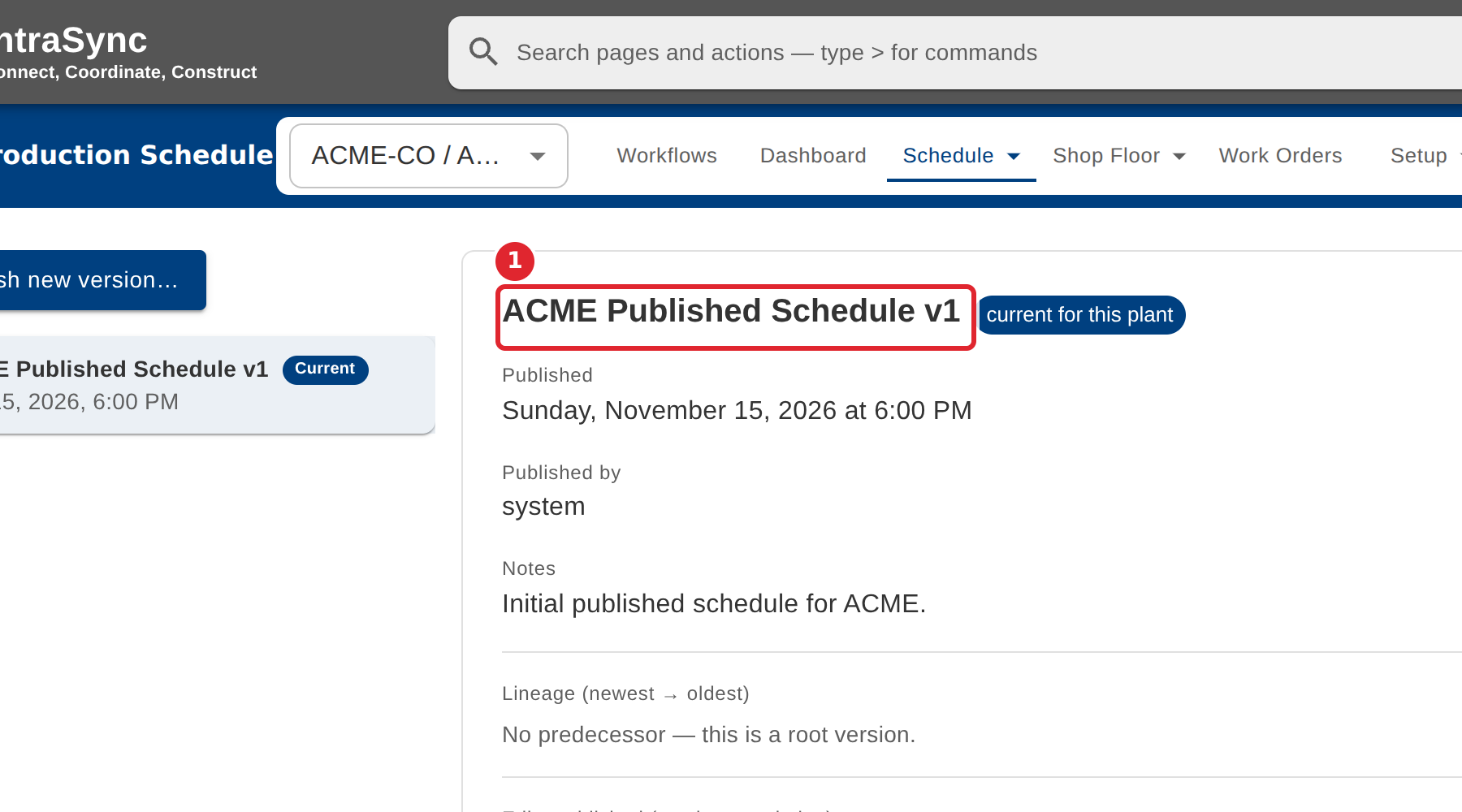
Read when it was published, by whom, its notes, its predecessor and what it changed.
Tips
- Unpublished changes, at the foot of the page, says whether the plan in your browser differs from what the server holds.