Production Schedule guide · section 2 of 23
Choose which plant to work on
Plan one plant at a time, or look across every plant together.
Steps
In the pictures, a numbered red box marks where to click or type. Where a picture has more than one box, the numbers give the order.
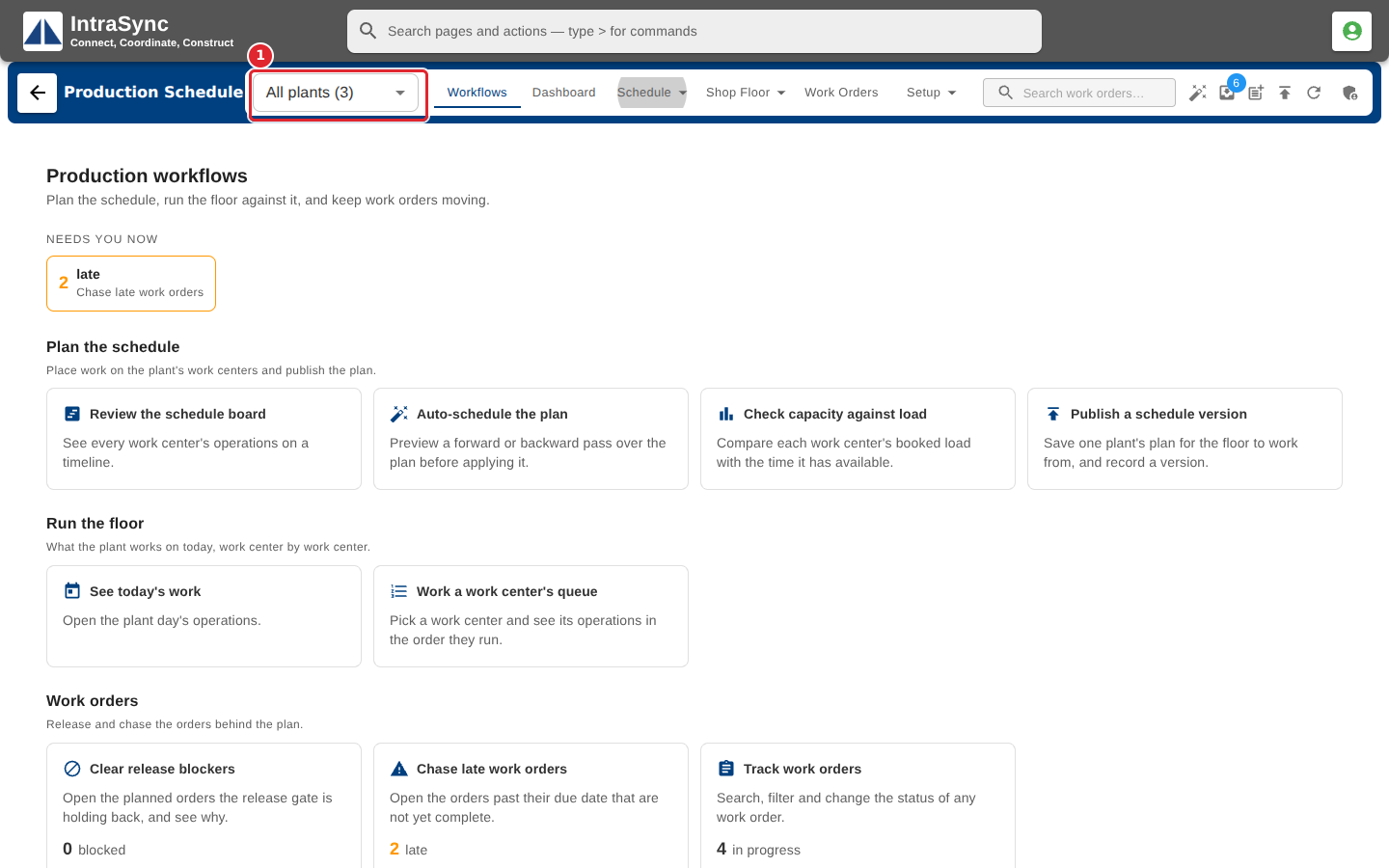
Find the plant selector at the left of the header.
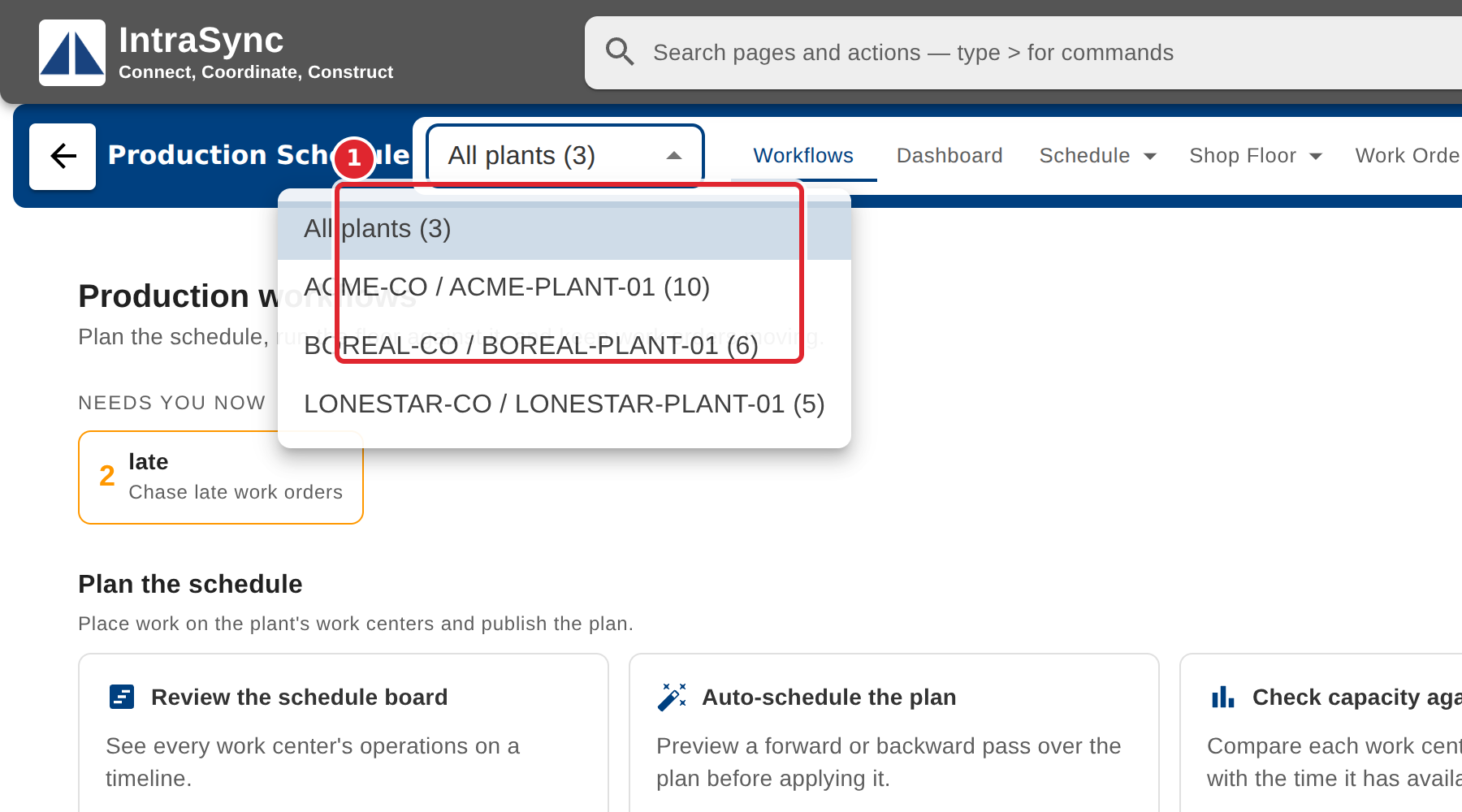
Select the plant you want to plan, or All plants to see every plant together.
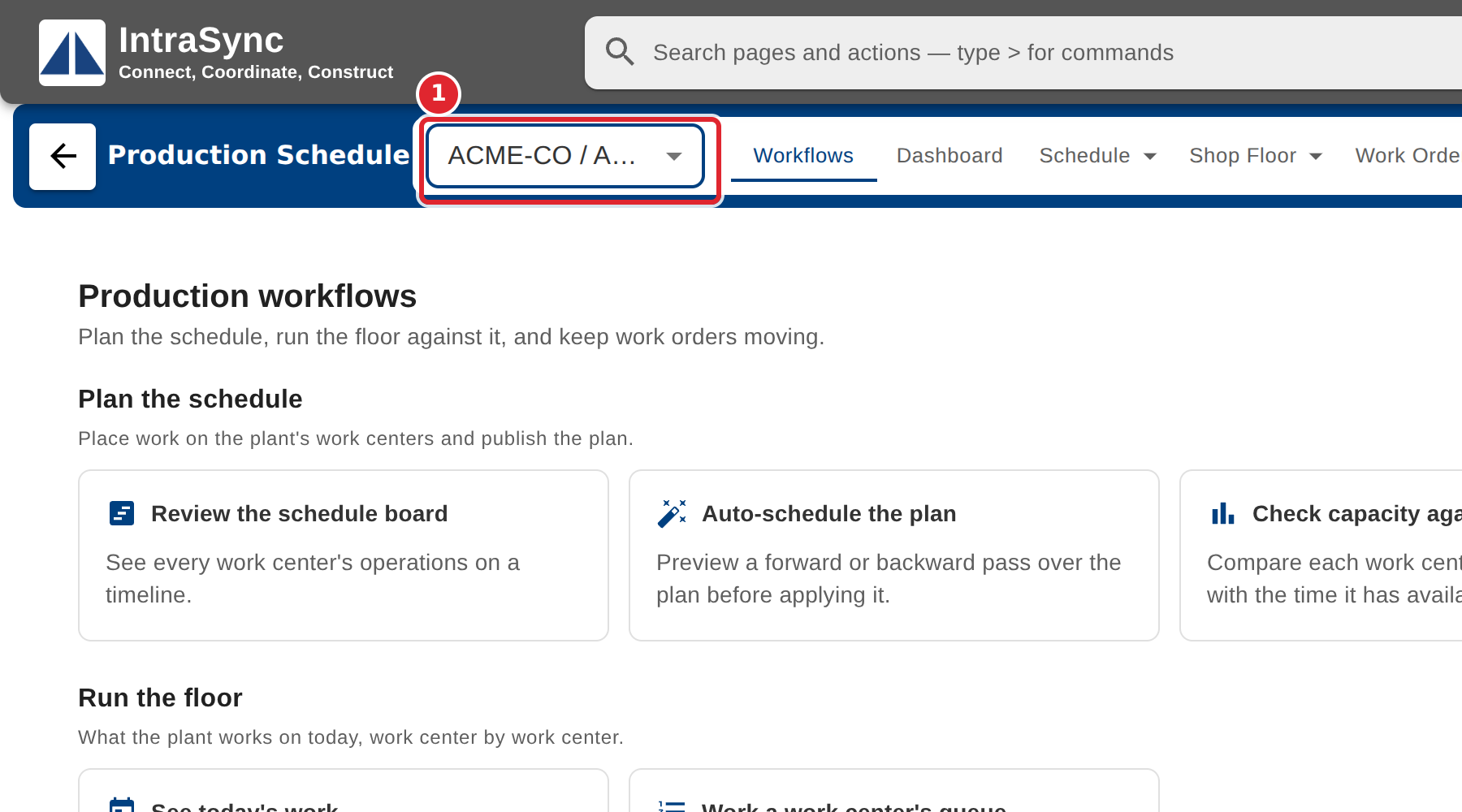
Every screen now shows that plant only.
Tips
- Each plant in the list shows how many work orders it has.
- Publishing a schedule version needs one plant chosen: a version belongs to exactly one plant.