Production Schedule guide · section 10 of 23
Find and filter work orders
Find the orders you need to release, chase or check.
Watch this in the video (0:52)
Steps
In the pictures, a numbered red box marks where to click or type. Where a picture has more than one box, the numbers give the order.
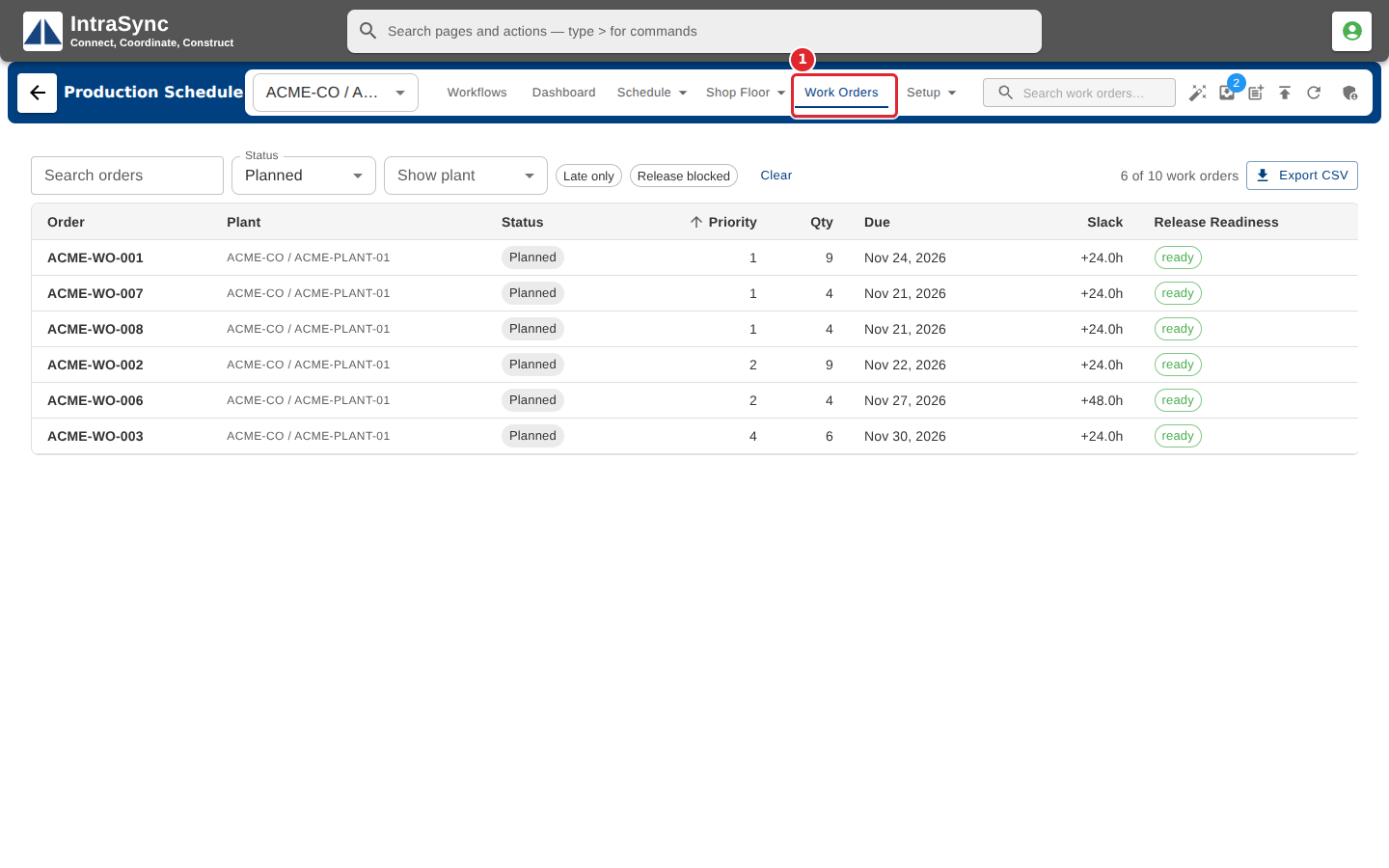
Select Work Orders.
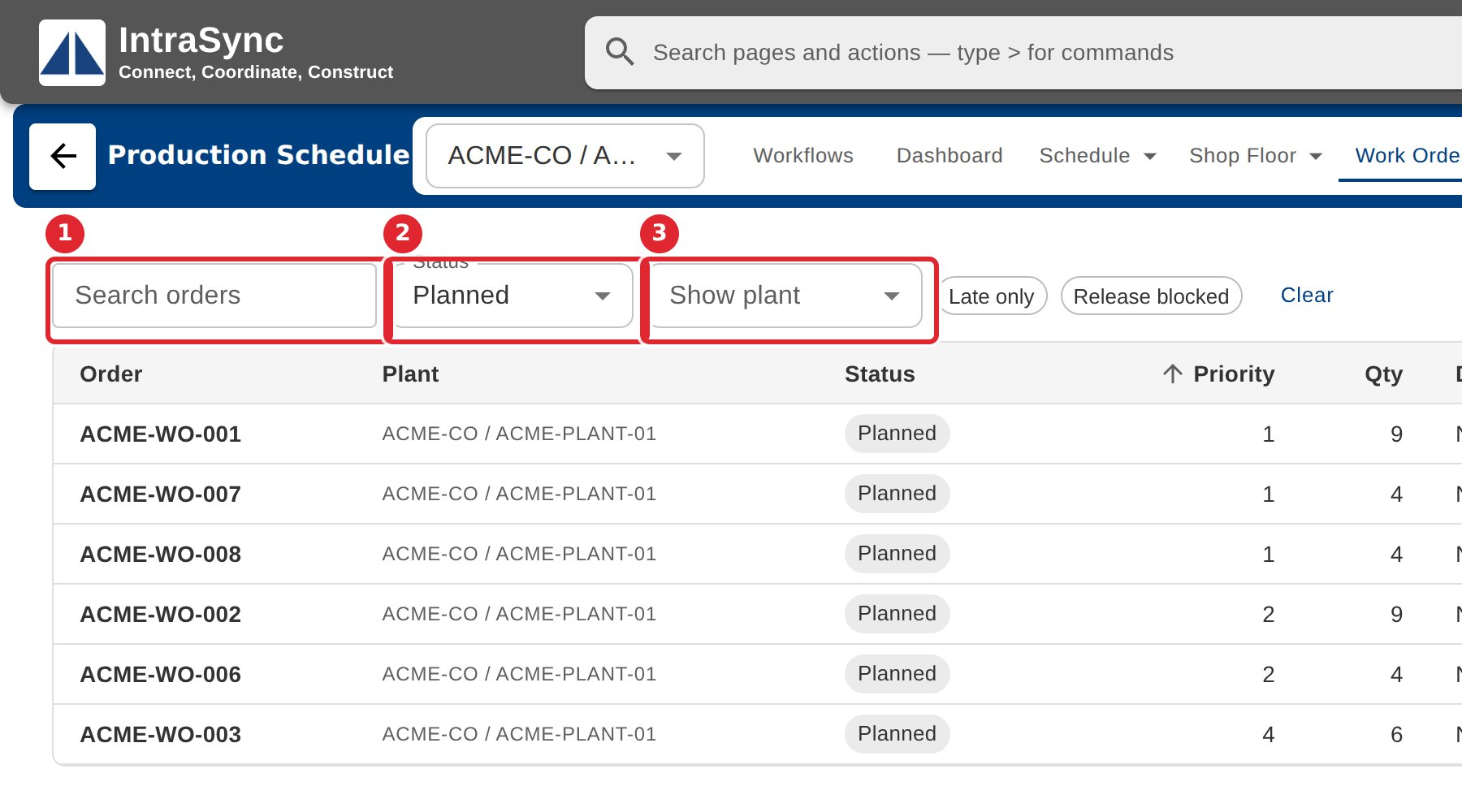
Search by order, or filter by status and plant.
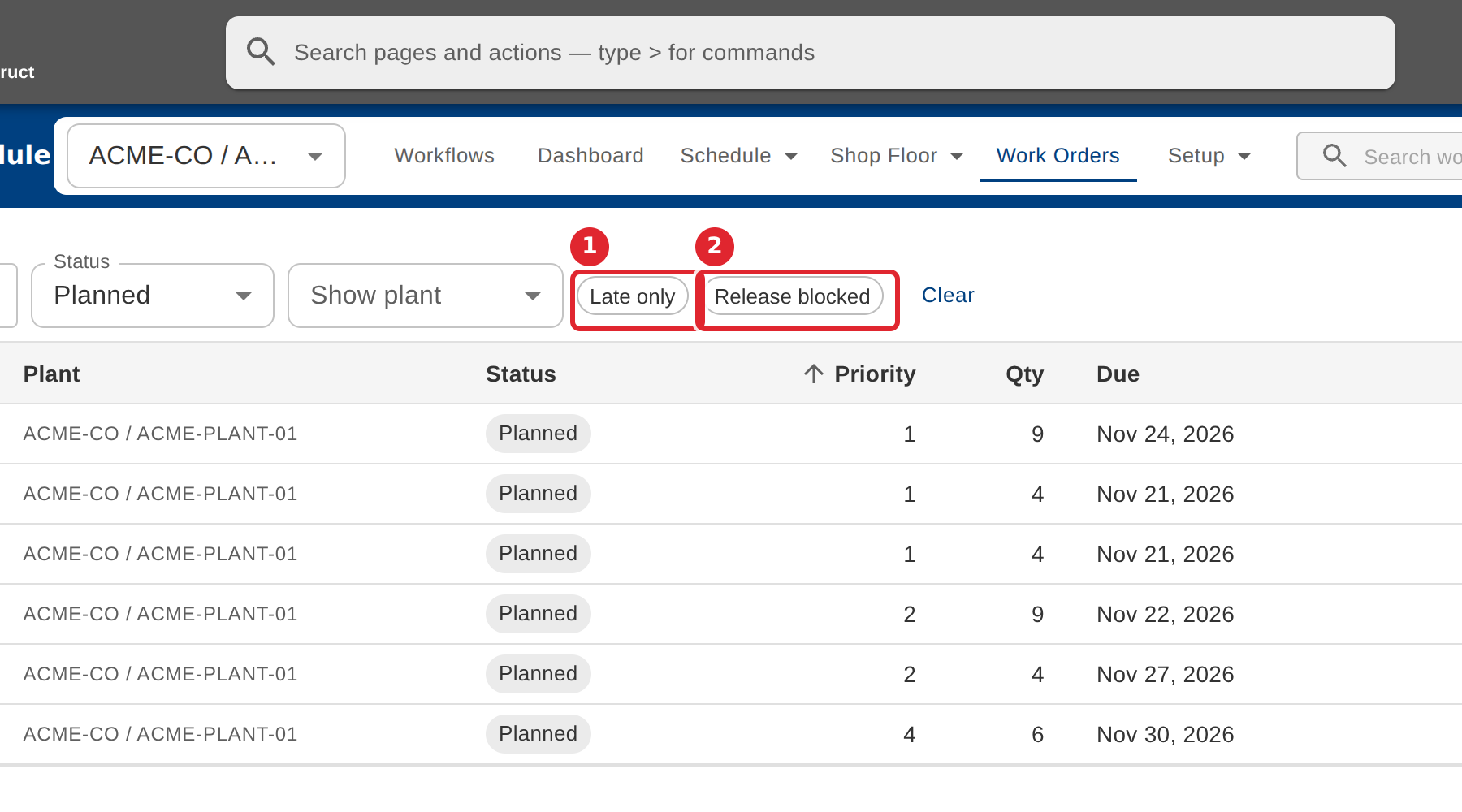
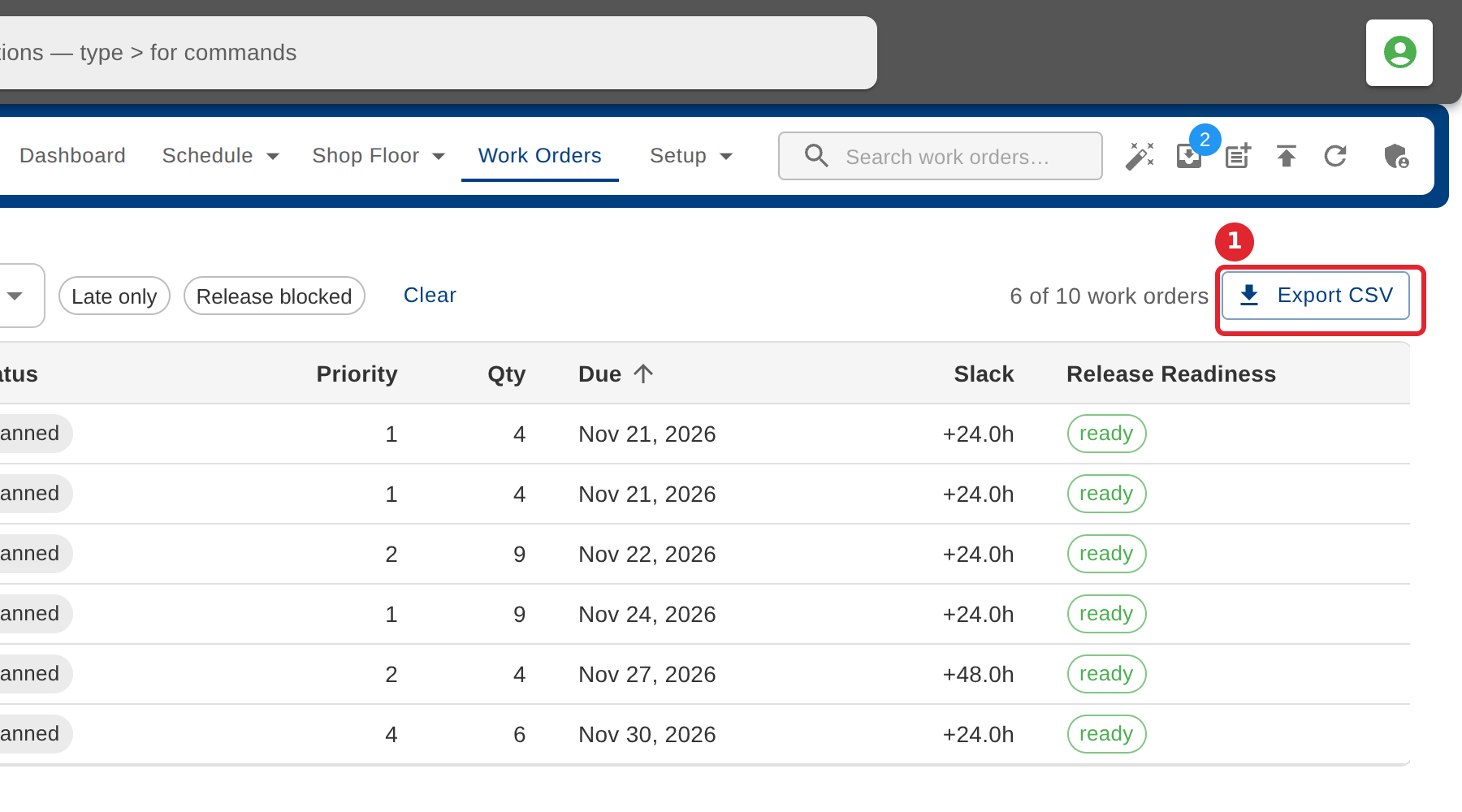
Select Late only or Release blocked to see just those orders.
Select a column heading to sort by it. Slack is the time to spare before the due date.
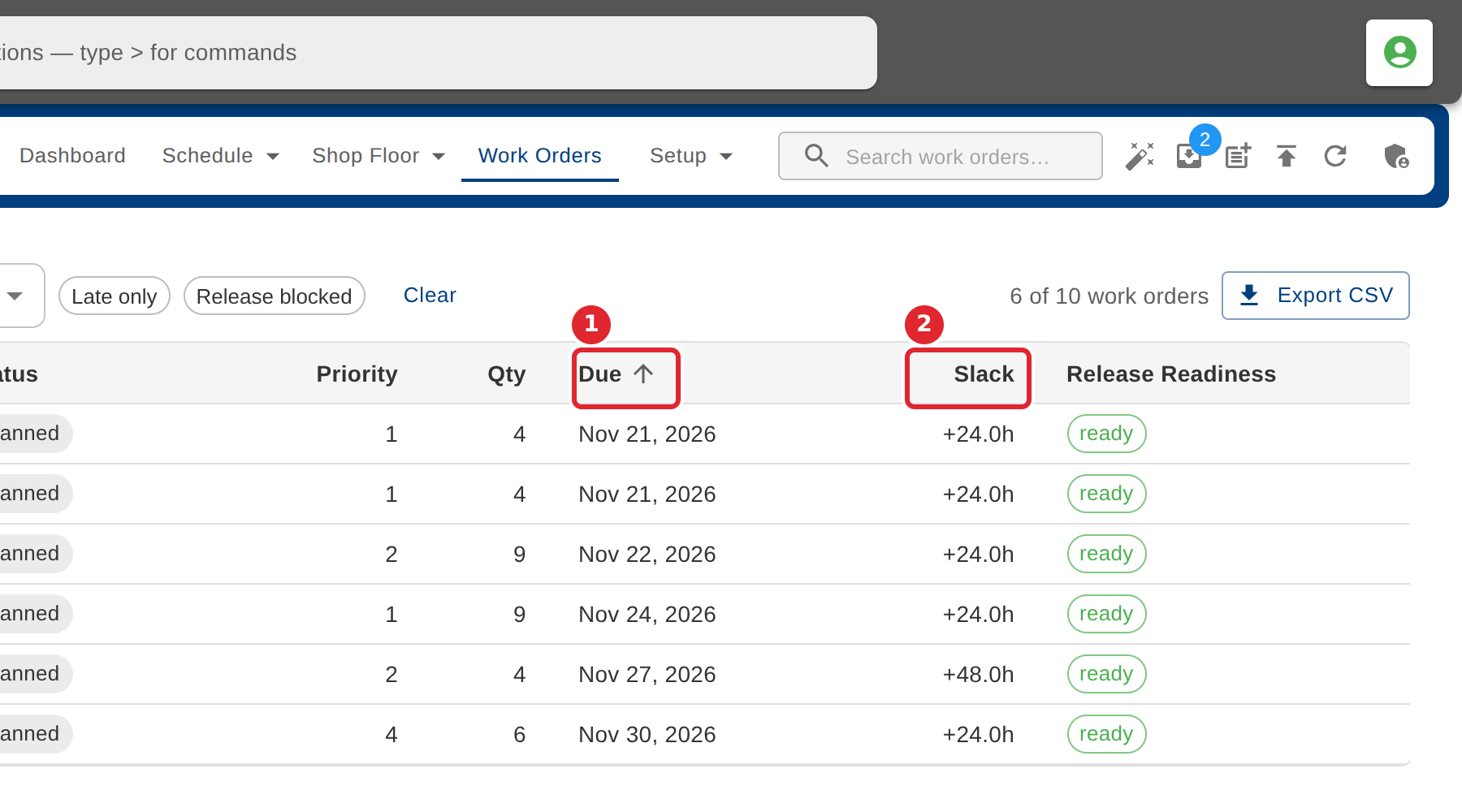
Select Export CSV to download the list as shown.
Tips
- Slack is a stored planning buffer between completion and the due date. It is not measured from the order's scheduled dates.
- When filters hide every order, select Clear filters to see them again.
- Release Readiness shows whether a planned order passes the release gate.