Project Management guide · section 4 of 20
Check the health of every project
See at a glance which projects are on track and which are slipping, before you open any of them.
Watch this in the video (0:08)
Steps
In the pictures, a numbered red box marks where to click or type. Where a picture has more than one box, the numbers give the order.
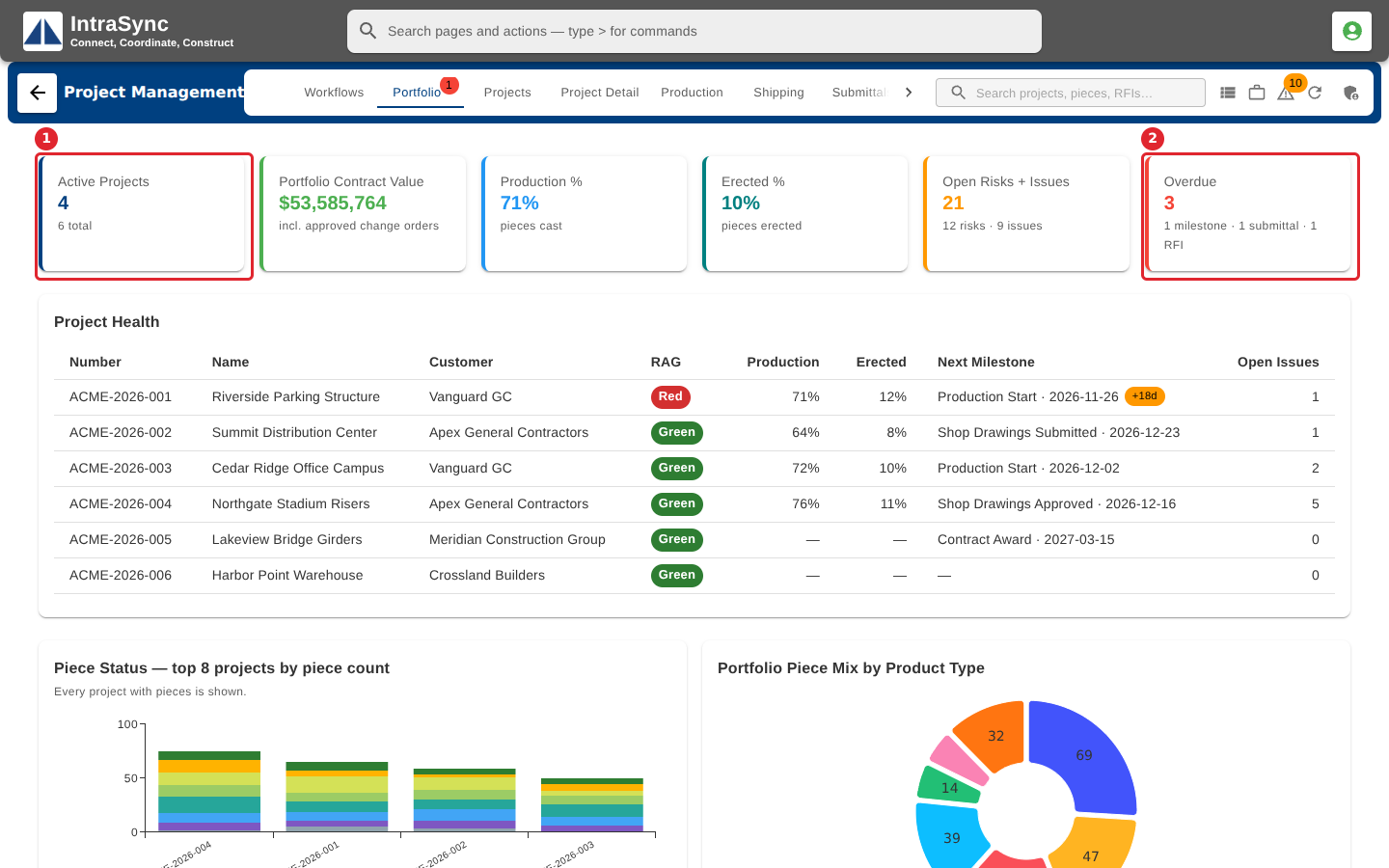
Open the Portfolio tab. The cards across the top total every project: active projects, contract value, production and erection progress, open risks and issues, and overdue milestones.
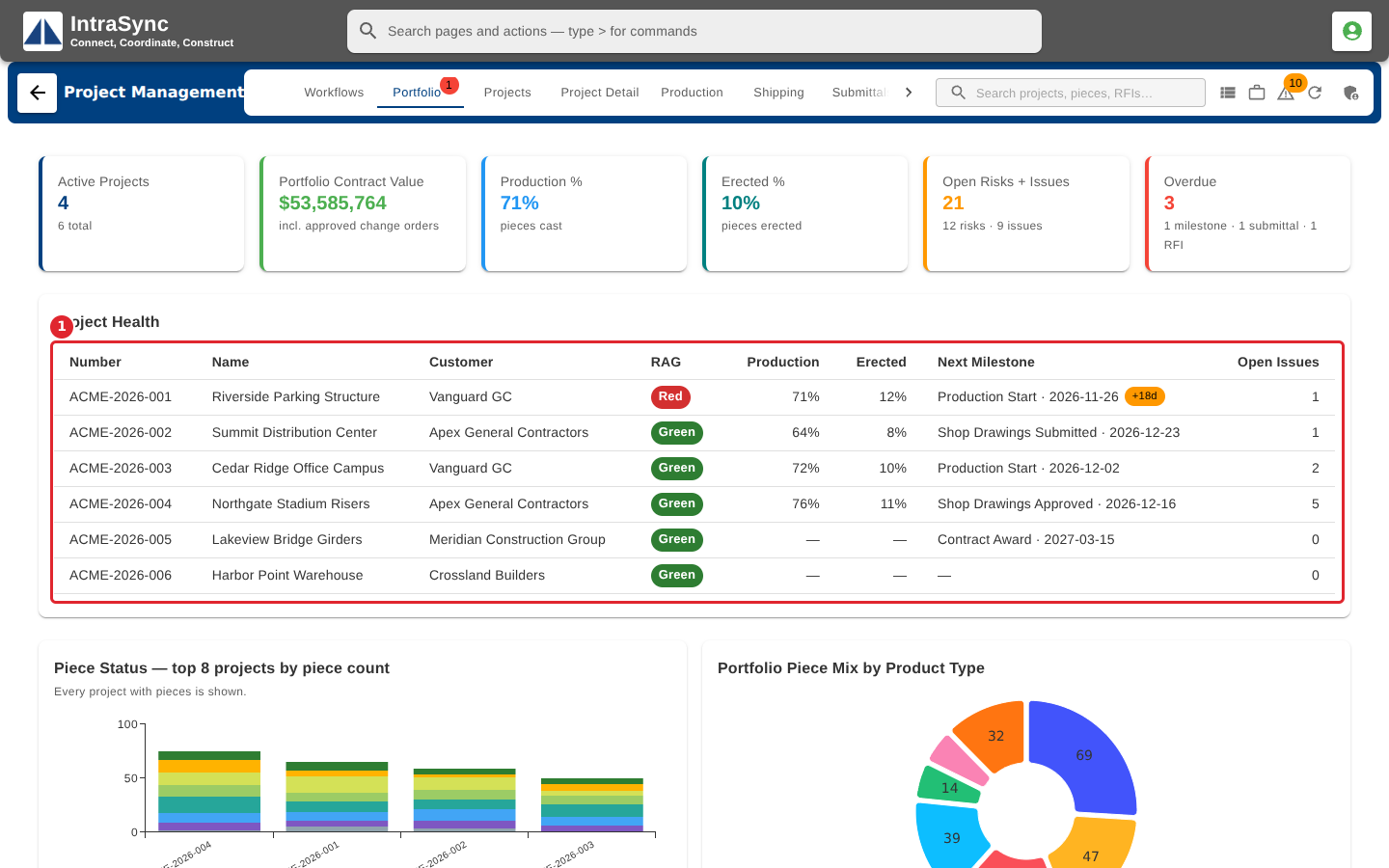
Read the Project Health table: one row per project, with its red, amber or green status, progress and next milestone.
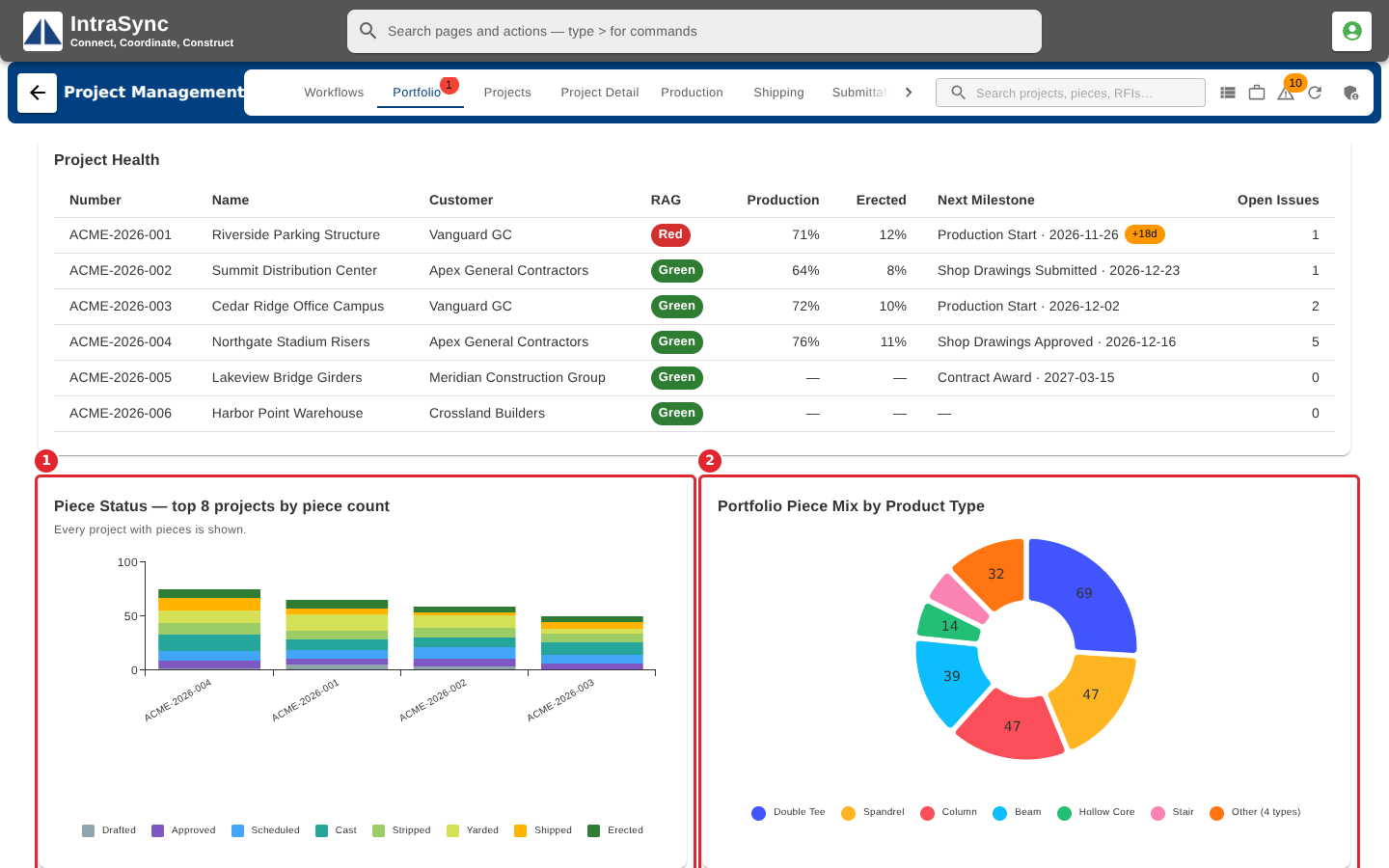
Scroll down for the piece status of the largest projects and the mix of product types across the portfolio.
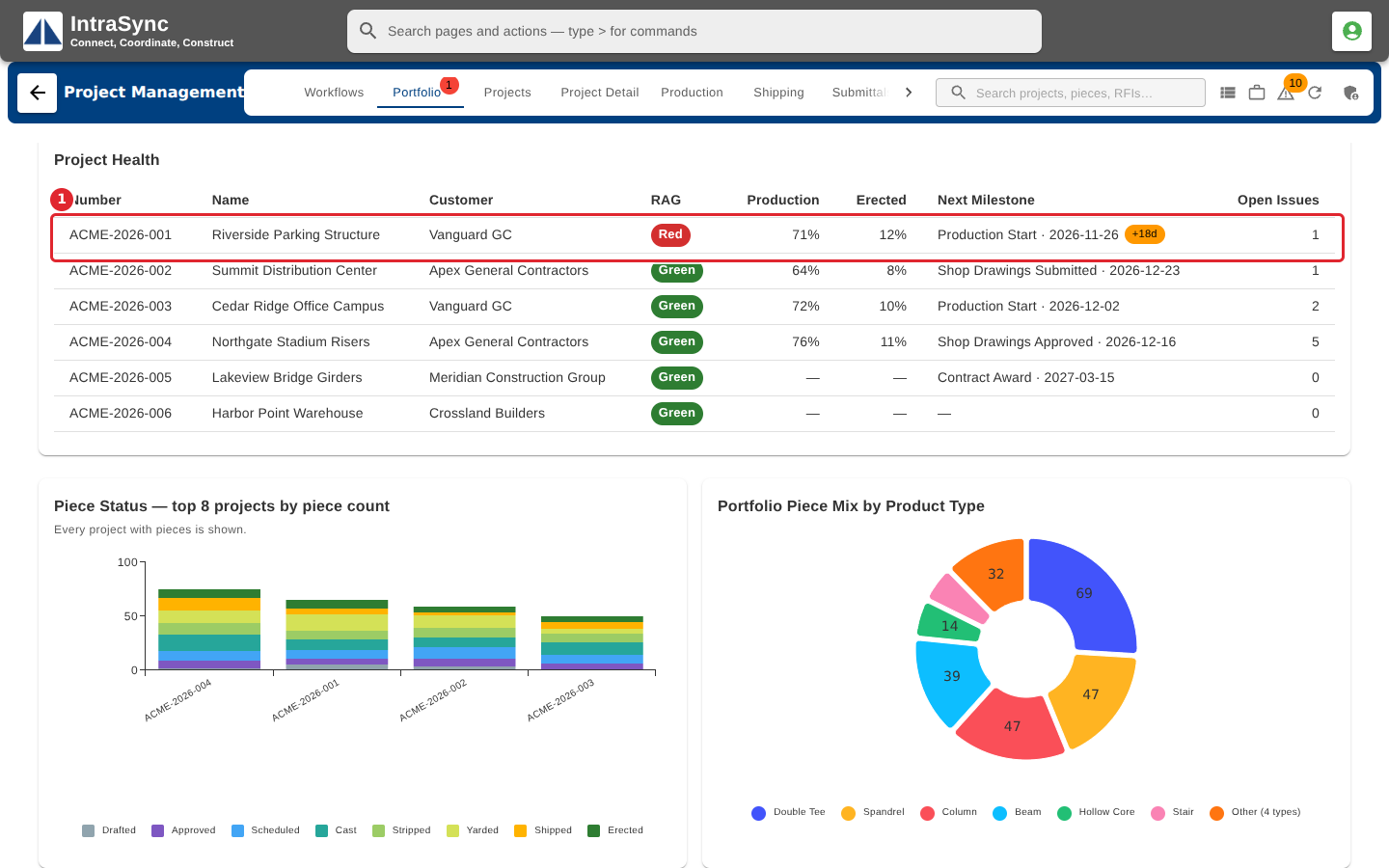
Select a row to open that project on the Project Detail tab.
Tips
- A project turns amber or red from its worst milestone slip, or from open critical issues. An administrator can see the exact thresholds under Module configuration.
- Production and erection percentages come from the pieces logged on the Production tab. A project with no pieces shows a dash.