Project Management guide · section 3 of 20
Search for a project, piece, submittal, RFI or document
Jump straight to a record when you know a number, a mark or part of a name.
Steps
In the pictures, a numbered red box marks where to click or type. Where a picture has more than one box, the numbers give the order.
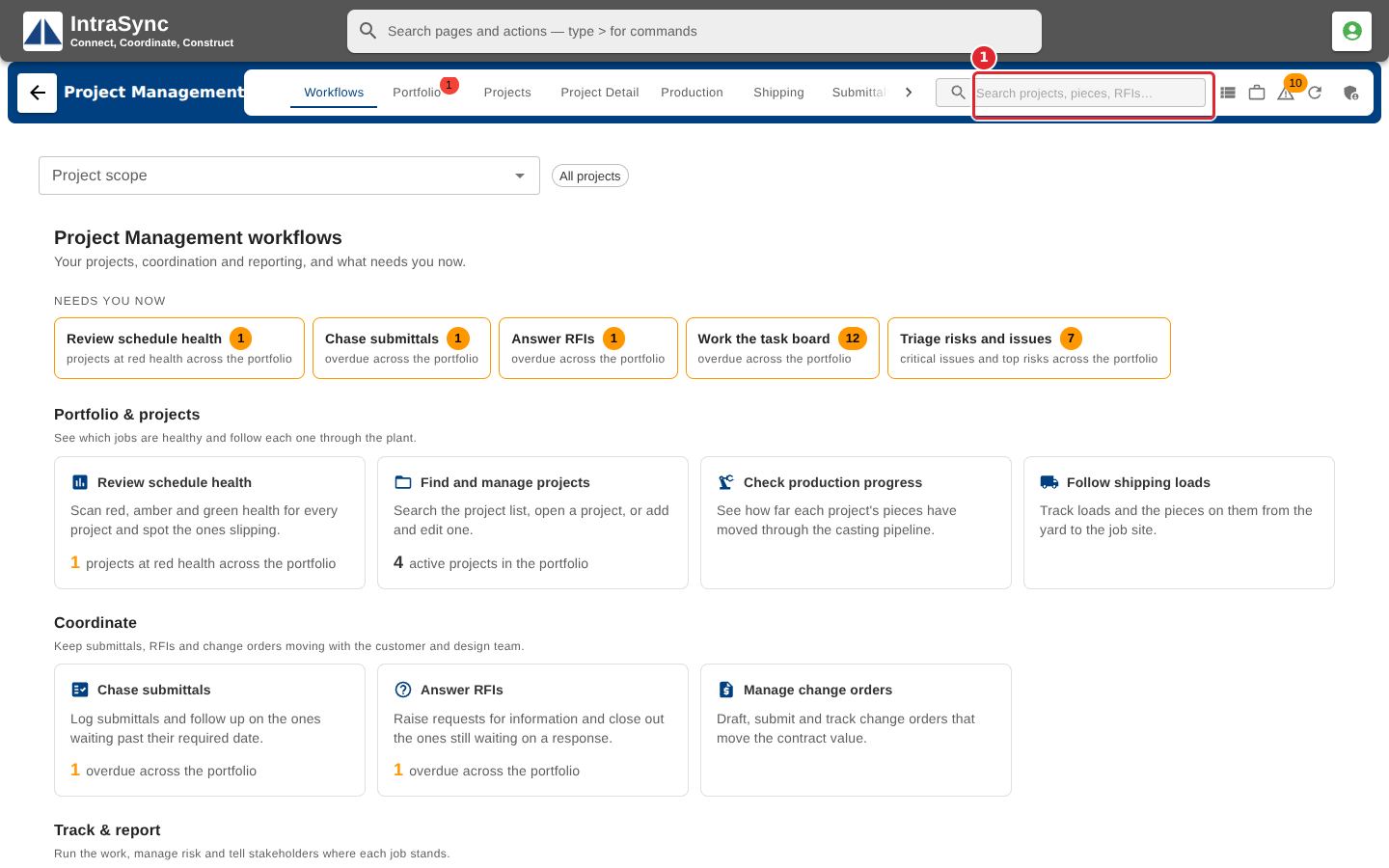
Select the search box in the hub header.
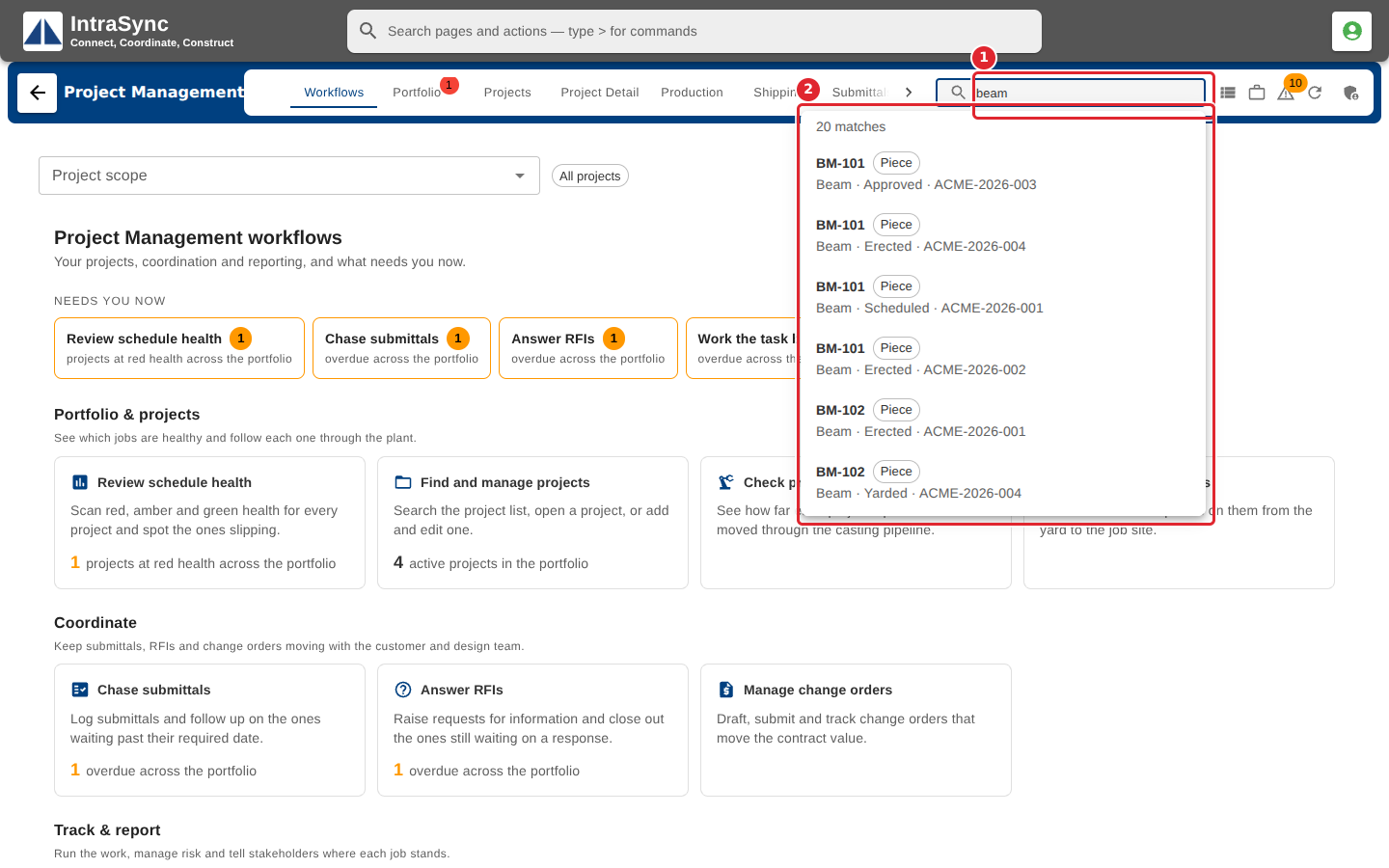
Type at least two characters. Matching projects, pieces, submittals, RFIs and documents appear, each marked with what it is.
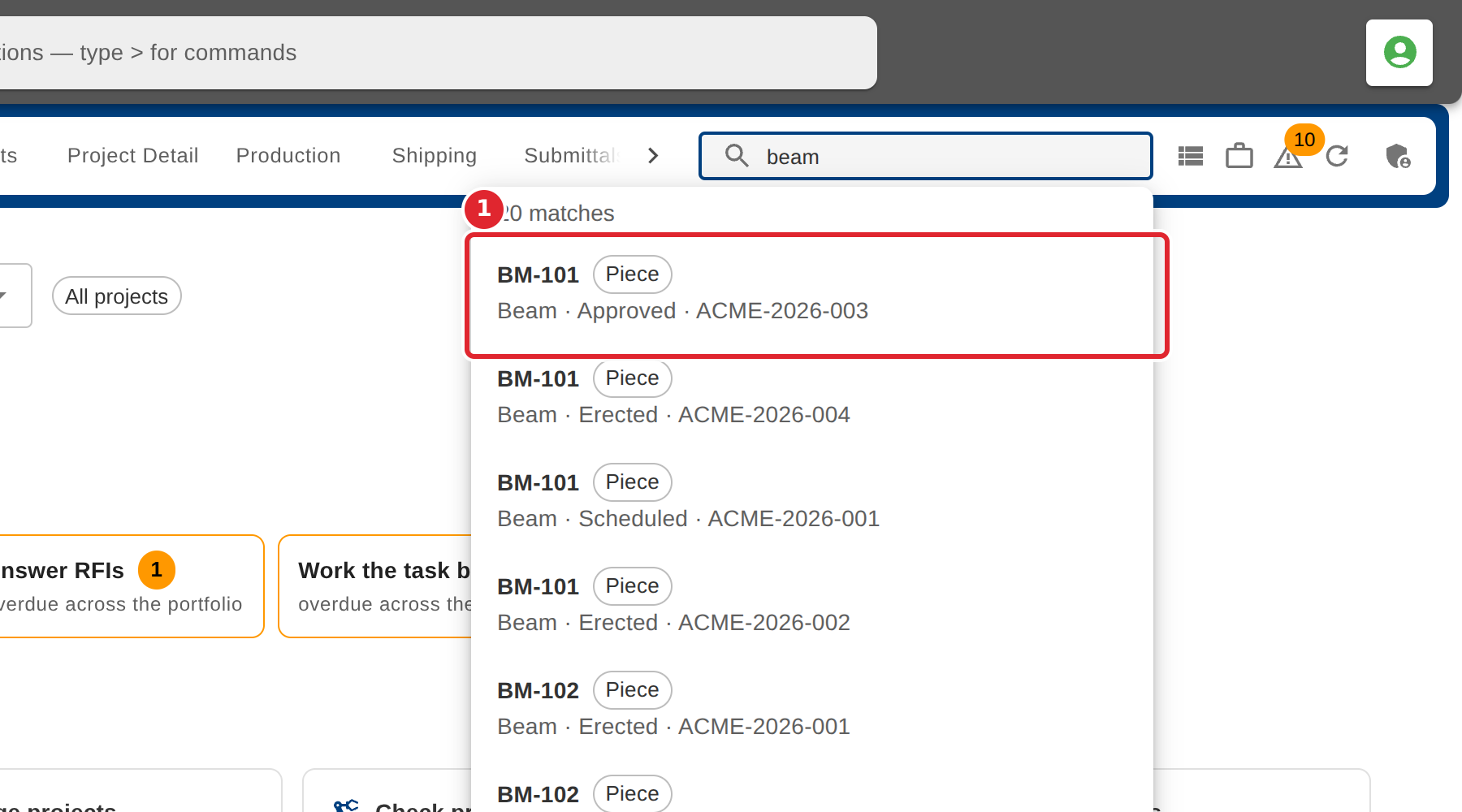
Select a result. The hub scopes to its project and opens the tab that holds it.
Tips
- Search looks at project numbers and names, piece marks and drawings, submittal and RFI numbers, and document names.
- When nothing matches, the results say so; check the spelling or try fewer characters.