Project Management guide · section 6 of 20
Find, edit or delete a project
Keep the register accurate as a job's customer, dates, value or status change.
Watch this in the video (0:17)
Steps
In the pictures, a numbered red box marks where to click or type. Where a picture has more than one box, the numbers give the order.
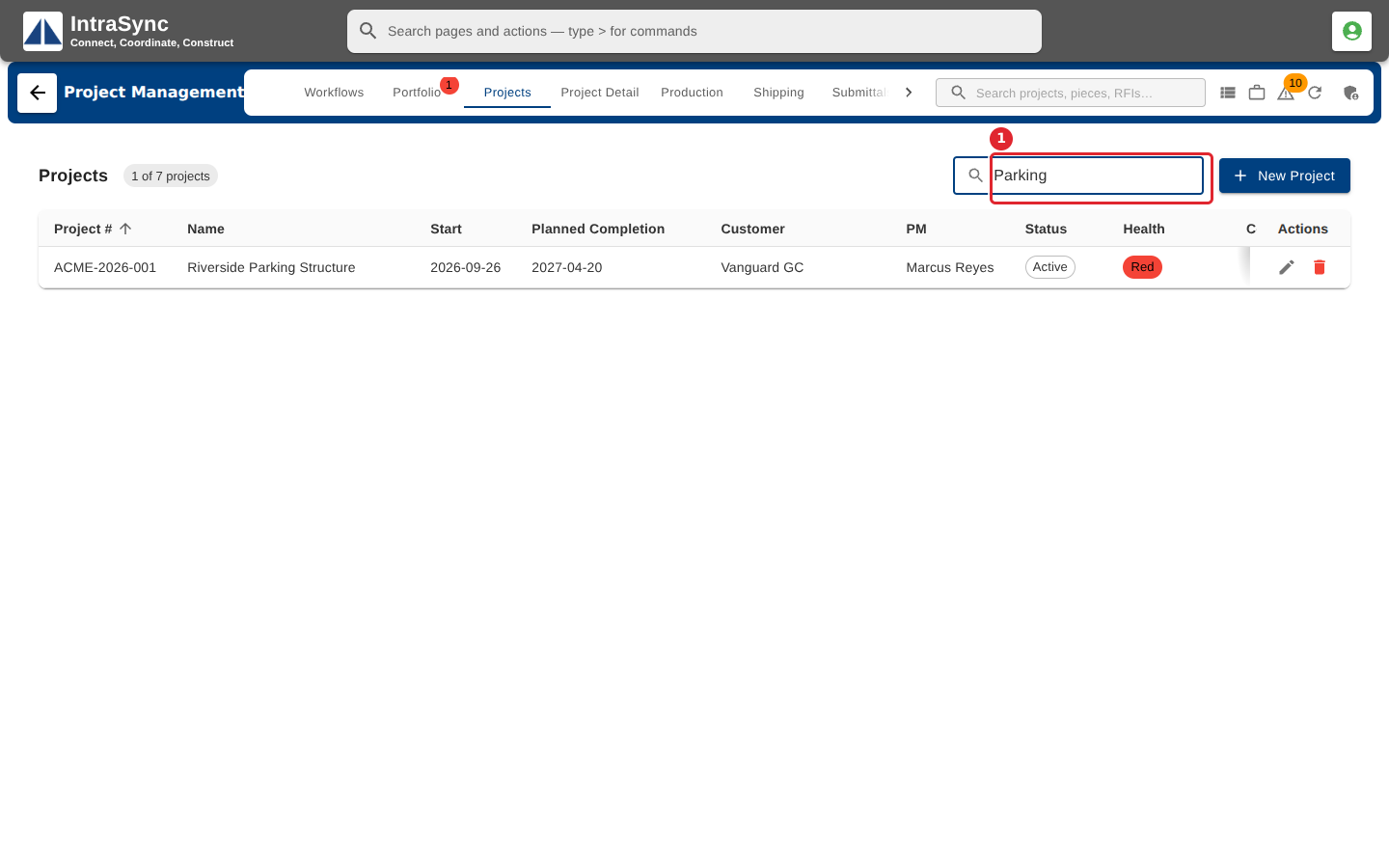
On the Projects tab, type in Filter projects to narrow the register by number, name or customer.
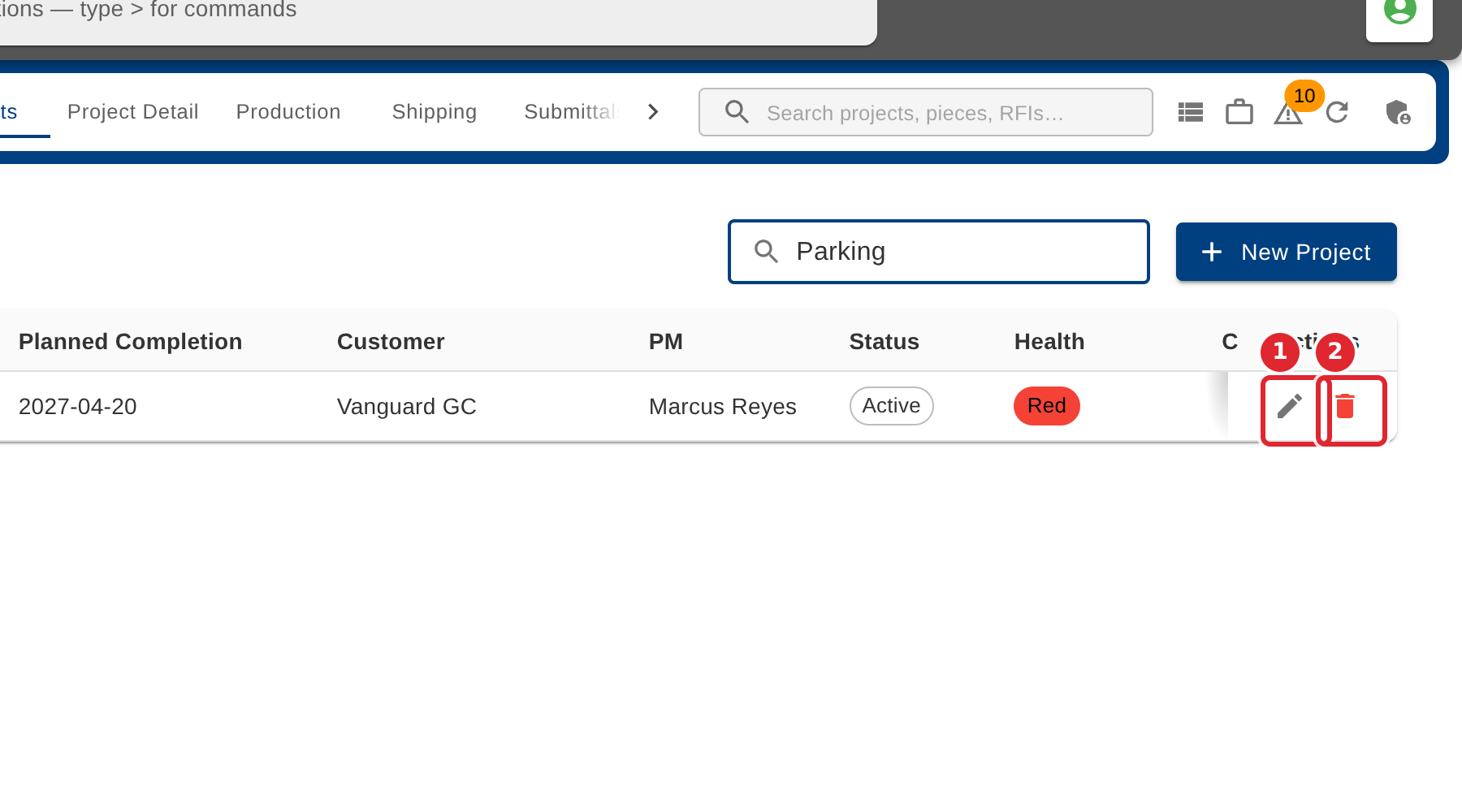
Use the pencil to edit a project, or the bin to delete it. Select the row itself to open its detail.
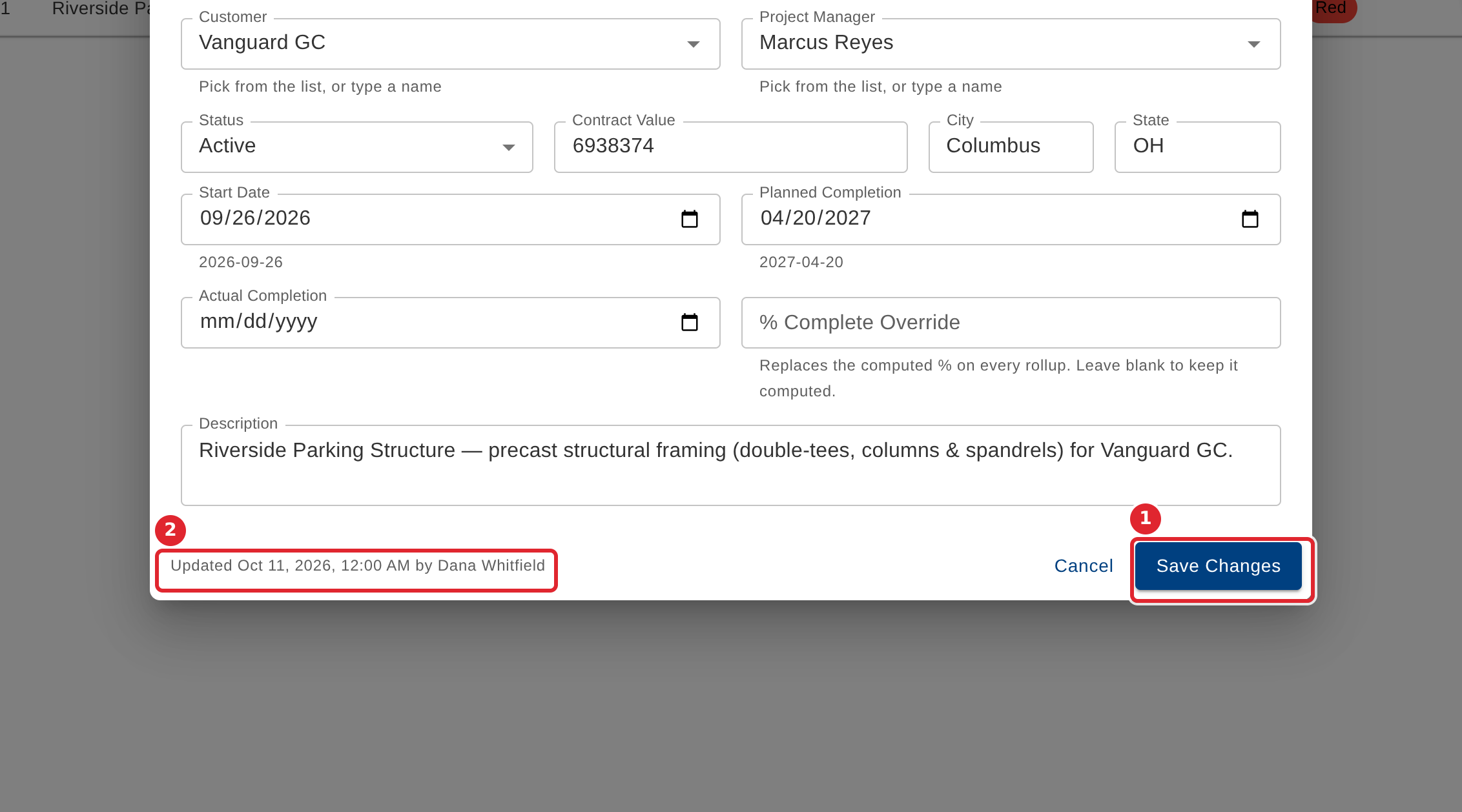
Change what you need and select Save Changes. The footer shows who last changed the project, and when.
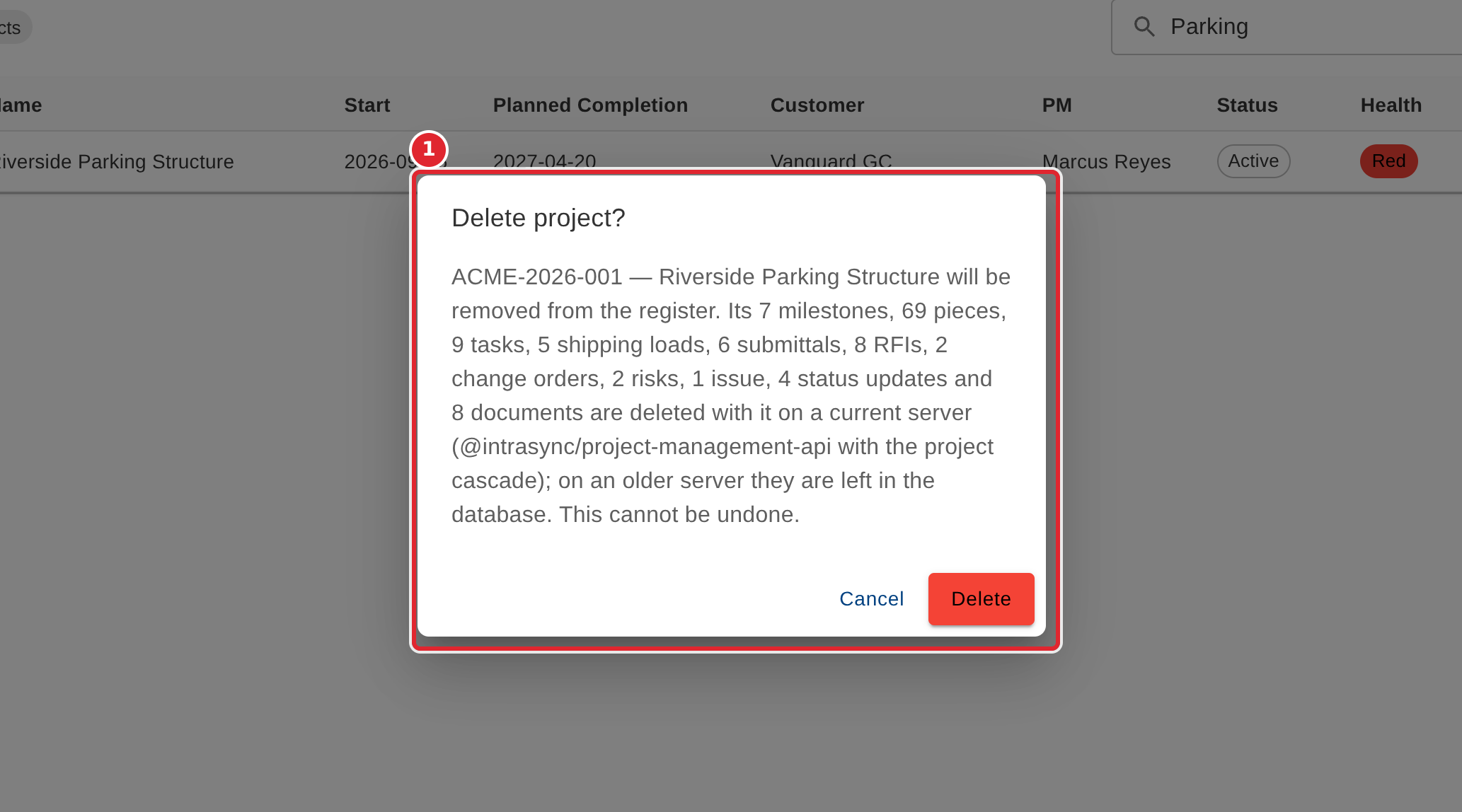
Deleting asks you to confirm and names what else belongs to the project. It cannot be undone.
Tips
- Selecting a row (not its buttons) opens the project on the Project Detail tab.
- Deleting a project cannot be undone. Check the confirmation, which lists the records that belong to it.