Project Management guide · section 7 of 20
Read a project's detail
See one project's contract, health, milestones, production progress, latest status and open items on one page.
Watch this in the video (0:35)
Before you start
- Choose the project in the Project scope field, or select its row on the Projects or Portfolio tab.
Steps
In the pictures, a numbered red box marks where to click or type. Where a picture has more than one box, the numbers give the order.
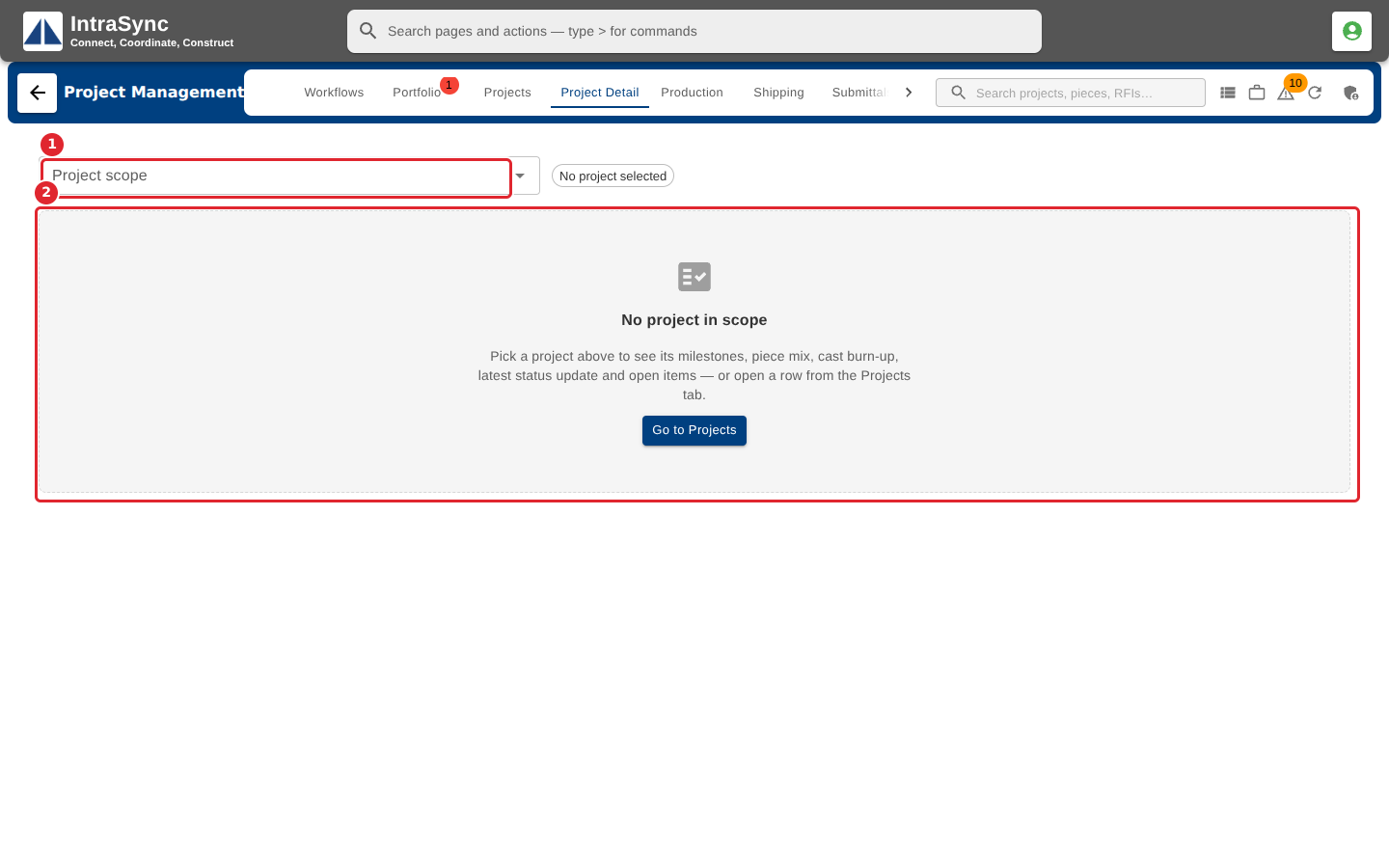
Open the Project Detail tab. With no project in scope it asks you to pick one.
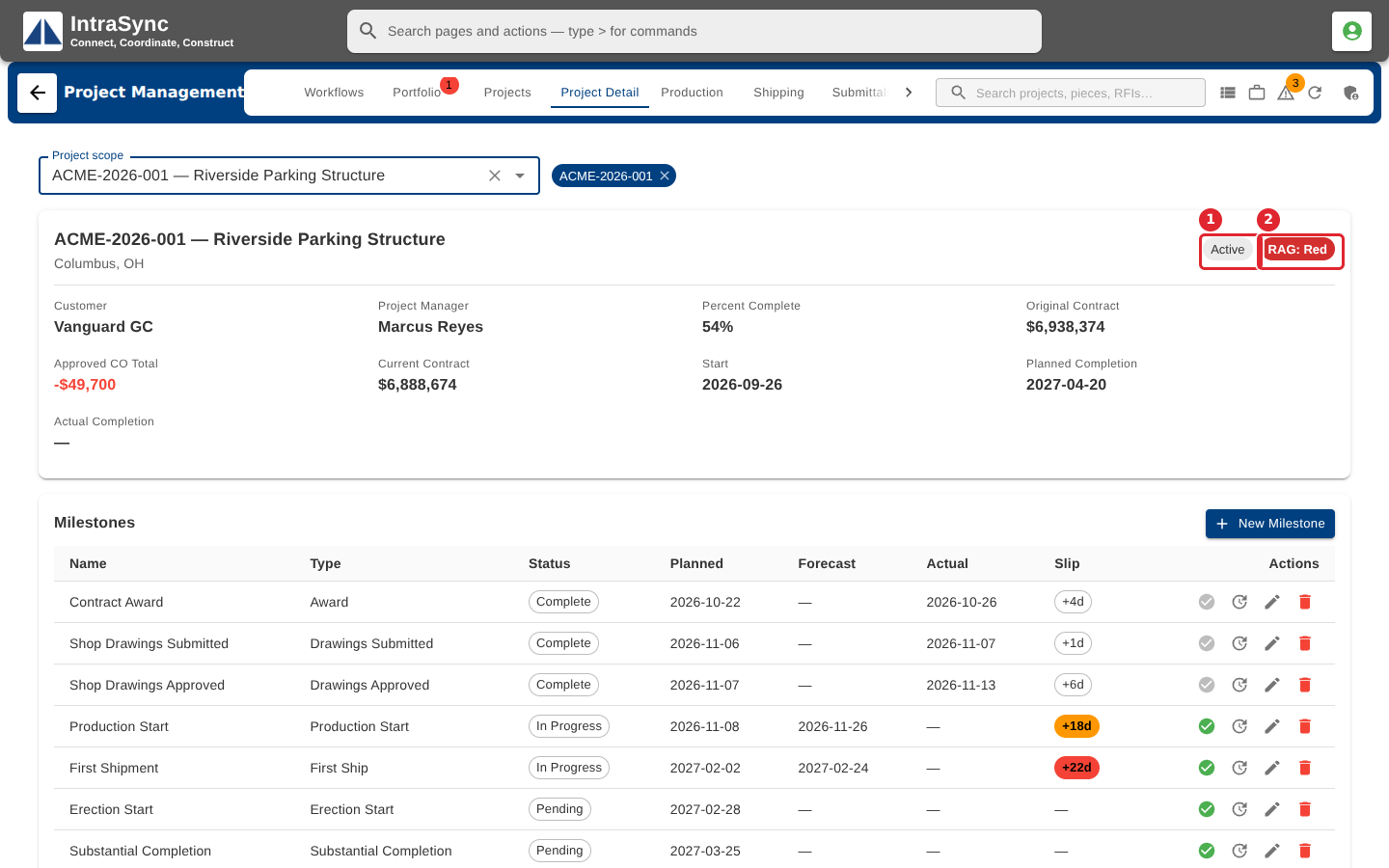
Choose the project. The header shows its status, its red, amber or green health, and the contract figures, including approved change orders.
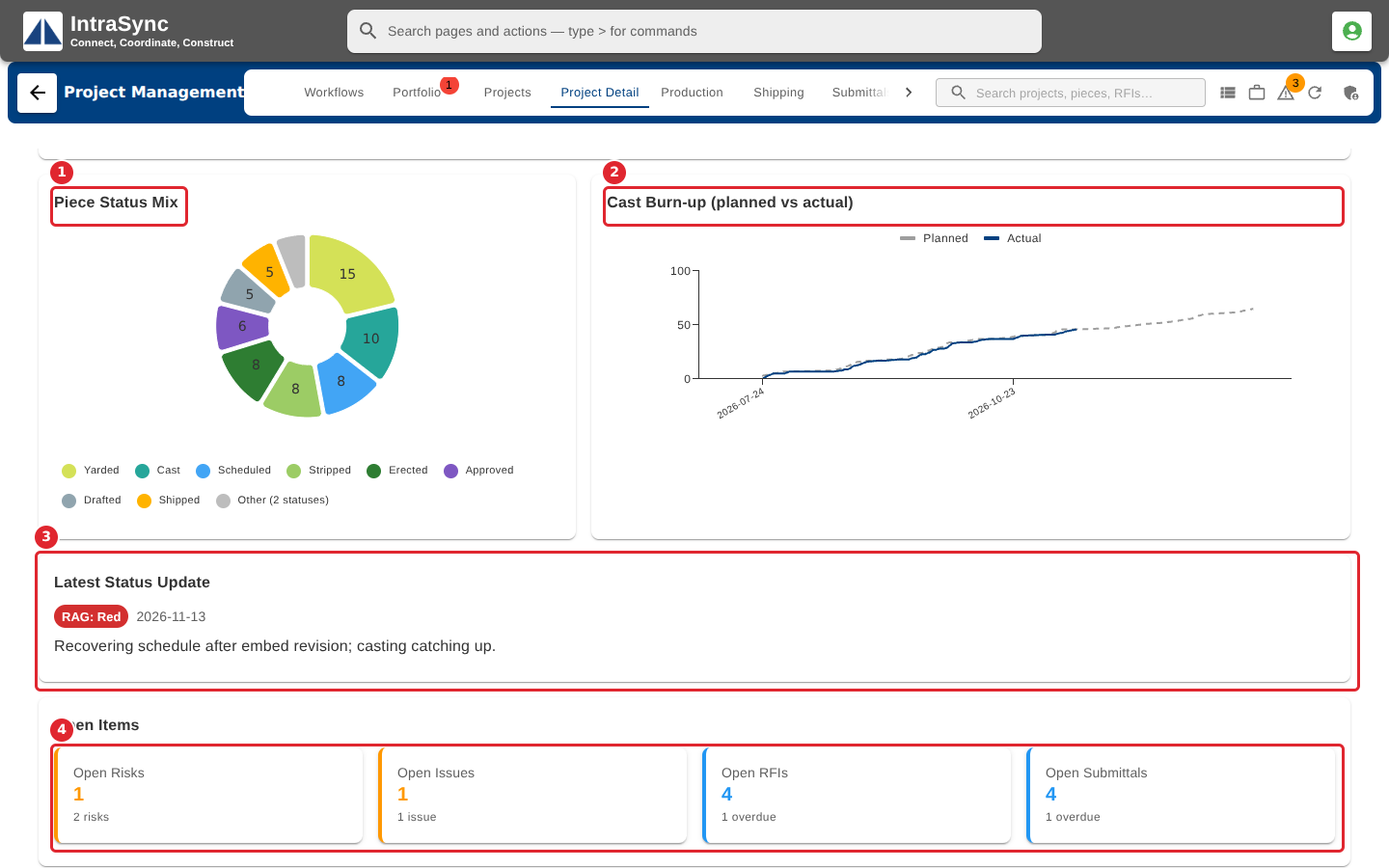
Further down: the piece status mix, the cast burn-up against plan, the latest status update and the open items.
Tips
- Current Contract is the original contract plus approved change orders.
- The charts fill in once pieces are logged on the Production tab, and the latest status appears once a status update is posted.