Isa Takeoff guide · section 8 of 10
Read a site plan
Plan Read reads a site plan PDF and finds its structures, with their rim, invert and pipe values, so you do not have to type them.
Watch this in the video (0:53)
Before you start
- You have the site plan as a PDF.
Steps
In the pictures, a numbered red box marks where to click or type. Where a picture has more than one box, the numbers give the order.
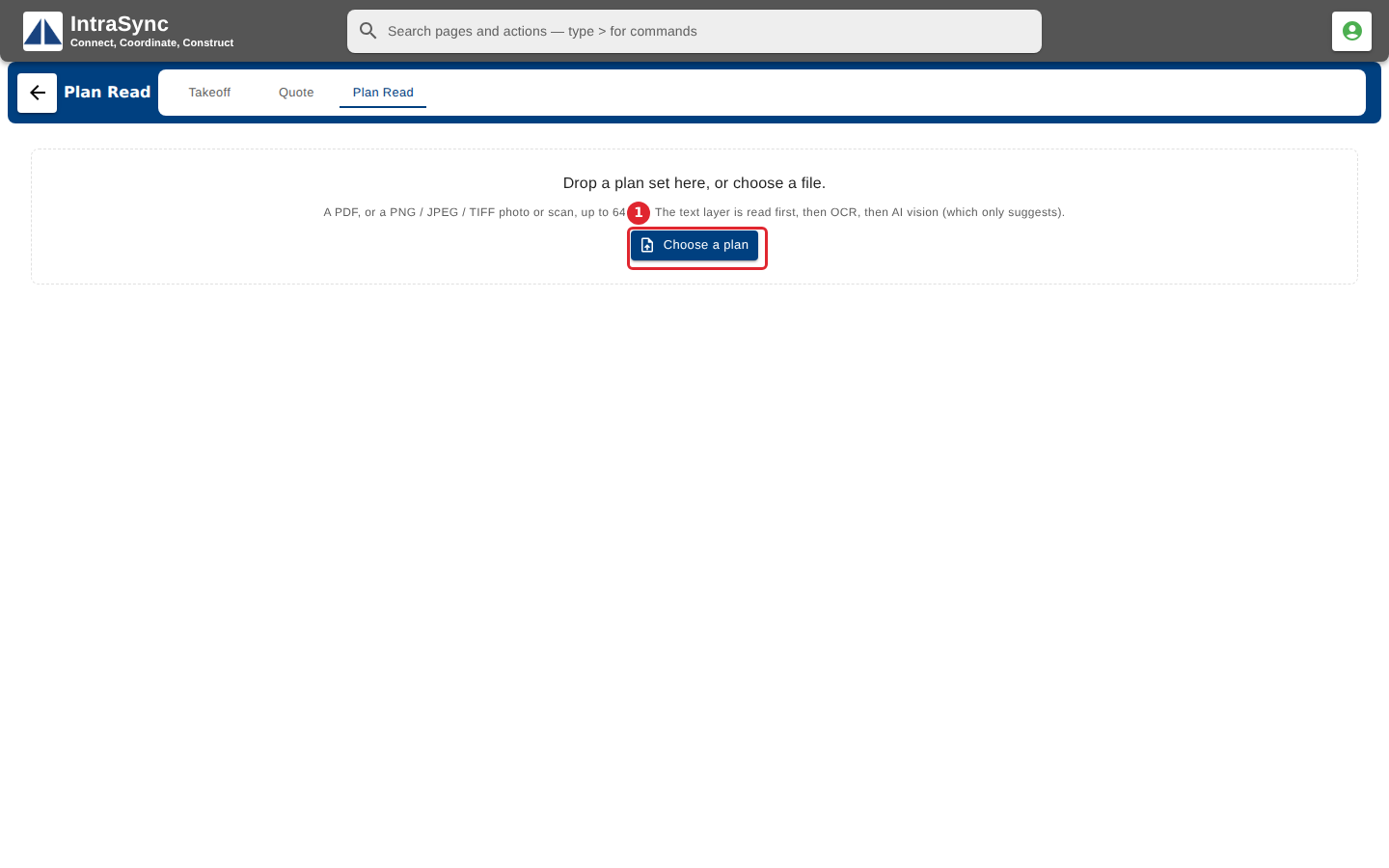
Open the Plan Read tab and select Choose a plan to upload a site plan PDF.
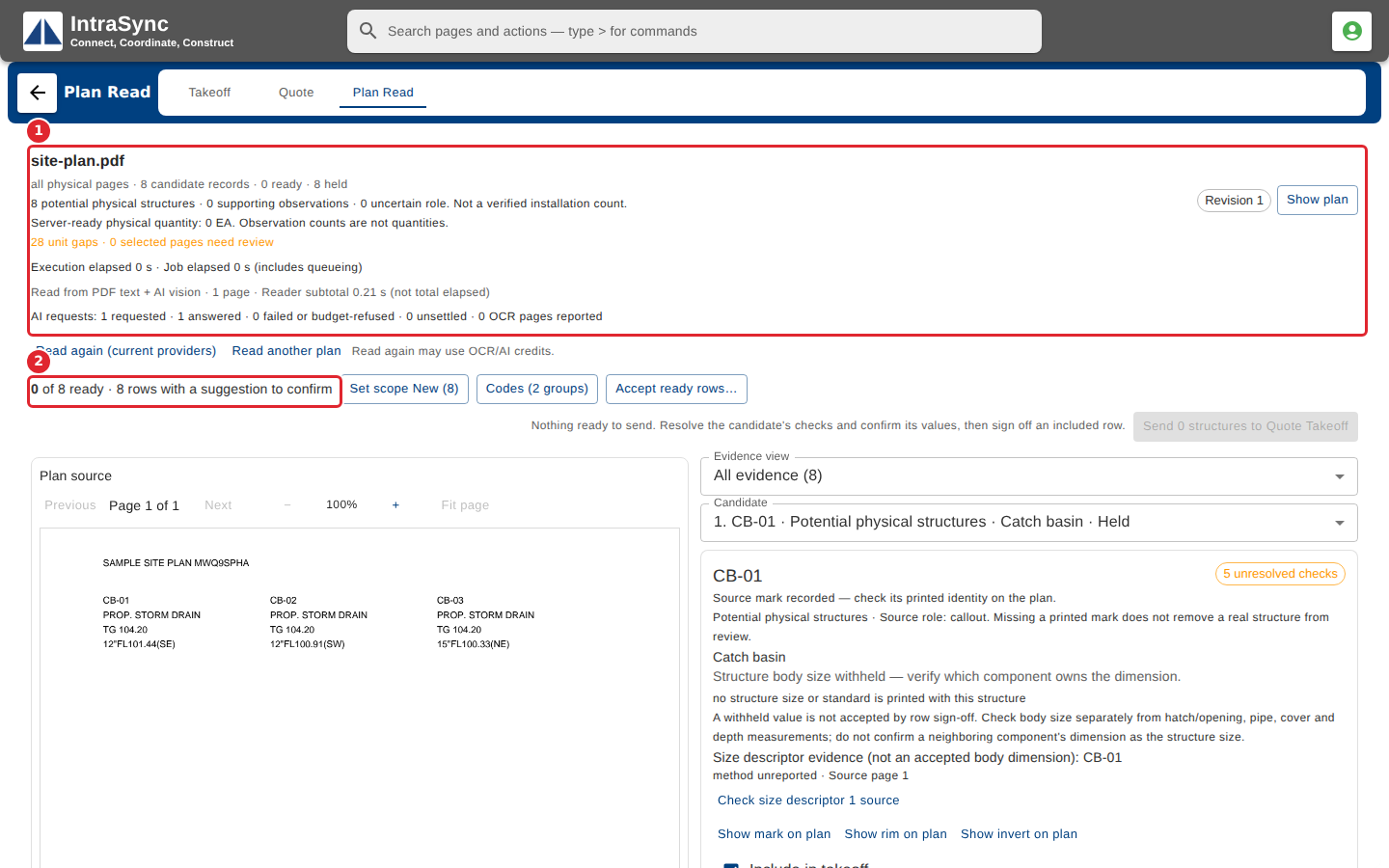
When the read finishes, the header says how many candidates were found and how many are ready.
Tips
- Read again may use OCR or AI credits.
- The counts in the header are what was found on the plan. They are not quantities until you review them.