Isa Takeoff guide · section 10 of 10
Send the reviewed structures to Quote Takeoff
Ready structures become lines in Quote Takeoff, where they are matched to your catalog and priced.
Watch this in the video (1:21)
Steps
In the pictures, a numbered red box marks where to click or type. Where a picture has more than one box, the numbers give the order.
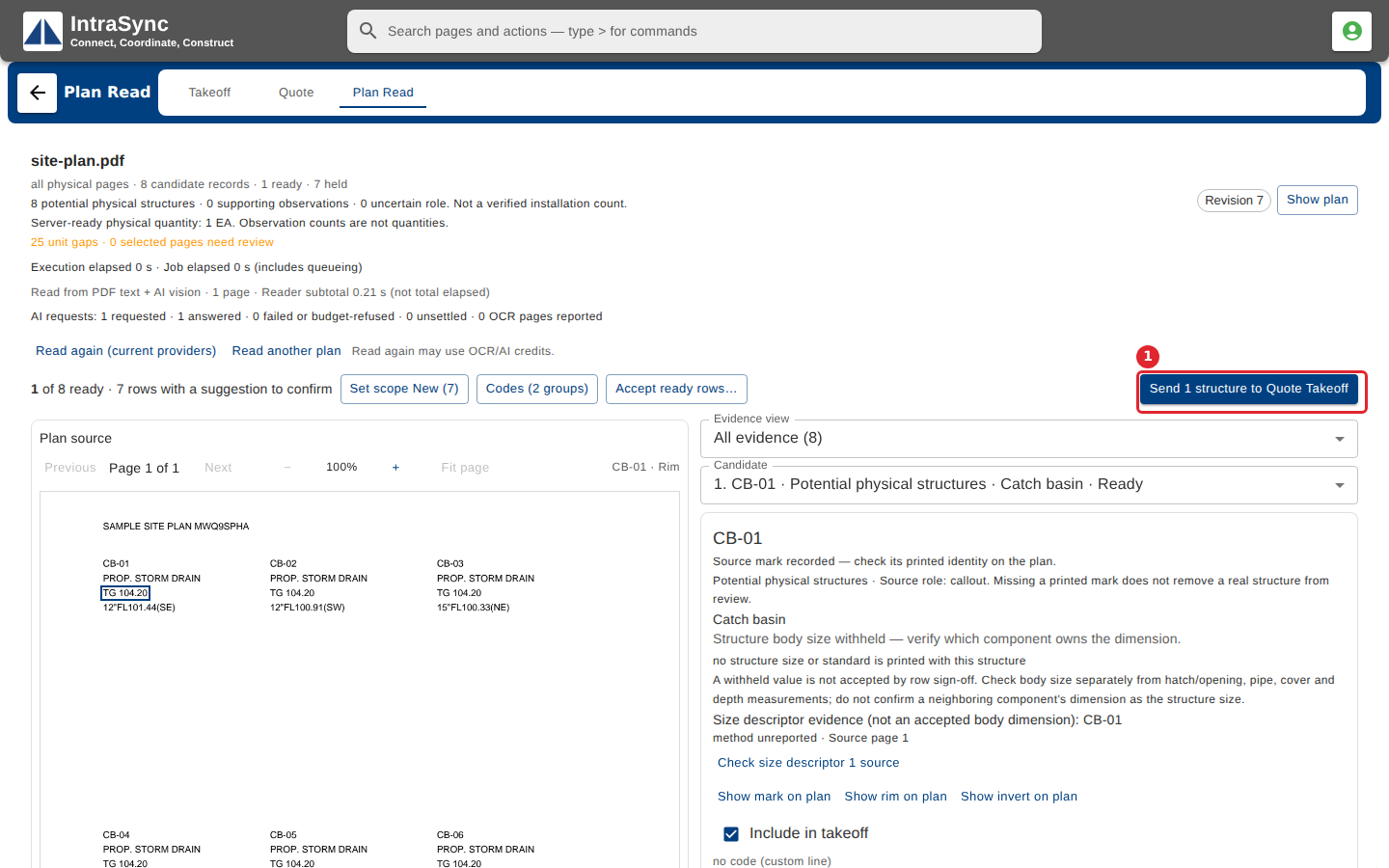
Select Send to Quote Takeoff.
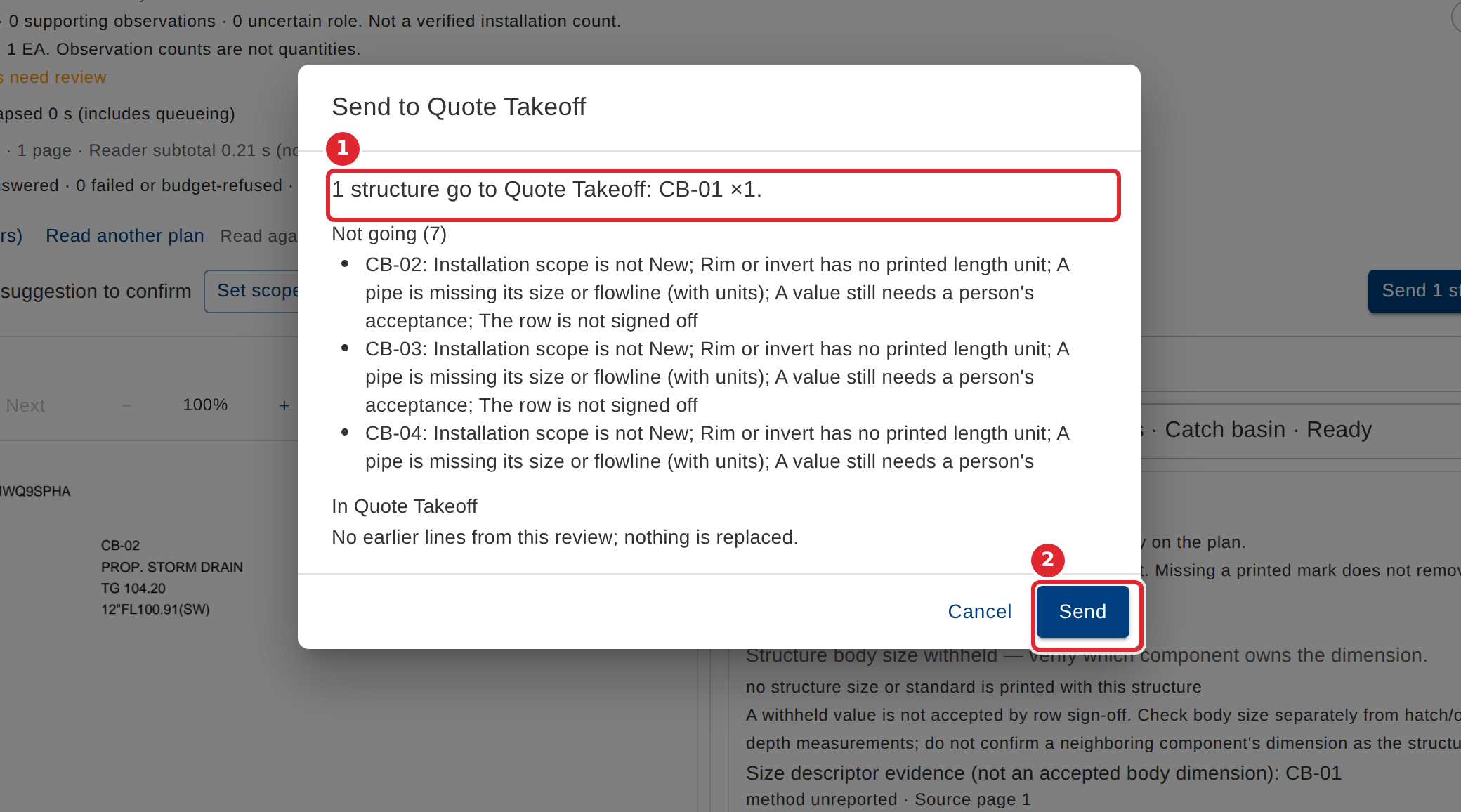
The dialog lists what goes and what is not going, with the reason for each. Select Send.
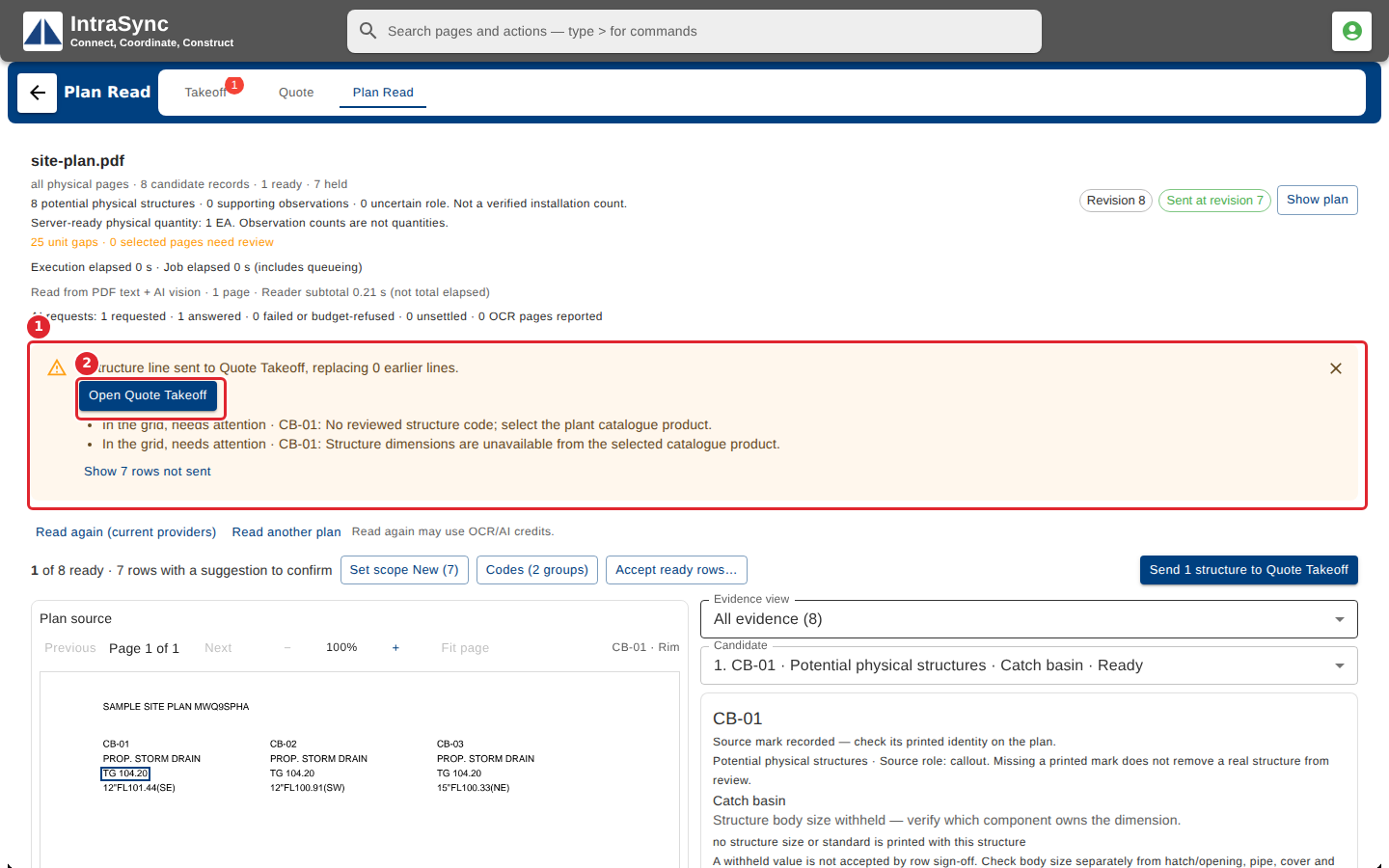
The result lists anything that needs attention in Quote Takeoff. Select Open Quote Takeoff.
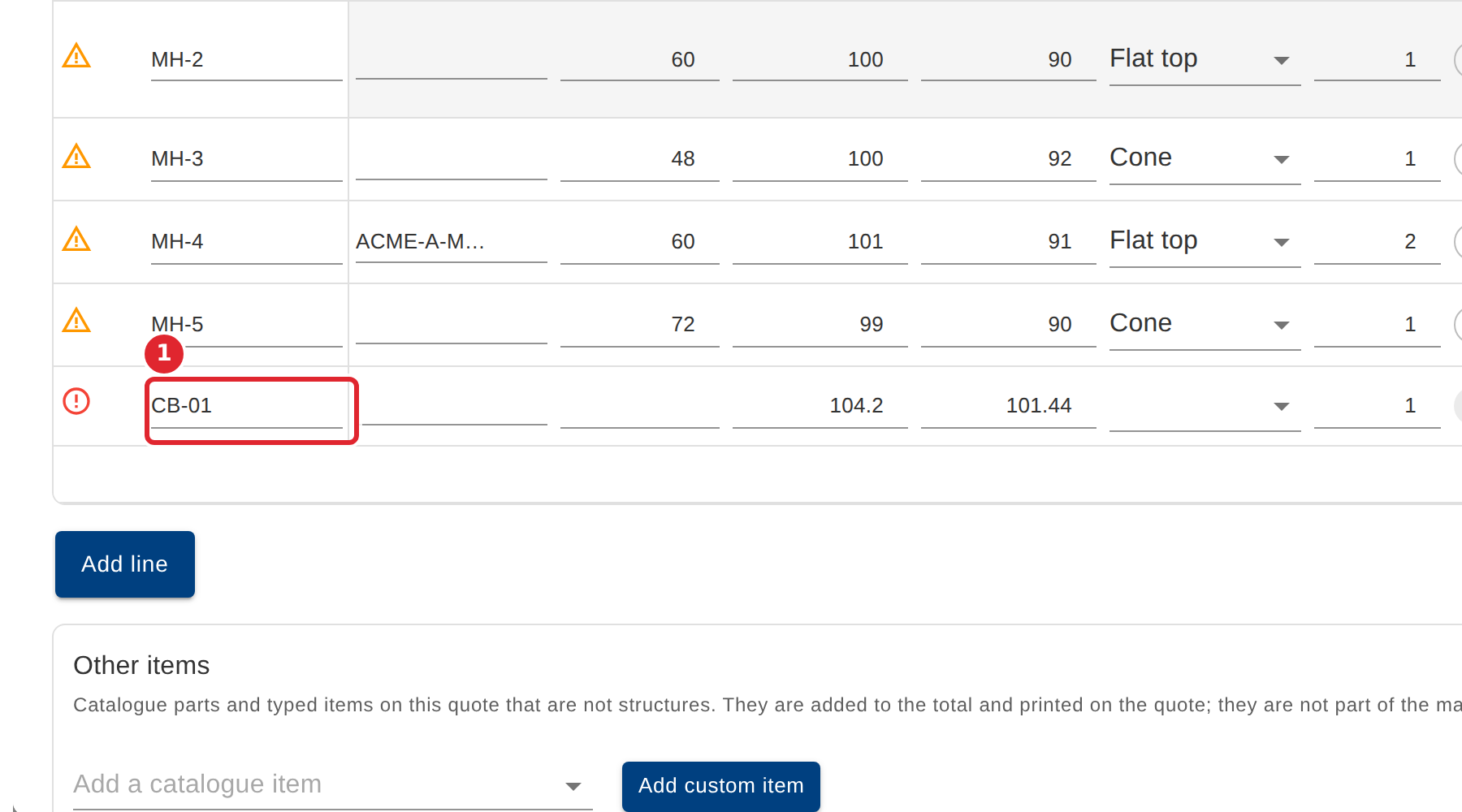
The structure is a line in Quote Takeoff. Pick its structure code and top to derive and price it.
Tips
- Rows that are not ready stay behind, and the dialog says why for each one.
- A line sent from a plan may still need its structure code and top before it can be priced. The result lists what needs attention.