Isa Takeoff guide · section 1 of 10
Start a takeoff
Quote Takeoff is where a job's structures become a priced quote. Check its settings before you add lines, so every line is priced and measured the way you expect.
Watch this in the video (0:03)
Before you start
- You are signed in.
- Your plant's structure catalog and price list are set up in the Designer settings.
Steps
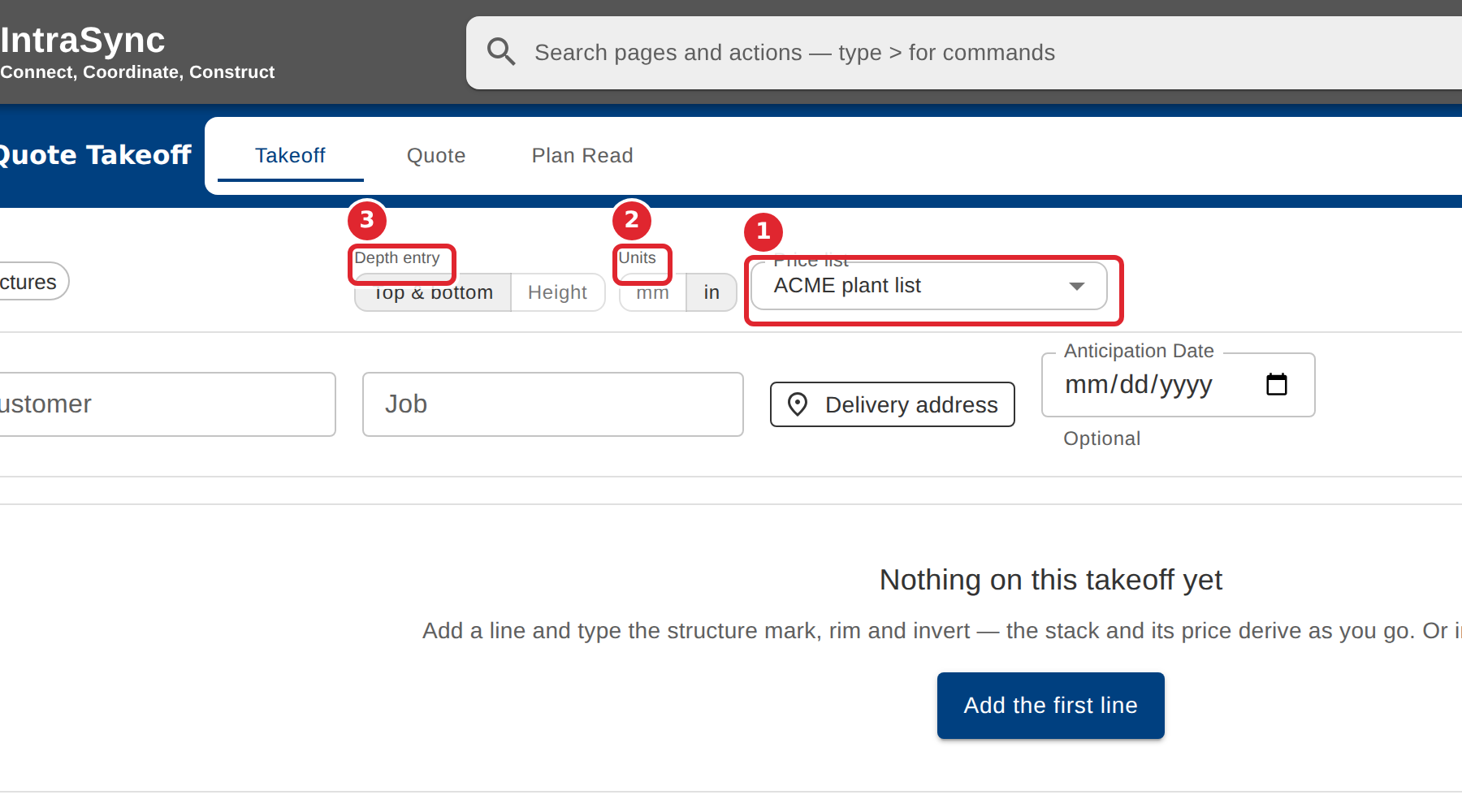
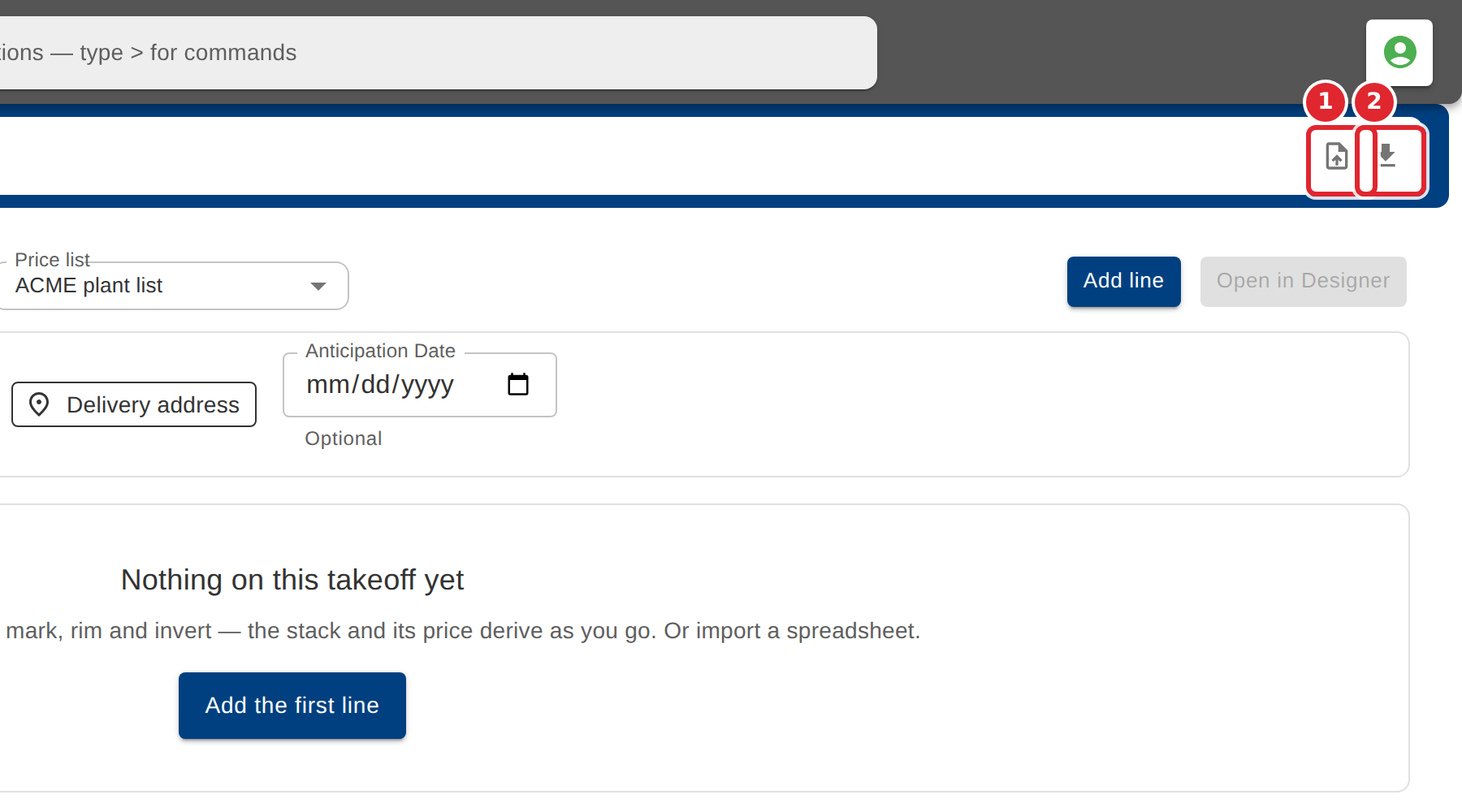
In the pictures, a numbered red box marks where to click or type. Where a picture has more than one box, the numbers give the order.
Open Quote Takeoff. A new takeoff starts empty.
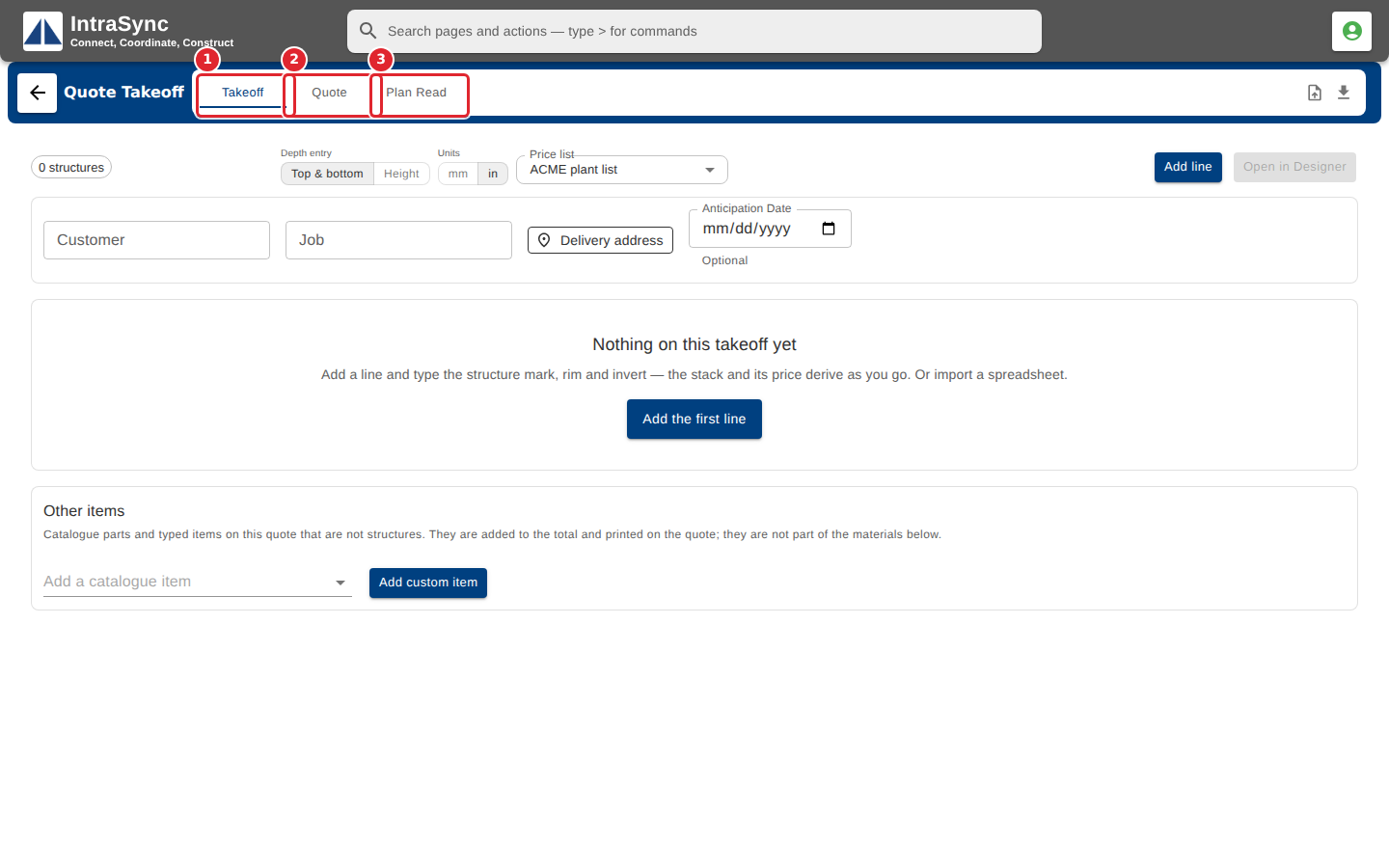
Check the price list, the display units and how you enter each structure's depth before you add lines.
Use the icons at the top right to import a file of structures or download a template for one.
Tips
- The Units switch changes only how lengths are shown. The takeoff stores them the same way either way.
- Depth entry decides whether you type each structure's rim and invert (Top & bottom) or its height.
- If no price list is chosen, the takeoff still derives each stack but cannot price it.