Isa Takeoff guide · section 2 of 10
Add structures by hand
Type each structure from the plans: its mark, its code or size, its elevations and its top. The takeoff works out the stack of precast pieces and prices it as you go.
Watch this in the video (0:06)
Before you start
- A price list is selected.
Steps
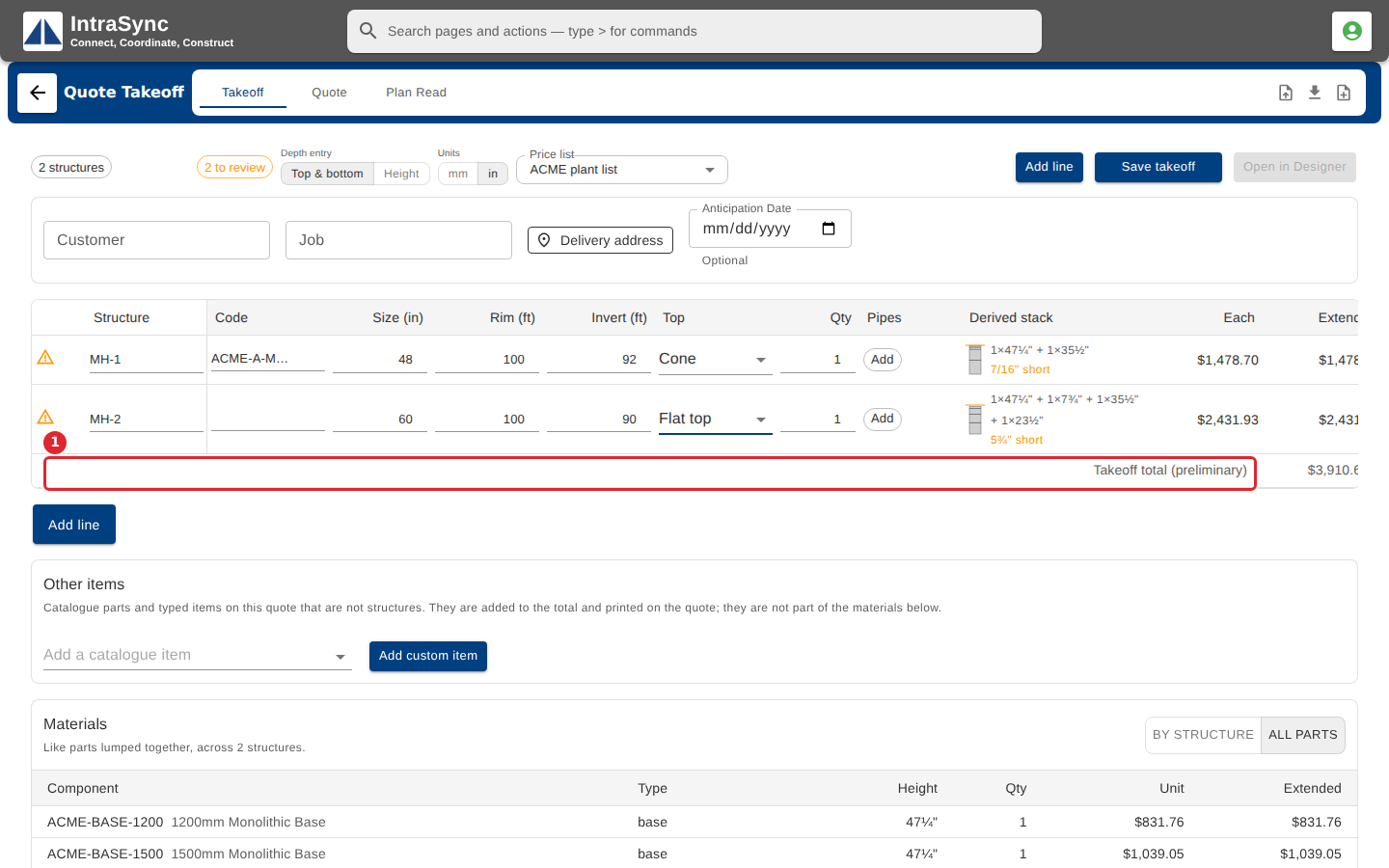
In the pictures, a numbered red box marks where to click or type. Where a picture has more than one box, the numbers give the order.
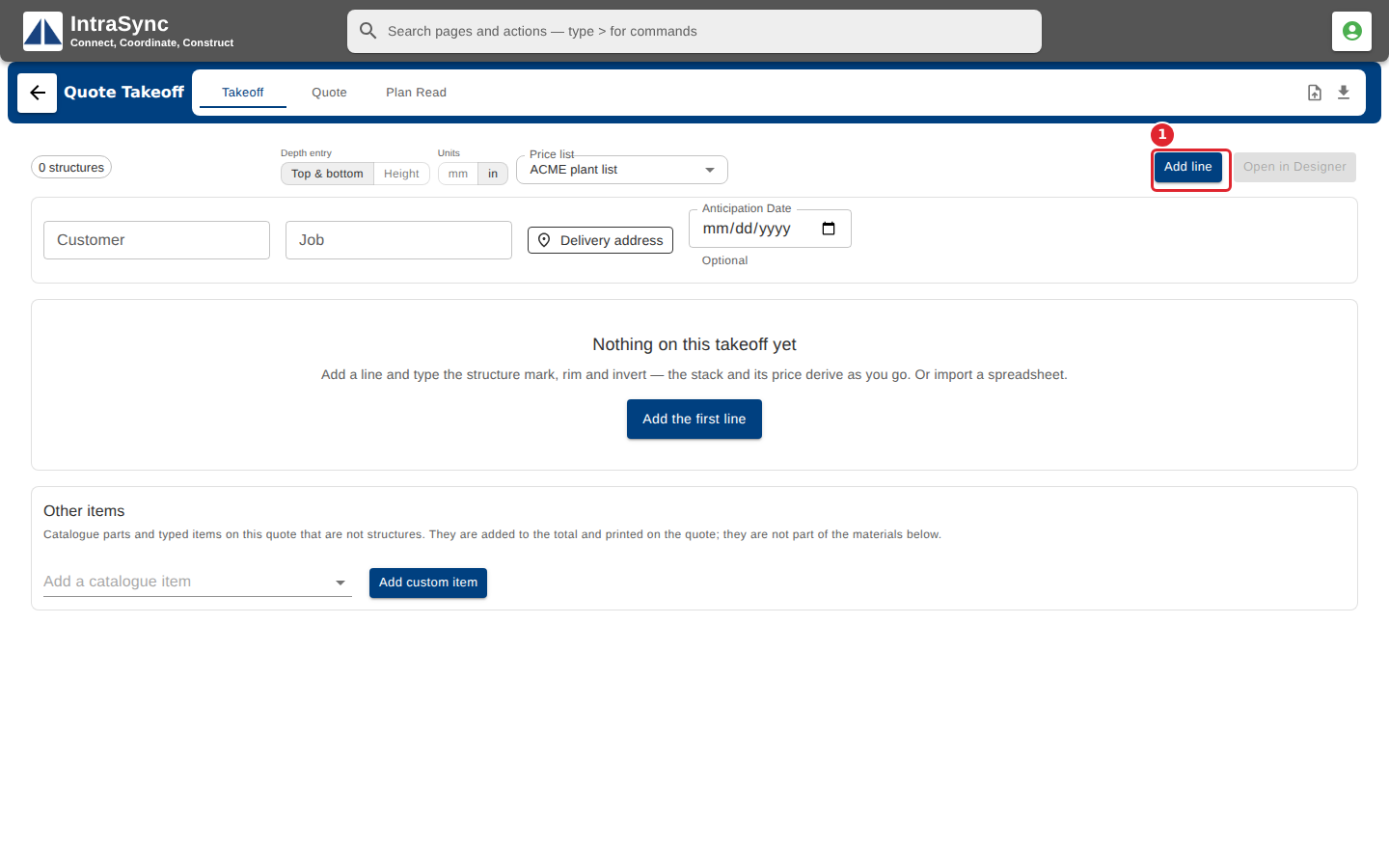
Select Add line.
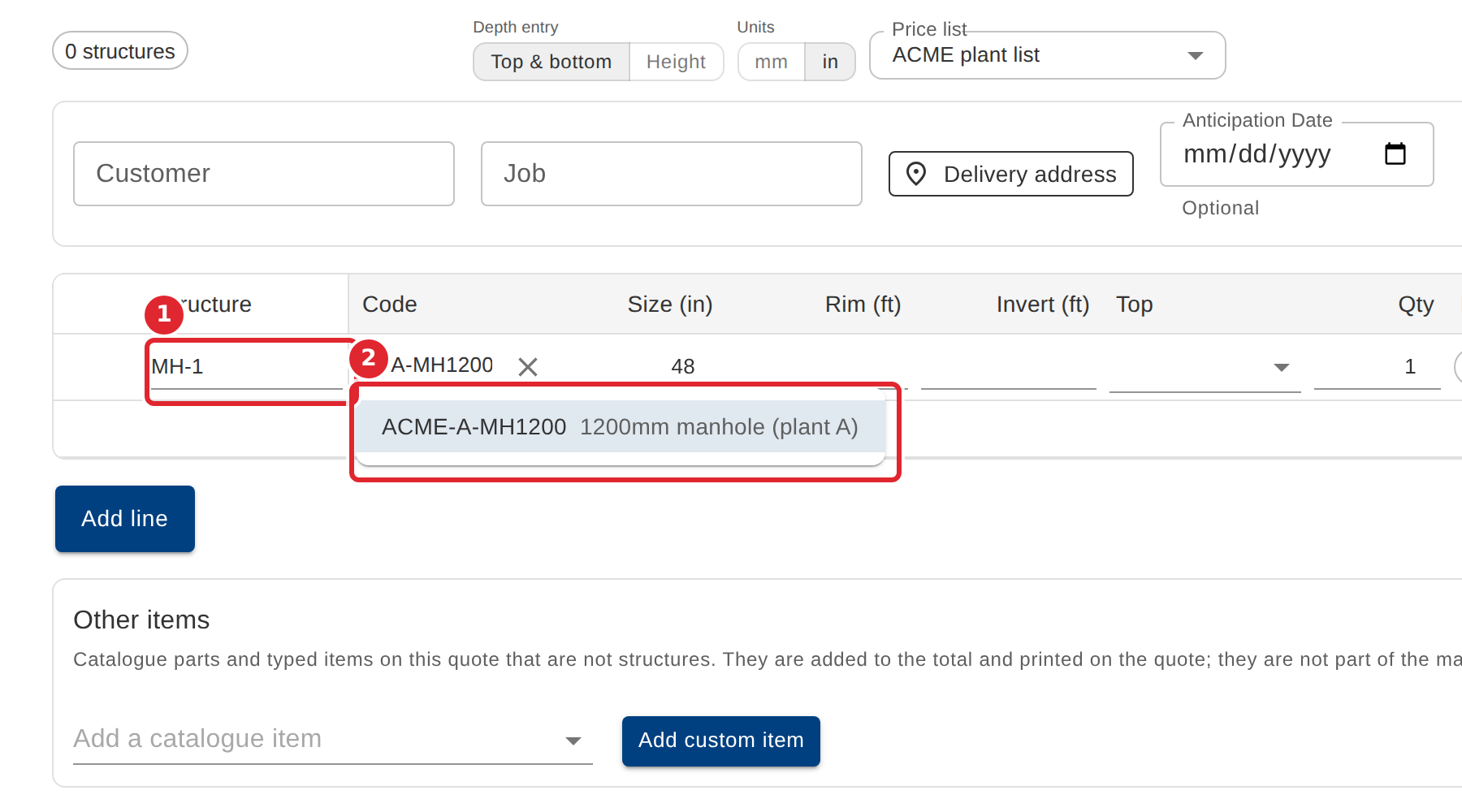
Type the structure's mark, then start typing a structure code and pick it from your catalog.
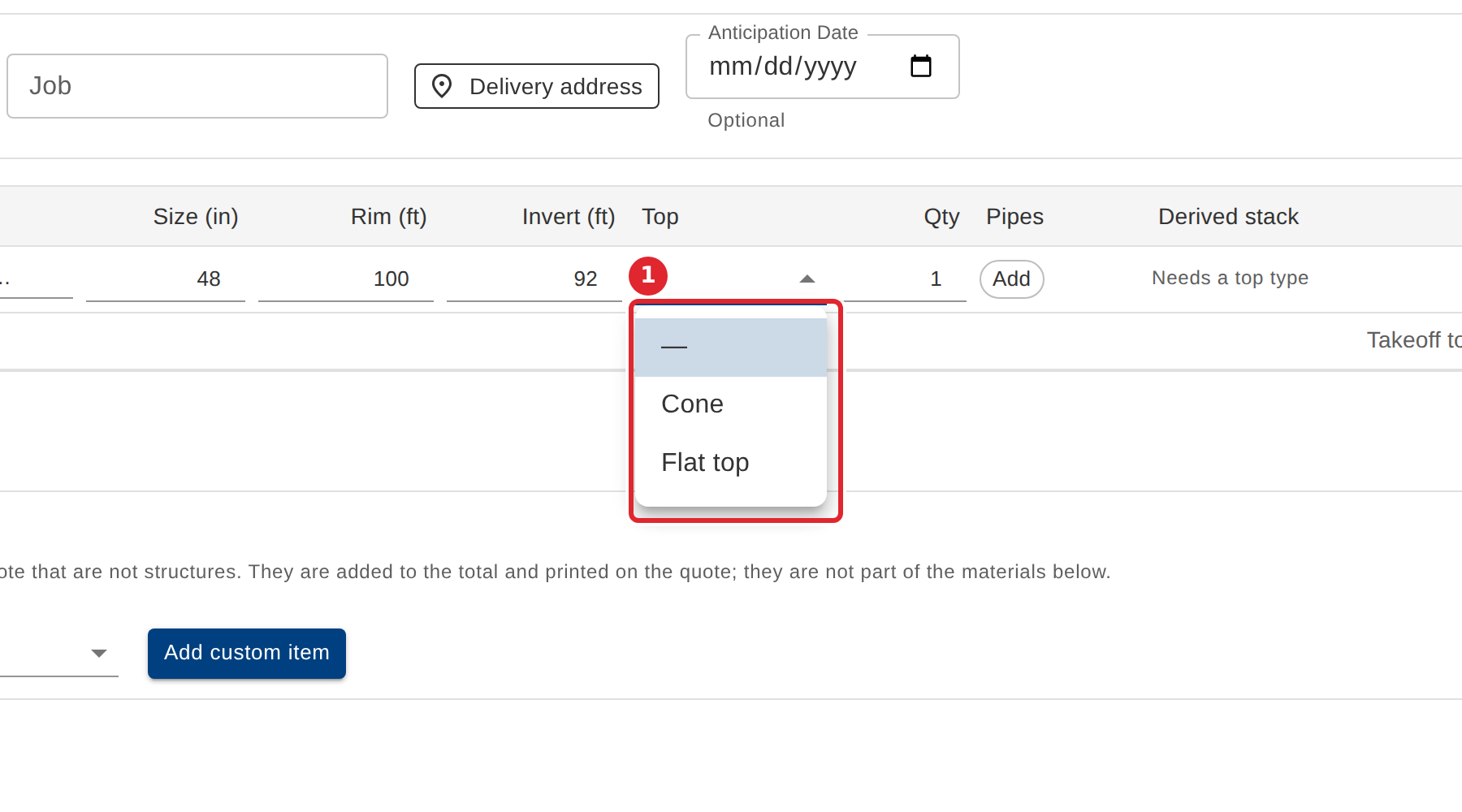
Enter the rim and invert elevations, then choose the top.
With no code, enter the diameter instead. The line derives its stack of pieces and prices it.
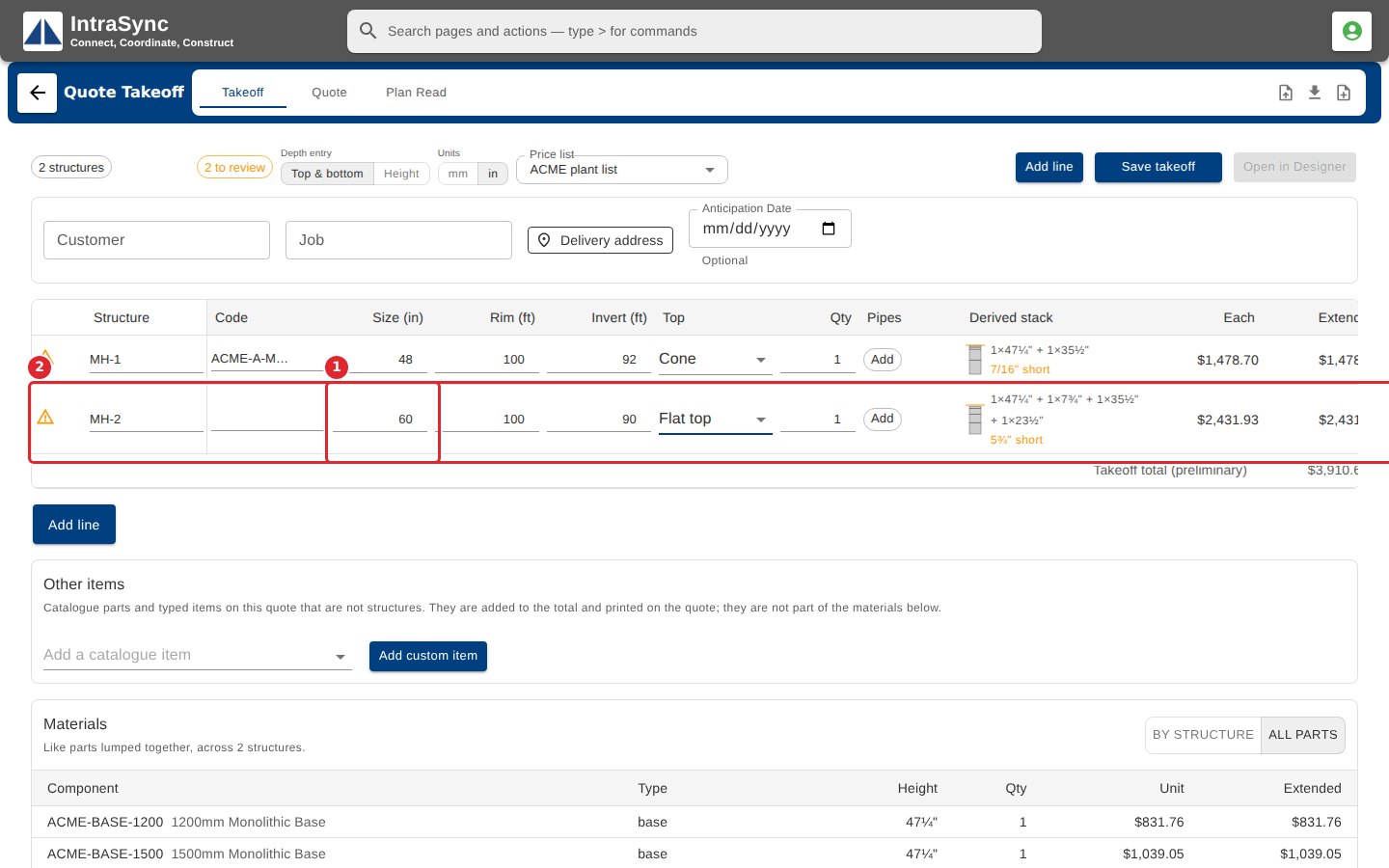
The preliminary total for the whole takeoff is under the lines.
Tips
- A line with no structure code needs a diameter and a top before it can derive a stack.
- The counts at the top left say how many lines need fixing and how many need a look. Fix those before you save or send.
- A warning under the derived stack (for example a piece that is short of the height) is a line to review, not an error in your typing.
- Select Add in a line's Pipes column to record the pipes that connect to that structure.