Yard Management guide · section 42 of 44
Review every layout
See all of the yard's layouts in one list and check that exactly one is active.
Before you start
- You are a yard administrator.
Steps
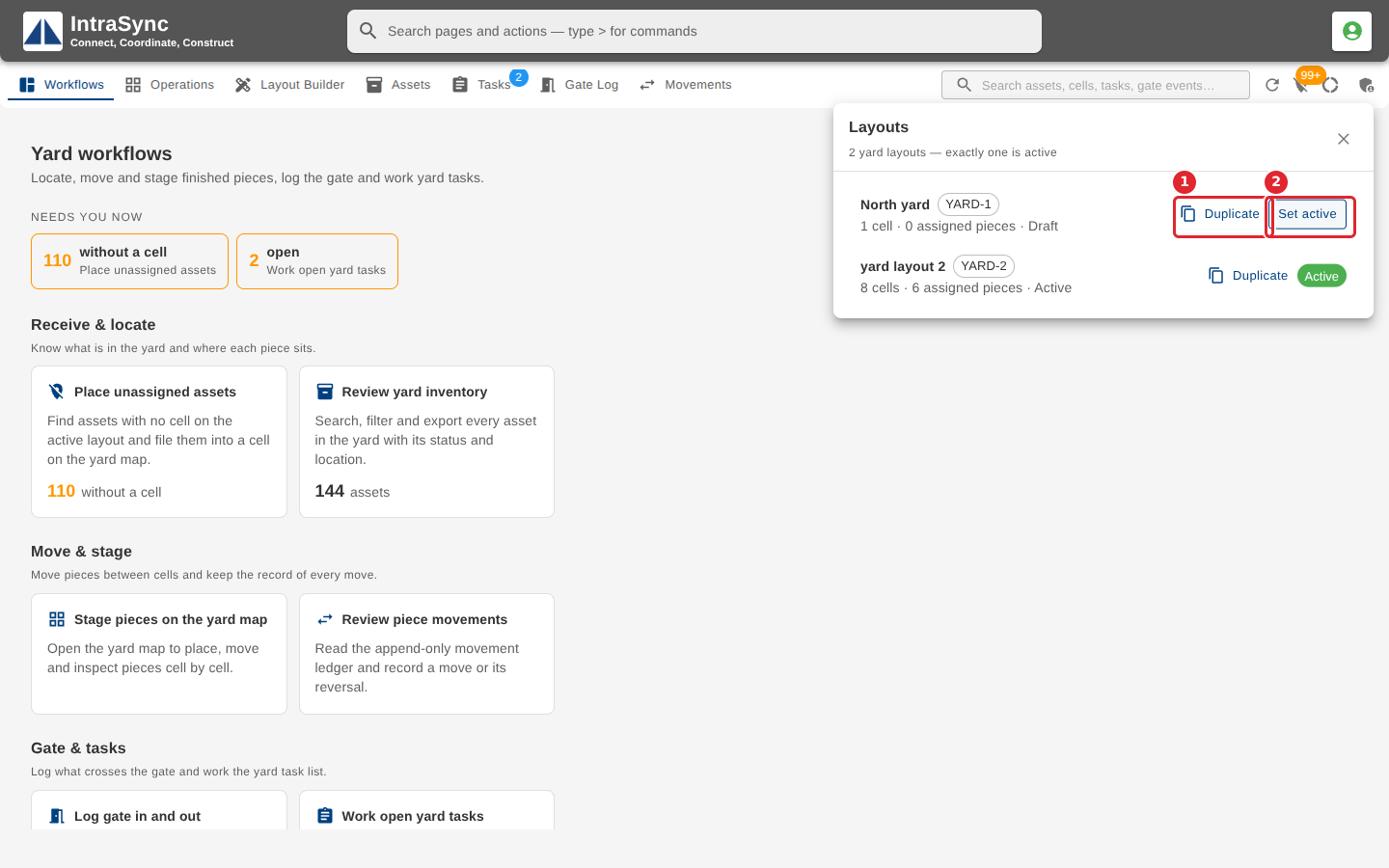
In the pictures, a numbered red box marks where to click or type. Where a picture has more than one box, the numbers give the order.
Select Yard administration, then Layouts, to see every layout and which one is active. Duplicate copies a layout; Set active makes it the one the yard uses.
Tips
- If no layout or more than one is active, the list says so, and Make sole active puts it right.