Yard Management guide · section 35 of 44
Replace a lost or damaged tag
Get a piece's tag reprinted, or a new one issued, when it can no longer be scanned.
Before you start
- Your yard is connected to quality control.
Steps
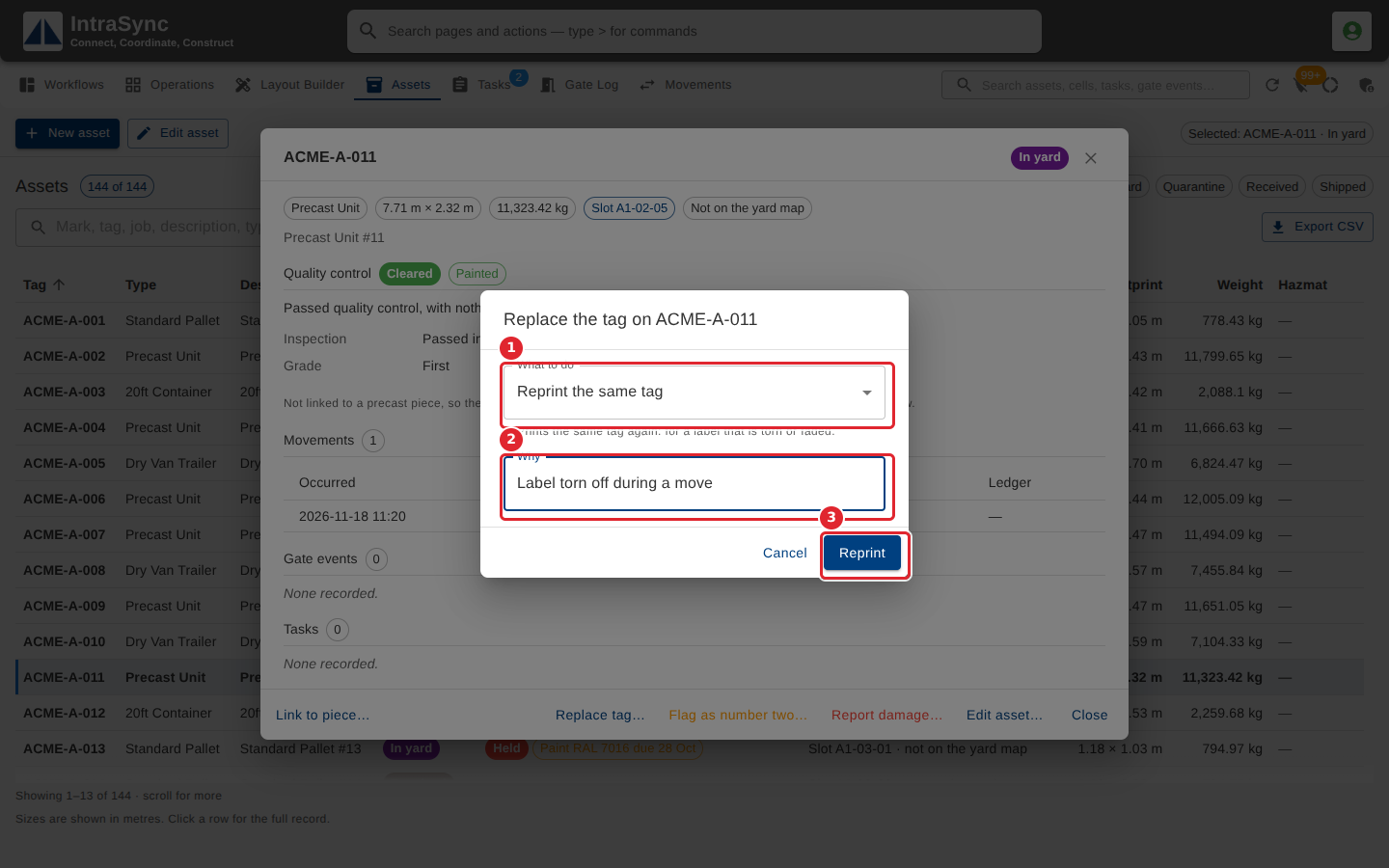
In the pictures, a numbered red box marks where to click or type. Where a picture has more than one box, the numbers give the order.
Select Replace tag… when a piece's tag is lost or unreadable. Choose whether to reprint the same tag or issue a new one, say why, then select Reprint or Issue new tag.
Tips
- Reprint the same tag prints the same tag again, for a label that is torn or faded.
- Why is required.