Engineering guide · section 7 of 25
Add a firm's revision
Record the firm's updated drawings as a new revision and send it back for review.
Watch this in the video (0:51)
Before you start
- Access to the Engineering hub (its page permission).
Steps
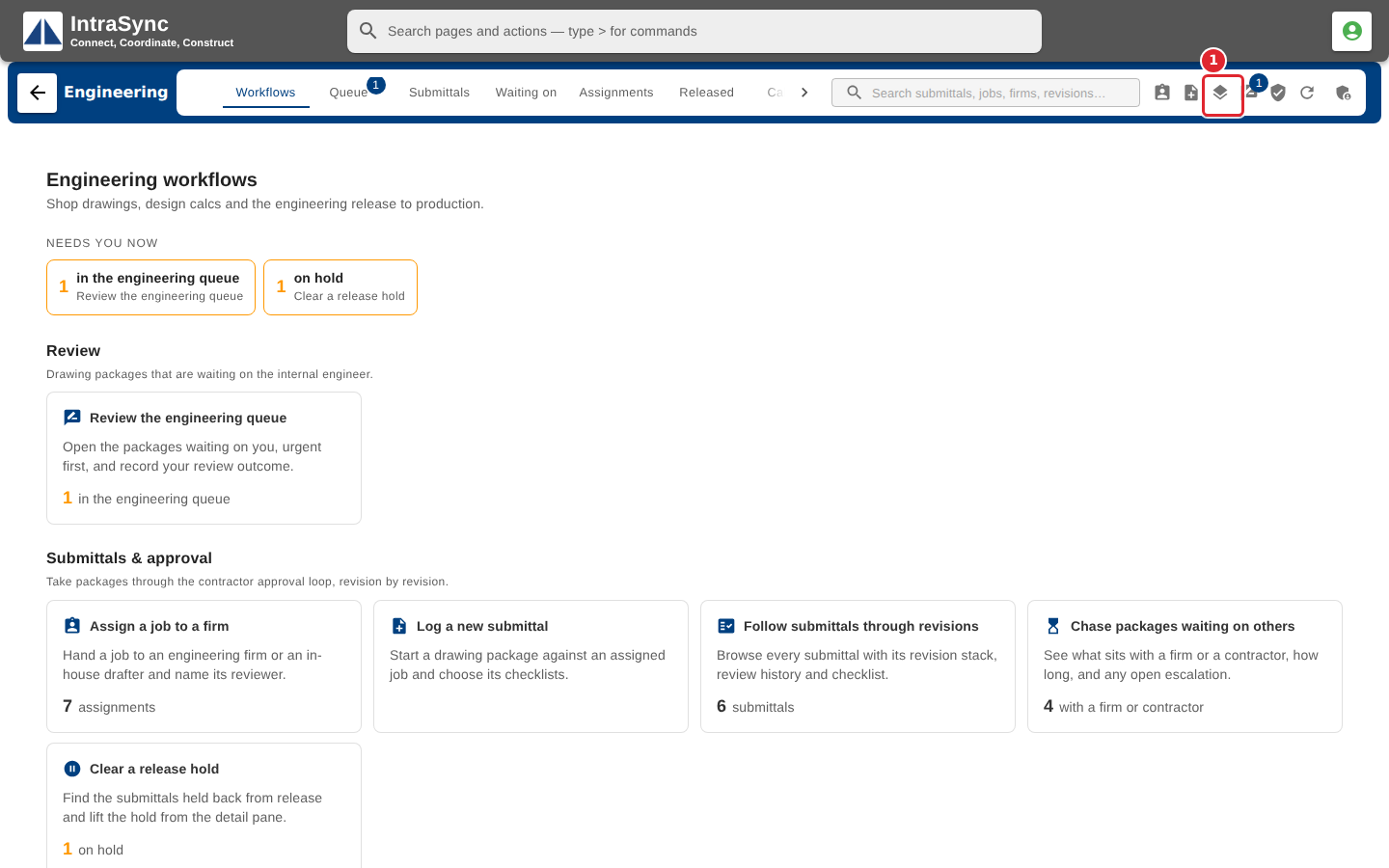
In the pictures, a numbered red box marks where to click or type. Where a picture has more than one box, the numbers give the order.
Select Add revision.
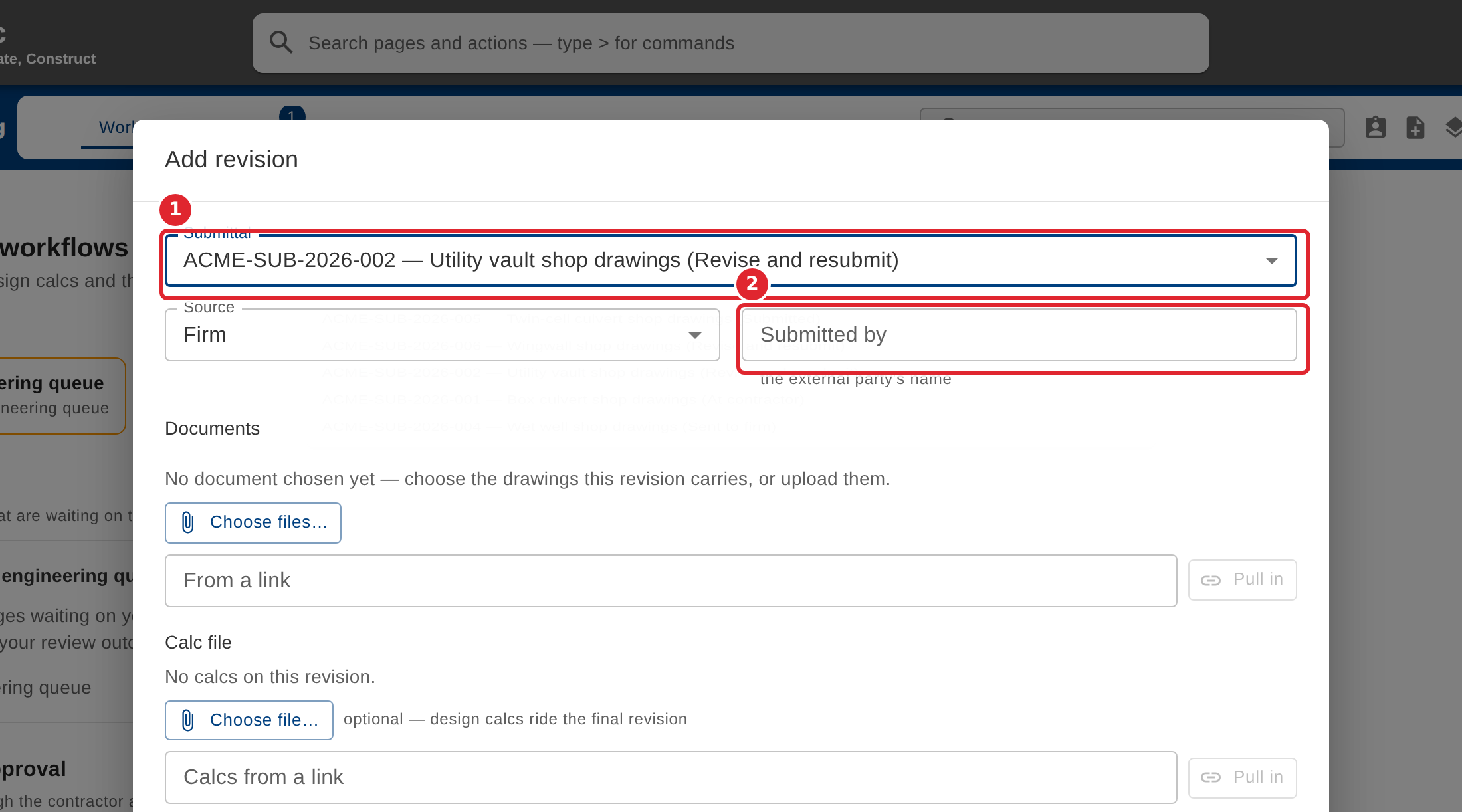
Choose the submittal the revision belongs to, and enter who submitted it.
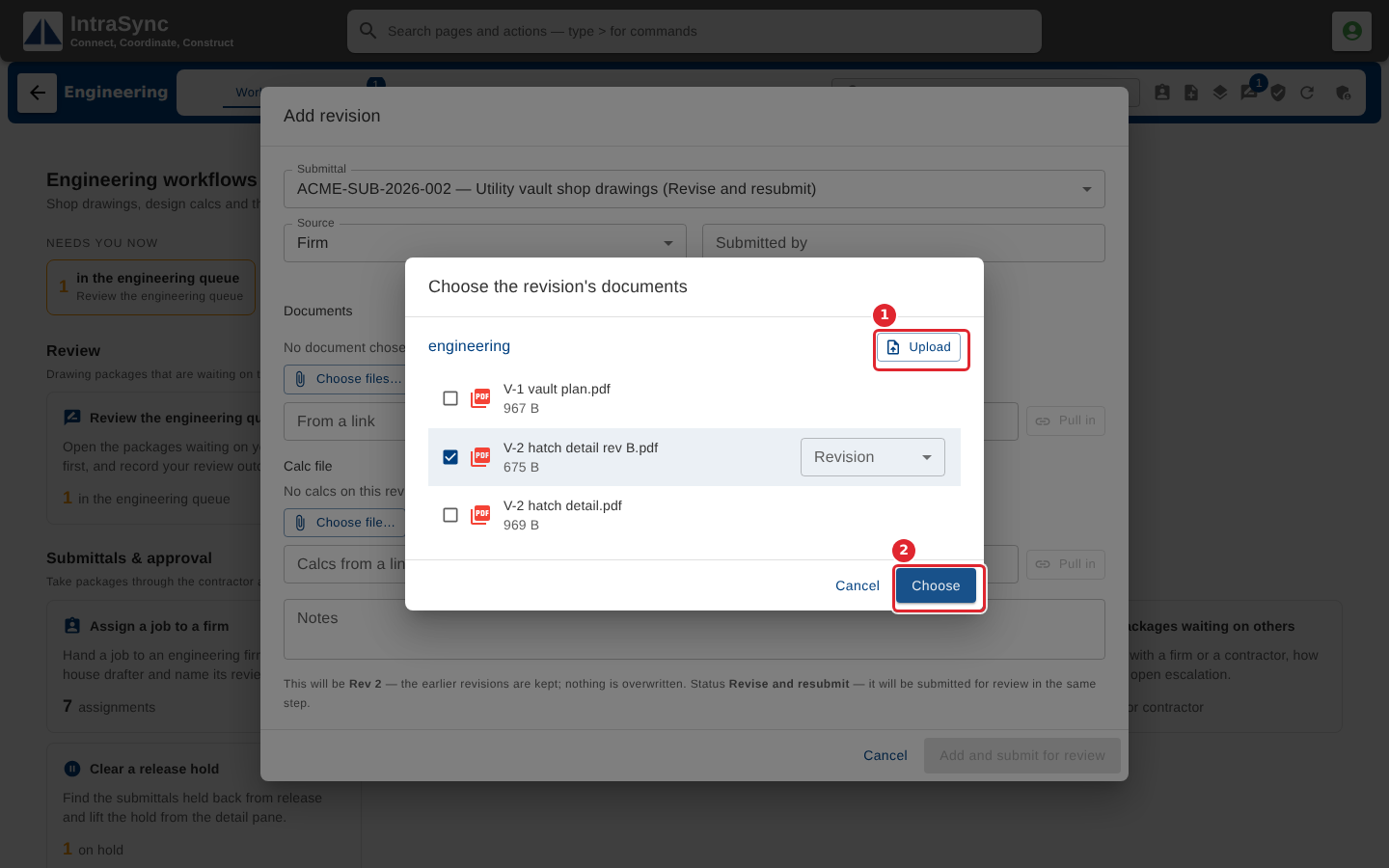
Select Choose files. Tick drawings already filed with the submittal, or select Upload to add new ones, then select Choose.
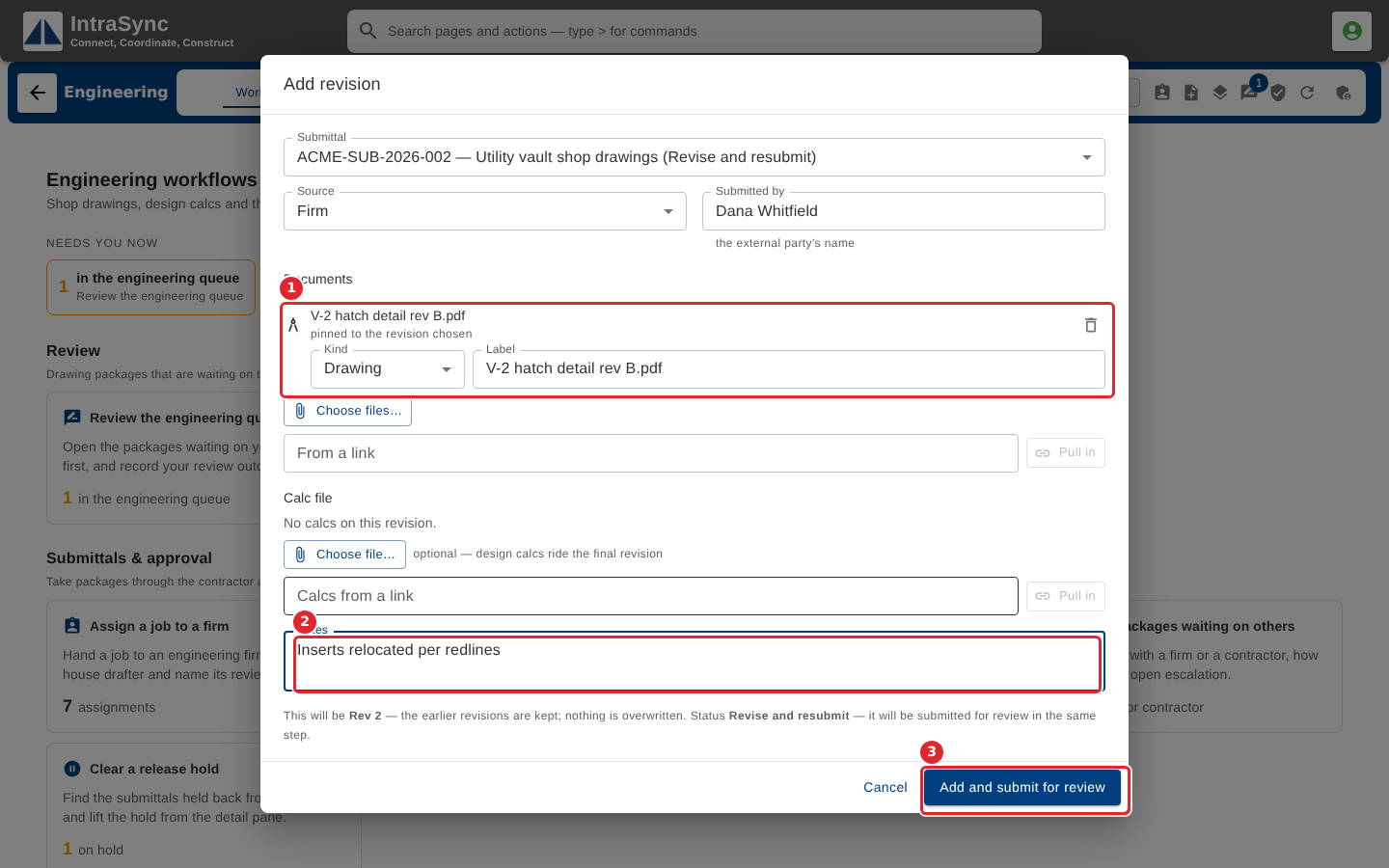
Check the documents and add notes, then select Add and submit for review.
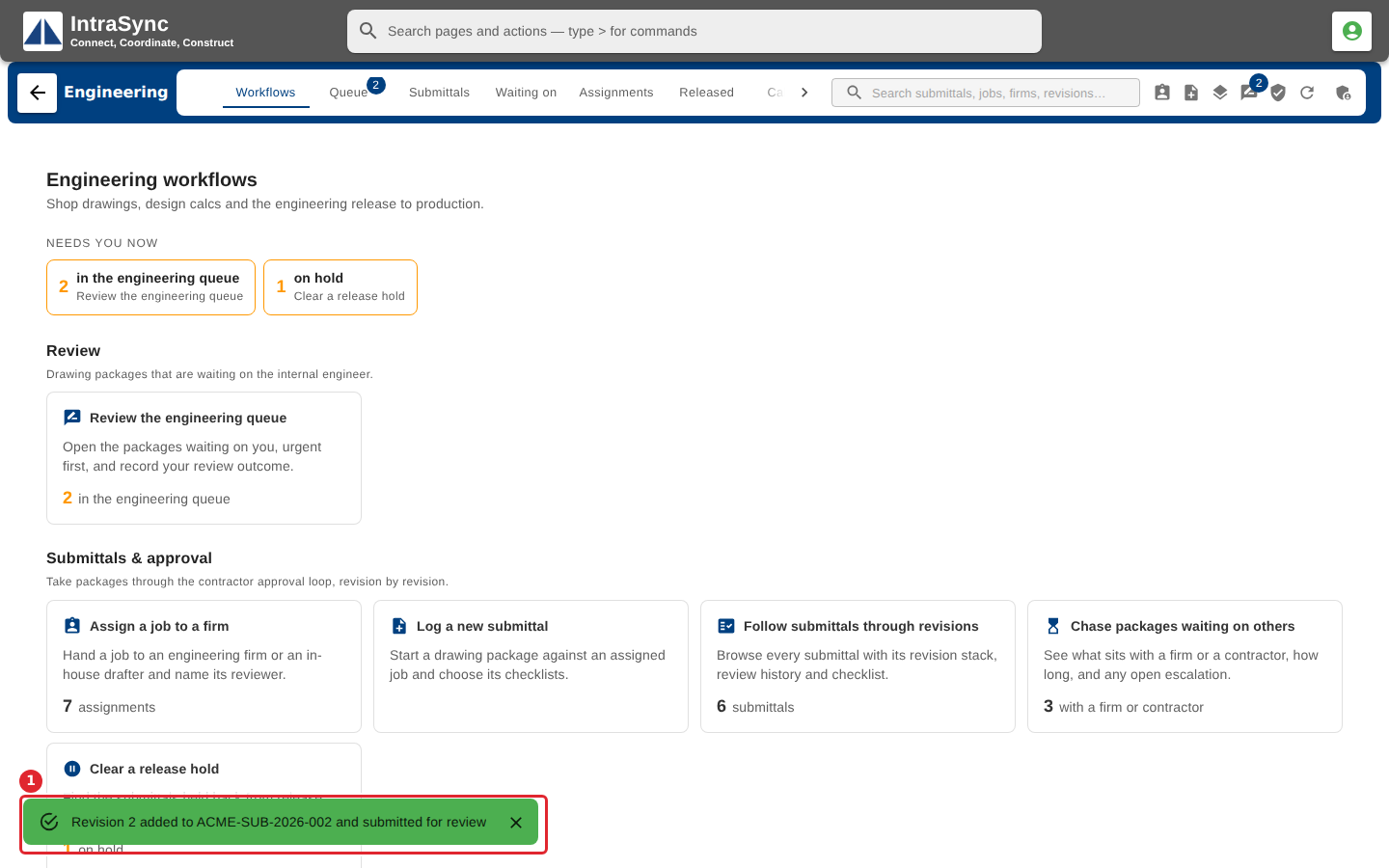
A message confirms the revision was added and submitted. The submittal goes back into the internal queue.
Tips
- Earlier revisions are kept, never overwritten. Each revision records the exact version of every file it carries.
- Design calcs are optional on a revision and usually ride the final one.
- You can also bring a document in from a link instead of uploading it.