Engineering guide · section 18 of 25
See due and late work on the calendar
Plan the week and catch late drawings and jobs.
Watch this in the video (4:27)
Before you start
- Access to the Engineering hub (its page permission).
Steps
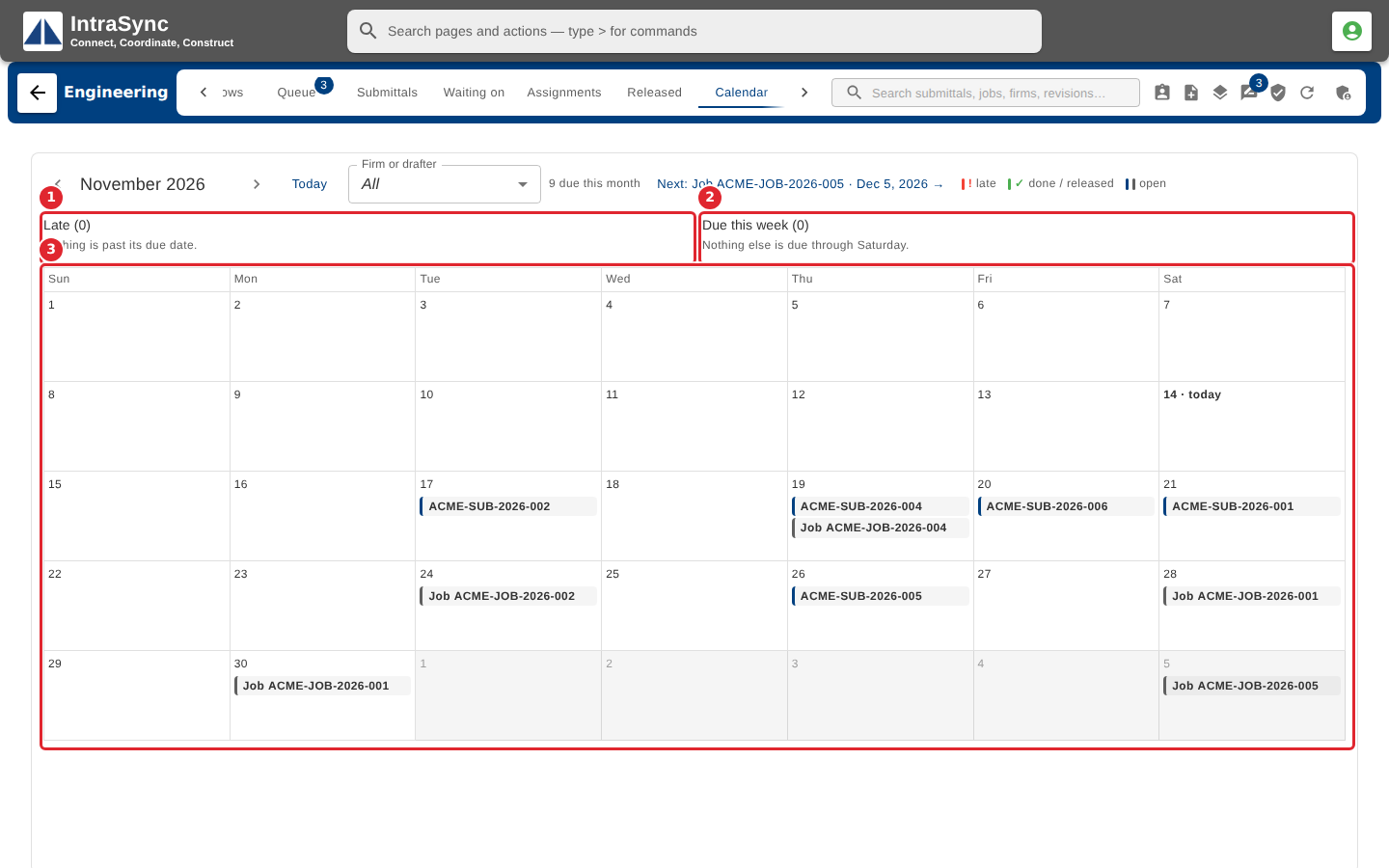
In the pictures, a numbered red box marks where to click or type. Where a picture has more than one box, the numbers give the order.
Select the Calendar tab. Drawings and jobs sit on the day they are due. Late work and this week's work are listed above the month.
Tips
- Use the arrows beside the month to move between months, and Today to come back.
- Filter by firm or drafter to see one workload.
- Late means past due and still open; finished work is never shown as late.