Engineering guide · section 4 of 25
Check off checklist items
Record, item by item, what the firm's package brought back before the submittal moves on.
Watch this in the video (0:25)
Before you start
- Access to the Engineering hub (its page permission).
- The submittal carries a pre-submission checklist.
Steps
In the pictures, a numbered red box marks where to click or type. Where a picture has more than one box, the numbers give the order.
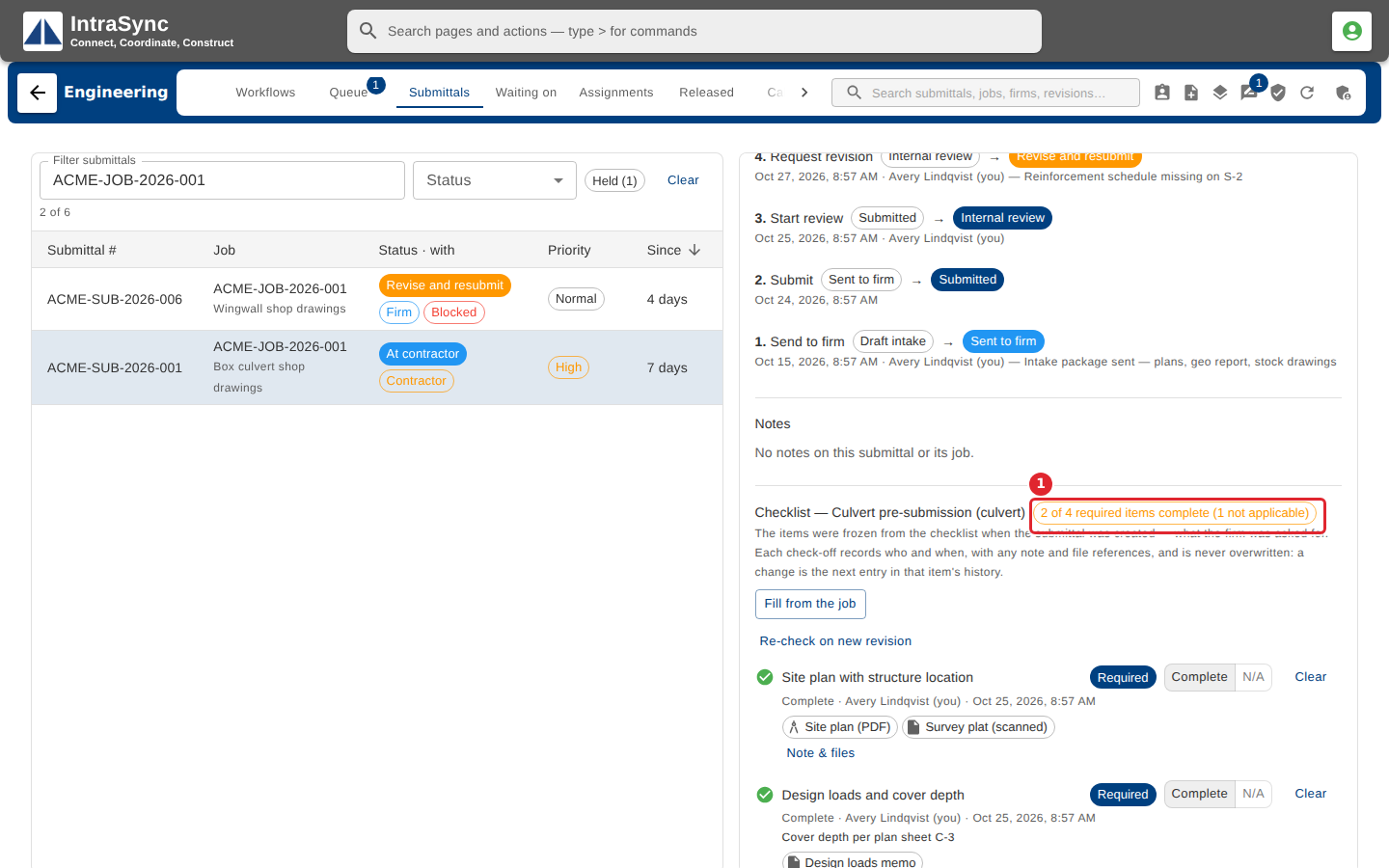
Open the submittal. The checklist summary says how many required items are complete.
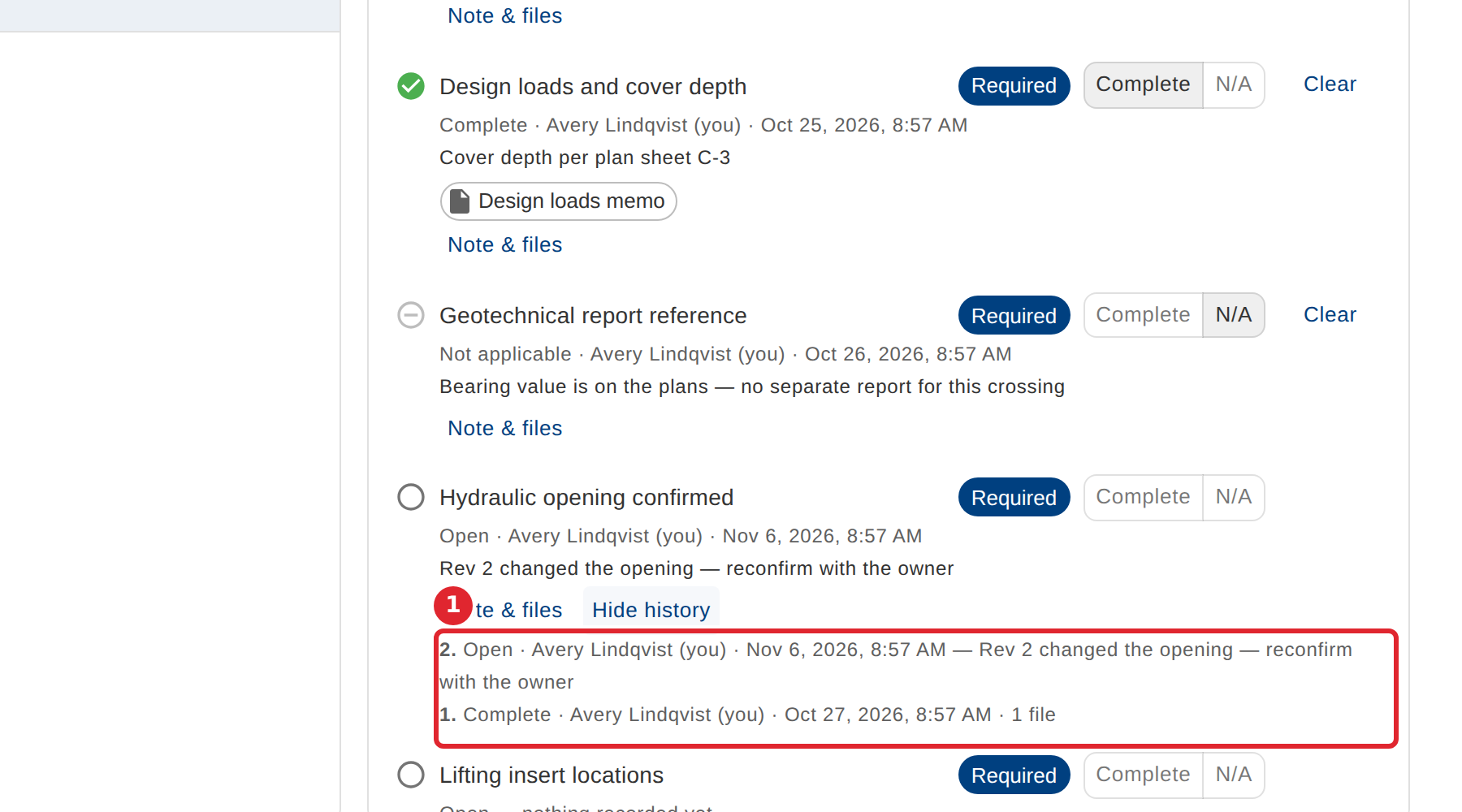
Select History on an item to see every check-off and reopening, with who recorded it and when.
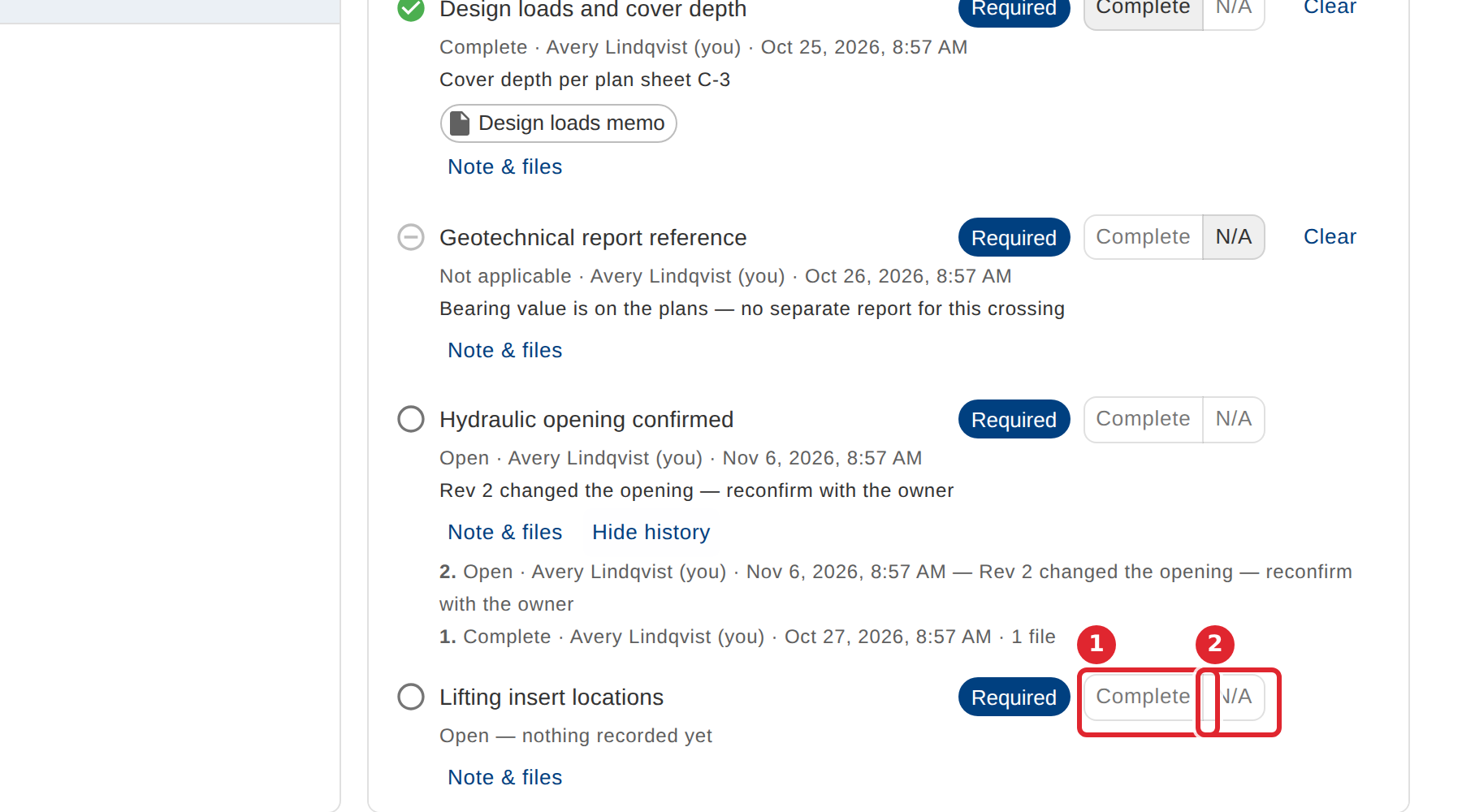
On an open item, select Complete, or N/A when it does not apply.
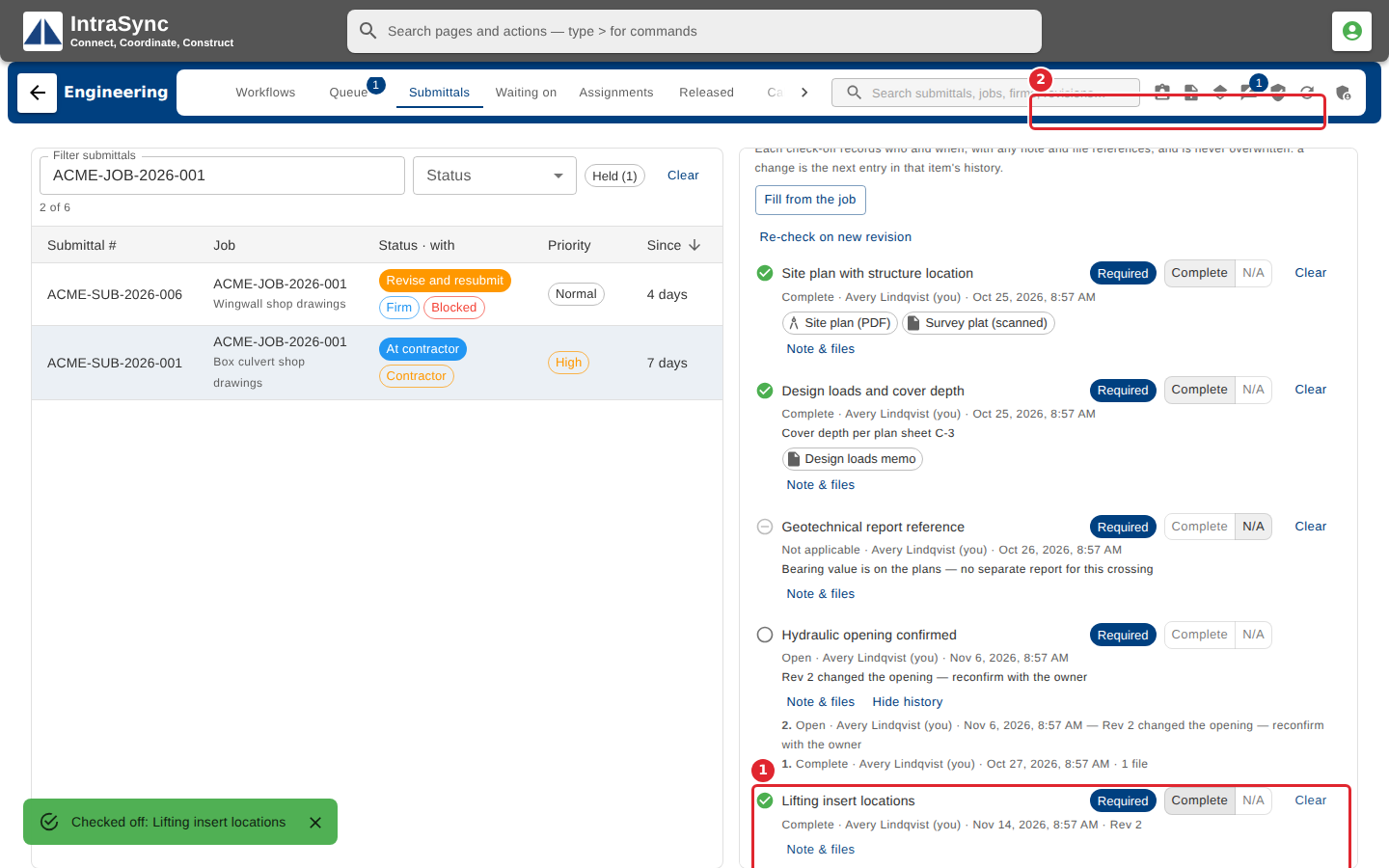
The item is checked off and the summary updates.
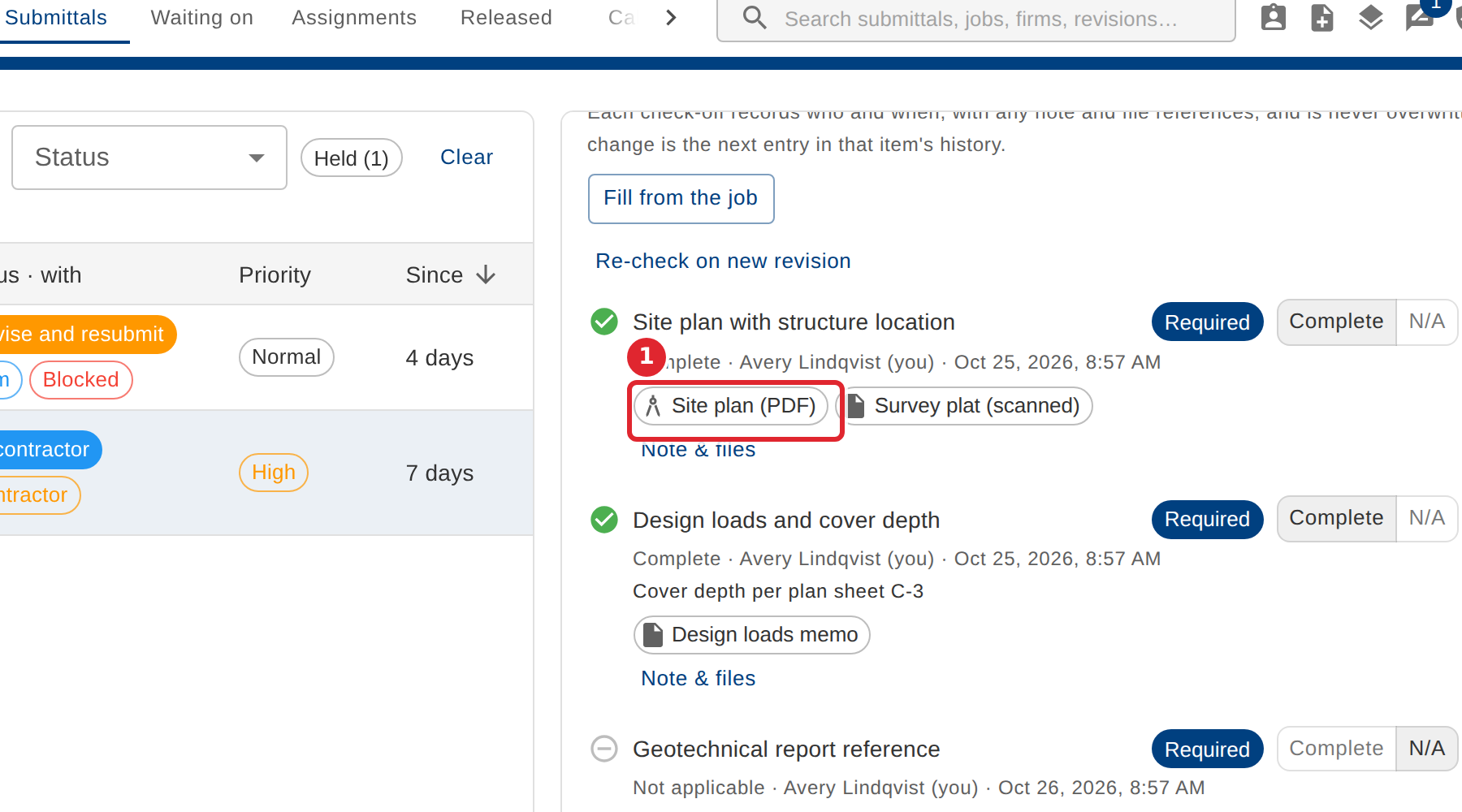
Select a document chip on an item to open the file it refers to.
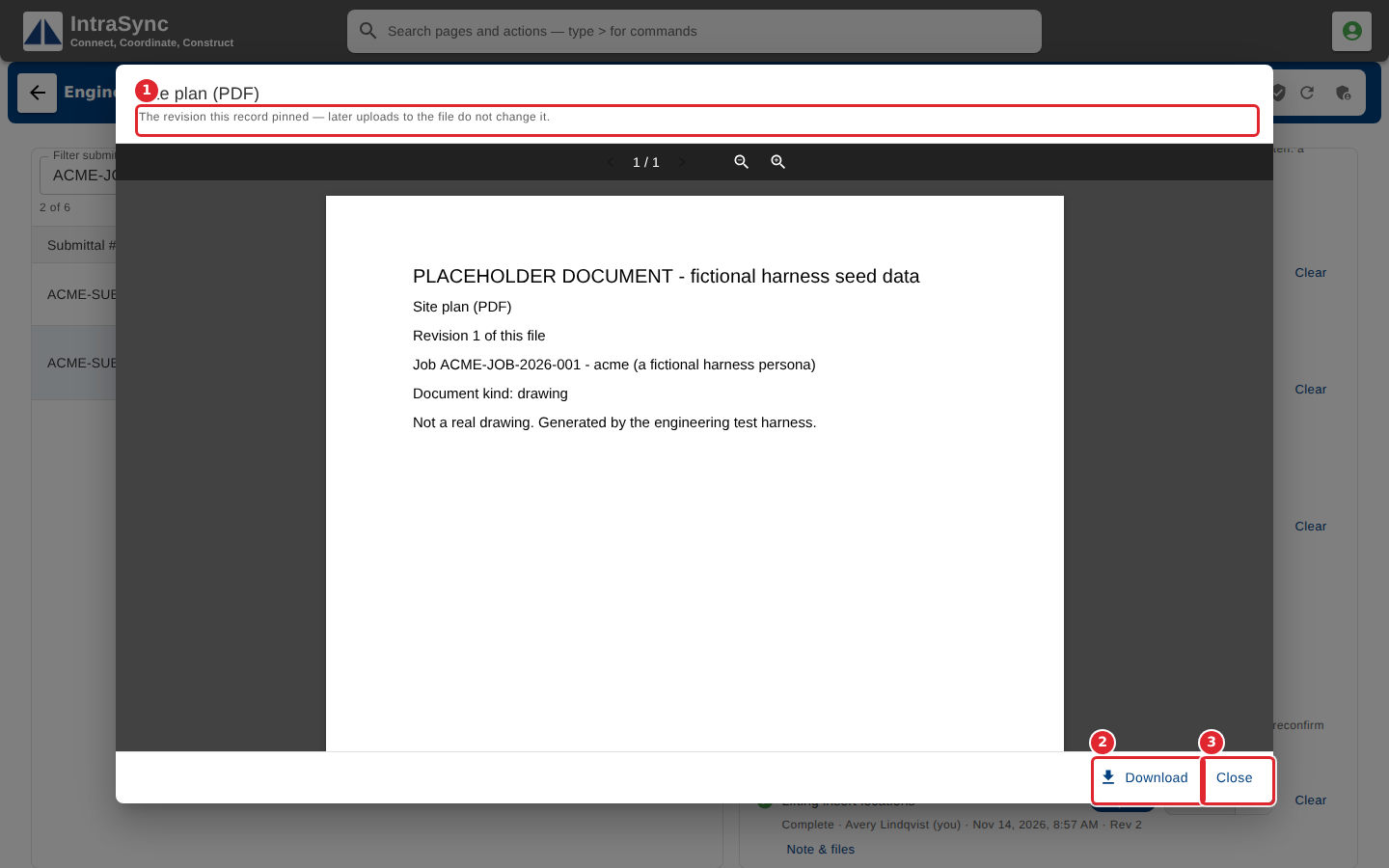
The viewer opens the exact version that was filed. Select Download to save it, or Close to go back.
Tips
- Each check-off adds a new entry to the item's record. Nothing is edited in place, so the history always shows who decided what.
- When a new revision changes something an item covered, the item reopens and says why.
- On a job that uses the release gate, every required item must be complete before the engineering release can be signed.