Engineering guide · section 3 of 25
Fill a checklist from the job's own documents
Check off the checklist lines the job's documents already answer, without hunting for the files by hand.
Watch this in the video (0:13)
Before you start
- Access to the Engineering hub (its page permission).
- The submittal has a pre-submission checklist whose items name a job document to fill from.
Steps
In the pictures, a numbered red box marks where to click or type. Where a picture has more than one box, the numbers give the order.
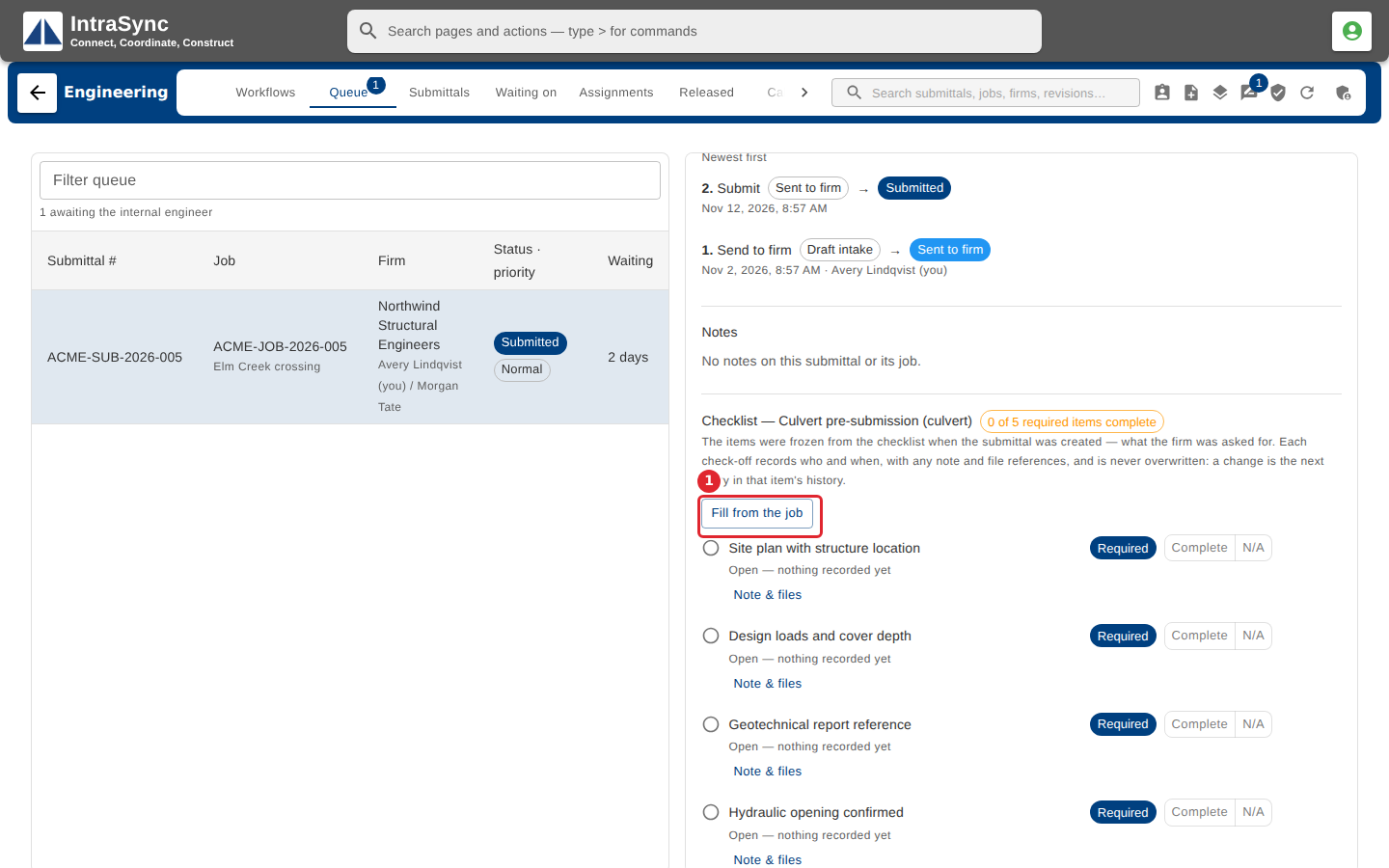
Open the submittal and scroll to its checklist. Select Fill from the job.
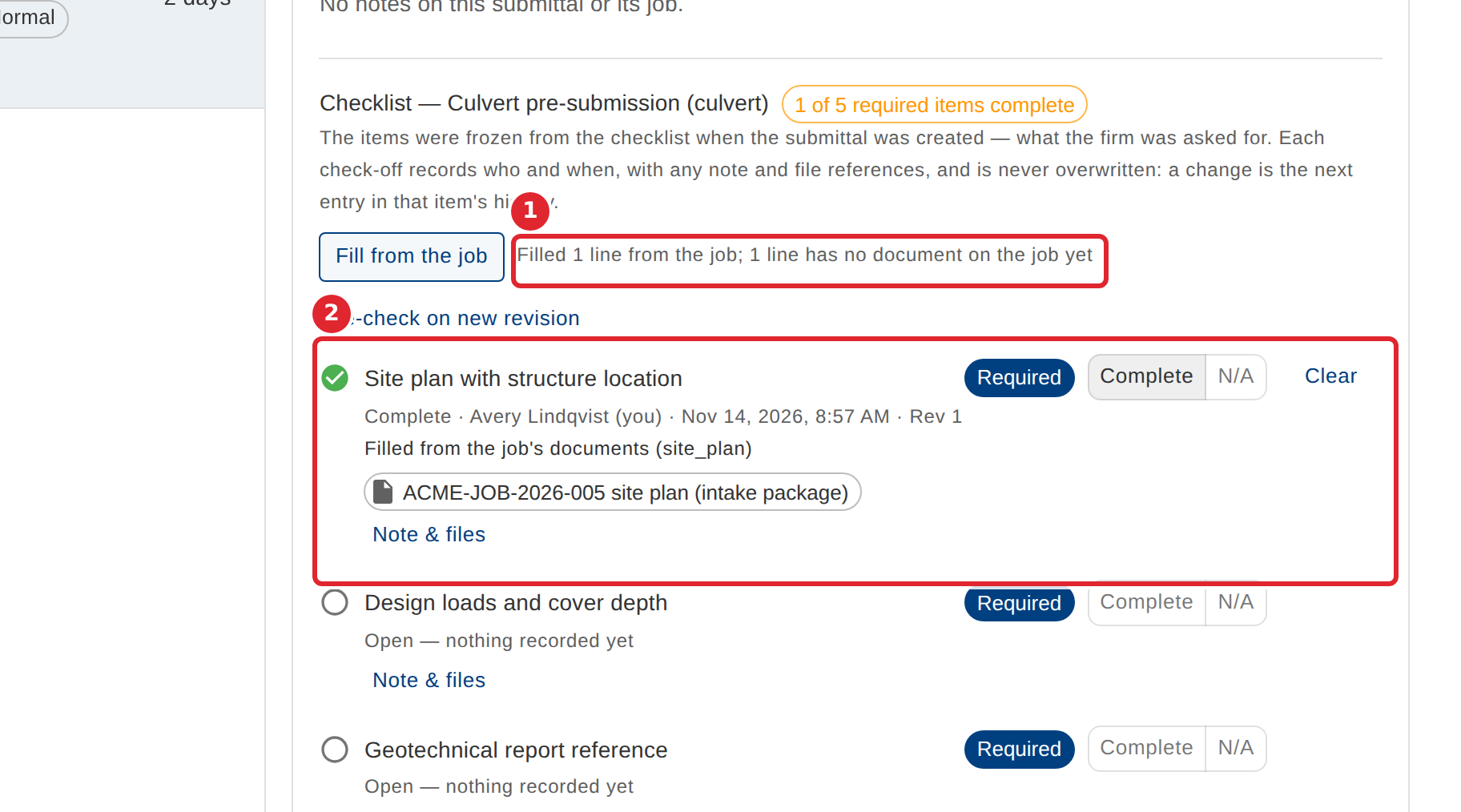
Read the result beside the button. Lines whose document is on the job are checked off with the file attached; lines whose document is not on the job yet stay open for a person.
Tips
- Filling never overwrites an item a person has already answered.
- Filling is refused on a released submittal.