Engineering guide · section 17 of 25
File a new submittal against a job
Start a drawing package for a job, with the checklists the firm will be asked to answer.
Watch this in the video (4:15)
Before you start
- Access to the Engineering hub (its page permission).
- The job has an assignment.
Steps
In the pictures, a numbered red box marks where to click or type. Where a picture has more than one box, the numbers give the order.
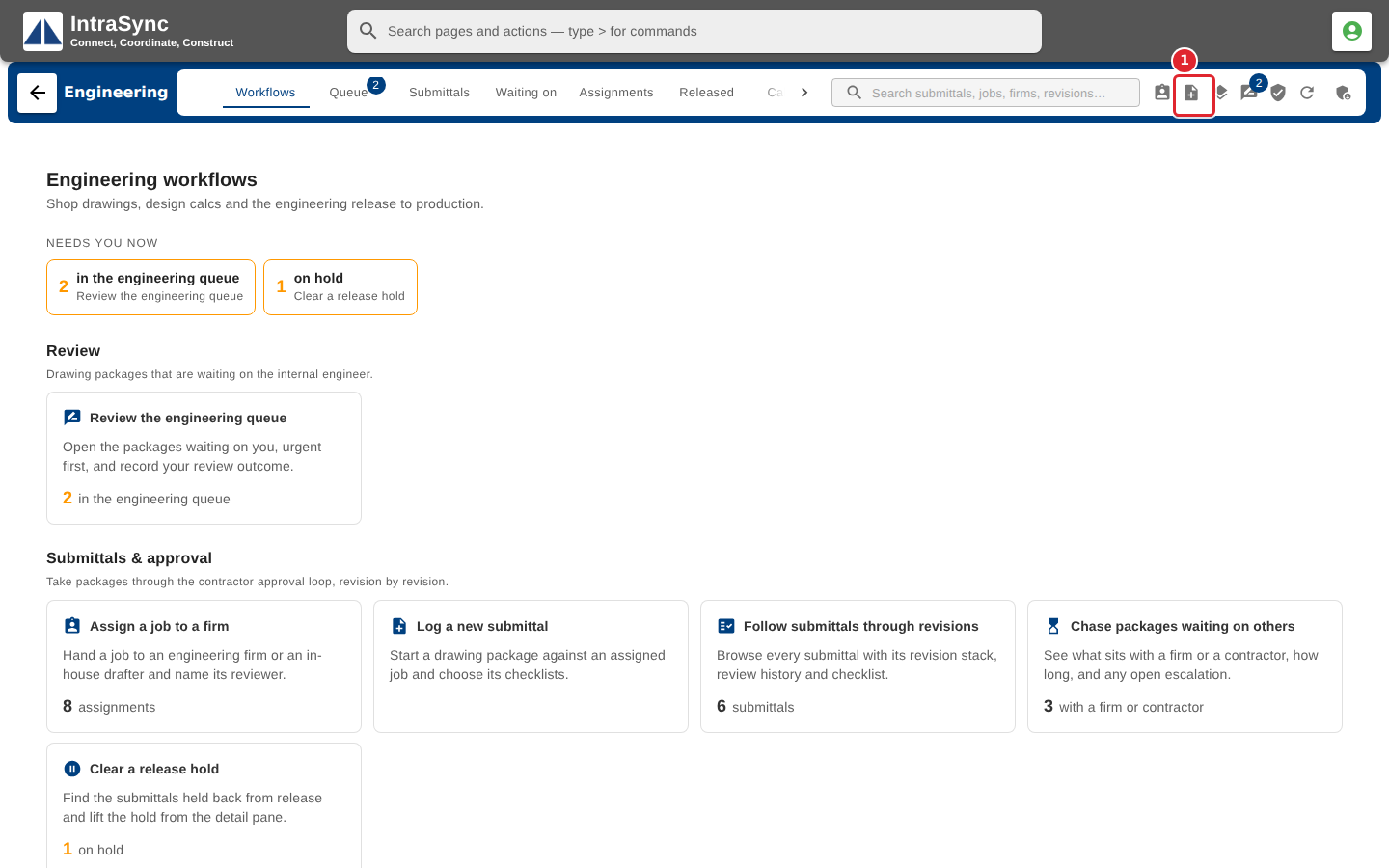
Select New submittal.
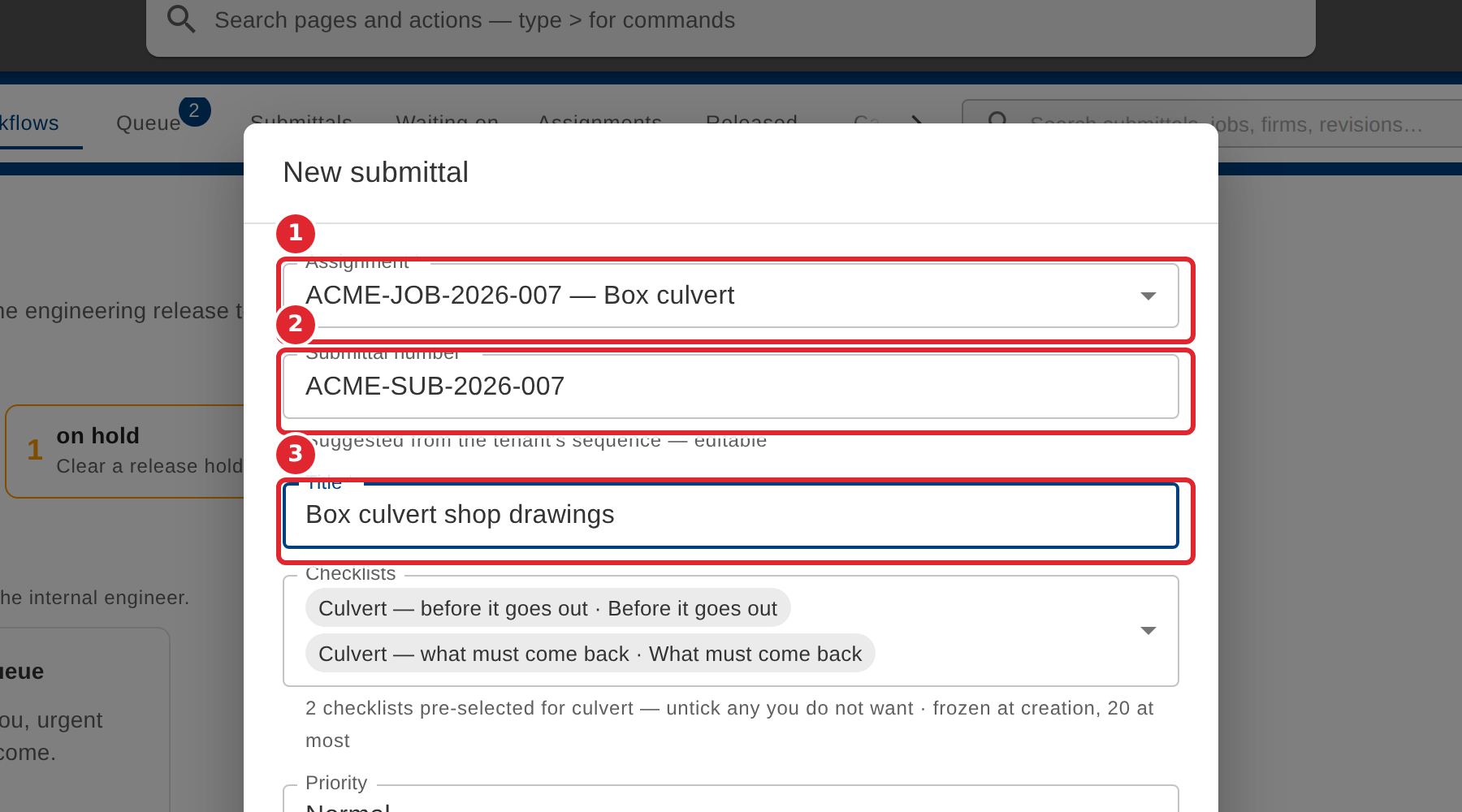
Pick the job. The submittal number is suggested from your sequence; change it if you need to. Enter a title.
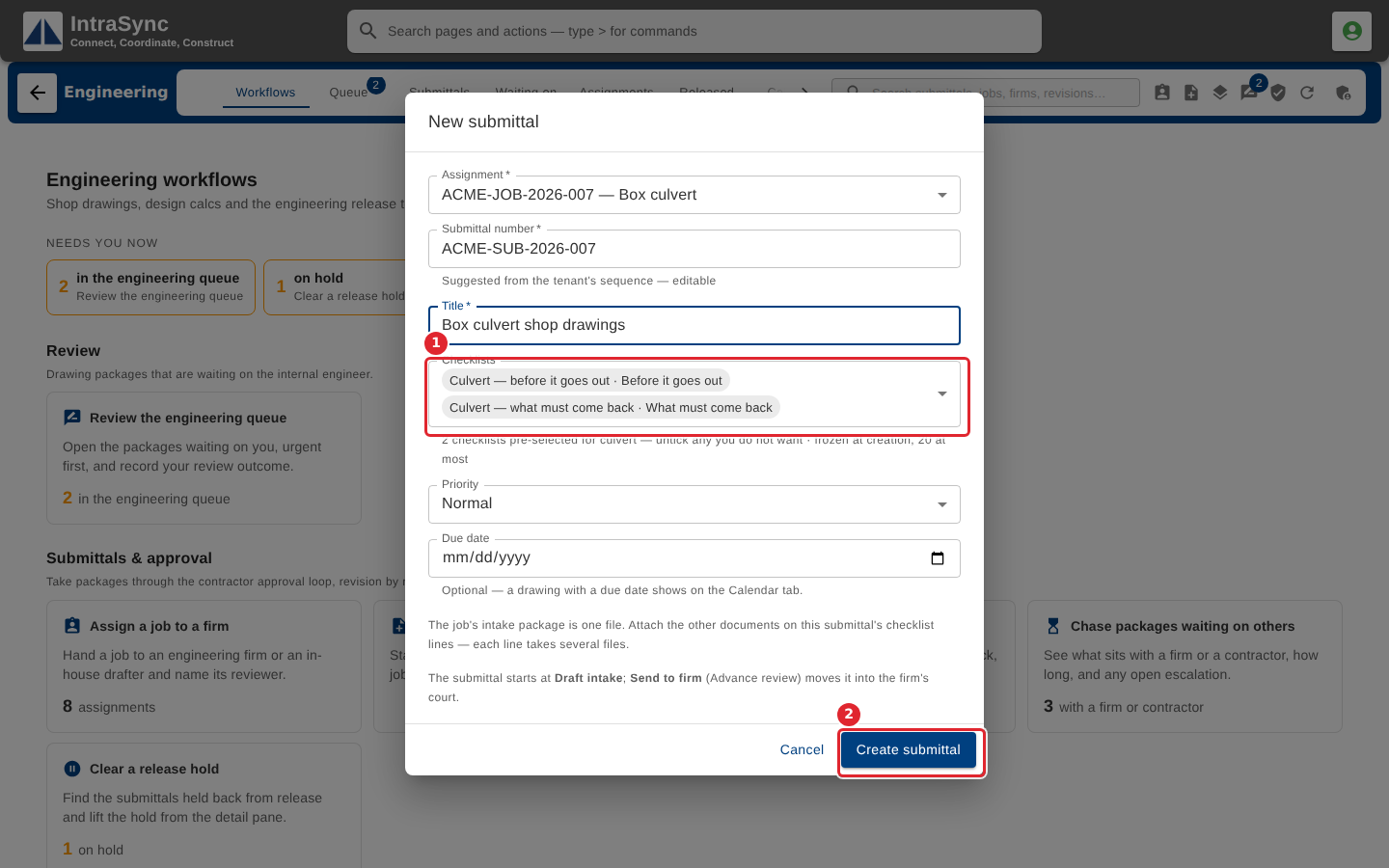
Check the checklists: the ones for the job's structure type are already selected. Untick any you do not want, add others, then select Create submittal.
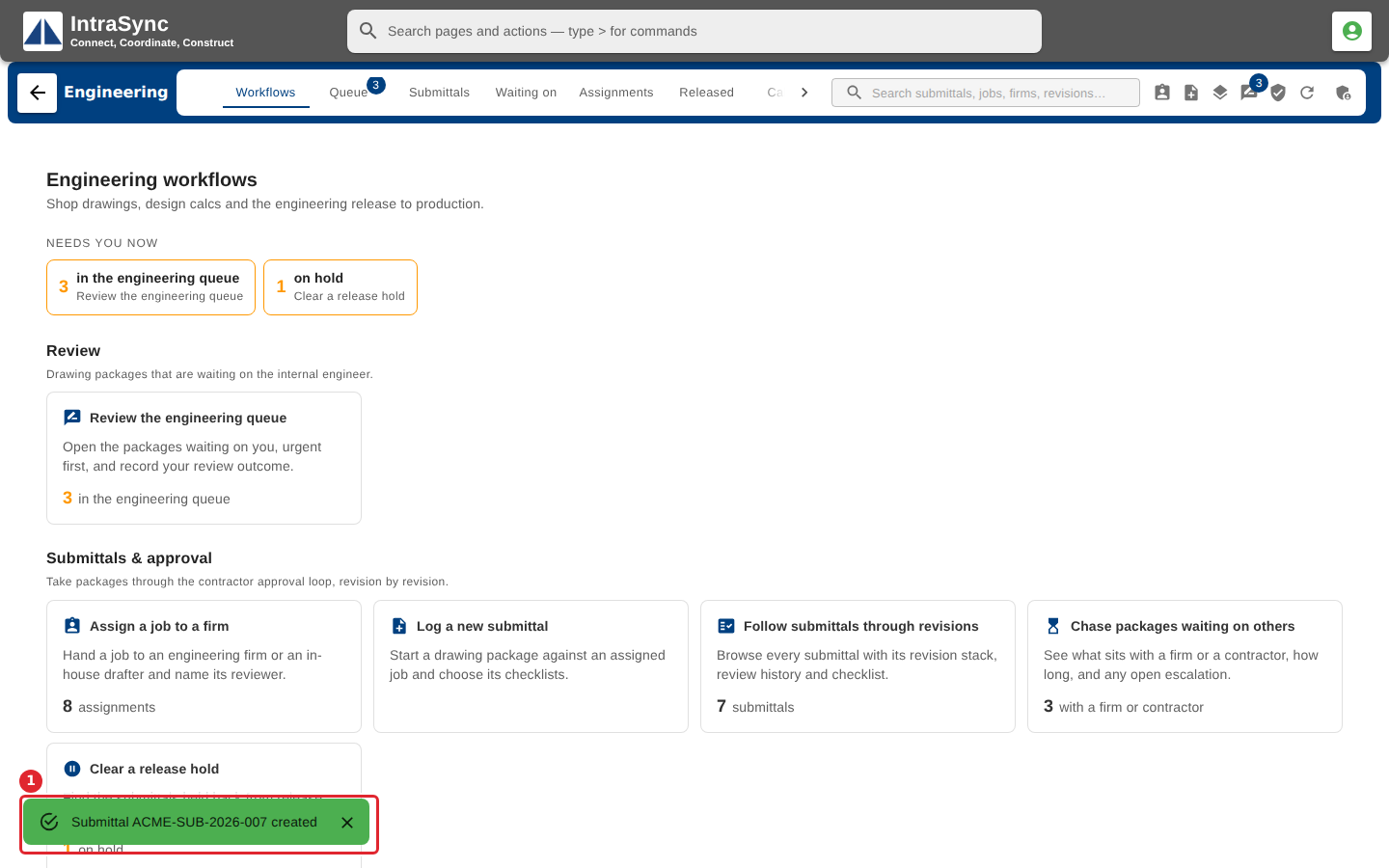
A message confirms the submittal was created. It starts as a draft intake in the internal queue.
Tips
- The checklists are frozen when the submittal is created: later edits to a checklist do not change it.
- Attach the job's intake package so Fill from the job can find its documents.