Isa Takeoff guide · section 3 of 10
Review the materials and add other items
Check the precast pieces the takeoff needs, and add anything that is not a structure, such as catalogue parts or typed items, so the total is complete.
Watch this in the video (0:17)
Steps
In the pictures, a numbered red box marks where to click or type. Where a picture has more than one box, the numbers give the order.
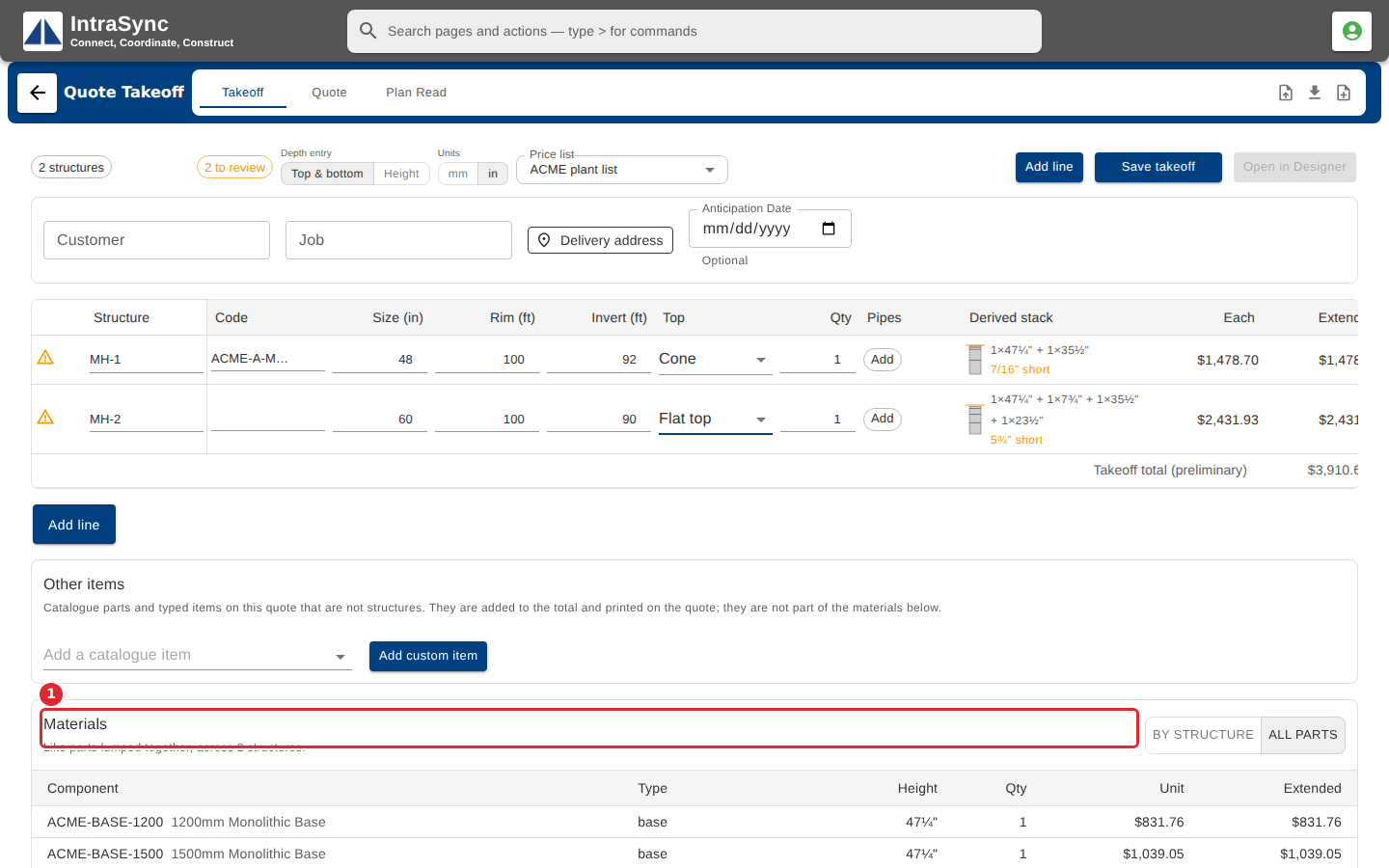
Scroll down to Materials to see every precast piece the takeoff needs, with its price.
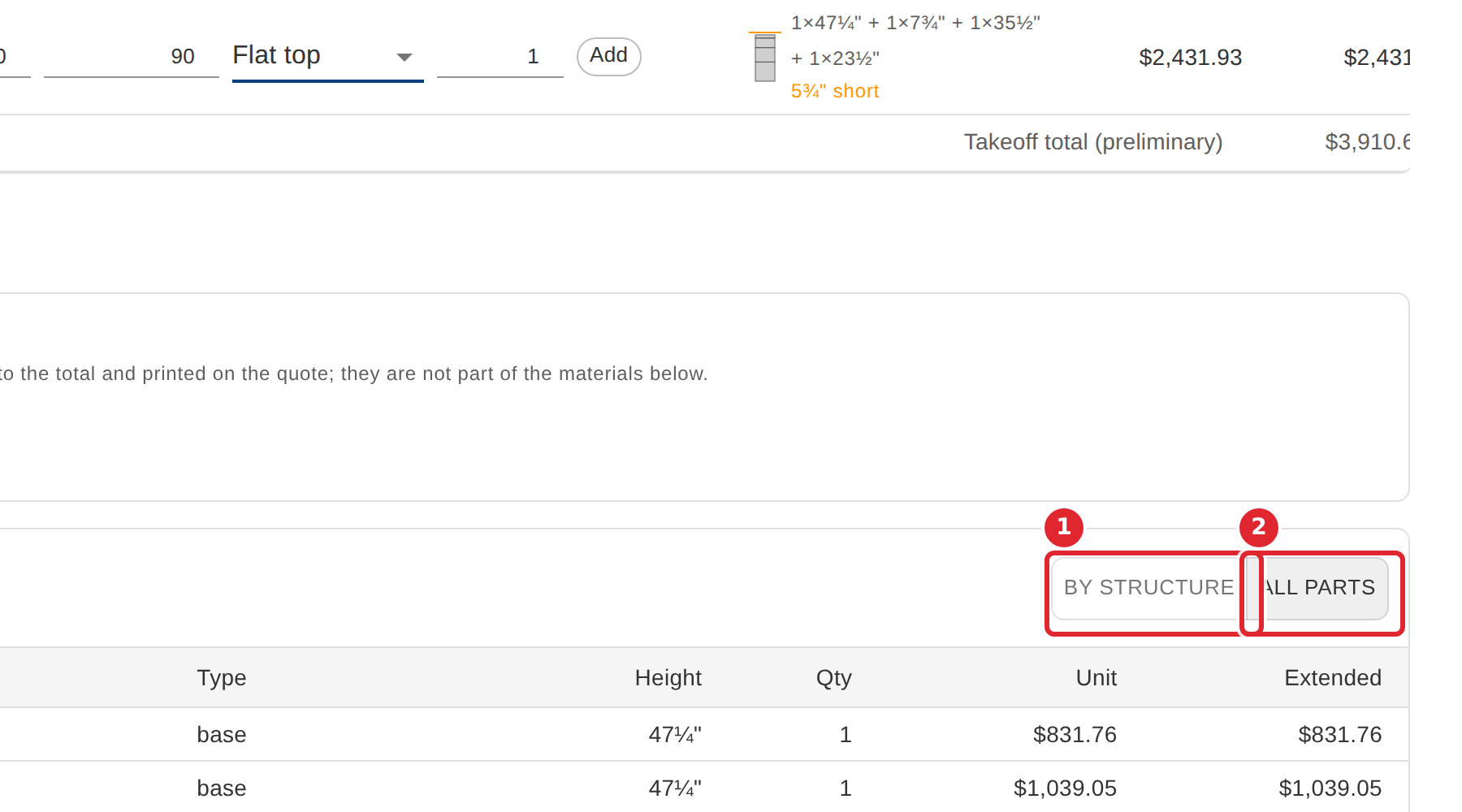
Switch between By structure and All parts to group the pieces either way.
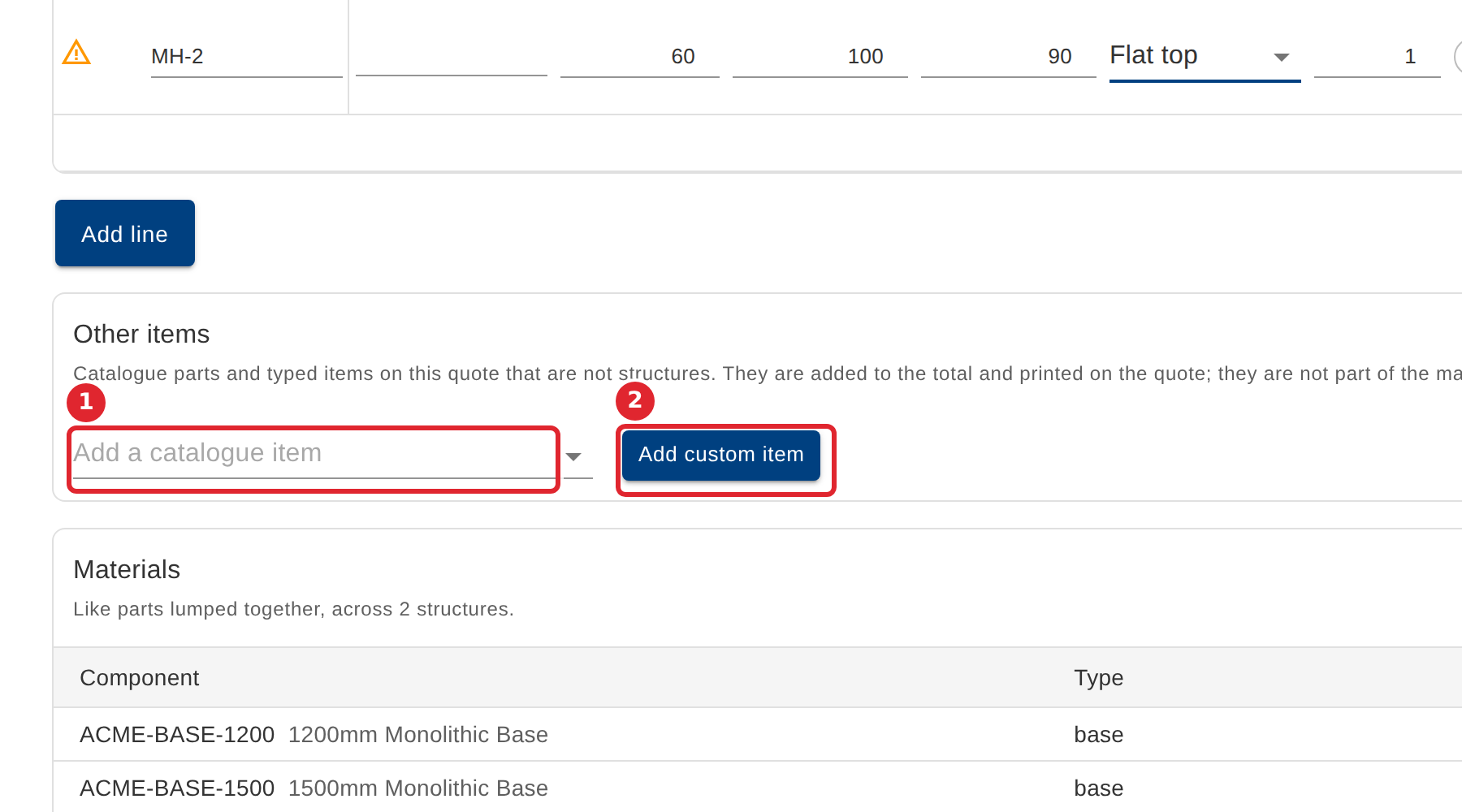
Under Other items, add catalogue parts or typed items that are not structures. They count toward the total.
Tips
- Other items are added to the total and printed on the quote, but are not part of the materials list.