Isa Takeoff guide · section 5 of 10
Import structures from a spreadsheet
When someone has already listed the structures in Excel or a CSV file, import them instead of typing them.
Watch this in the video (0:20)
Before you start
- The file uses the template's columns. Download a template to send to whoever prepares the list.
Steps
In the pictures, a numbered red box marks where to click or type. Where a picture has more than one box, the numbers give the order.
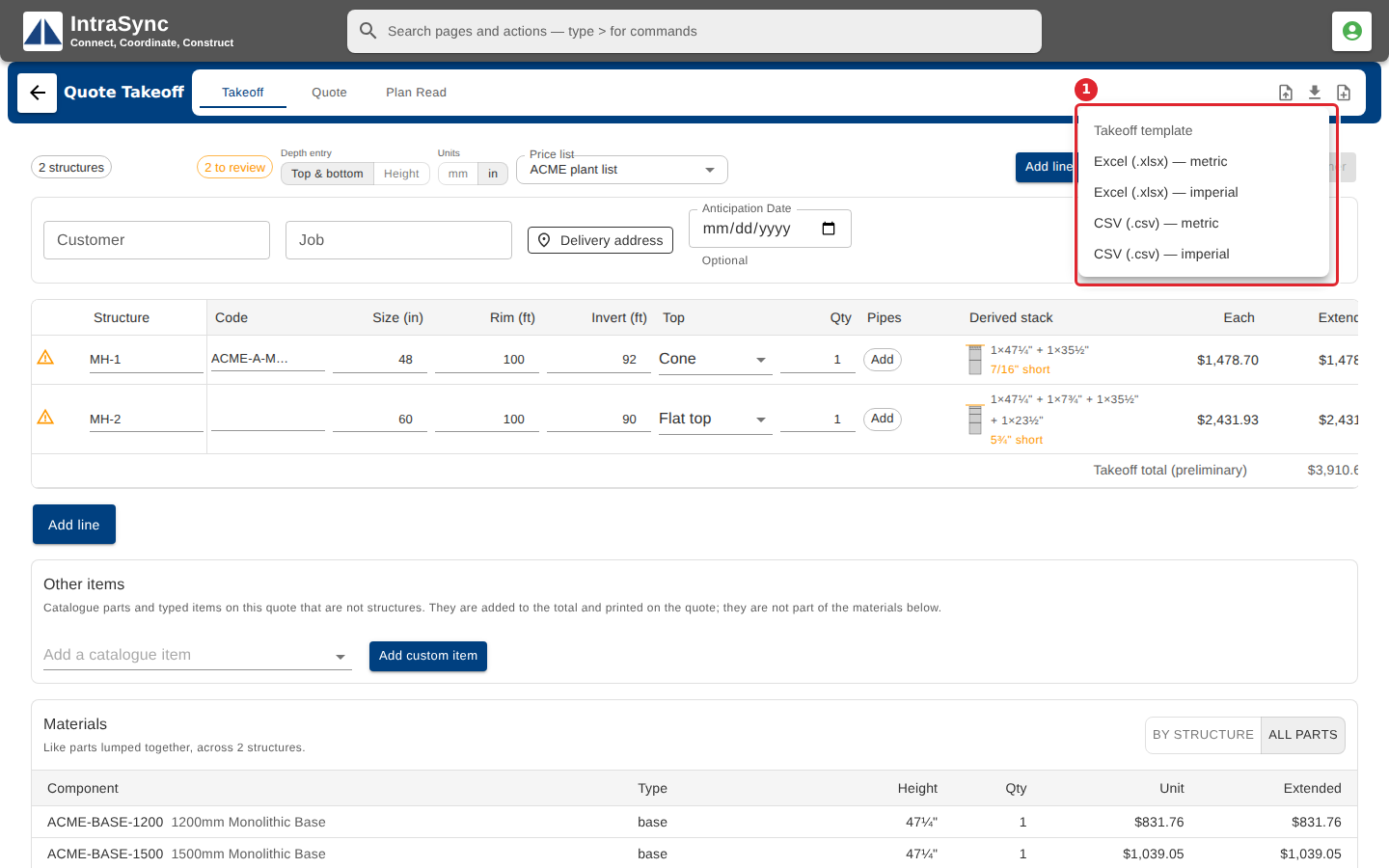
To get the right columns, select Download a template and choose the format and units.
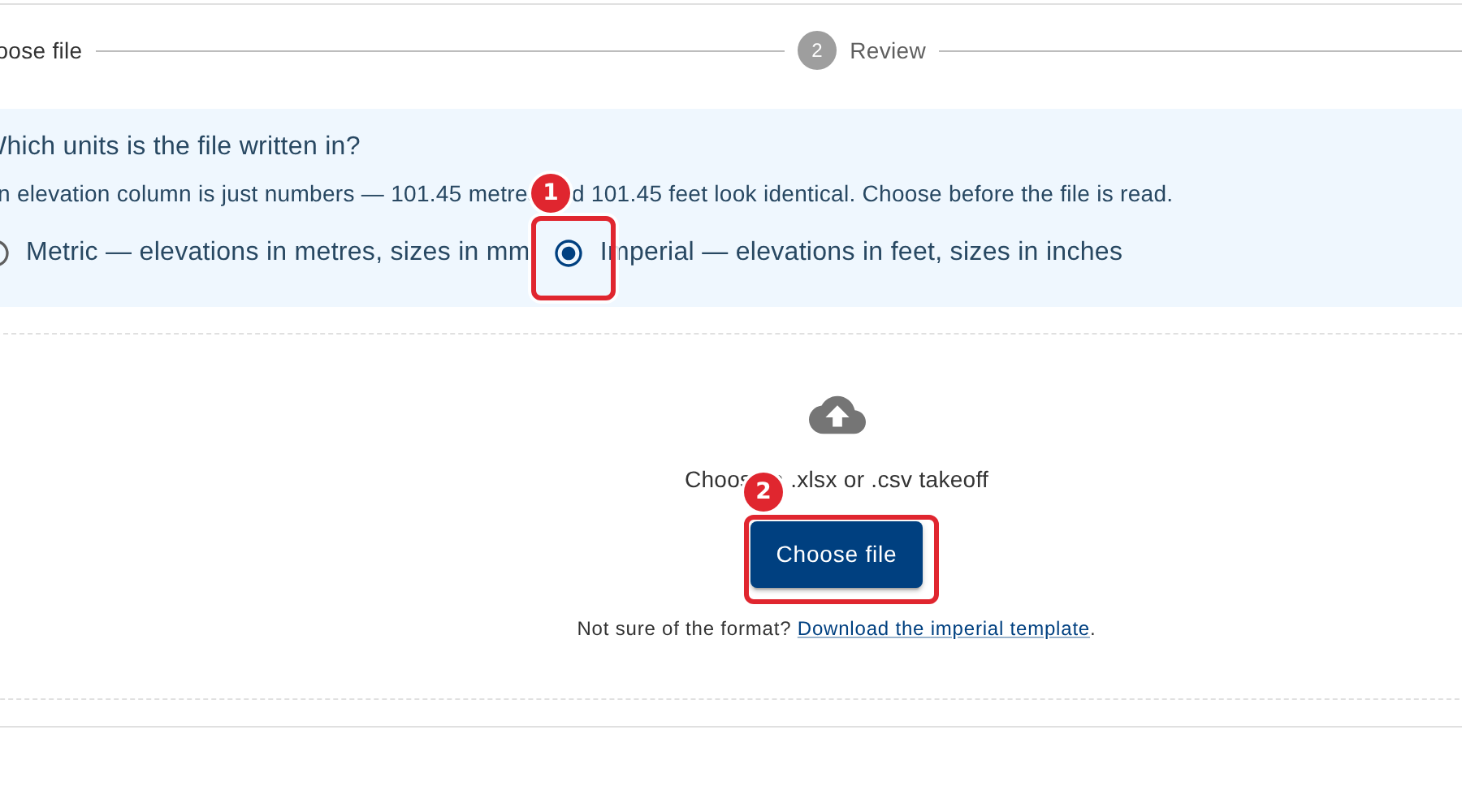
Select Import. Say whether the file is in metric or imperial units first, then choose the file.
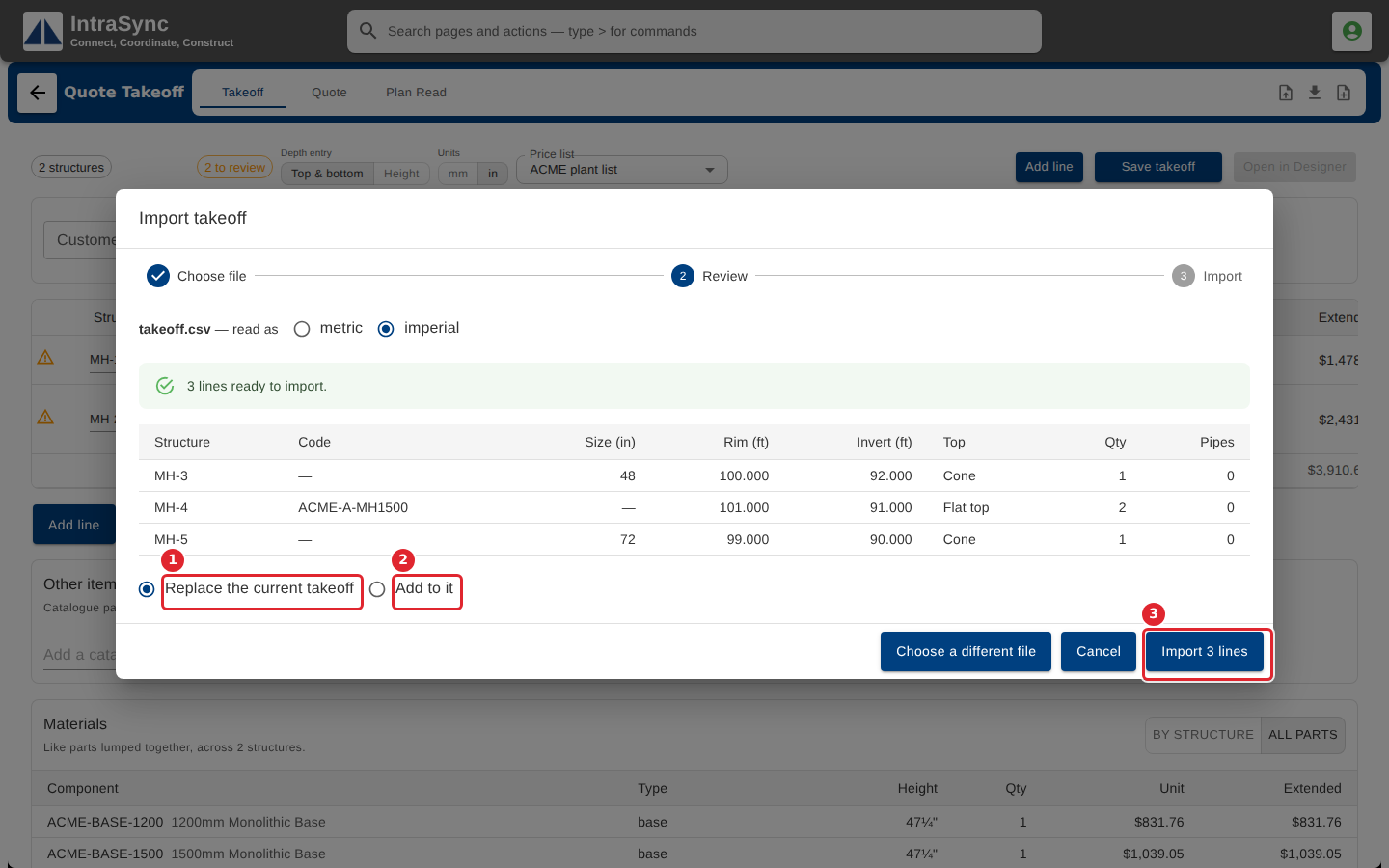
Check the preview. Choose whether to add the lines to the takeoff or replace it, then select Import.
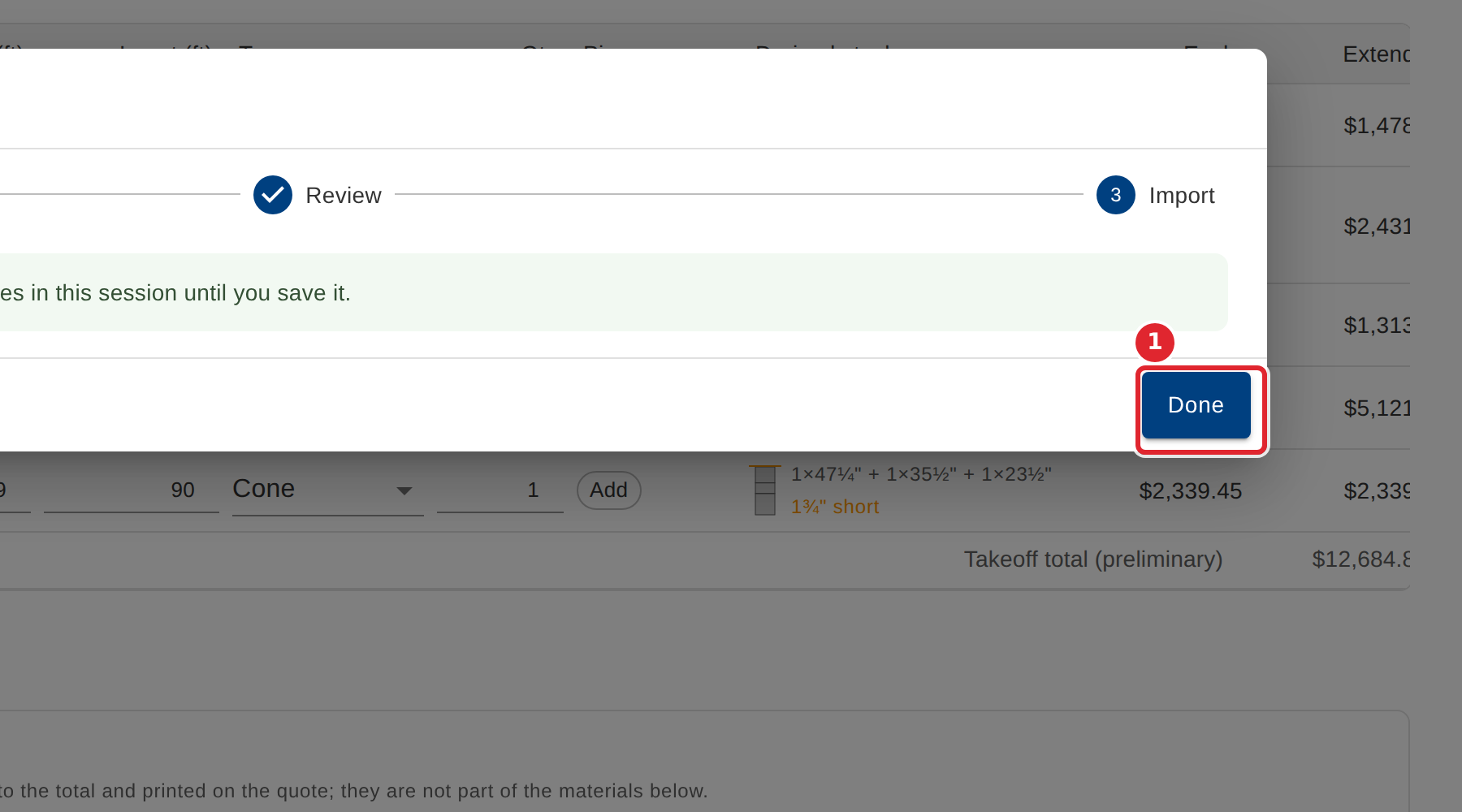
The dialog says how many lines were imported. Select Done.
Tips
- Always choose the file's units first: an elevation in a file is only a number.
- Add to it keeps the lines already on the takeoff. Replace the current takeoff removes them.
- Lines the import cannot use are listed with the reason they were skipped.