Isa Takeoff guide · section 4 of 10
Read and print the quote
The Quote tab shows the same takeoff the way the customer will see it, ready to print.
Steps
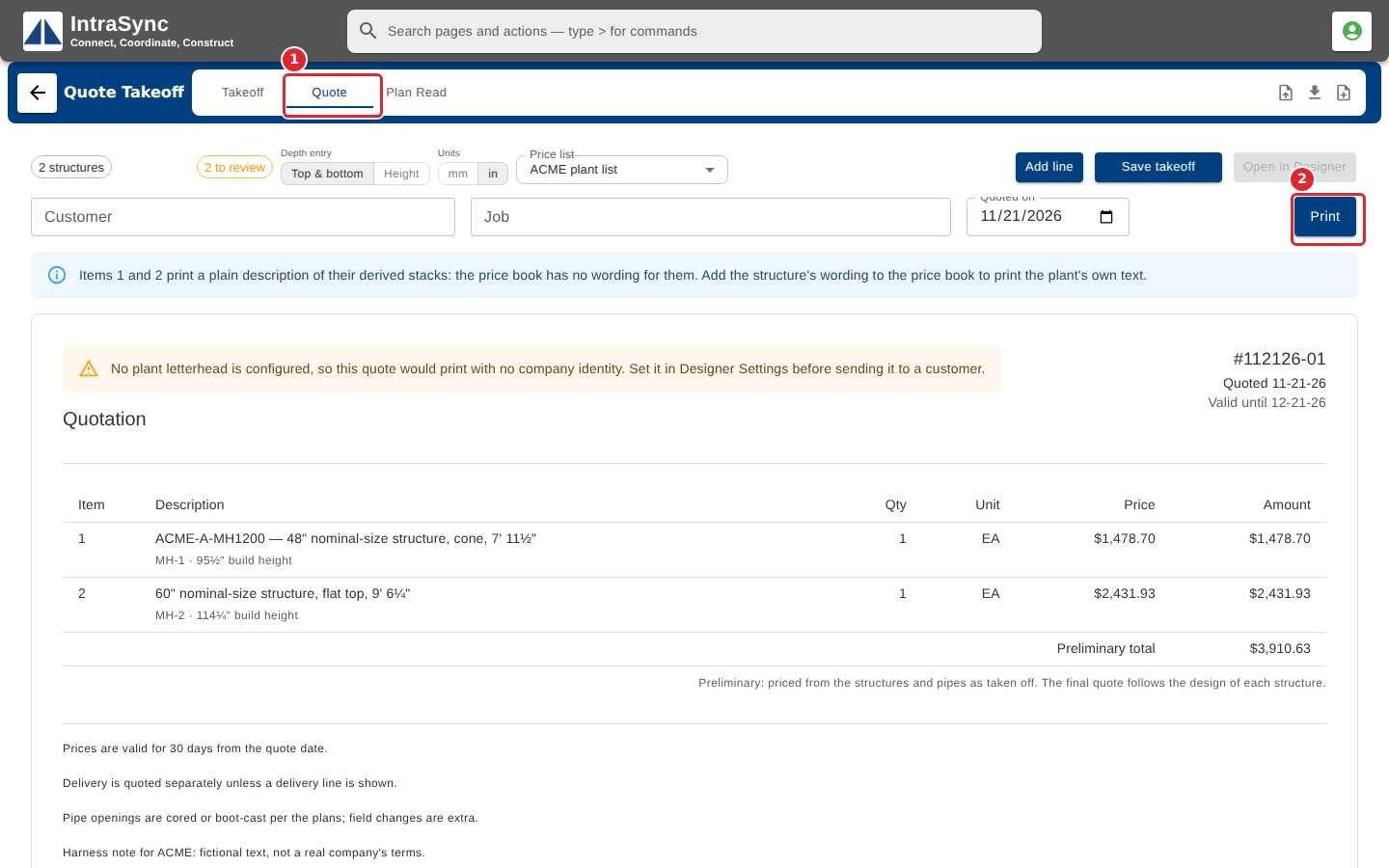
In the pictures, a numbered red box marks where to click or type. Where a picture has more than one box, the numbers give the order.
Select the Quote tab to see the same takeoff as the customer's quote. Check the quote date, then select Print.
Tips
- If a notice says no plant letterhead is configured, set it in the Designer settings before you send a quote to a customer.
- A structure with no wording in the price book prints a plain description of its stack. Add the wording to the price book to print your own text.