Yard Management guide · section 40 of 44
Manage yards
Add the yards your company runs and say which are in service.
Watch this in the video (2:46)
Before you start
- You are a yard administrator.
Steps
In the pictures, a numbered red box marks where to click or type. Where a picture has more than one box, the numbers give the order.
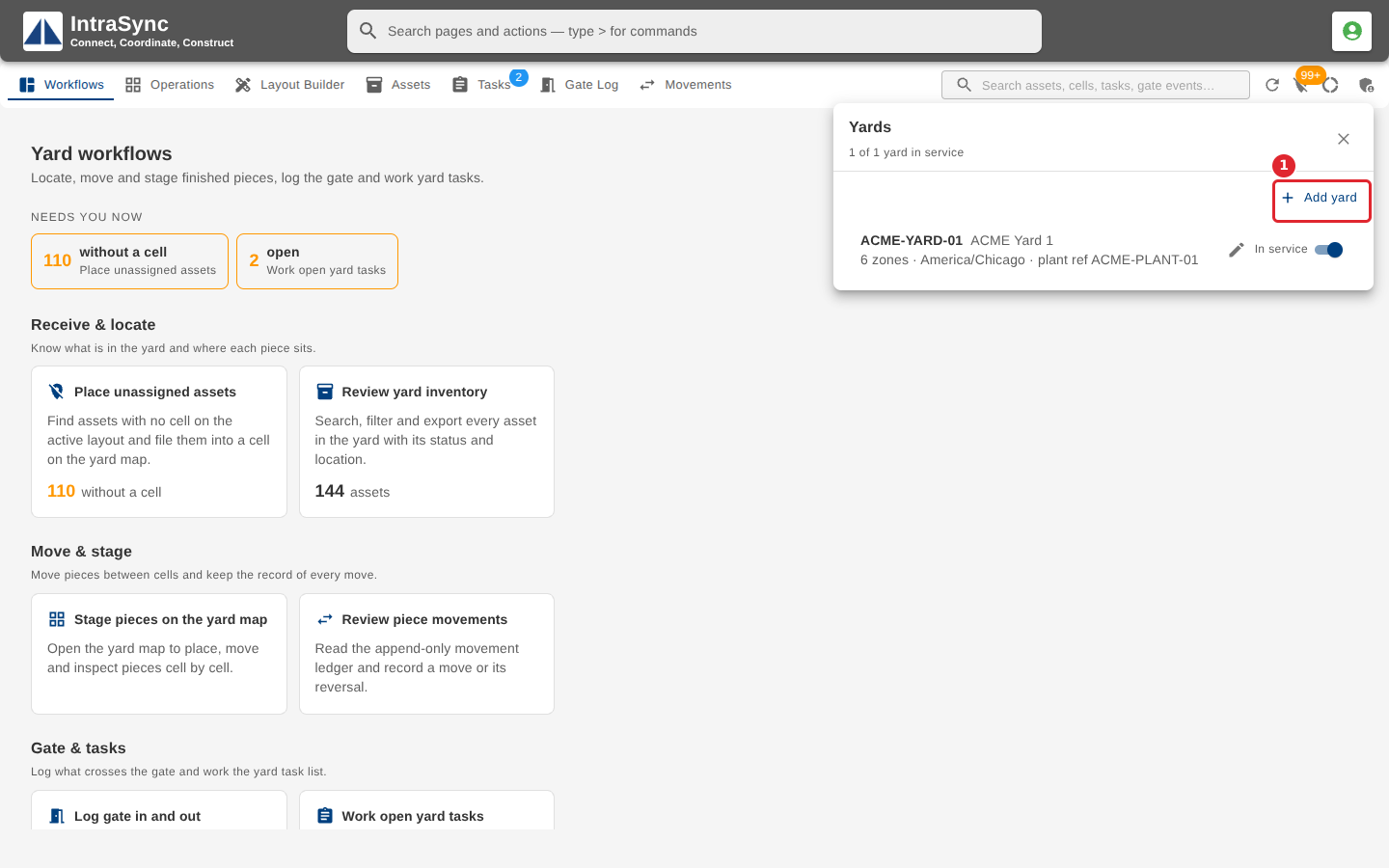
Select Yard administration, then Yards, to list your yards and which are in service. Select Add yard for a new one.
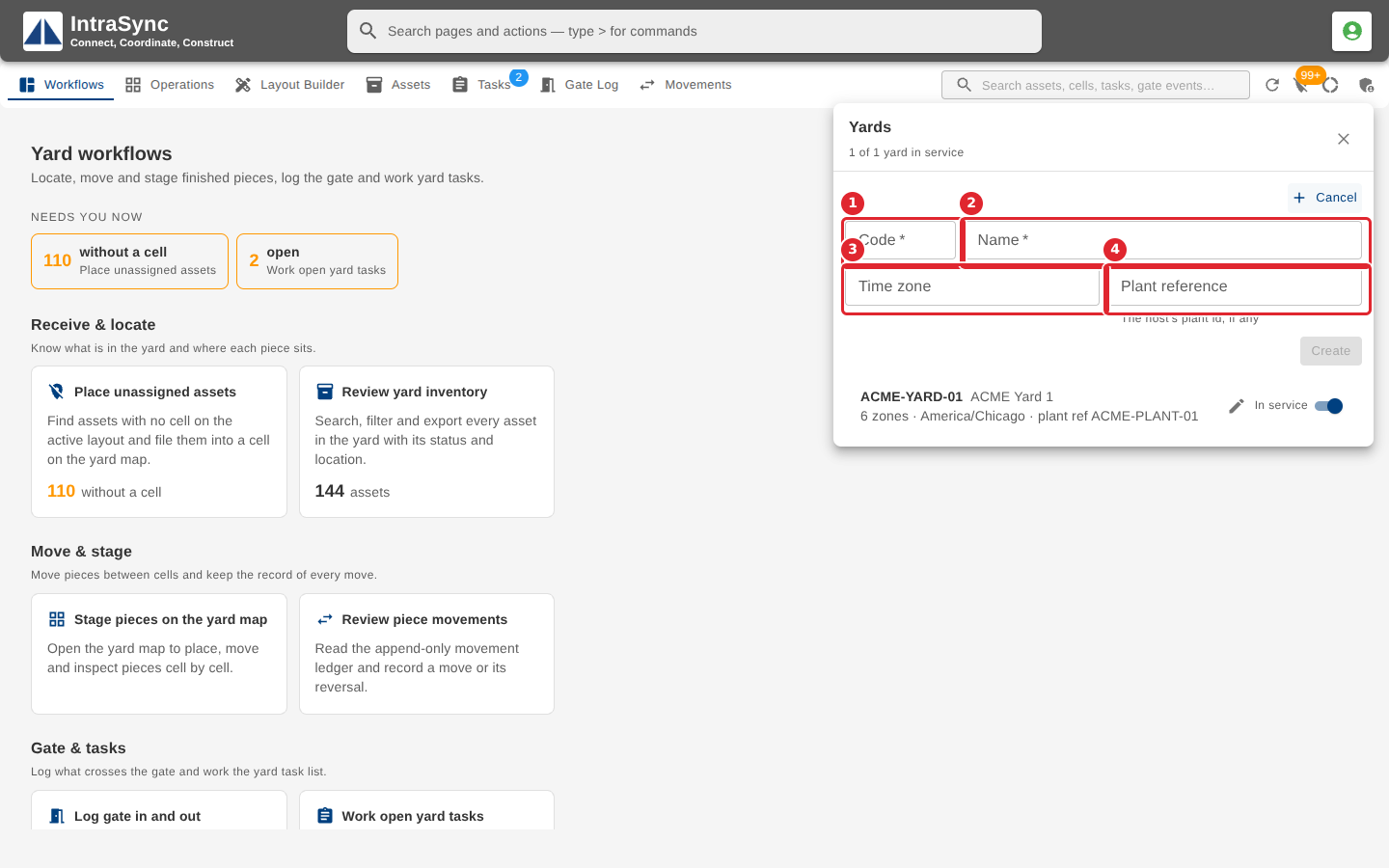
Enter a Code and a Name, the yard's Time zone (for example America/Chicago) and, if you use one, its Plant reference.
Tips
- Code and Name are required.
- The Time zone must be one your browser recognises, such as America/Chicago.
- The switch beside each yard marks it in service or not.