Yard Management guide · section 21 of 44
Find and filter assets
Narrow the yard's assets to the ones you are looking for, and take the list away as a spreadsheet.
Watch this in the video (1:17)
Steps
In the pictures, a numbered red box marks where to click or type. Where a picture has more than one box, the numbers give the order.
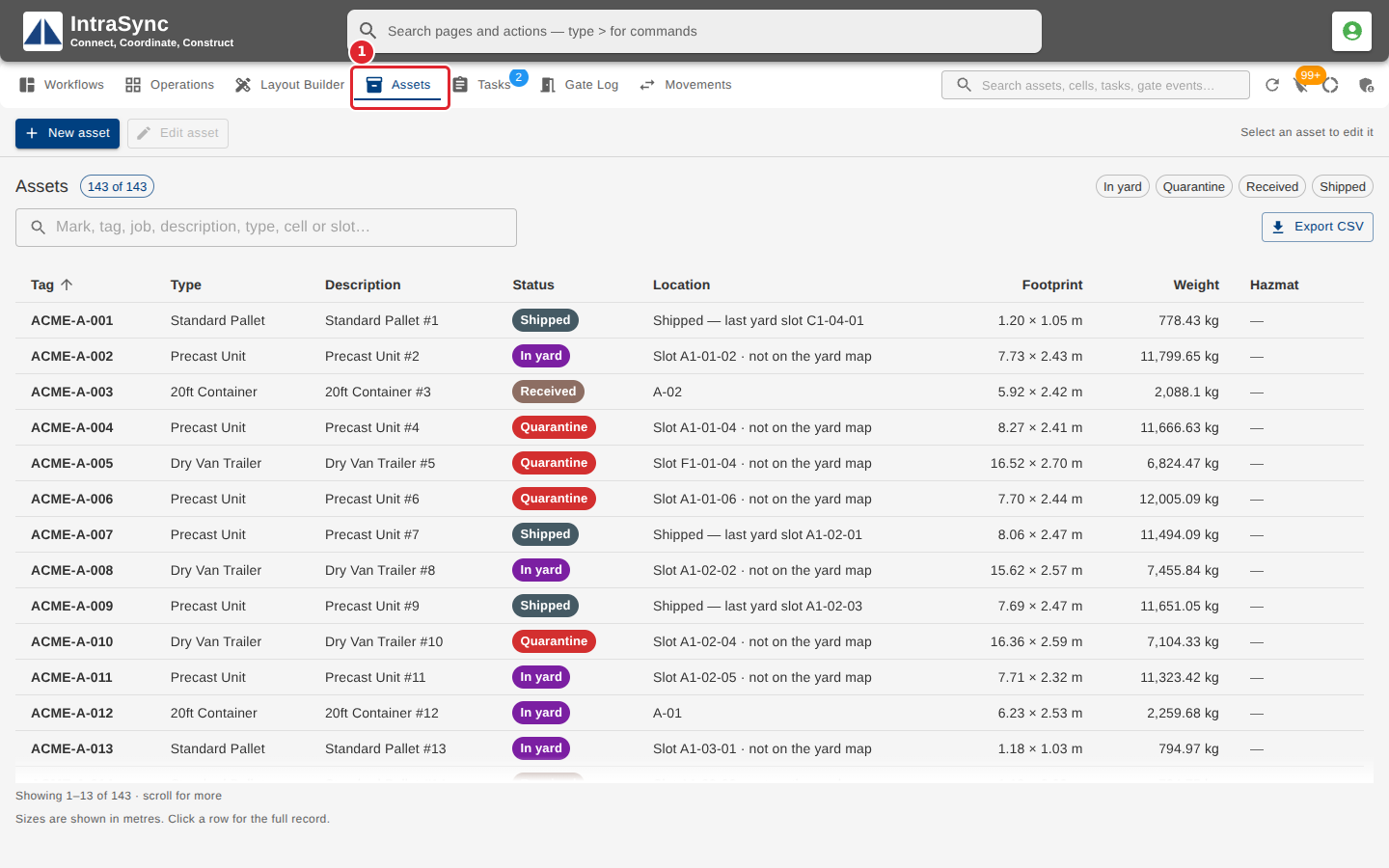
Open the Assets tab. It lists every asset the yard tracks, with its status, its location and its size.
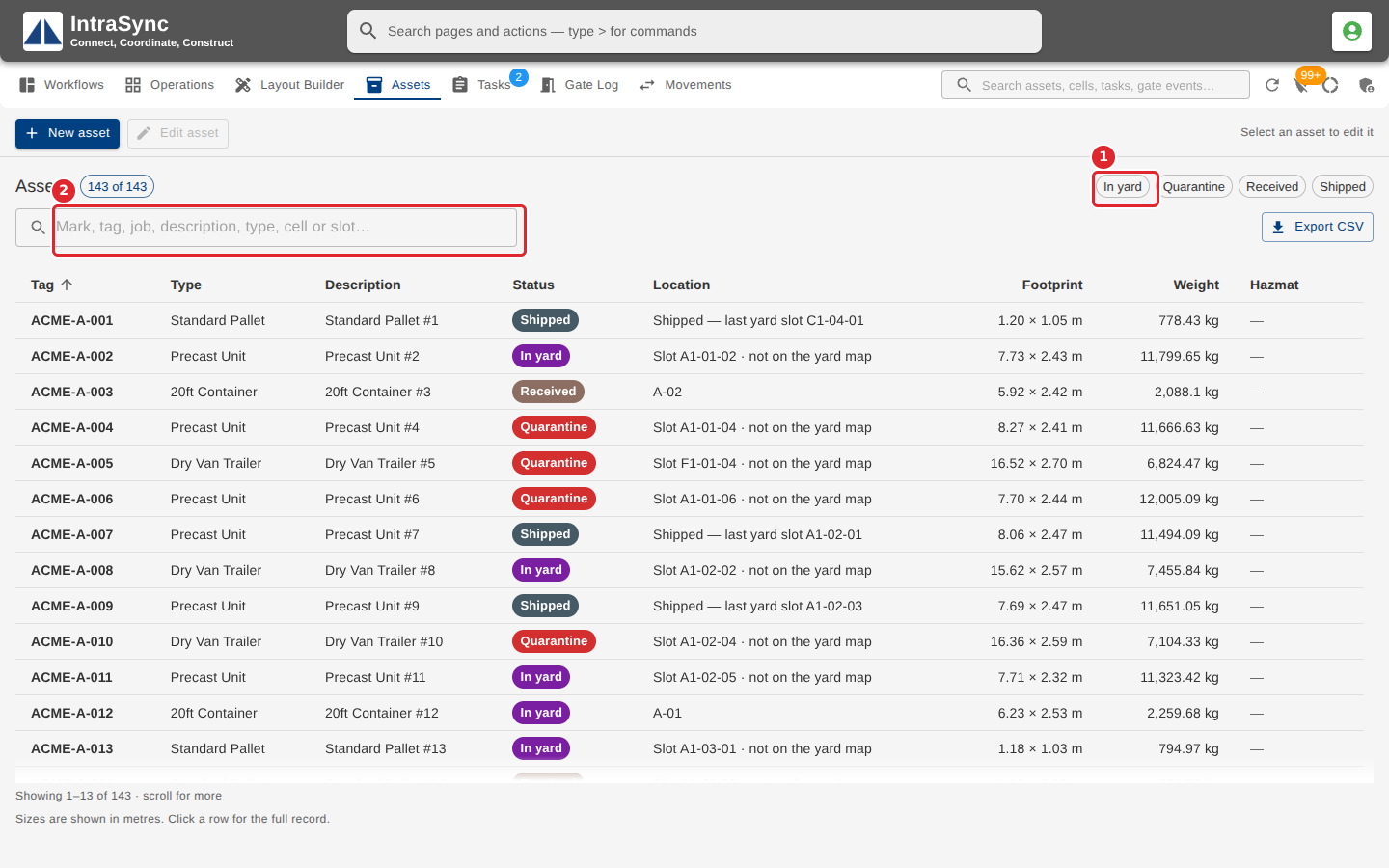
Select a status chip to show only assets in that status; select it again to clear it. Type in the filter box to narrow the list by mark, tag, job, description, type, cell or slot.
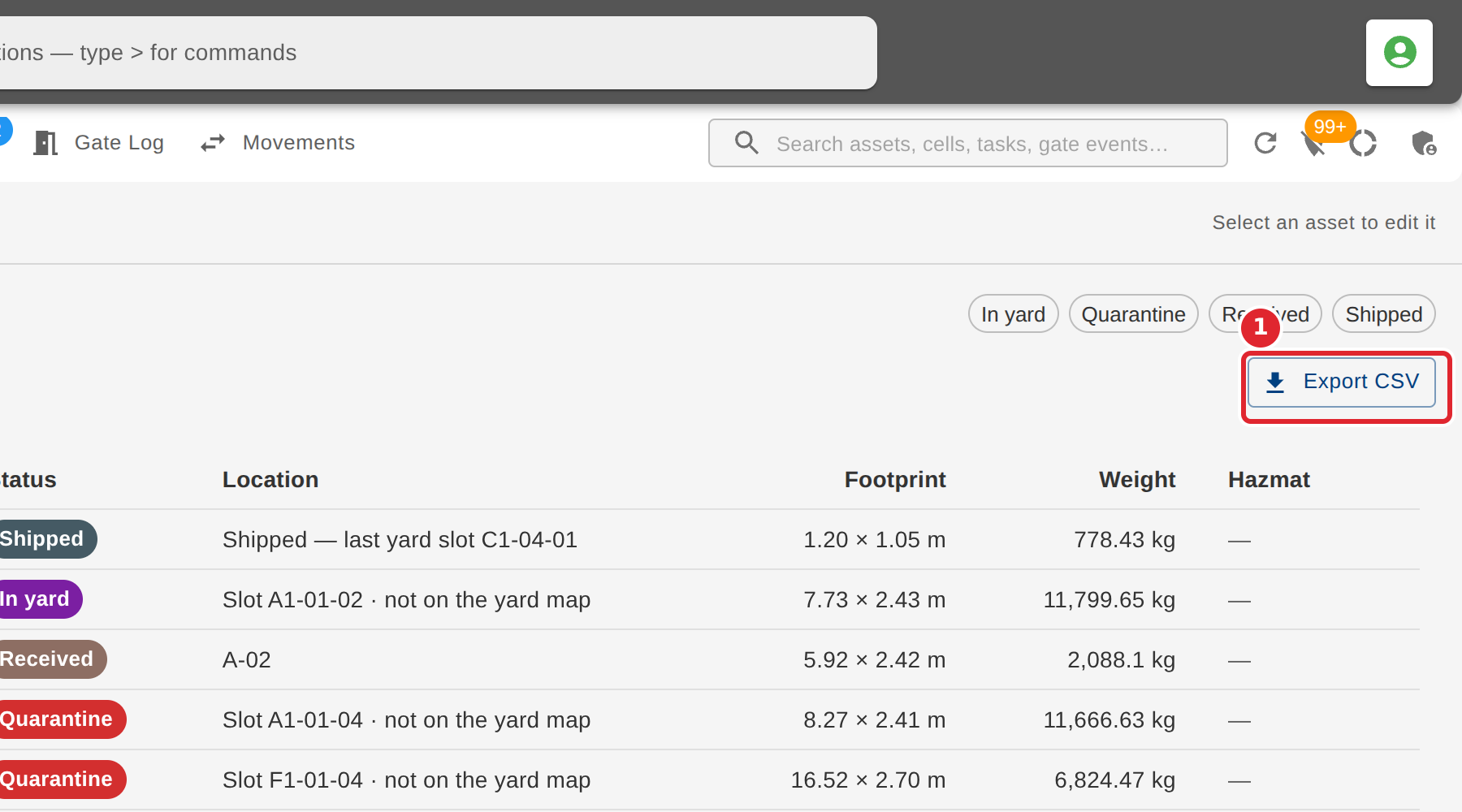
Select Export CSV to download exactly the rows shown.
Tips
- The count beside the title shows how many rows are shown out of how many are loaded.
- Select a column heading to sort by it.
- When the table is wider than the screen, scroll right to see more columns.