Yard Management guide · section 22 of 44
Look up an asset's history
See everything the yard knows about one asset: where it is, how it moved, when it passed the gate and which tasks it has had.
Steps
In the pictures, a numbered red box marks where to click or type. Where a picture has more than one box, the numbers give the order.
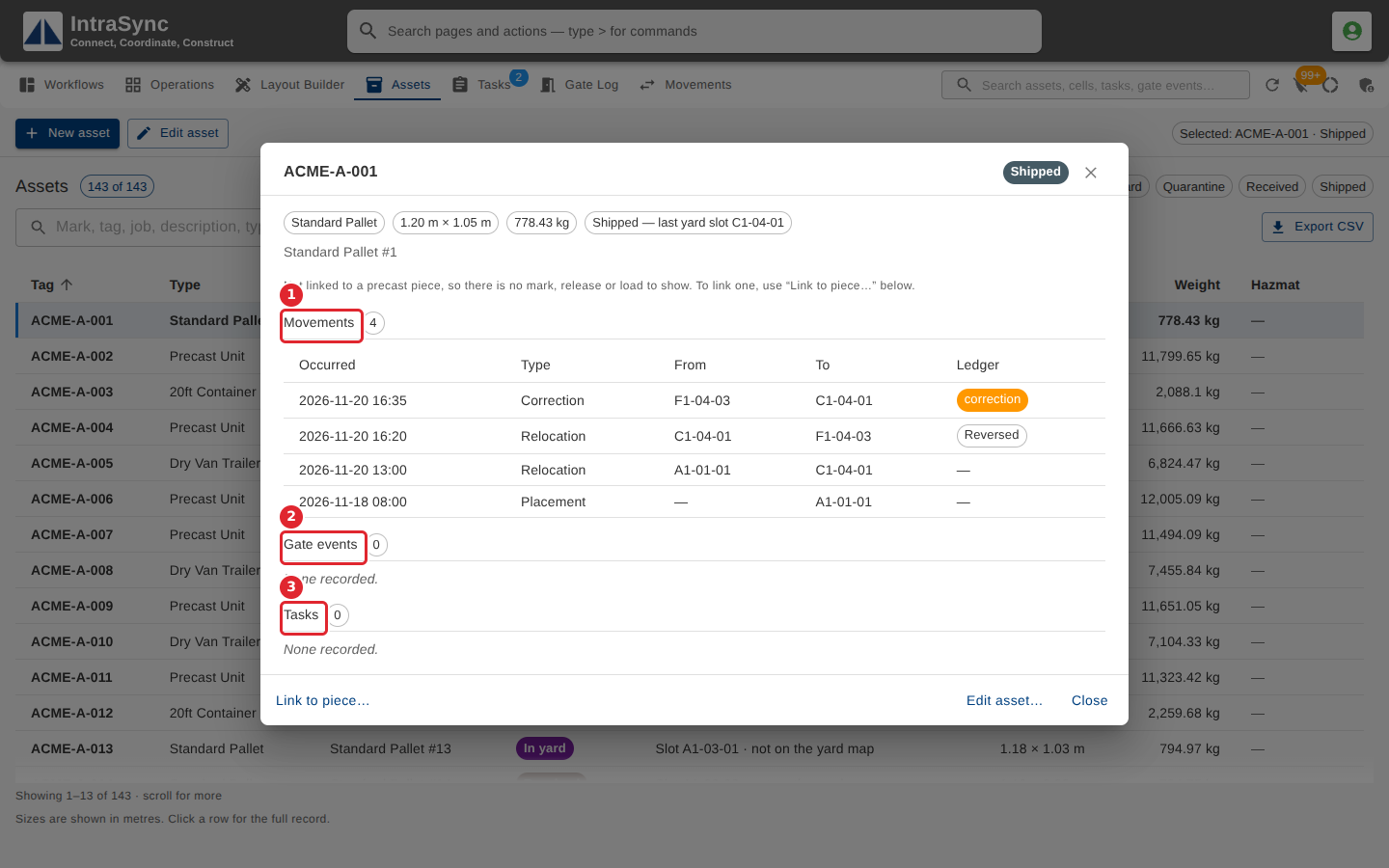
Select an asset's row to open its details: where it is, and its movements, gate events and tasks.
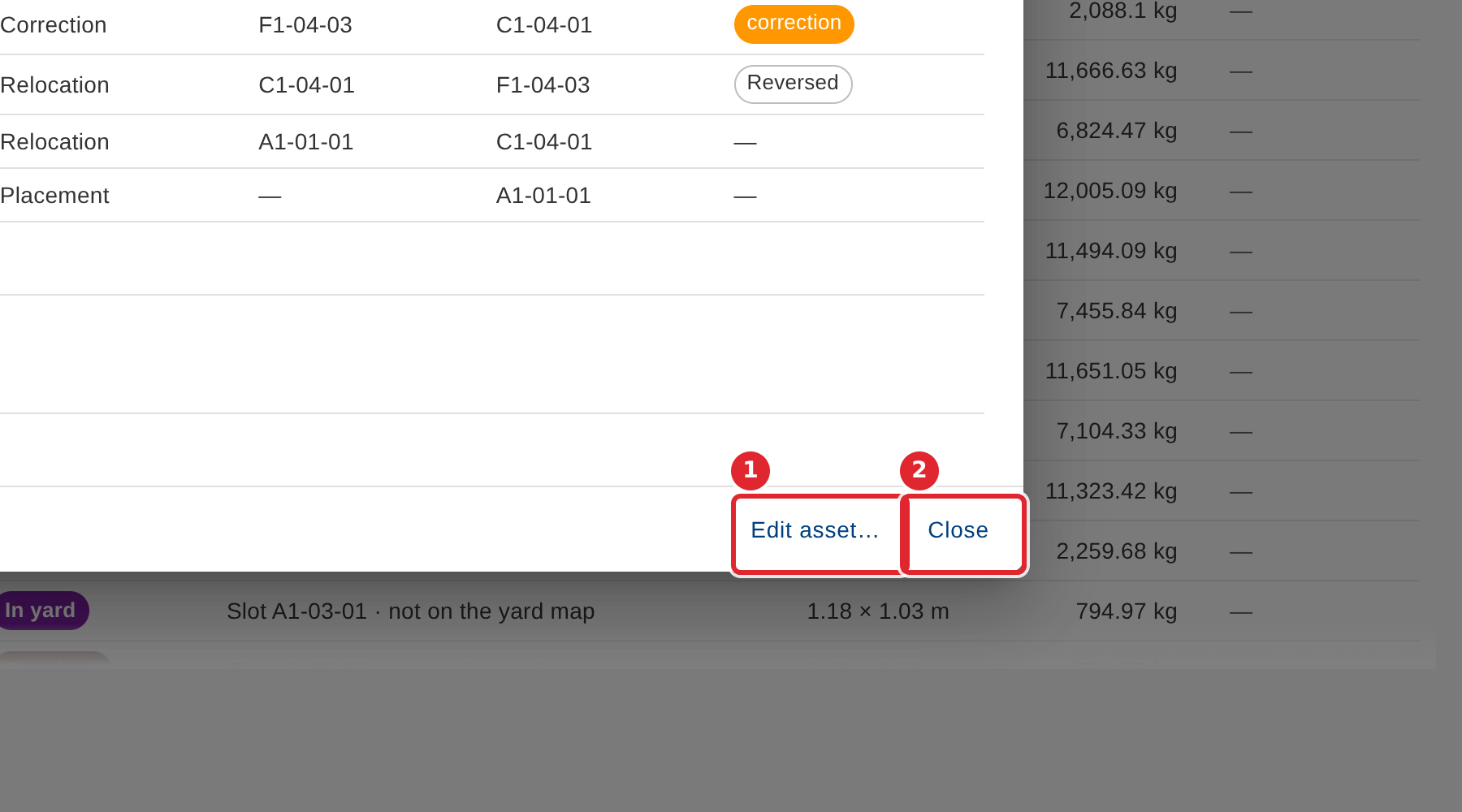
From here, select Edit asset… to change it, or Close.
Tips
- An asset that is not linked to a precast piece has no mark, release or load to show. Link to piece… links it.