Yard Management guide · section 38 of 44
See your own system's status on yard assets
Where your company's own system keeps a status for each piece, see it beside the yard's own information.
Watch this in the video (3:31)
Before you start
- Your company's system is set up to share a status for yard assets. Without it, there is no extra column.
Steps
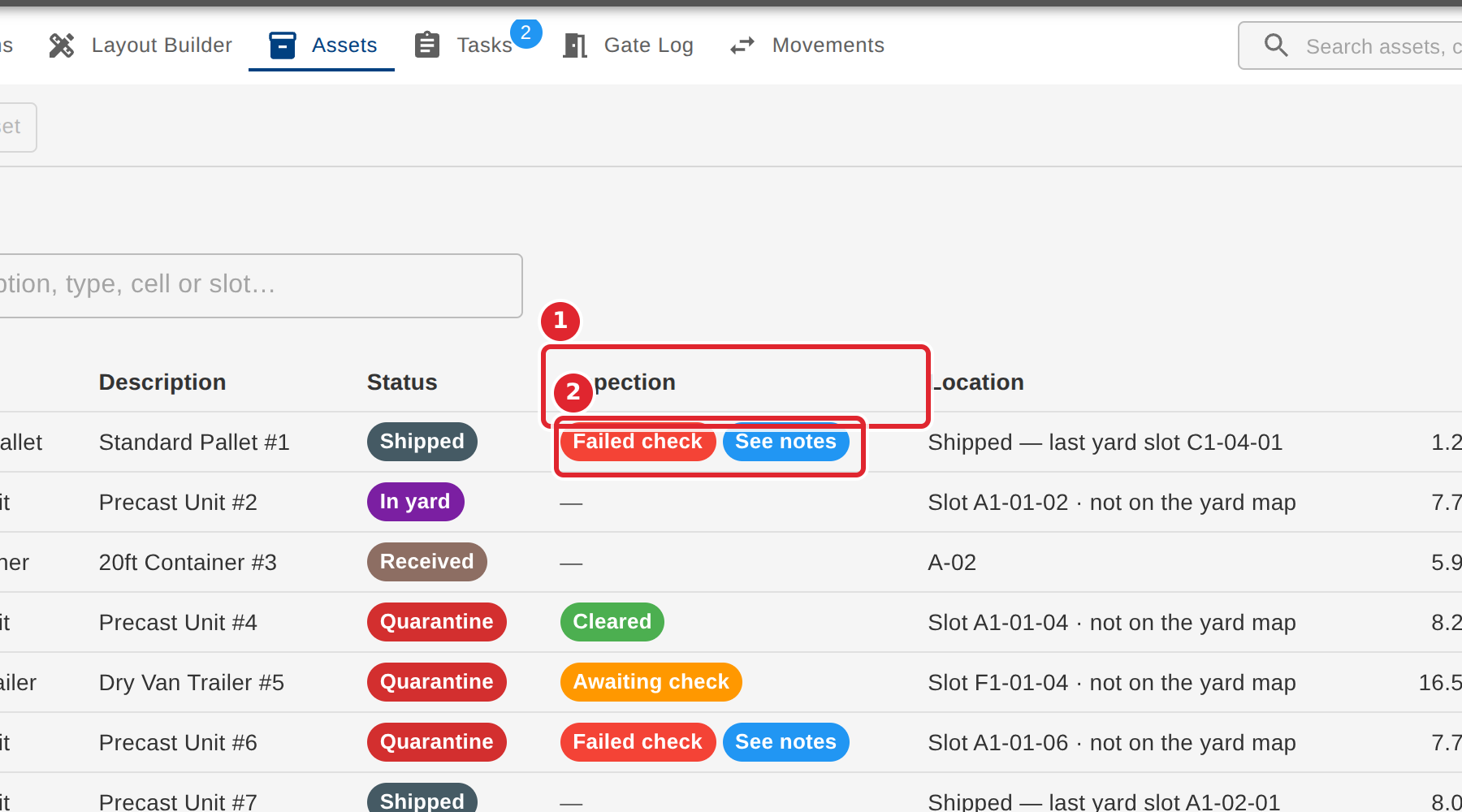
In the pictures, a numbered red box marks where to click or type. Where a picture has more than one box, the numbers give the order.
When your company's own system shares a status for yard assets, the Assets tab shows it in its own column, under the heading your system uses.
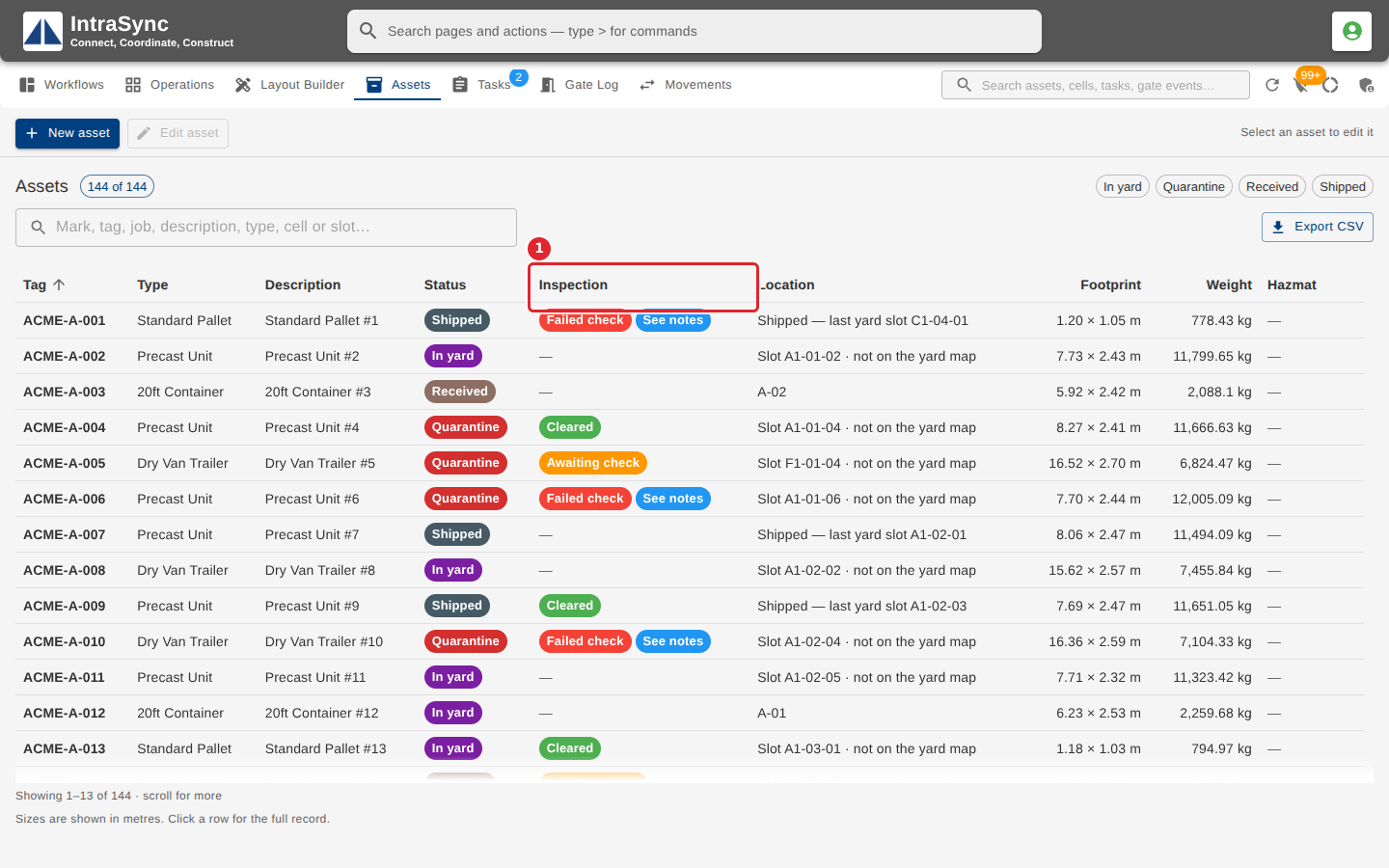
Select the column heading to bring the flagged assets to the top.