Yard Management guide · section 15 of 44
Receive pieces from production
Bring finished pieces into the yard record as they arrive from production, placing them in a cell in the same step.
Watch this in the video (3:55)
Before you start
- Your production system is connected to the yard, so the pieces it finishes are listed here.
Steps
In the pictures, a numbered red box marks where to click or type. Where a picture has more than one box, the numbers give the order.
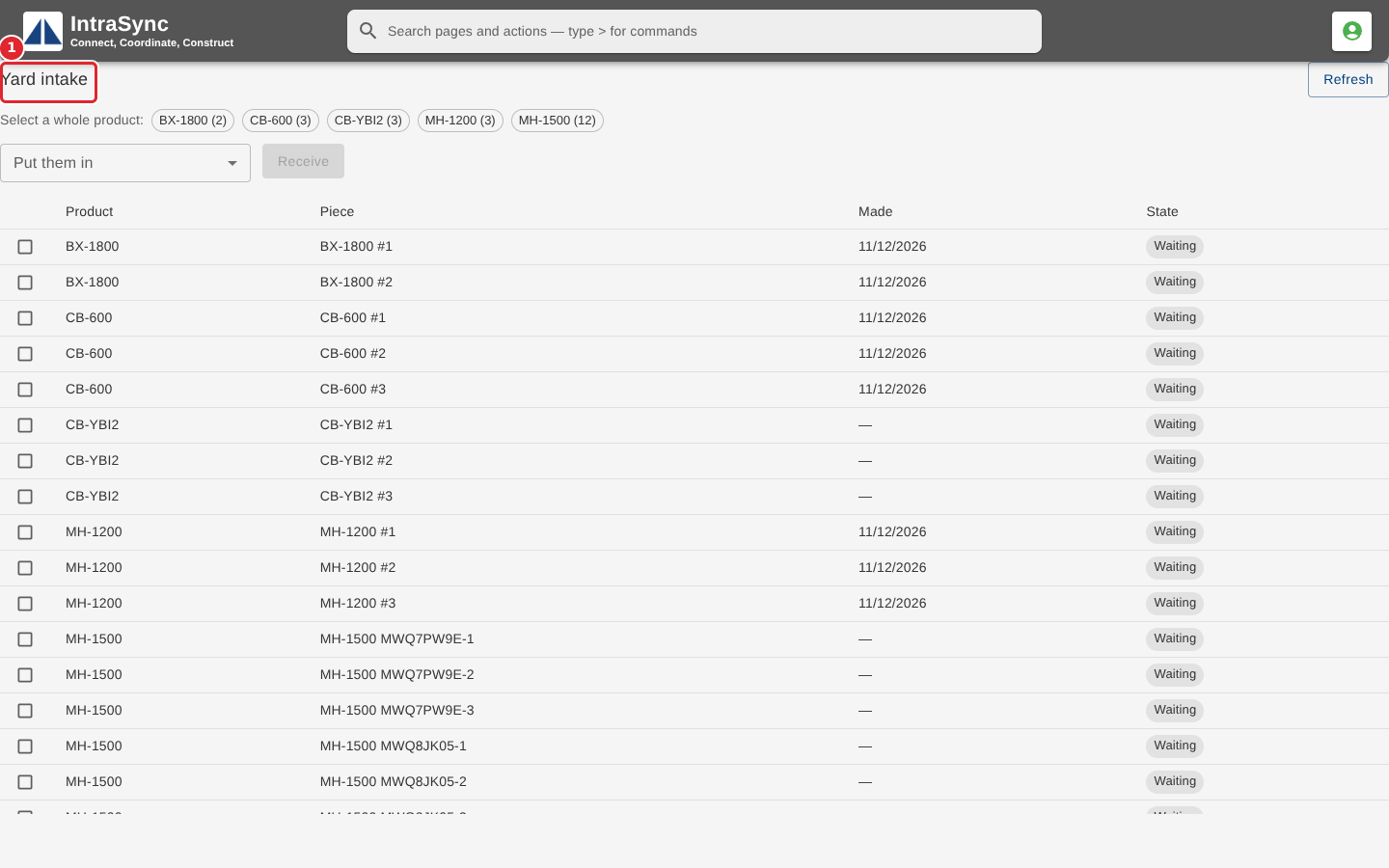
Open Yard intake. It lists the pieces production has made that are waiting to come into the yard.
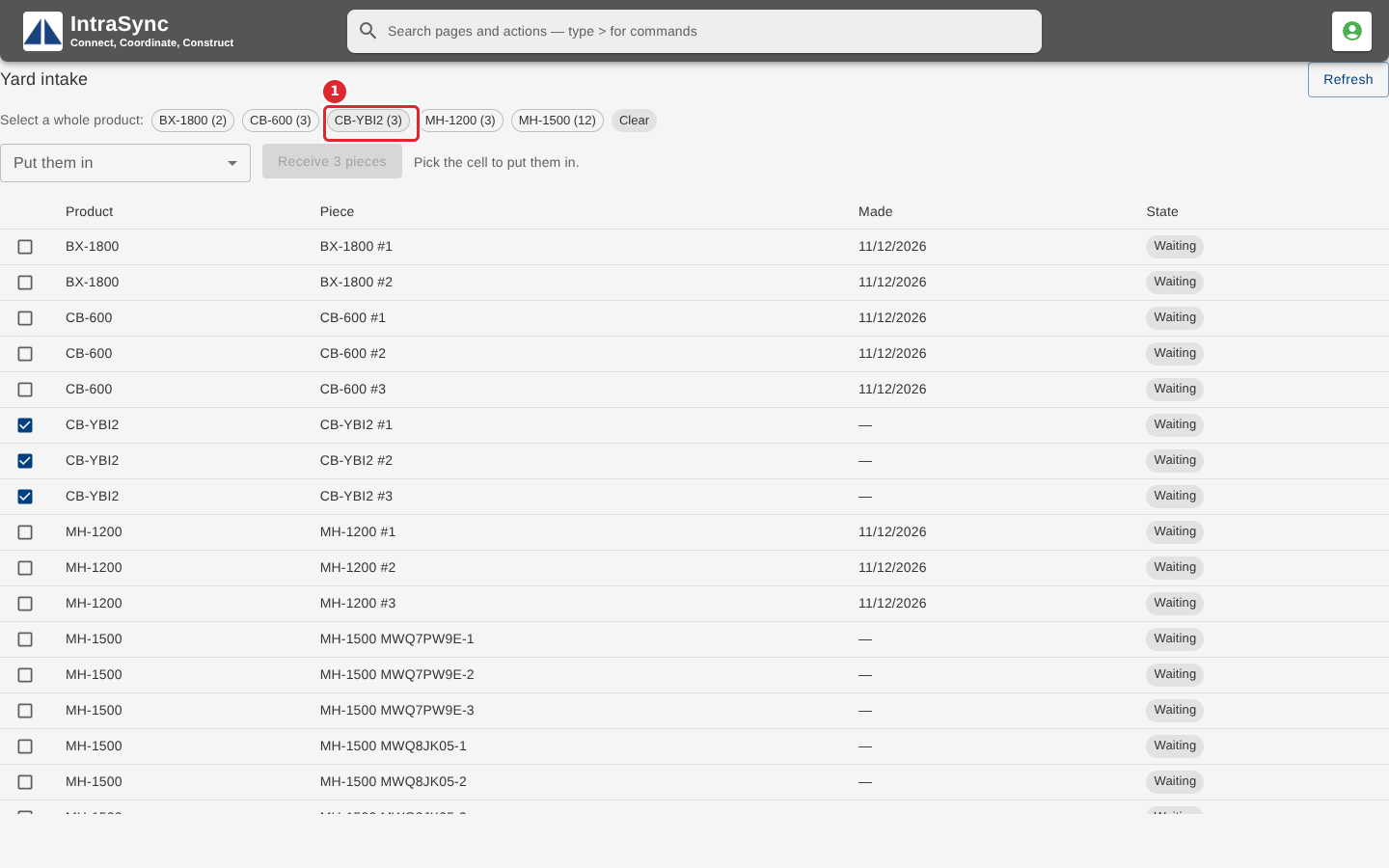
Tick the pieces you are receiving in the list, or select a product under Select a whole product to tick all of its pieces at once.
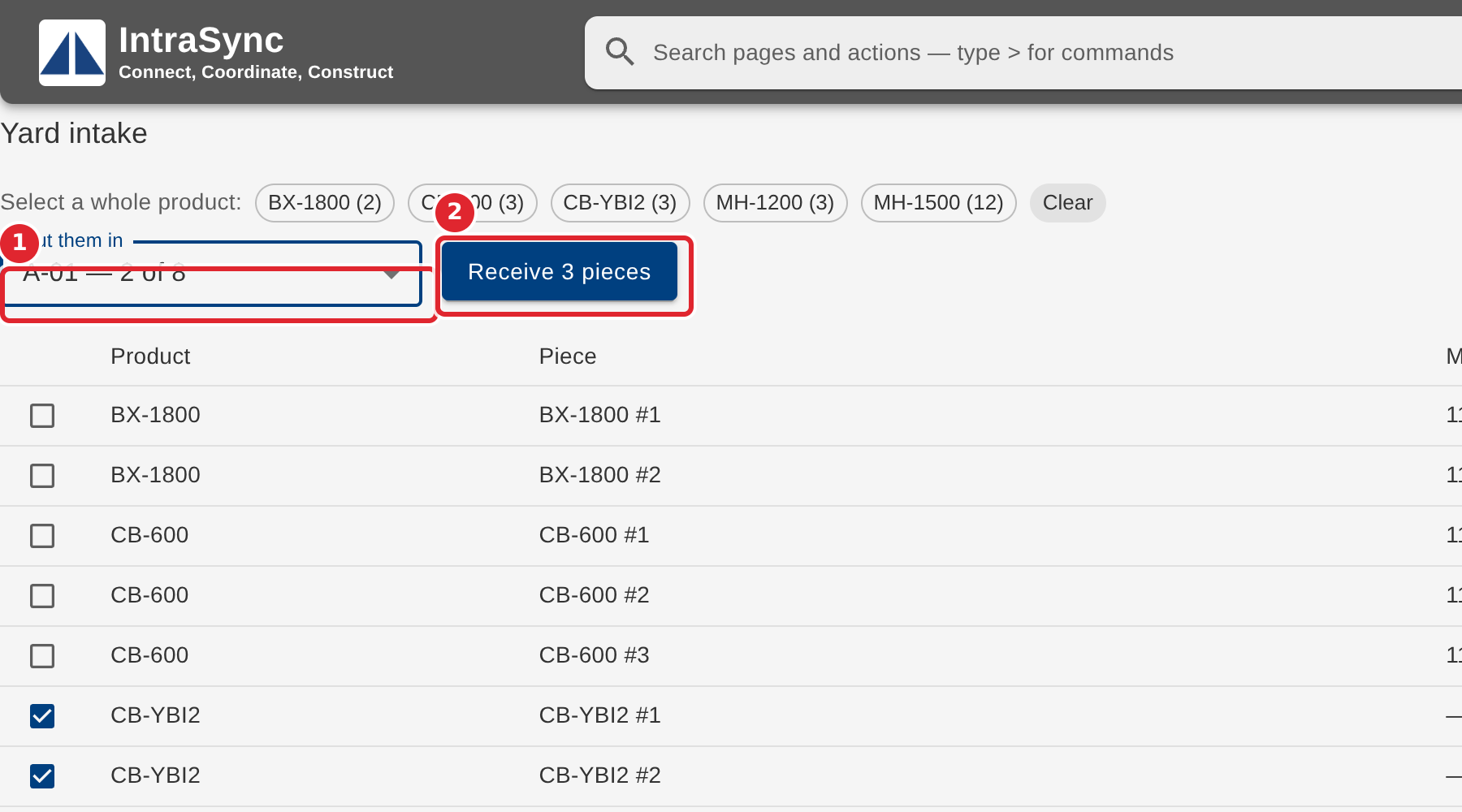
Choose the cell in Put them in. The list shows how full each cell is. Then select Receive.
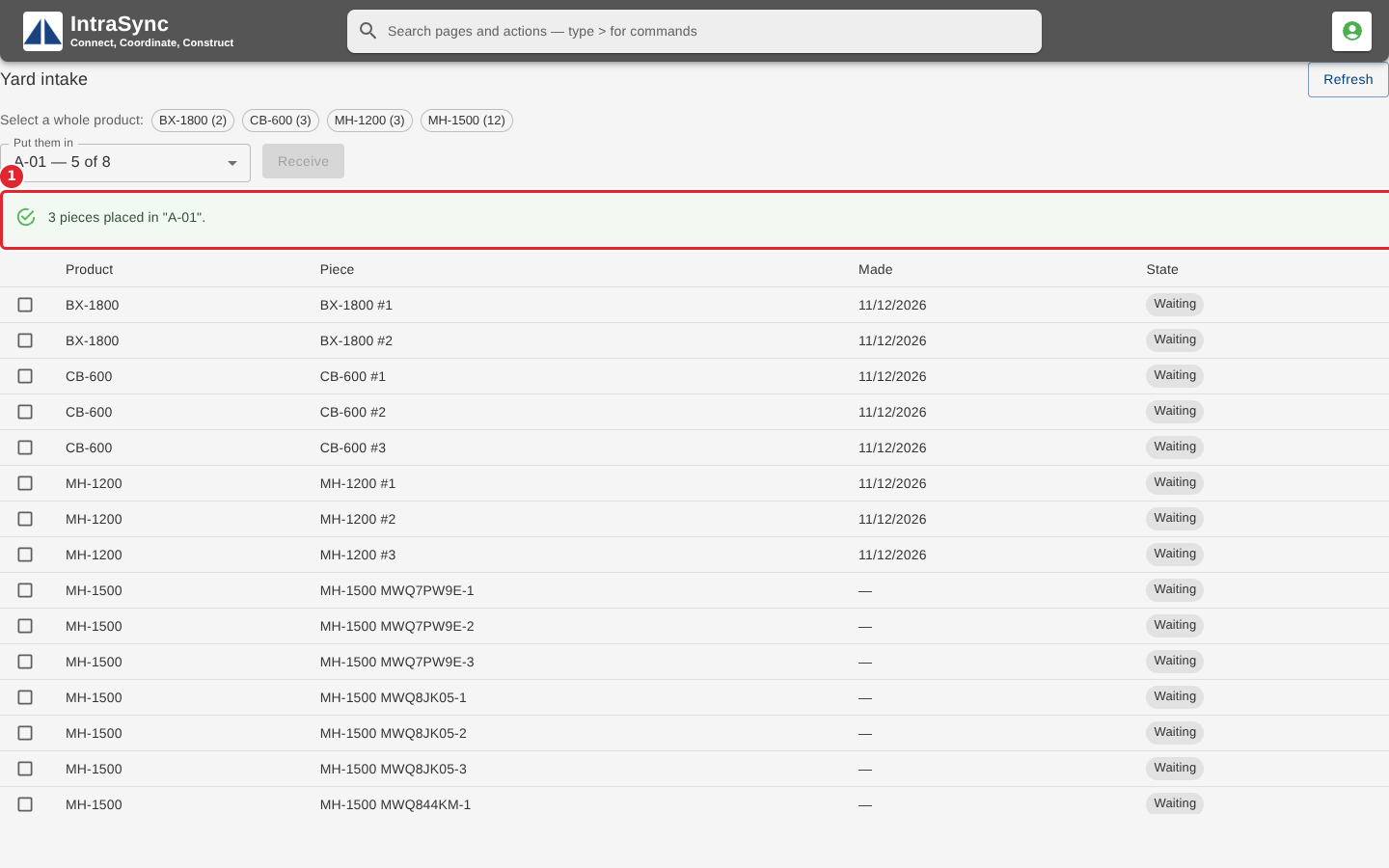
A note confirms where the pieces were placed, and they leave the waiting list.
Tips
- Receive stays unavailable until you have ticked pieces and chosen a cell. The note beside it says which is missing.
- Clear unticks every piece.
- Nothing is waiting for the yard means every finished piece has been received.