Yard Management guide · section 24 of 44
Record a movement
Record a move inside the yard, so the history of every asset stays complete.
Watch this in the video (1:50)
Before you start
- The yard's location slots are set up under Yard administration > Zones.
Steps
In the pictures, a numbered red box marks where to click or type. Where a picture has more than one box, the numbers give the order.
Open the Movements tab. It is the history of every move: what moved, from which slot to which, and why.
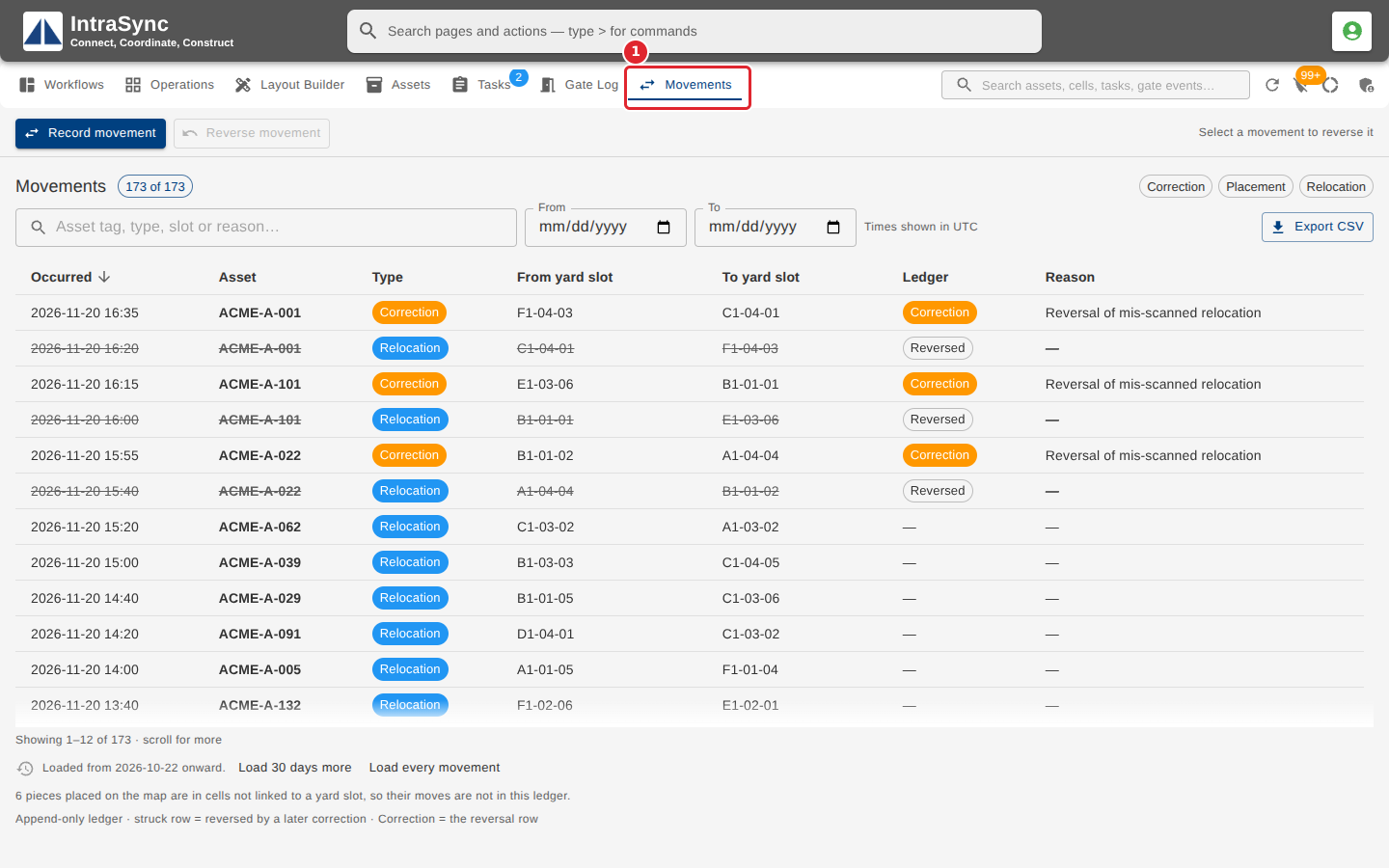
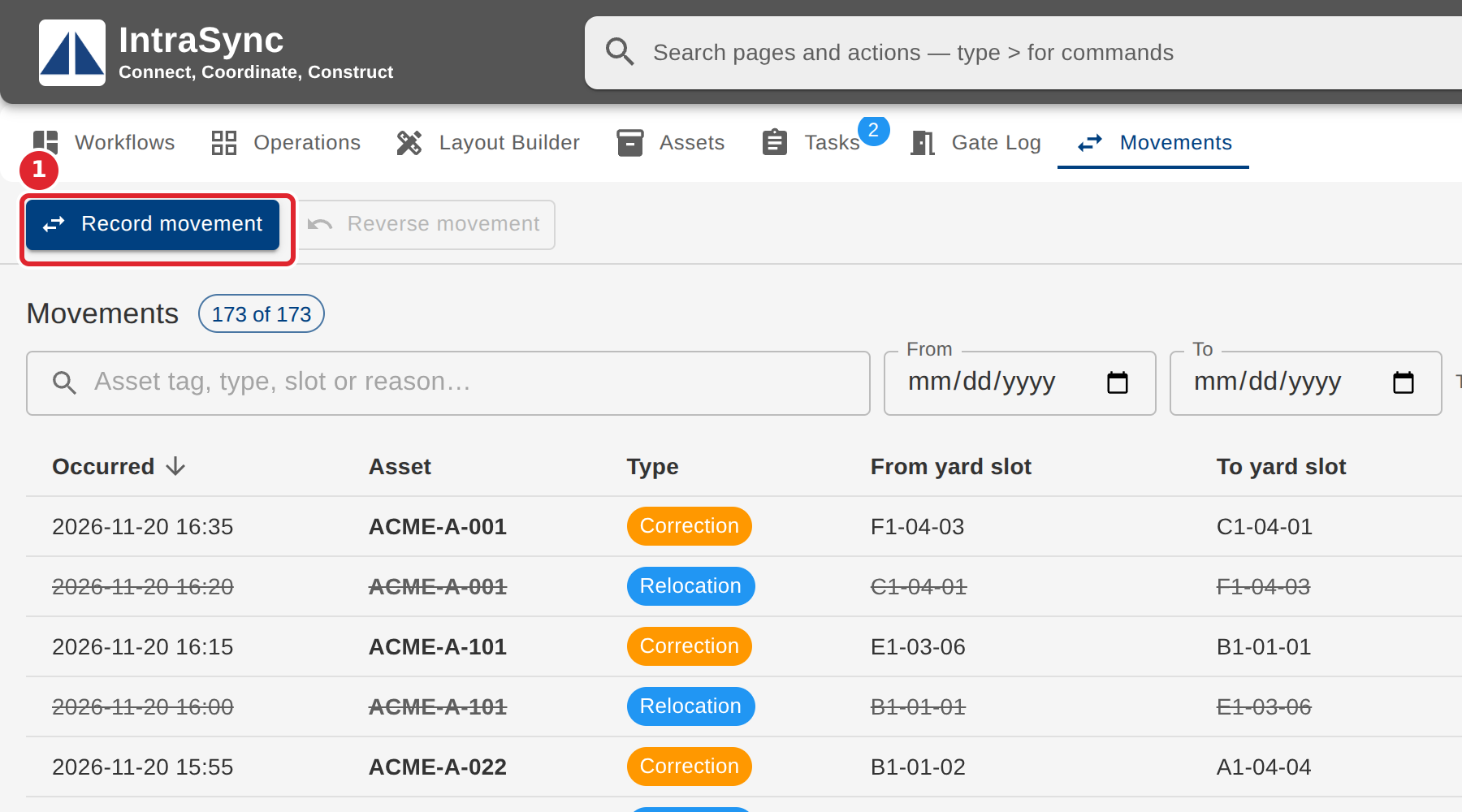
Select Record movement.
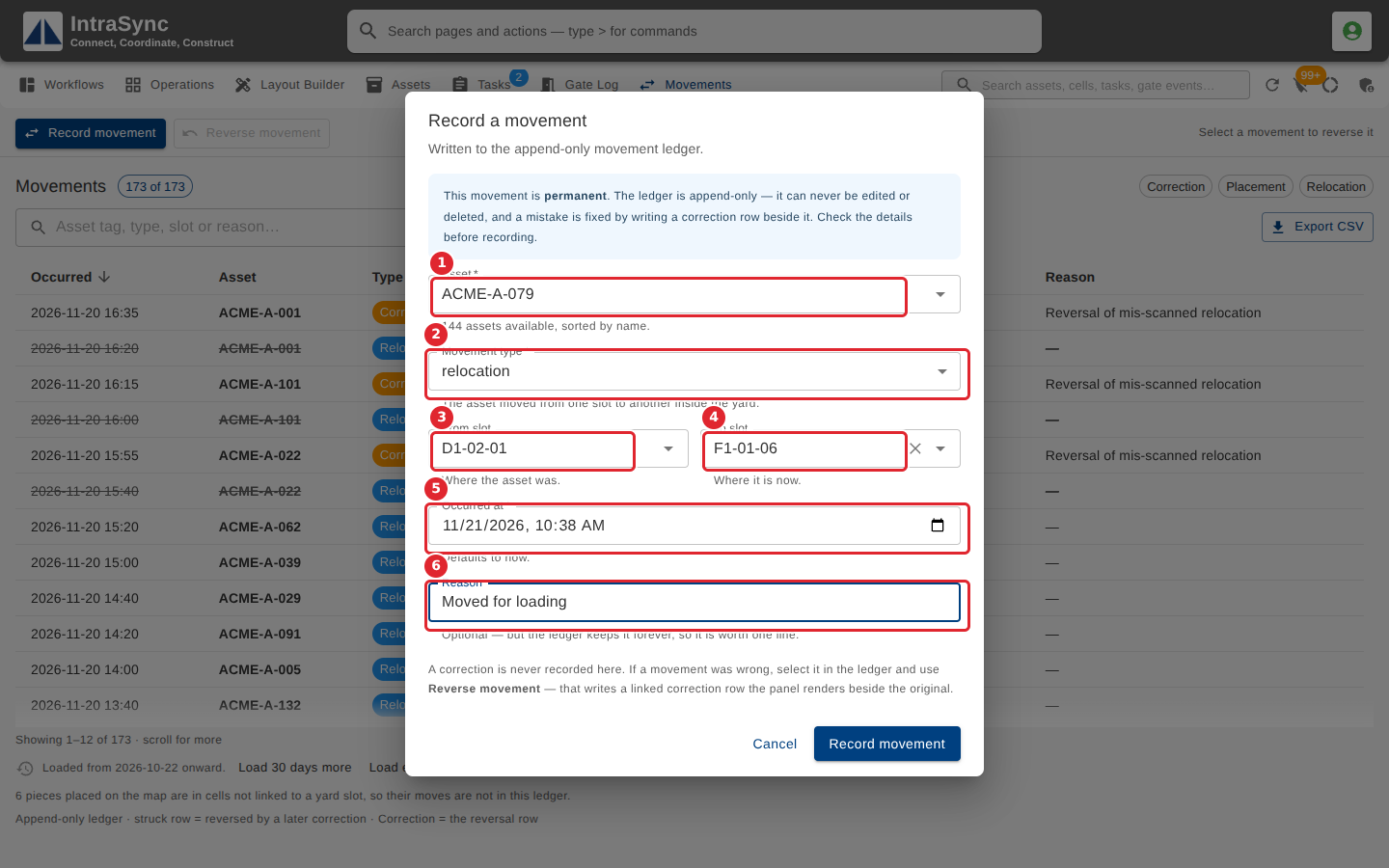
Choose the Asset and the Movement type. Then choose the From slot and the To slot that type needs, set Occurred at, and give a Reason.
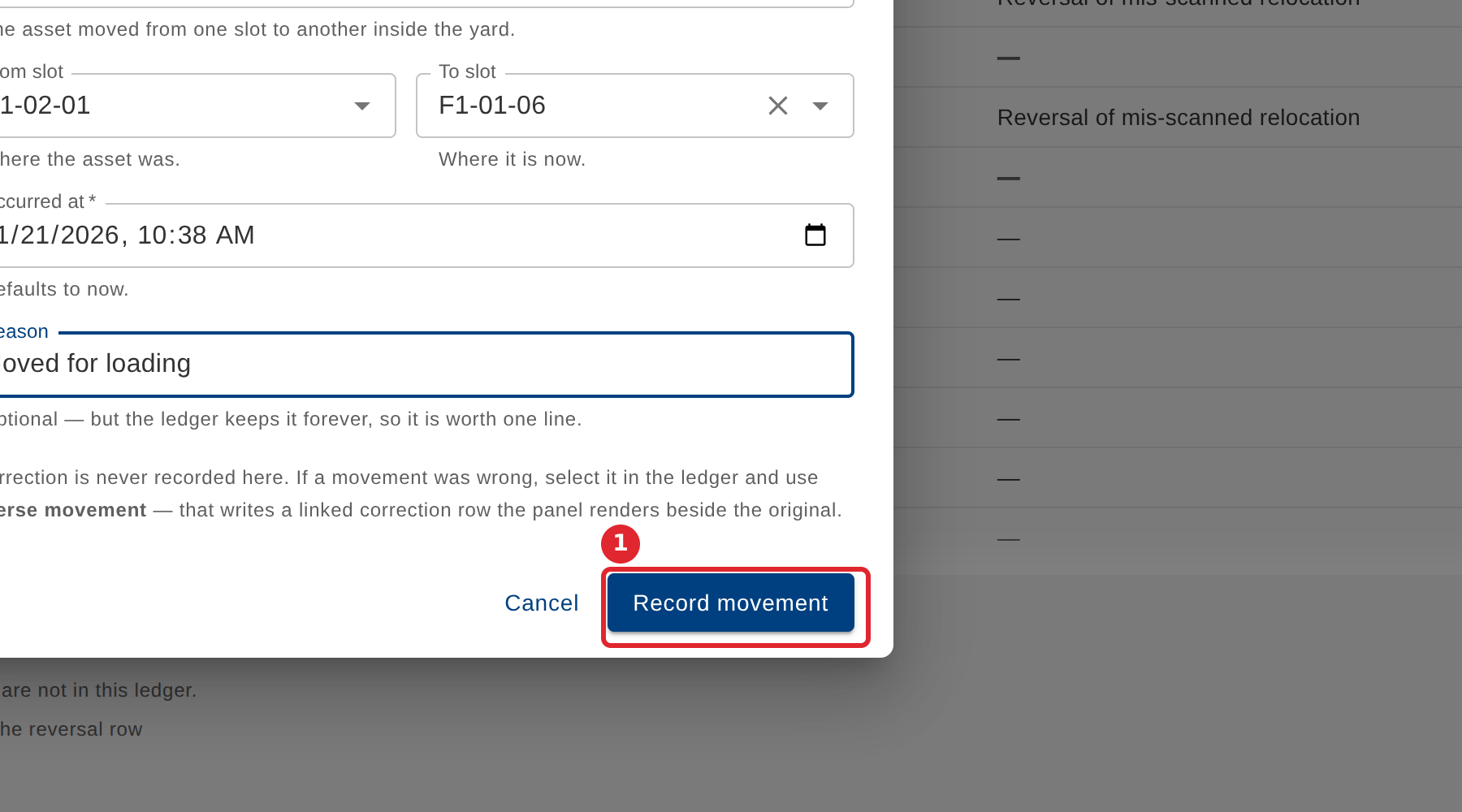
Select Record movement. A movement is permanent: a mistake is put right by reversing it, never by editing it.
Tips
- Depending on the type, a movement needs the slot the asset moved to, the slot it moved from, or both.
- From and To cannot be the same slot.
- A movement can never be edited or deleted. To put one right, reverse it.